OS/2 1.21 under Qemu 1.6.0

Microsoft OS/2 1.21

Microsoft OS/2 1.21


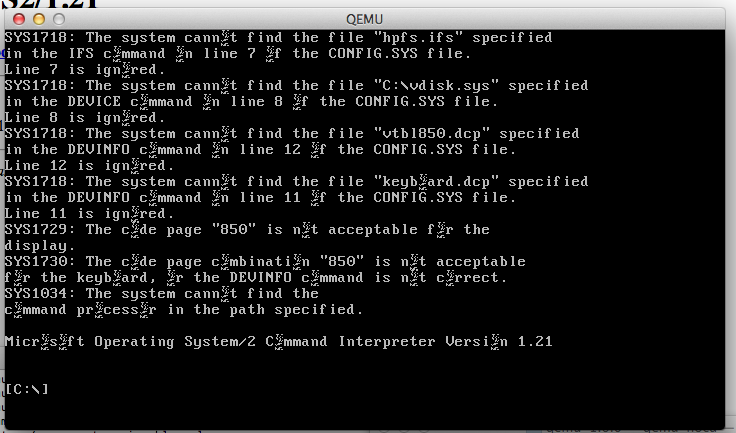
So close, and yet so far away.  I’m using a ‘restore’ image to do this.. Basically I have an existing OS/2 1.21 machine that I made a backup of, using MS-DOS & OS/2.  I restore the MS-DOS backup with an altered config.sys that dumps me to a cmd.exe prompt with no Presentation Manager.  Then I restore the OS/2 image onto itself and then reboot into OS/2.  I know it works since I’ve used this to setup OS/2 onto VirtualBOX & a physical PC before.  Qemu boots half way through but the letter ‘o’ is corrupted for some reason, and the keyboard doesn’t respond once it’s booted.  But the cursor blinks away like it is waiting for you to type anything.  It is worth noting that OS/2 1.x doesn’t know what IDE CD-ROM’s are, and you have to remove the physical drive to boot this up.

Oh well it is a shame.

Qemu 1.6.0 pre-3 OS X binaries

I’ll do a release version later, but for those who want it, the i386 & PowerPC emulators.

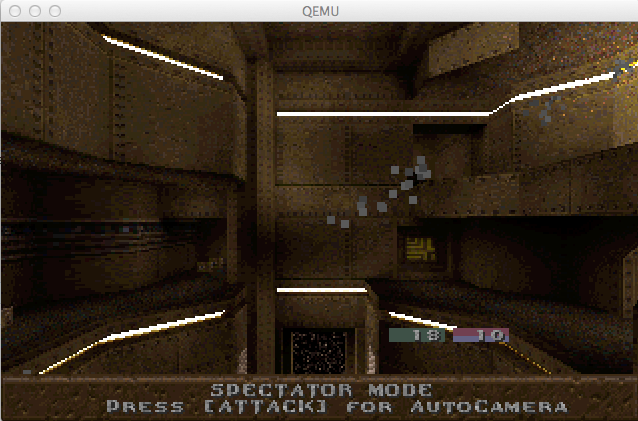
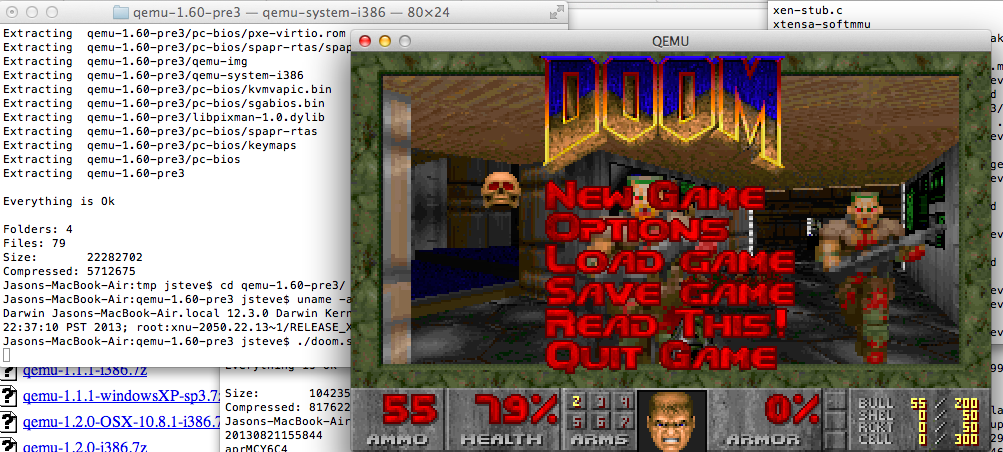
On the i386 side, I did notice that with an older glib2 installed in /usr/local/lib that Qemu was slow, buggy and all around crappy.  But with a newer lib I’d recently built on my MacPro, it works fine, along with SOUND (tested with DOOM).  So yeah test with the i386 version first, I included the demo DOOM v1.1, and see how that works for you.  I’ve included the libintl & pixman libraries, along with a tar of my glib2 install.  Backup & replace as necessary.

It runs fine on my laptop, which up until now hasn’t run Qemu.

Qemu on OS X 10.8.3

Qemu on OS X 10.8.3


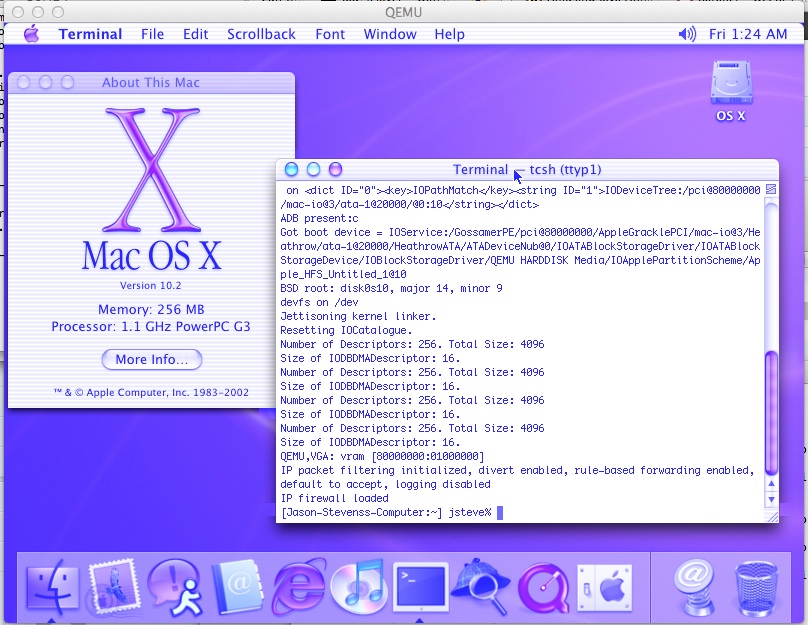
OS X 10.2 on Qemu PowerPC

Blast from 2002

Blast from 2002

So yeah, I got 10.2 to install.  Well from my standpoint as a user it worked ok, but it is SLOW.. Then again my MacPro is a tad old, it is a 2006 model with 2 x 2 Ghz Dual-Core Intel Xeon processors…. I hope to upgrade to the new MacPro when it finally launches later this year.

So yeah, On my computer this runs slower than my first 333Mhz iMac that I ran OS X on.  Needless to say a 450Mhz G4 blows this thing away, although I don’t think that is a fair comparison.

Even with all the screwed up colours, it is kind of neat going back into time to see where OS X, was with AIM & Internet Explorer.  How things changed with Apple carving out their own niche territory in both regards.

All in all it was an interesting time back then, with Apple making the leap from the dated OS 9, to the NeXT inspired OS X.  And as they say the rest is history.

OS X PowerPC on Qemu

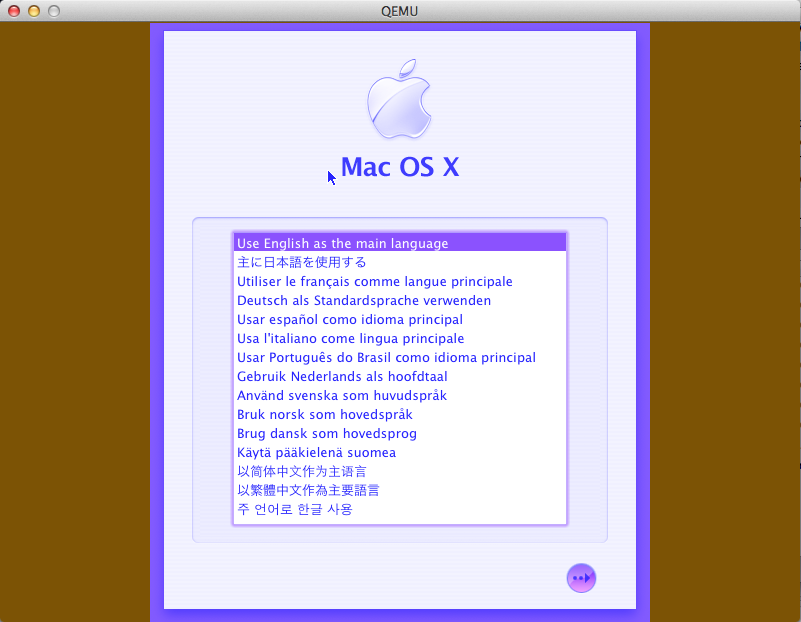
In the latest release notes, I saw that Qemu can now run OS X!

Screen Shot 2013-08-14 at 9.35.57 PM

Language selection

Screen Shot 2013-08-15 at 12.12.08 PM

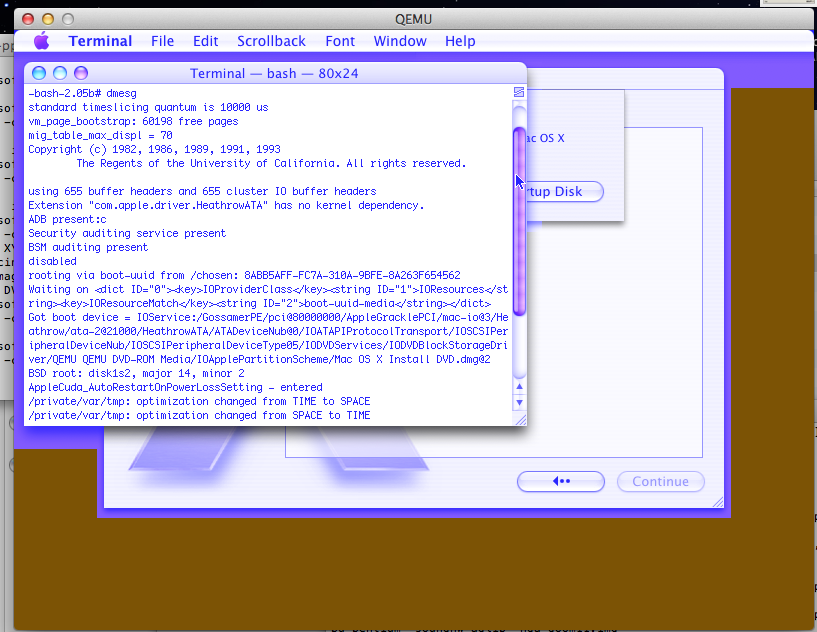
dmesg


The installer for 10.4 will run, but it’ll then freak out saying that this model of mac is not supported.  The ‘working’ cli I’m using is:

ppc-softmmu/qemu-system-ppc -L pc-bios/ -m 256 -M g3beige -hda osx1046.vmdk  -cpu G3 -cdrom Mac\ OS\ X\ Install\ DVD.toast -boot d

Sure the colours are off, and it is kind of pokey, but still the more guest OS’s on Qemu, namely for something like the PowerPC.  If anyone has any better idea of how to fully run OS X on Qemu drop me a note!  Plus there is additional information on the mailing list.

QEMU version 1.6.0-rc3 is out!

You can download the source code for it at Qemu.org.

Well this version runs surprisingly well on OS X.

Darwin 124244241046.ctinets.com 12.4.0 Darwin Kernel Version 12.4.0: Wed May 1 17:57:12 PDT 2013; root:xnu-2050.24.15~1/RELEASE_X86_64 x86_64), along with clang 421 (Apple clang version 4.0 (tags/Apple/clang-421.0.57) (based on LLVM 3.1svn)

I’m using glib-2.23.6, along with my older notes, which are somewhat PowerPC specific, but work fine on OS X.  First remember to setup your environment for glib2

PKG_CONFIG_PATH=/usr/local/lib/pkgconfig
export PKG_CONFIG_PATH

I ran into some issue with picking up libiconv with gconvert.c .  I just commented out the error message.

#if defined(USE_LIBICONV_GNU) && !defined (_LIBICONV_H)
#error GNU libiconv in use but included iconv.h not from libiconv
#endif
#if !defined(USE_LIBICONV_GNU) && defined (_LIBICONV_H)
//#error GNU libiconv not in use but included iconv.h is from libiconv
#endif

I also built it without GTK+ as building that looks simply overwhelming on OS X.  I had to build the included pixman with –disable-gtk flags.  In the configure script make it look like this:

#PKG_PROG_PKG_CONFIG
#if test $enable_gtk = auto ; then
# PKG_CHECK_EXISTS(gtk+-2.0, enable_gtk=yes, enable_gtk=no)
#fi
#if test $enable_gtk = yes ; then
# PKG_CHECK_MODULES(GTK, gtk+-2.0)
#fi

# if test “x$enable_gtk” = xyes; then
# HAVE_GTK_TRUE=
# HAVE_GTK_FALSE=’#’
#else
HAVE_GTK_TRUE=’#’
HAVE_GTK_FALSE=
#fi

Finally while the AdLib card is enabled by default now (yay) I kept on receiving the following error:

Assertion failed: (pio->offset >= off_last), function portio_list_add, file /usr/src/qemu-1.6.0-rc3/ioport.c, line 240.

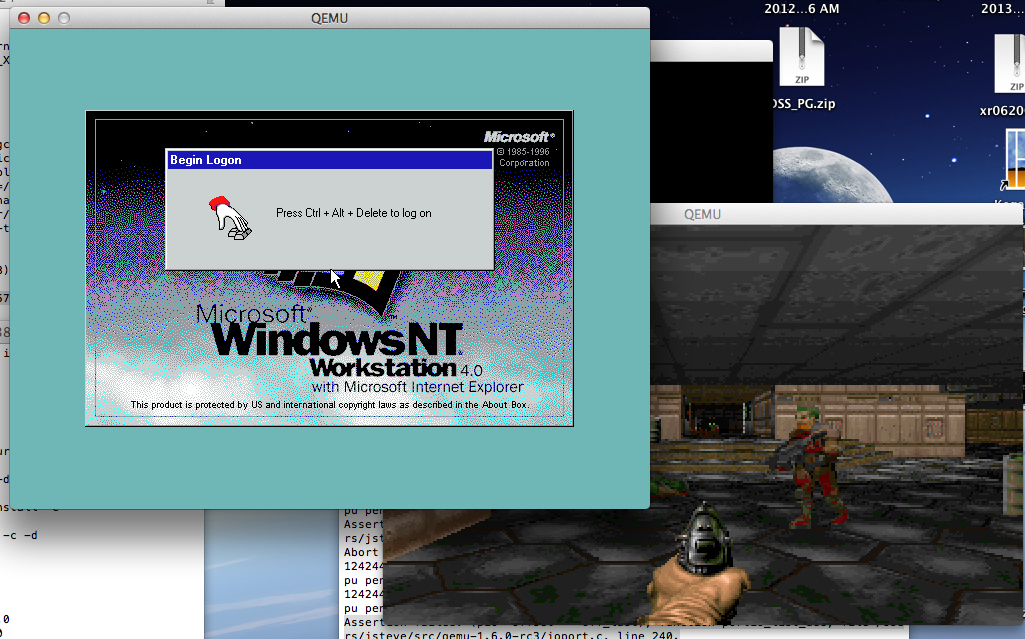
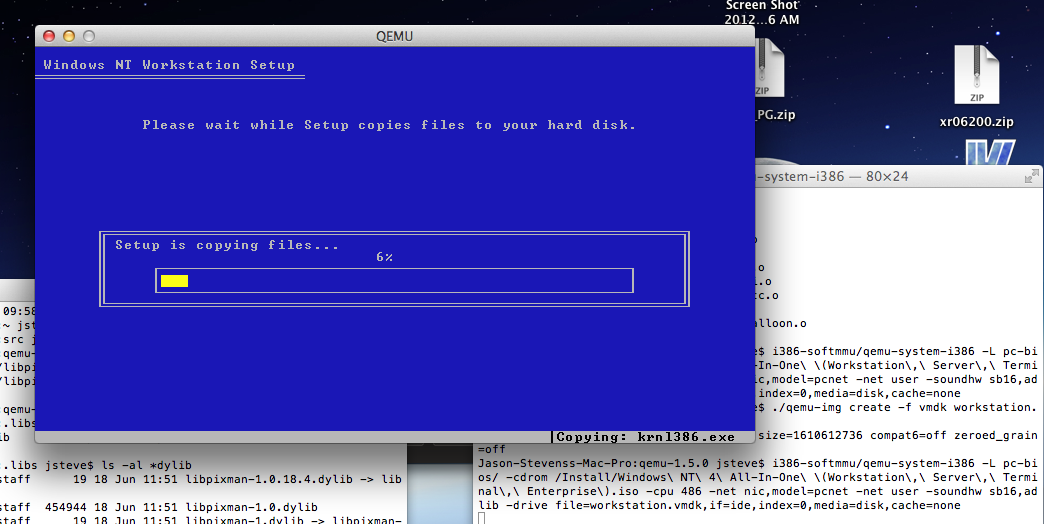
So I just commented out the assert in ioport.c and I’ve been running Doom 1.1 for a few minutes without issue.  I’ve also been able to install Windows NT 4.0 on Qemu
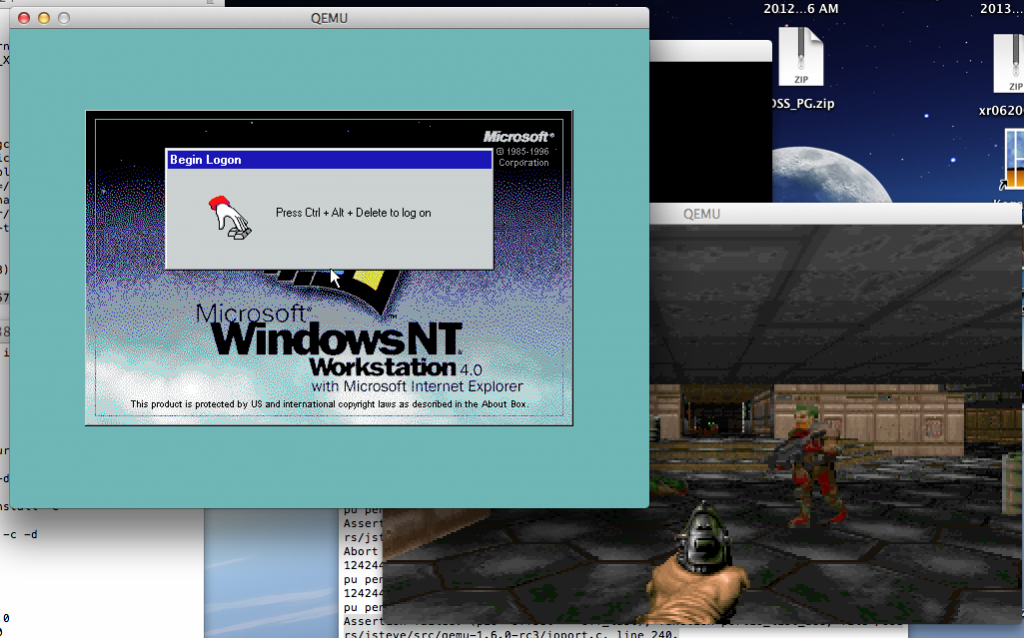
Doom 1.1 & Windows NT 4.0 on Qemu 1.6 rc3

Doom 1.1 & Windows NT 4.0 on Qemu 1.6 rc3

And of course, this post on betaarchive.com by TC1988 goes a long way to help on building Qemu.

Qemu 1.5.1 released

Too bad it is utterly broken on Win32, Win64, OS X platforms.

I guess it was fun while it lasted, but my enthusiasm for this emulator is basically all gone now.  I know they were screwed over with the changes from GCC 3.x to 4.x, but the 1.x versions move to GLIB not only destroyed their performance, but made it incredibly difficult to build.

Oh well.

Qemu 1.5.0 on OS X

Well it does compile somewhat easily, but after some disk access, it just deadlocks. It didn’t matter if it was writeback, writethrough, or none, it just deadlocks.

Deadlocked Qemu 1.5.0 on OS X

Deadlocked Qemu 1.5.0 on OS X

Such a shame.  But I thought I’d at least keep the world up to date.

$ cc -v
Apple clang version 4.0 (tags/Apple/clang-421.0.57) (based on LLVM 3.1svn)
Target: x86_64-apple-darwin12.3.0
Thread model: posix
$ gcc -v
Using built-in specs.
Target: i686-apple-darwin11
Configured with: /private/var/tmp/llvmgcc42/llvmgcc42-2336.11~28/src/configure –disable-checking –enable-werror –prefix=/Applications/Xcode.app/Contents/Developer/usr/llvm-gcc-4.2 –mandir=/share/man –enable-languages=c,objc,c++,obj-c++ –program-prefix=llvm- –program-transform-name=/^[cg][^.-]*$/s/$/-4.2/ –with-slibdir=/usr/lib –build=i686-apple-darwin11 –enable-llvm=/private/var/tmp/llvmgcc42/llvmgcc42-2336.11~28/dst-llvmCore/Developer/usr/local –program-prefix=i686-apple-darwin11- –host=x86_64-apple-darwin11 –target=i686-apple-darwin11 –with-gxx-include-dir=/usr/include/c++/4.2.1
Thread model: posix
gcc version 4.2.1 (Based on Apple Inc. build 5658) (LLVM build 2336.11.00)

And something like this….

libiconv-1.14.tar.gz
pkg-config-0.18.1
gettext-0.18.1.1
glib-2.30.2
glib-2.33.2
libffi-3.0.4
libiconv-1.14

I know it is mostly meaningless but Qemu 1.2.0/1.2.2 build & work fine for me.

In a round about way I got access to my old build machine

So I was able to get a working qemu 1.5.0 on win32. but it is so slow it really is unusable.

there is still an issue with core-routinewin32, so that has to be built with O1 optimizations, but the disk access is horrifically slow. I’ll have to see how to profile gcc code, but any write disk access spikes the CPU to 100%, and drags the whole thing down.

Oh yeah, gcc 4.6.2