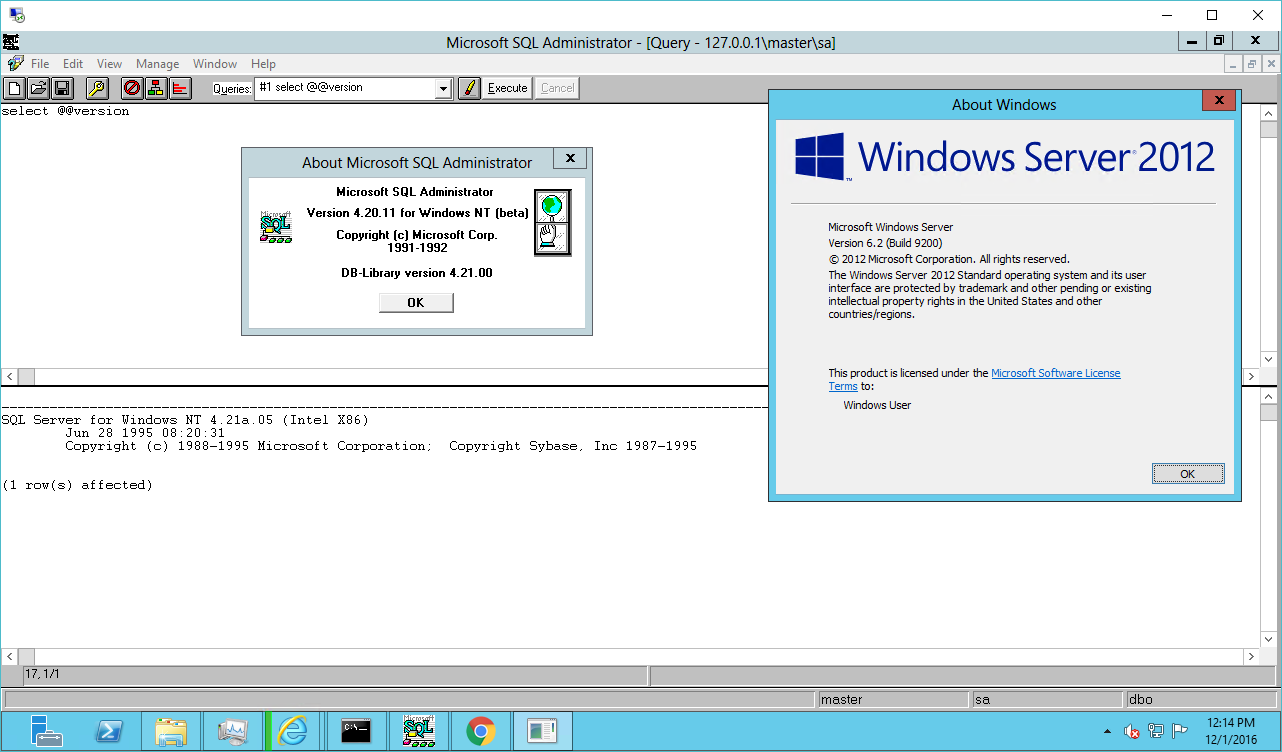
SQL 4.21a on Windows Server 2012!
I haven’t tired to do anything, just yet, but yeah the SQL server portion is running!

SQL 4.21a on Windows Server 2012!
I haven’t tired to do anything, just yet, but yeah the SQL server portion is running!
In my quest for old software, I’ve seen this file in multiple searches, gcc-0.9.tar.bz2, which is the first version of GCC!
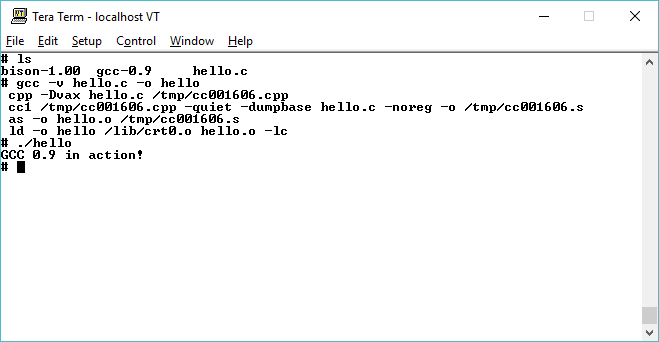
GCC 0.9 on SIMH VAX / 4.2BSD
Date: Sun, 22 Mar 87 10:56:56 EST
From: rms (Richard M. Stallman)
The GNU C compiler is now available for ftp from the file
/u2/emacs/gcc.tar on prep.ai.mit.edu. This includes machine
descriptions for vax and sun, 60 pages of documentation on writing
machine descriptions (internals.texinfo, internals.dvi and Info
file internals).
This also contains the ANSI standard (Nov 86) C preprocessor and 30
pages of reference manual for it.
This compiler compiles itself correctly on the 68020 and did so
recently on the vax. It recently compiled Emacs correctly on the
68020, and has also compiled tex-in-C and Kyoto Common Lisp.
However, it probably still has numerous bugs that I hope you will
find for me.
I will be away for a month, so bugs reported now will not be
handled until then.
If you can’t ftp, you can order a compiler beta-test tape from the
Free Software Foundation for $150 (plus 5% sales tax in
Massachusetts, or plus $15 overseas if you want air mail).
Free Software Foundation
1000 Mass Ave
Cambridge, MA 02138
[tapes are generally in Unix tar format. If you have other needs,
write to the above address, and ask if they can be met. -len]
And indeed, the files are dated 22/03/1987 making this the first public release of GCC.
GNU CC is a fairly portable optimizing C compiler intended for
machines with 32-bit words that have several registers and address
memory in terms of 8-bit bytes. It supports full ANSI standard C, not
including libraries (which we do not consider to be part of a
compiler).
Currently we have working machine descriptions for the Vax and for
the 68000/68020 (including 68881 support).
Optimizations performed by GNU CC include:
GNU CC runs about as fast as PCC.
Most of the optimizations are machine-independent or controlled by a
machine description. GNU CC takes advantage of all the 68020
addressing modes that we can see how to make the Sun assembler
assemble. Debugging output for DBX is available whether you request
optimization or not.
Seeing as 4.3BSD didn’t ship until 1988, I went ahead and set out to build this on 4.2BSD. The first stumbling block I hit is that GCC needs bison. The oldest version of bison I have is 1.25 which honestly is just too new! However in the same location as GCC is this file gnu1988.tar.bz2 which contains all of the current GNU software of 1988! And what is on that tape?
So this is probably as old as it is going to get, so I downloaded and went to compile bison, however getopt is a missing call! A creative search found getopt.c (local mirror) and even better PCC liked it enough to get a running bison so I could then configure GCC.
Configuring GCC is a manual process, but not too involved:
And in a minute I had GCC compiled. I ran it with -v and got this output:
# gcc -v
ld /lib/crt0.o -lc
Undefined:
_main
It really is nowhere near as featured as 1.21 that is for sure! So time to do a simple hello world program:
# cat hello.c
#include <stdio.h>
void main(){
printf(“GCC 0.9 in action!\n”);
}
# gcc -v hello.c -o hello
cpp -Dvax hello.c /tmp/cc002050.cpp
cc1 /tmp/cc002050.cpp -quiet -dumpbase hello.c -noreg -o /tmp/cc002050.s
as -o hello.o /tmp/cc002050.s
ld -o hello /lib/crt0.o hello.o -lc
# ./hello
GCC 0.9 in action!
And there we go!
I don’t know why, but I haven’t seen anything about anyone actually running GCC 0.9. Or even where or how they found this ‘lost’ file. Â Let alone anyone even building or running it in 2016.
For anyone who wants to try, SIMH tape files of the binaries are here:
And of course source tapes are here.
So I just had made a nonsensical post on “Linux Apache GCC binutils elf .com a.out binary loader blob freedom Ralph Nader for president” and sure enough codesec.net picked it up
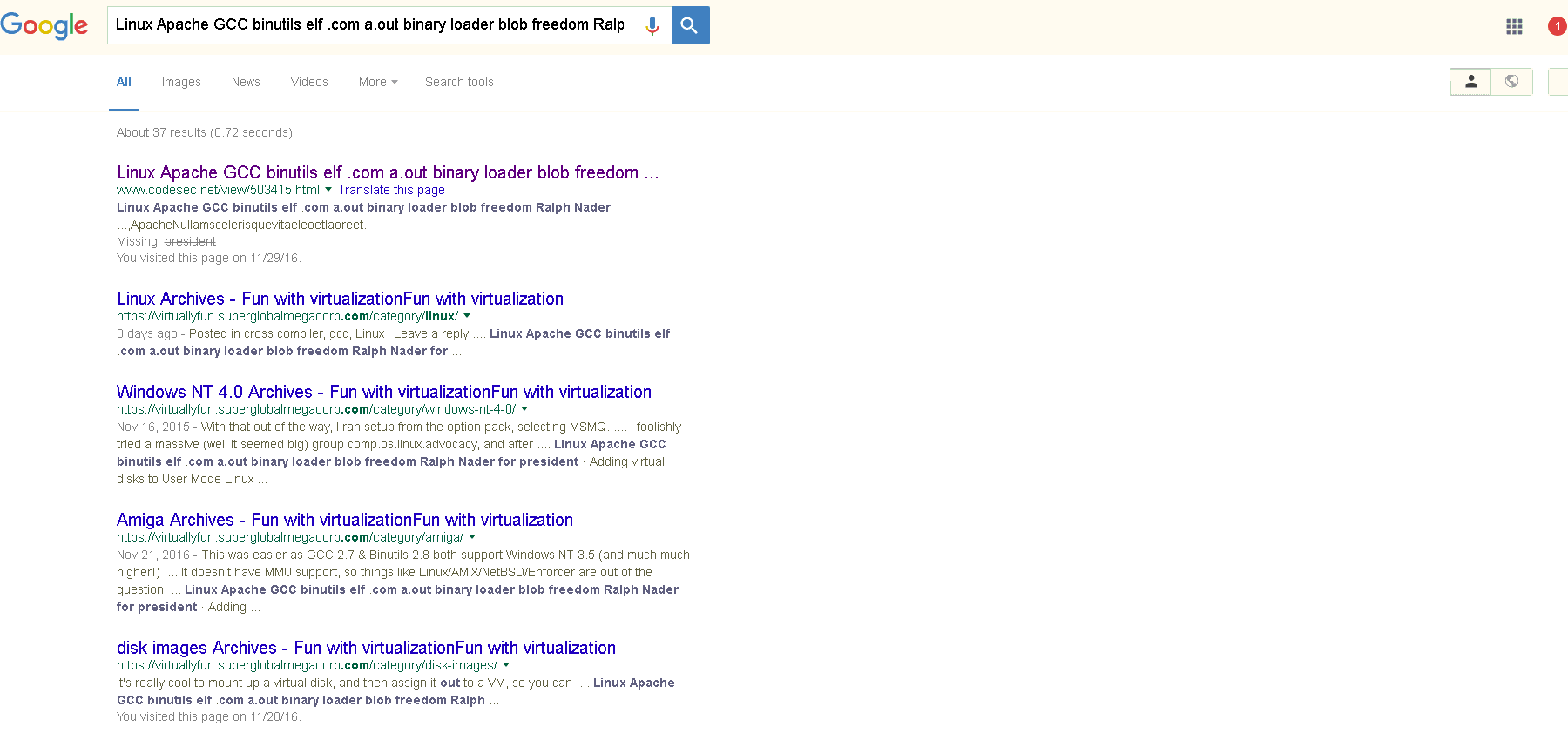
codesec.net theivery in progress
Usually they say that thievery is the highest compliment, but dam how about a reference back to the original?
To me the ultimate worst is how they butcher the content.
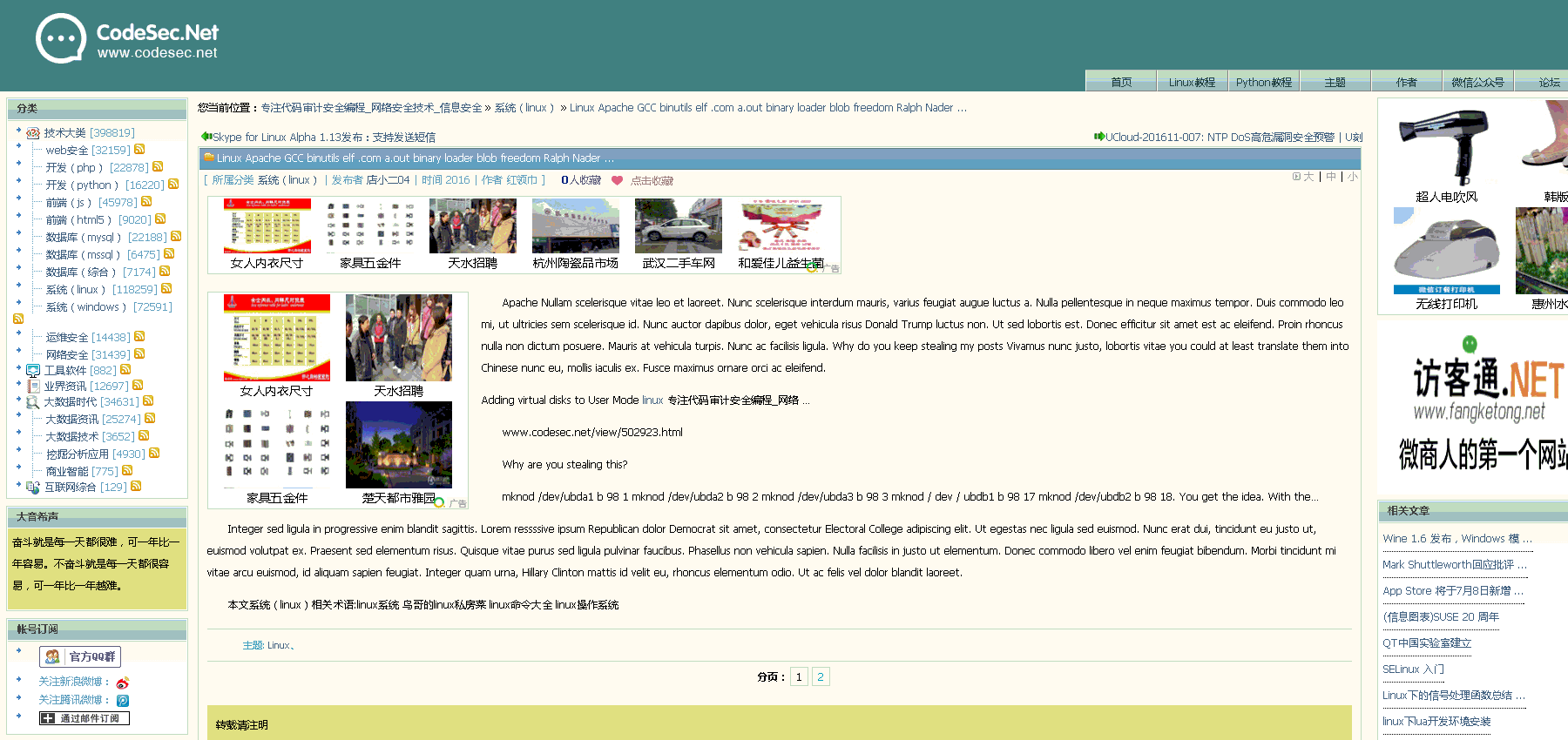
codesec.net how lame!
They capture none of the formatting, none of the love. Â Instead they just scoop and poop content.
It’s really not such a red flag, I mean They don’t copy everything so they miss so much, and of course now it just means I need to inject some obnoxious title, and you can view the rest and much more @ superglobalmegacorp.com nonsense.. I don’t worry so much about page views, but rather I think the serendipity of additional topics and page views is what I end up losing. Â Again it’s not that I advertise, I spend some $20 USD a month on a dedicated Iron server to run my blog on, but rather for me it is the conversation, and further engagement in comments that make it all worth while.
To me community engagement is the real currency. Â And my endless blathering is the honey trap.
Ha ha.  Anyways I have more stuff to write on, not as naval gazing as this, but I did want someone else to write the magical words Ralph Nader for president.

Myron Reducto – Ralph Nader for President
Well, my good ‘friend’ with their inappropriately provisioned Linux VPS that runs UML (User Mode Linux) inside of it, ran into an issue where he needed to add a second virtual disk device.
Creating the disk file is no big issue, adding a whopping 1GB is pretty simple!
Using the ‘dd’ command it is trivial to make a 1GB file like this:
dd if=/dev/zero of=node1_swap.ubda bs=1M count=1024
And then just append it to the script that they are using to run the UML:
/virtual/kernel ubda=/virtual/node1.ubda mem=384M eth0=slirp,,/virtual/sl1.sh
to this:
/virtual/kernel ubda=/virtual/node1.ubda ubdb=/virtual/node1_swap.ubda mem=384M eth0=slirp,,/virtual/sl1.sh
Of course the real fun comes from trying to find the devices. Having to dig around I found that the device major is 98 for the UBD’s and that they increment by 16, so that the first 3 devices are as follows:
mknod /dev/ubda b 98 0
mknod /dev/ubdb b 98 16
mknod /dev/ubdc b 98 32
Adding to that, you can partition them, and then they break out like this:
mknod /dev/ubda1 b 98 1
mknod /dev/ubda2 b 98 2
mknod /dev/ubda3 b 98 3
mknod /dev/ubdb1 b 98 17
mknod /dev/ubdb2 b 98 18
You get the idea.
With the disk added you can partition the ubd like a normal disk
node1:~# fdisk /dev/ubdb

Command (m for help): p

Disk /dev/ubdb: 1073 MB, 1073741824 bytes
128 heads, 32 sectors/track, 512 cylinders
Units = cylinders of 4096 * 512 = 2097152 bytes

Device Boot Start End Blocks Id System
/dev/ubdb1 1 245 501744 83 Linux
/dev/ubdb2 246 512 546816 82 Linux swap / Solaris
etc etc. And yes, you can then format, mount and all that.
First let’s setup the swap:
mkswap /dev/ubdb2
swapon /dev/ubdb2
Now let’s format the additional /tmp partition
node1:~# mke2fs /dev/ubdb1
mke2fs 1.40-WIP (14-Nov-2006)
Filesystem label=
OS type: Linux
Block size=1024 (log=0)
Fragment size=1024 (log=0)
125488 inodes, 501744 blocks
25087 blocks (5.00%) reserved for the super user
First data block=1
Maximum filesystem blocks=67633152
62 block groups
8192 blocks per group, 8192 fragments per group
2024 inodes per group
Superblock backups stored on blocks:
8193, 24577, 40961, 57345, 73729, 204801, 221185, 401409

Writing inode tables: done
Writing superblocks and filesystem accounting information: done

This filesystem will be automatically checked every 24 mounts or
180 days, whichever comes first. Use tune2fs -c or -i to override.
Now adding the following to the /etc/fstab so it’ll automatically mount the /tmp directory and add the swap:
/dev/ubdb1 /tmp ext2 defaults 0 0
/dev/ubdb2 none swap defaults 0 0
Now he’s got a dedicated swap partition, and a separate /tmp filesystem.
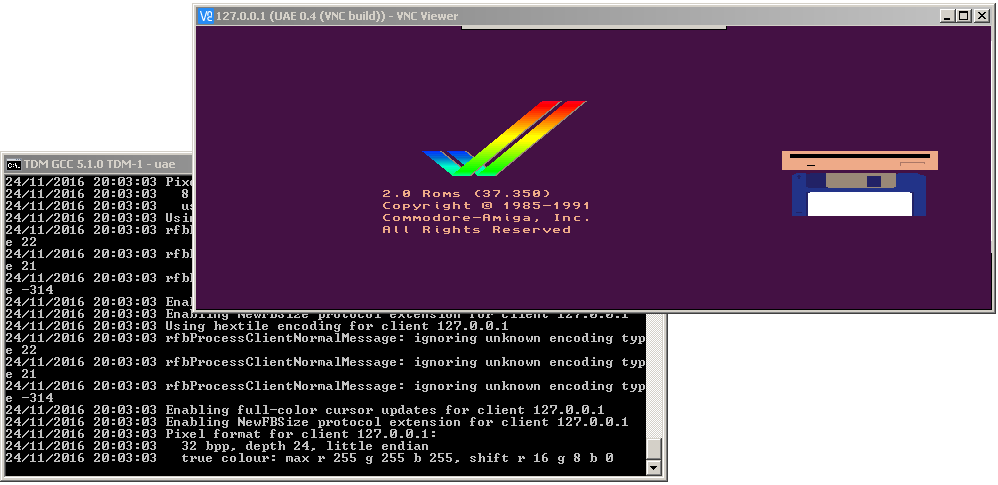
UAE over VNC
I’m starting with a much older version of UAE, as I wanted something basic to start with. Â I’ve wanted to do this for a while, but finally today I sat down with an ancient version of LibVNCServer 0.7, that doesn’t require me to spend hours tracking down all the cmake dependencies and other stuff, instead I could waste the day doing what I wanted to do, which was to remove the SDL display from UAE 0.4, and set it up so I can connect to it remotely.
I’ve always wanted to make some kind of multi-user server out of some stuff, and after seeing how some people do some crazy container bridge to do something like Basilisk II to X11 to VNC, out to some HTML5 viewer, I think it may be easier to just bake the VNC component directly into the emulator, almost in the way that Qemu does it, however for now I’m going to usurp the SDL code I added entirely.
It may be fun to also try something like DooM, and or Quake/QuakeWorld/Quake II.. But for me at least, this was the first big step.
More works needs to be done before I share it though, things like keyboard, and mouse input. Â Also it seems to crash from time to time while either disconnecting or connecting the VNC client. Â Naturally it runs best under GDB ……..
More uselessness….
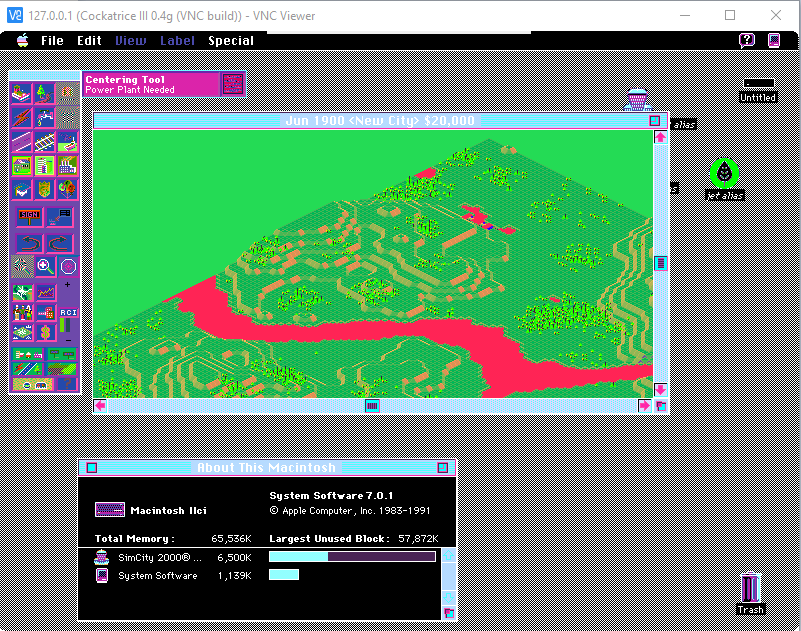
video reverse?
While cruising archive.org, I found this CD-ROM image, “OS/2 Archive CD-ROM Walnut Creek May 1992“, which included the following zoo files:
05/05/1992 09:46 AM 144,272 EMXDEV.ZOO
05/05/1992 09:44 AM 167,809 EMXINFO.ZOO
05/05/1992 09:46 AM 101,132 EMXLIB.ZOO
05/05/1992 09:46 AM 19,266 EMXTEST.ZOO
05/05/1992 09:46 AM 586,285 GNUDEV.ZOO
05/05/1992 09:40 AM 78,575 GNUPAT.ZOO
05/05/1992 09:41 AM 138,891 GNUSRC1.ZOO
05/05/1992 09:41 AM 184,671 GNUSRC2.ZOO
05/05/1992 09:45 AM 1,044,875 GNUSRC3.ZIP
05/05/1992 09:43 AM 1,015,692 GNUSRC3.ZOO
05/05/1992 09:42 AM 505,127 GNUSRC4.ZOO
05/05/1992 09:45 AM 3,178 README.DOC
And from the readme, the release is from February of 1992. Keeping in mind the GA release of OS/2 2.0 was released in April of 1992.
EMX 0.8b INTRODUCTION 22-Feb-1992
Welcome to emx, a common environment for creating 32-bit programs for OS/2 2.0
and MS-DOS. You can use the GNU C compiler to compile programs for EMX.
Included in the emx package are:
Additionally, the following GNU programs are available compiled and with
sources (note that these files are not part of EMX):
So, this pretty much sums it up. I went ahead and extracted the ZOOs and placed a copy on my site: emx08b_extracted.7z Although I don’t think anyone really cares about ancient versions of GCC on OS/2.
It’s not in English, but there are subtitles.
Very cool!
I recently got some old diskettes, and sure enough I was lucky to find this gem a ‘virus free’ disk, the Team Computing demo disk.
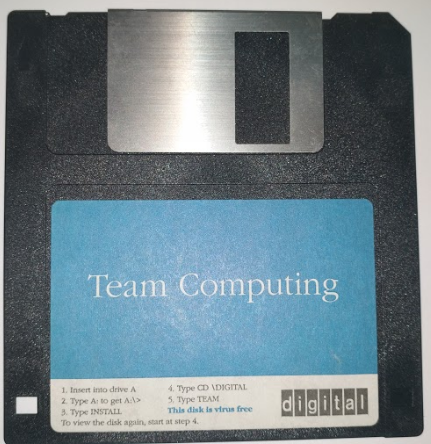
Vintage 1992!
So naturally it’s MS-DOS based, as that is all that was left in the early 1990’s.
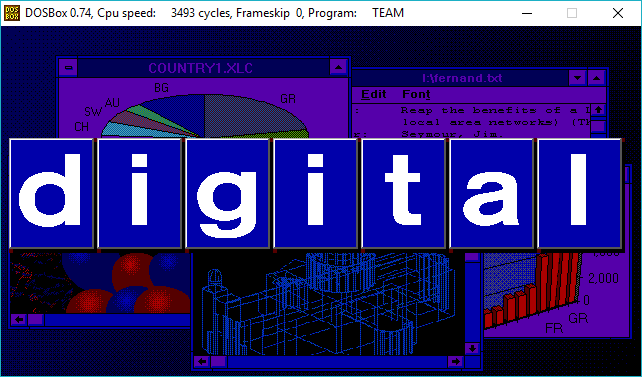
logo
And it’s chock full of vintage networking pitches, as Digital was trying desperatly to get people to buy their Enterprise software for being that all in one of file/print sharing, email and business process automation.
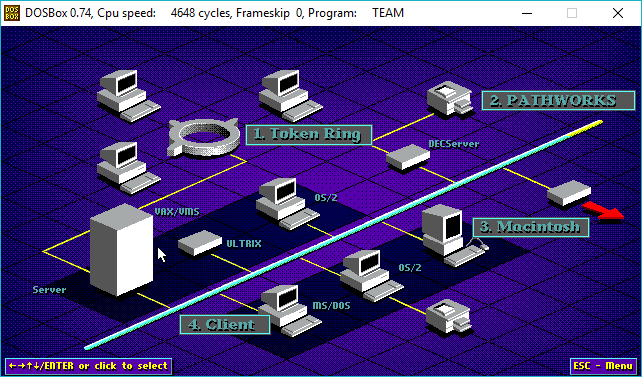
Digital networking
So 1990’s.
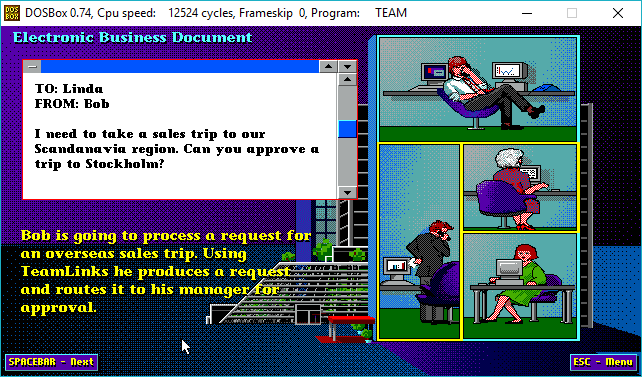
Teamlinks workflow
And of course it touts over and over again ‘open standards’ although I’m suspecting none of them really are that open, nor surviving.
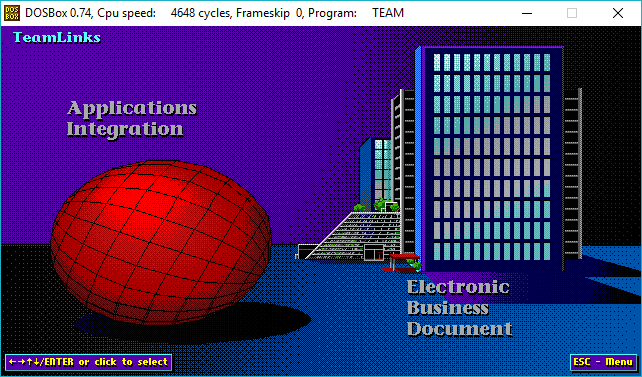
Teamlinks over the world
Did it go anywhere? Â Did anyone actually use it?
It sounds like a somewhat useful all in one thing that I’m sure cost far far far too much money. Â And of course, in 1997 there was Microsoft Exchange 5.5 which basically killed everything.
I’ve only found a copy of Pathworks 7.1a on Ebay many many years ago, which I’ve used to get Windows NT onto Hecnet. Â That’s as much ‘Digitial for Windows’ software as I’ve used.
For anyone so inclined, you can download the demo files teamlinks.zip
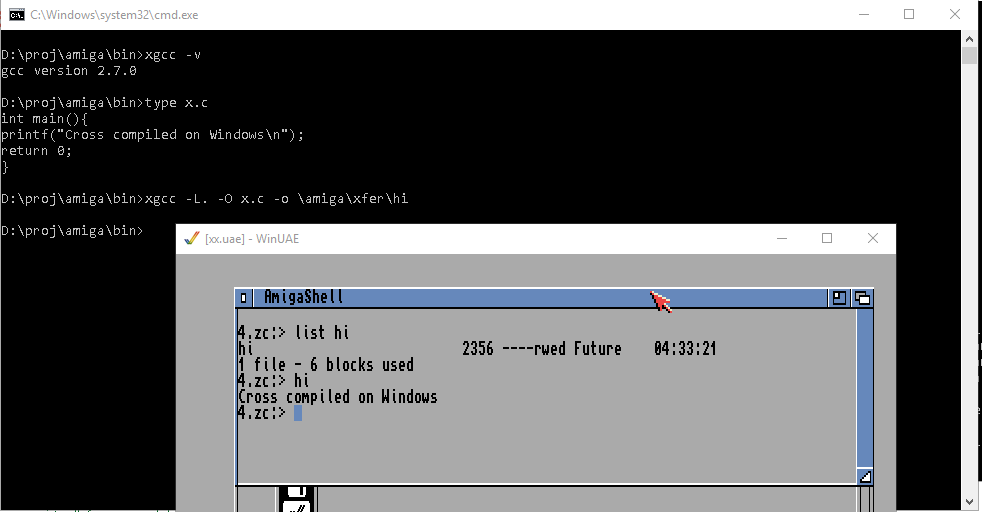
GCC 2.7 to AmigaDOS 2.04
Yes, I know there are others. Â Newer versions of GCC too!.. but I was more so curious to see if I could do it. Â I know there were GCC 1.x ports to the Amiga but I can’t find source anywhere. Â And for some reason the Amiga and Atari ST seem to have never been mainlined into GCC. Â I would have thought 1990-1992 they would have had far more users than say SUN-2/SUN-3.
Some ‘fixes’ are described in this file:
https://raw.githubusercontent.com/sdenel/How-to-install-SimpleScalar-on-Ubuntu/master/Install-SimpleScalar.sh
Although it’s not 100%.
I downloaded the files mentioned on this GCC page, and started to massage stuff. Â This was easier as GCC 2.7 & Binutils 2.8 both support Windows NT 3.5 (and much much higher!).
I may want to try to get an ancient Nethack to build, so I put it onto sourceforge…
I’ve just tested a hello world type executable. Â I’m more so amazed that it linked and executed, ‘file’ detects the objects as
x.o: raw G3 data, byte-padded
But at least the executables look right:
hi: AmigaOS loadseg()ble executable/binary
I had to hack all kinds of crap compiling eamiga.c
and eamiga_bss.c as neither generated correctly, and both had all kinds of missing and undefined things.  I’m sure on bigger projects it’d just explode, but right now I’m just amazed the linker could pick up my object, plus the 21 year old objects + libraries from that aforementioned ancient GCC port.
Oh well I was entertained for a couple hours.
You are bound to run into this fun:
# ./ldlex.l:477:7: error: 'yy_current_buffer' undeclared (first use in this function)
And basically look for the following (case sensitive!)
yy_current_buffer
And replace it with:
YY_CURRENT_BUFFER
Yep!