(This is a guest post by Antoni Sawicki aka Tenox)
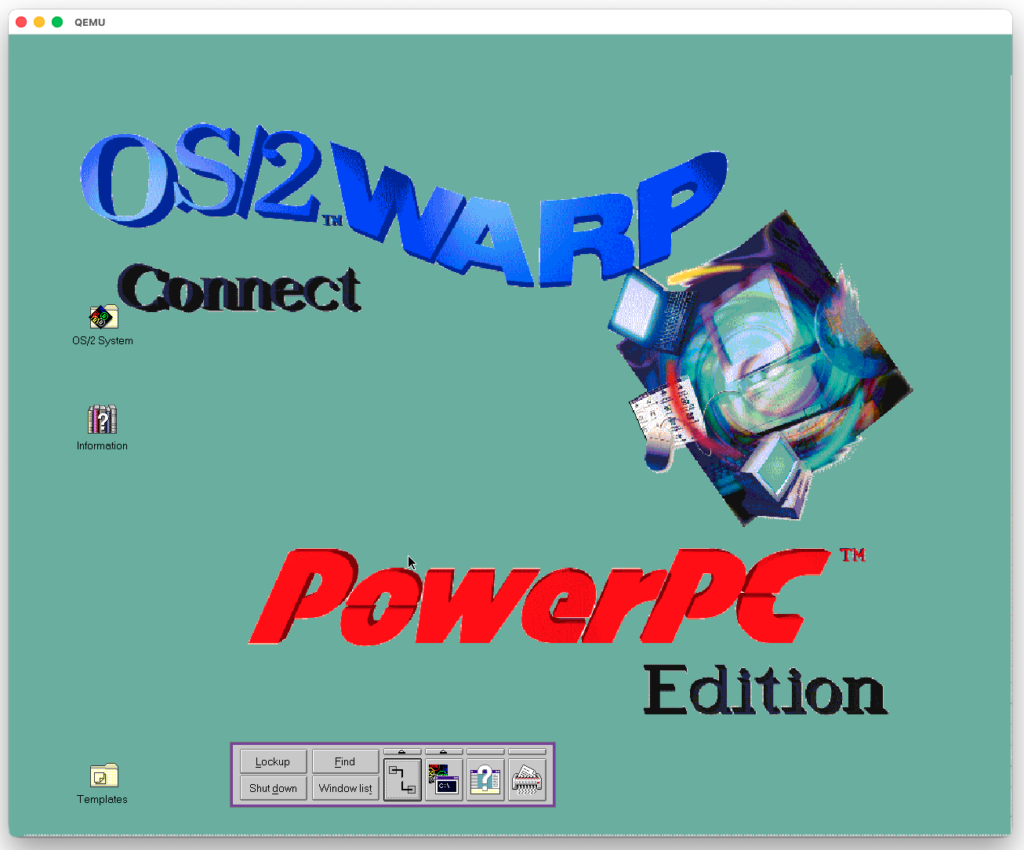
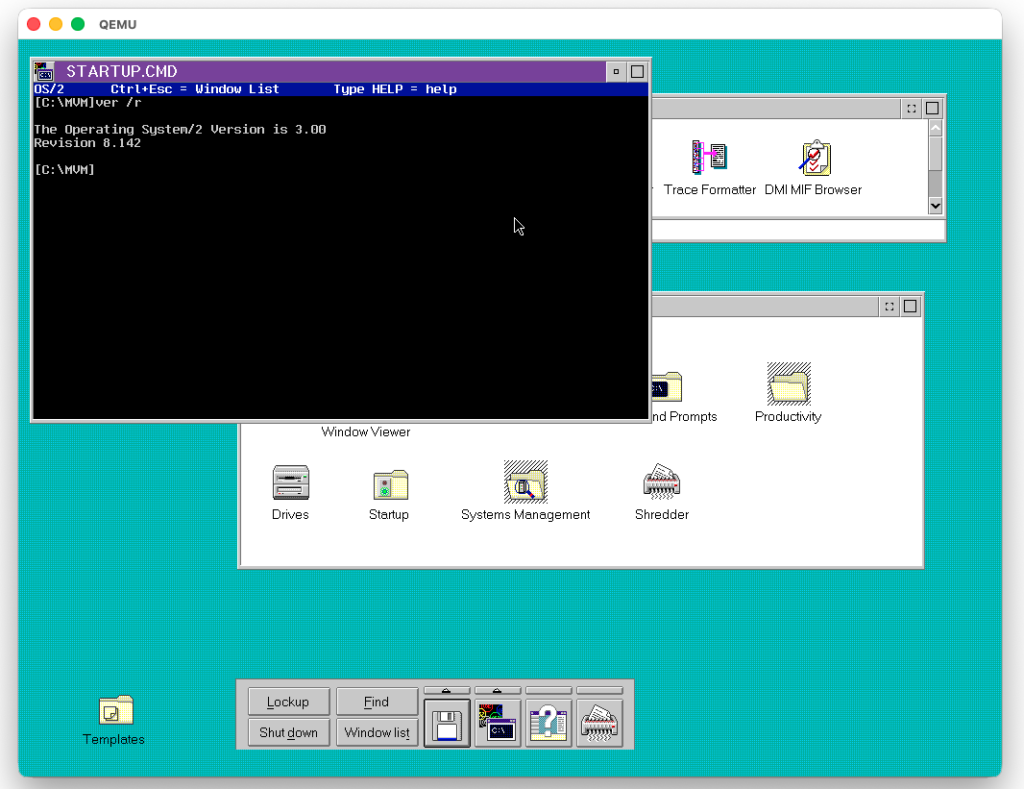
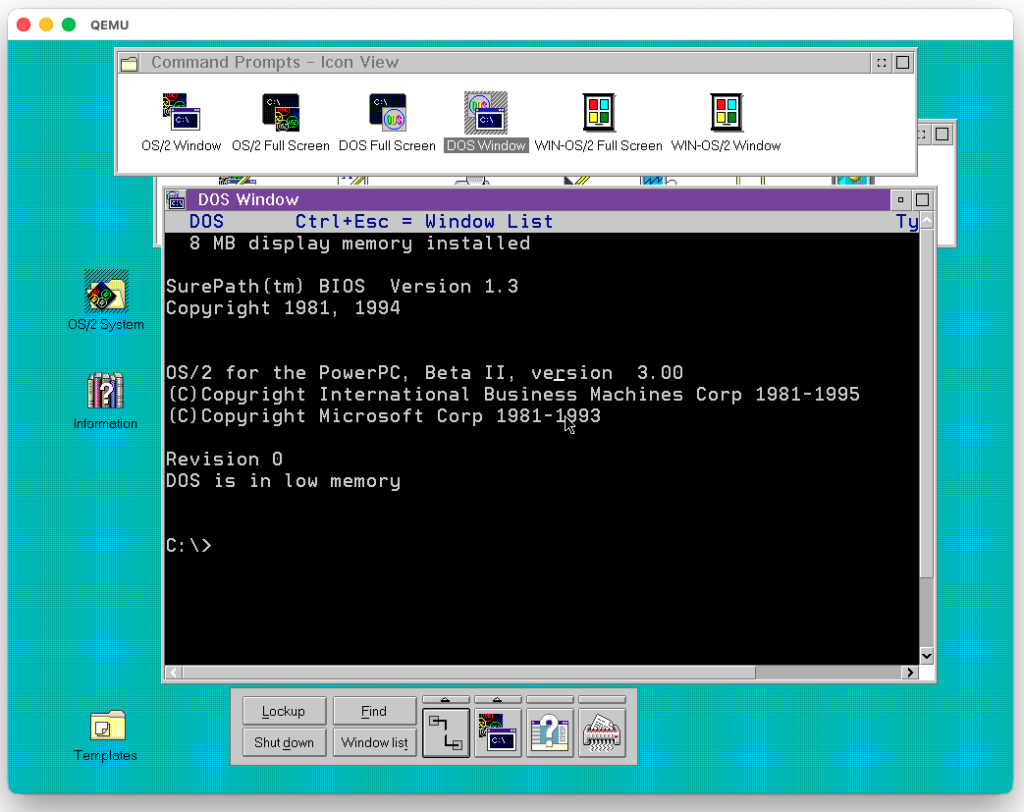
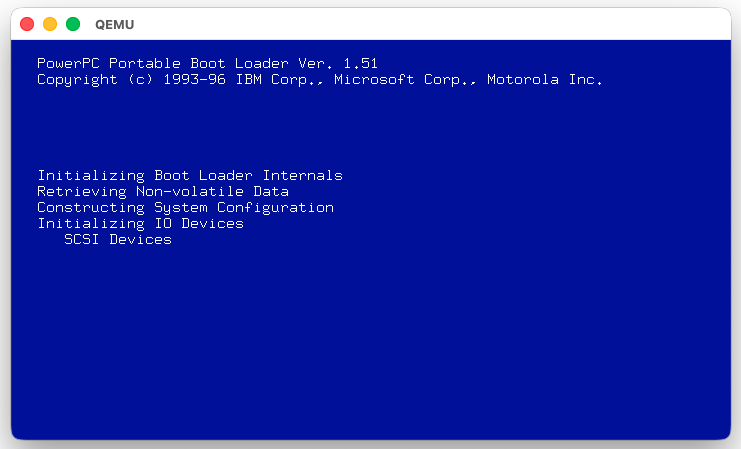
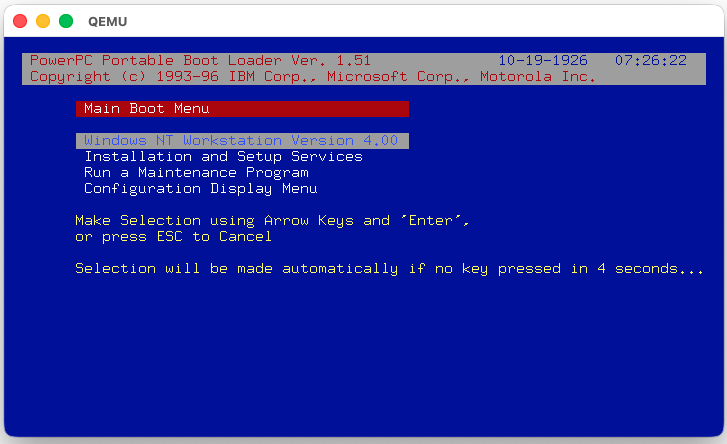
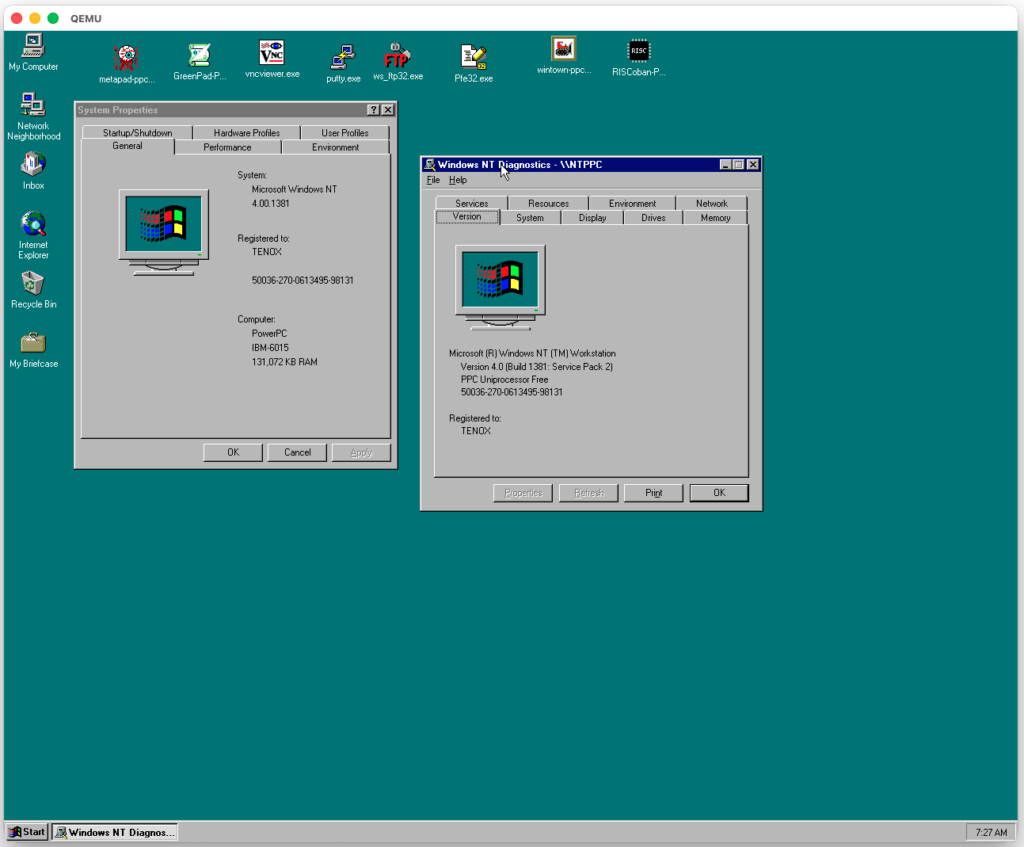
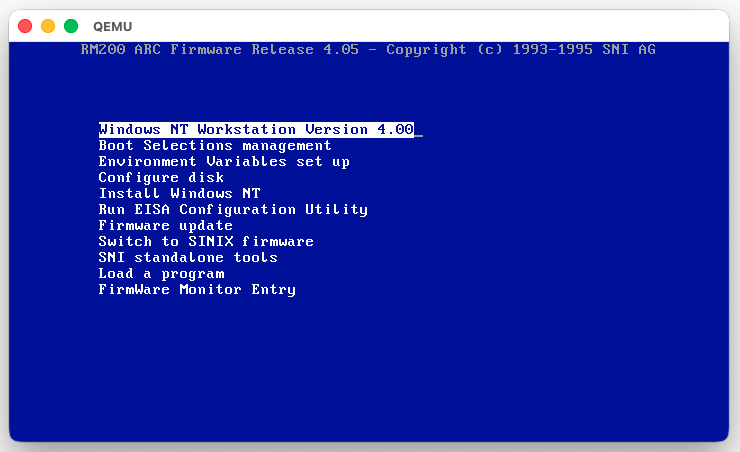
Another day another NT QEMU post. This time we have stock Windows NT 4.0 PowerPC running on QEMU, with complete emulation of the BIOS / Firmware and everything. Networking and 1280×1024 resolution.
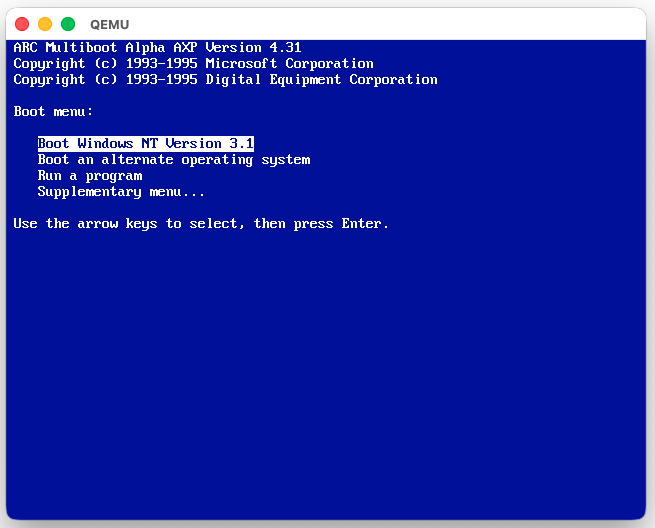
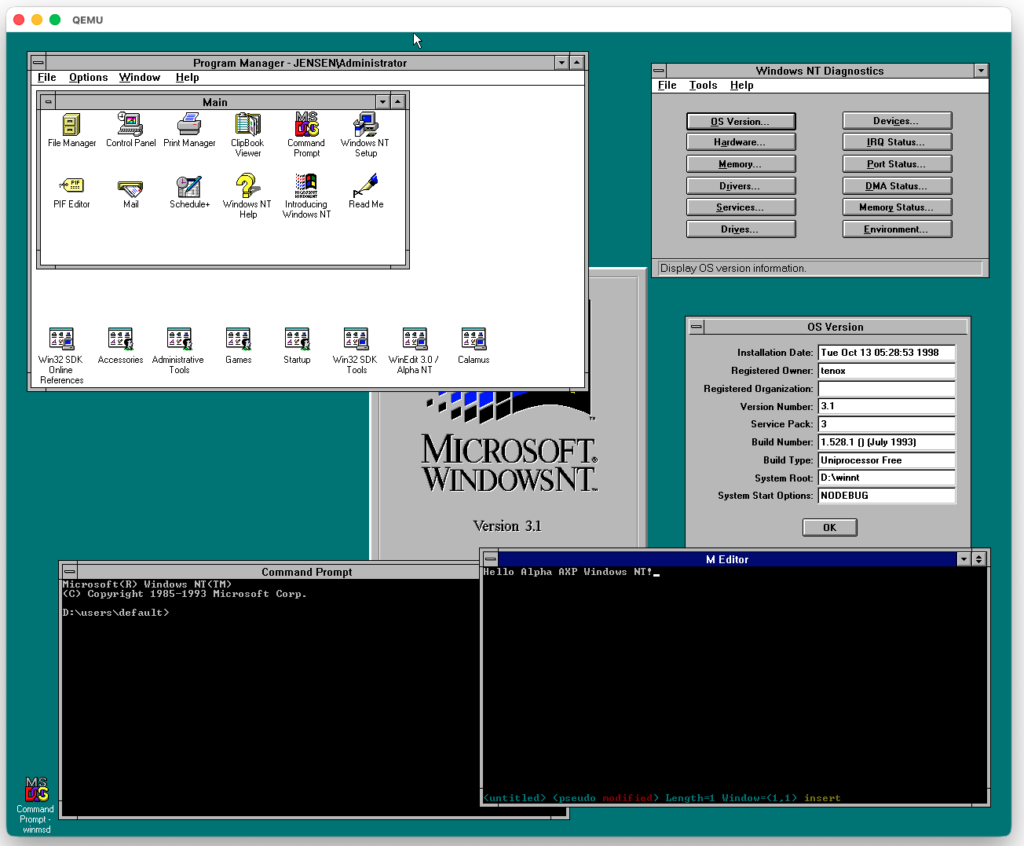
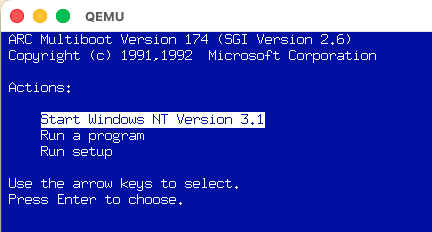
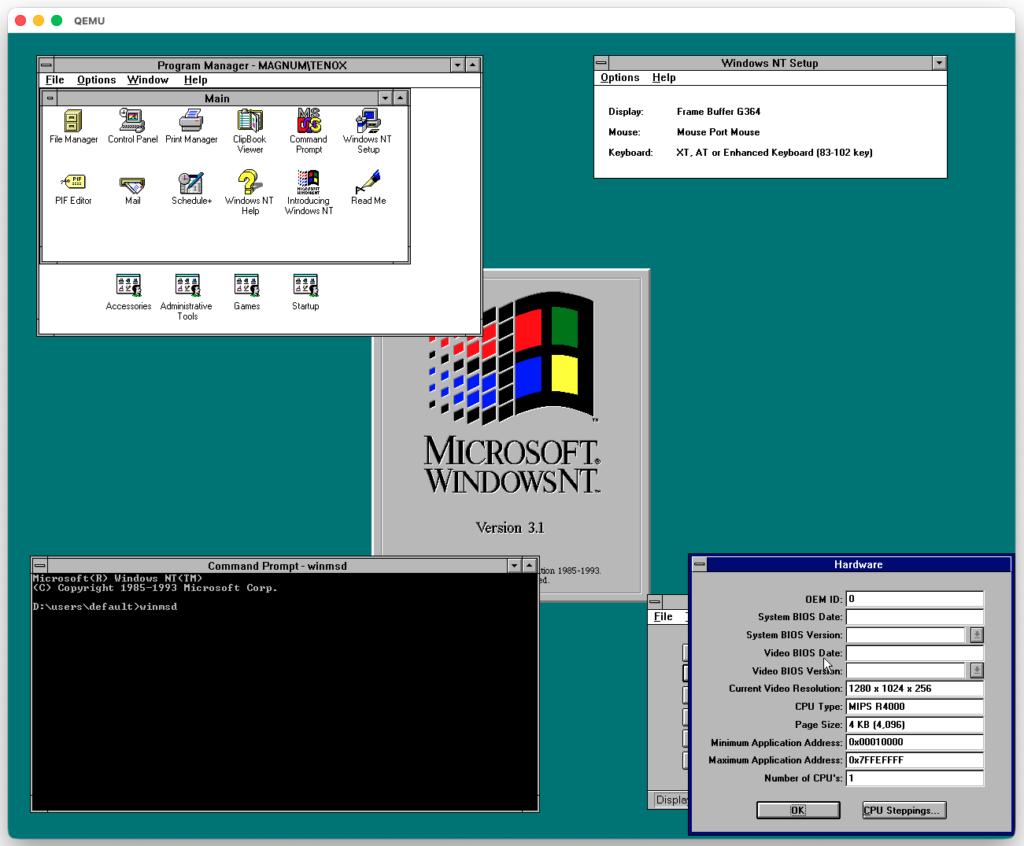
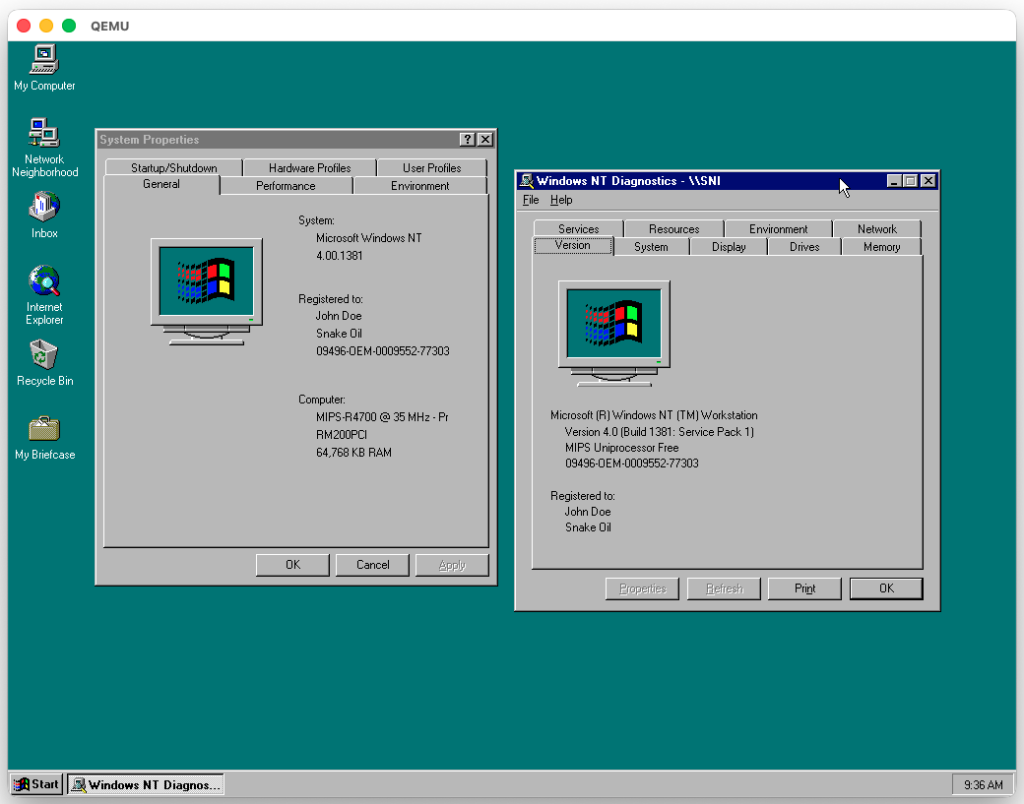
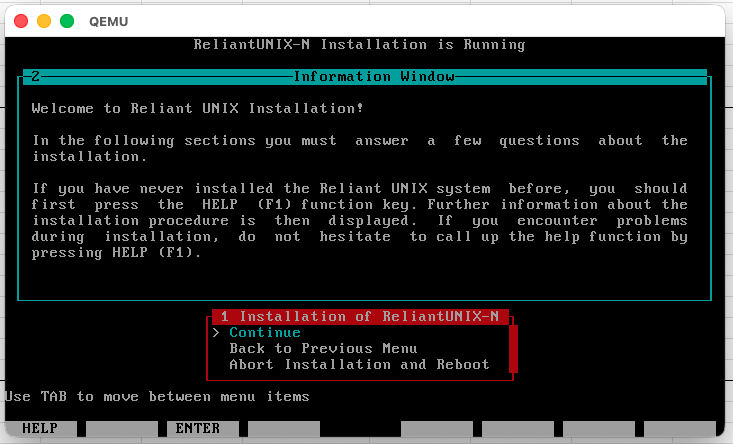
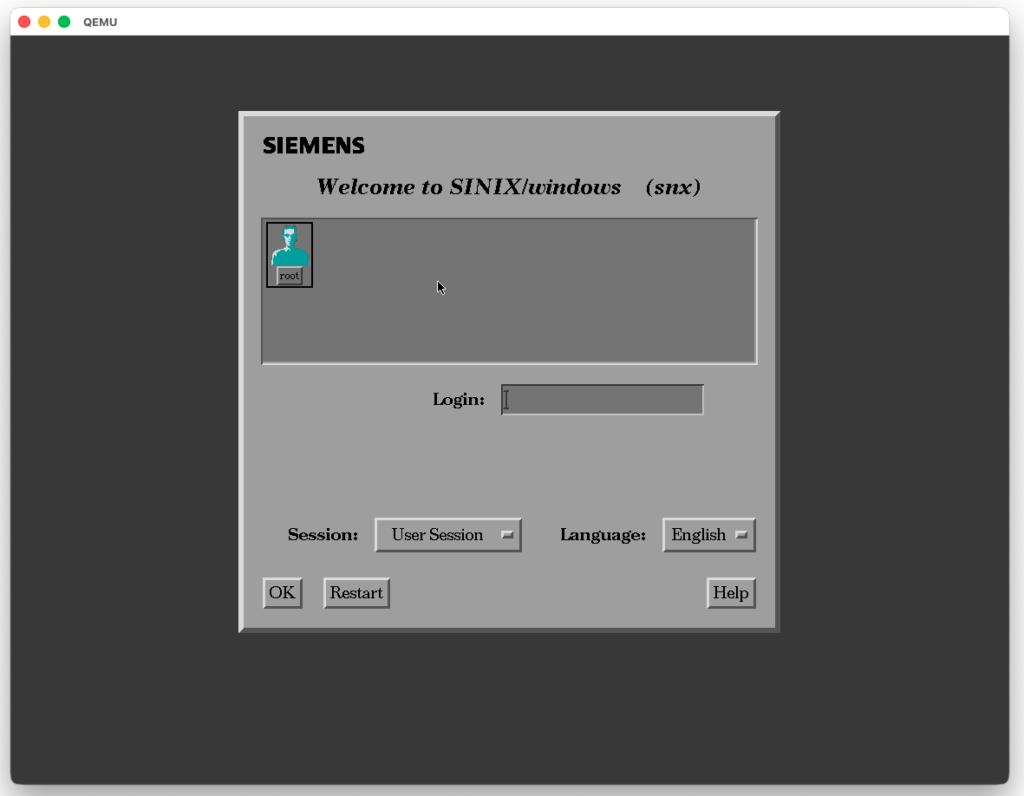
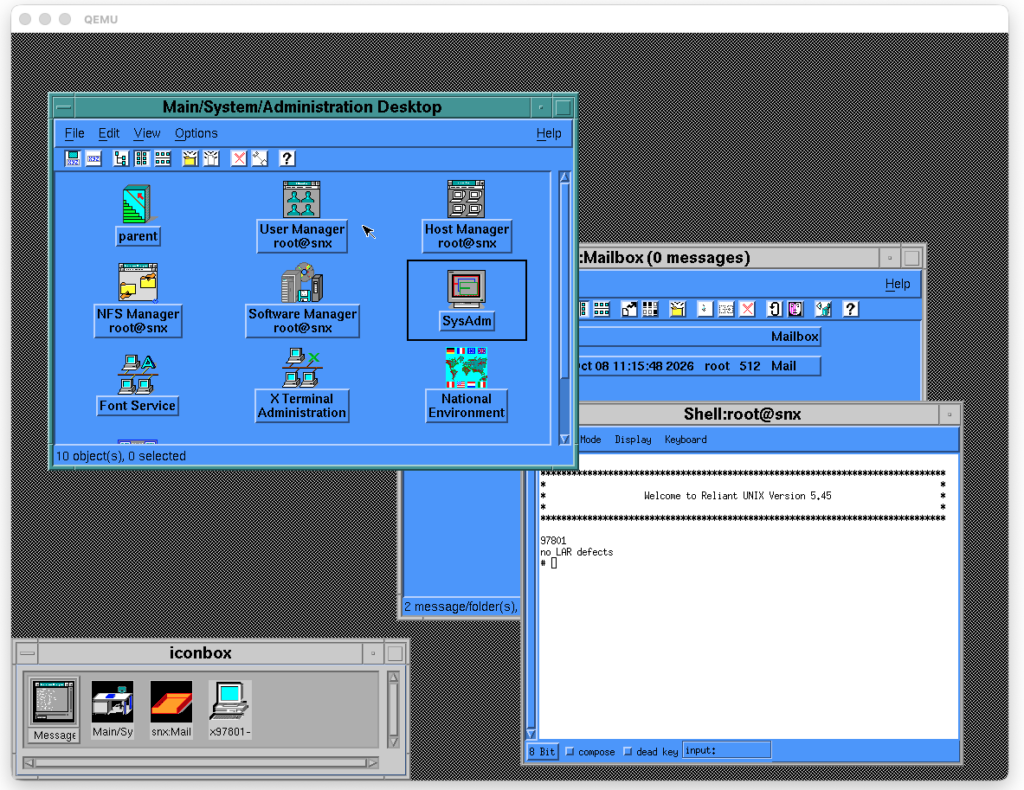
Since I did some work on RM-200 QEMU and this system is also capable of running Windows NT MIPS in Lite Endian mode (the CPU can switch endianness) I decided to also get it working:
I have previously covered NT on MIPS QEMU Jazz emulated machine. This is not that much different and fundamentally very close. Just a different machine with different firmware and peripherals. Also much newer QEMU version.
(This is a guest post by Antoni Sawicki aka Tenox)
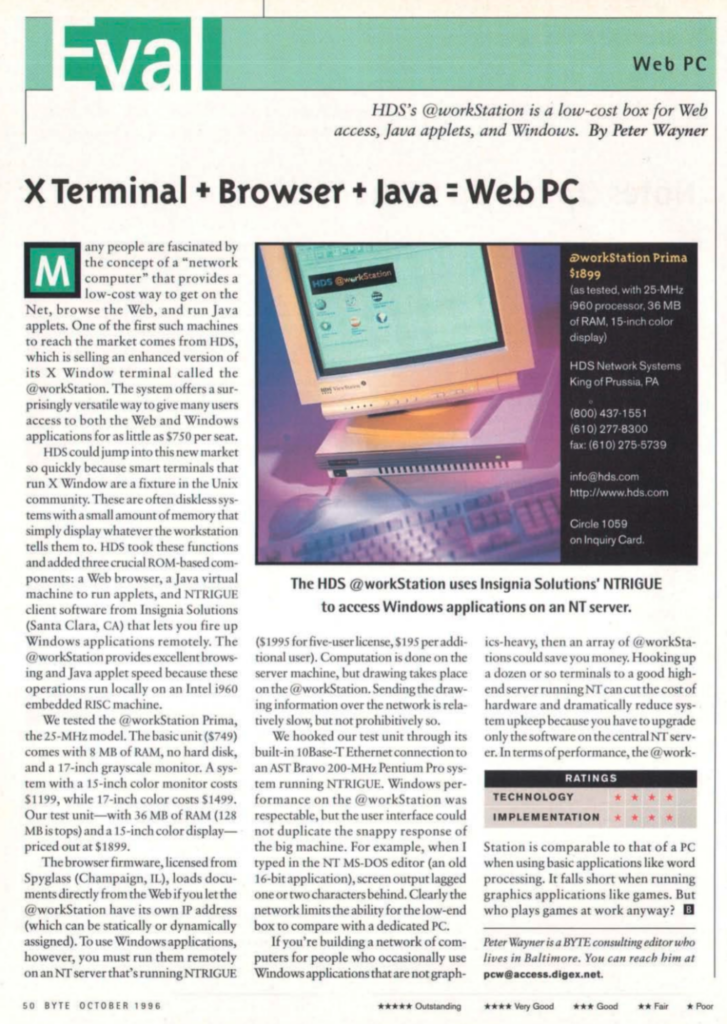
In the previous post I mentioned working on a large deployment of Citrix and NeoWare thin terminals. We were using Citrix ICA exclusively. But the NeoWare terminals also had this mysterious “NTRIGUE” protocol that I never had a chance to use:
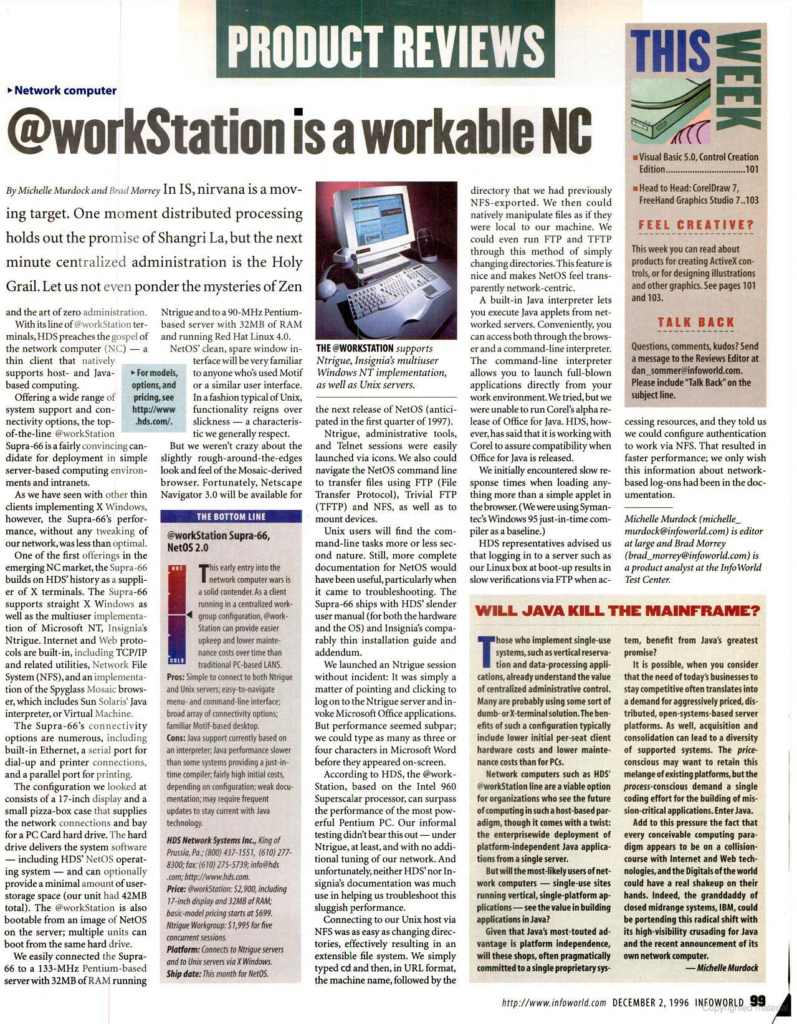
Various brochures, press articles and ads about the HDS @workStation also mentioned that this thin client is for NTRIGUE with zero mention of Citrix or ICA!
Very strangely all NTRIGUE and no mention of ICA/Citrix! What is going on here?
And what exactly is this NTRIGUE?
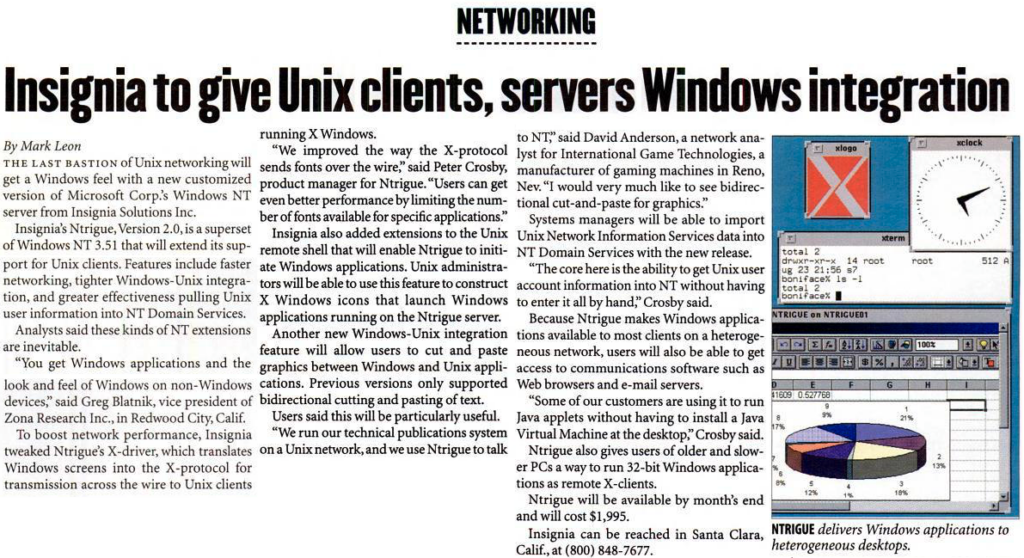
In a nutshell: Isignia company was mainly known for SoftPC and SoftWindows – PC emulators for Mac and Unix.
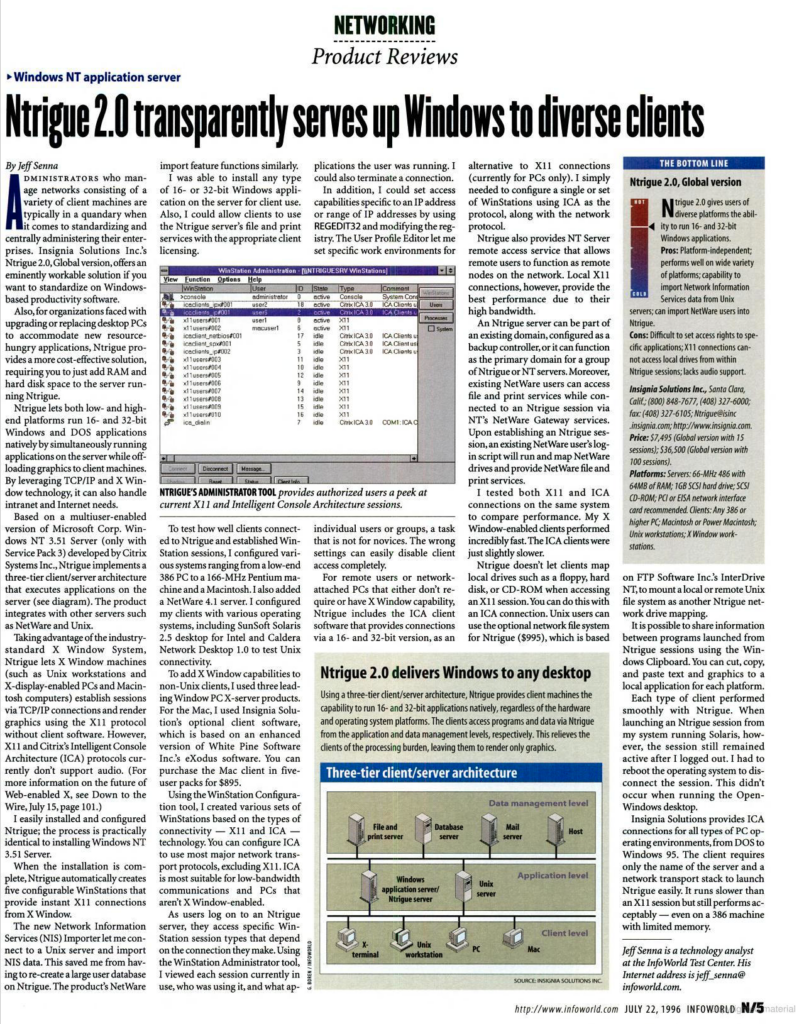
Insignia NTRIGUE product was a version of Citrix WinFrame that used Xwindow / X11 protocol for the transport. X11 appears beside ICA in the WinStation protocol list.
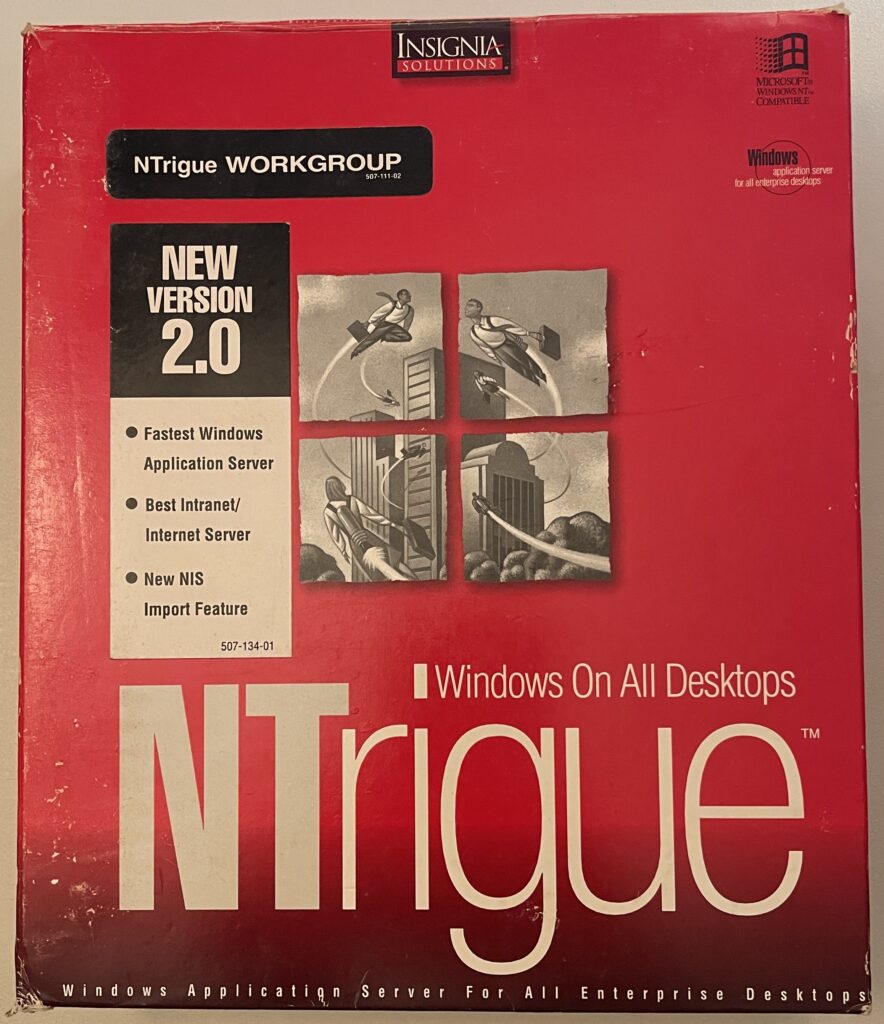
And that would be all… if I didn’t score a red box on eBay!
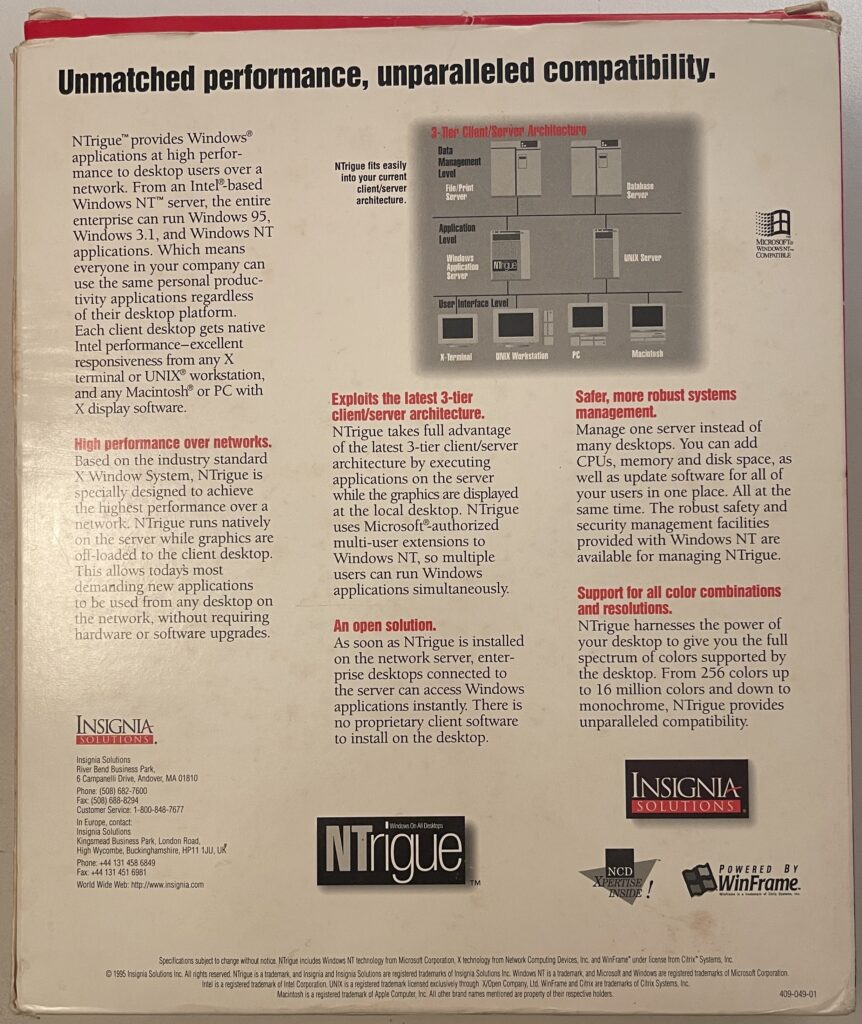
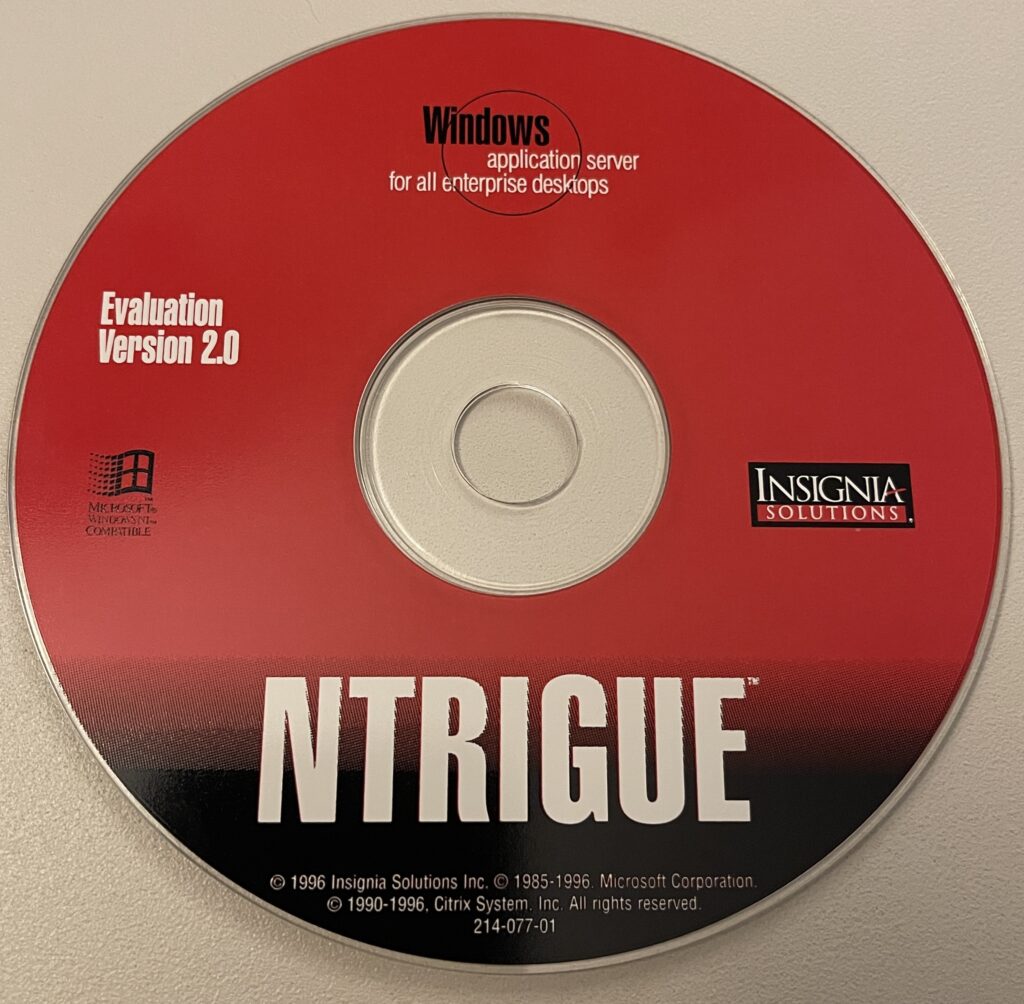
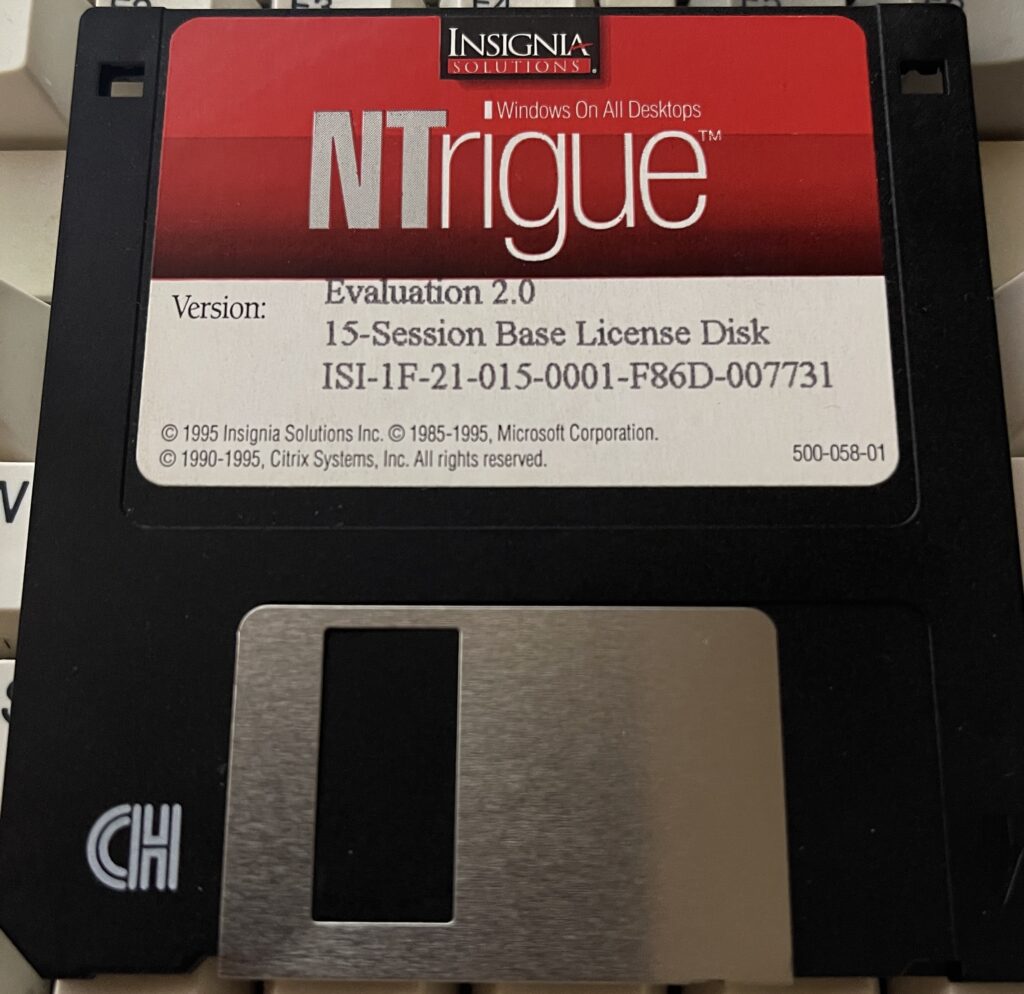
Behold! After 30 years of waiting, I present you NTrigue:
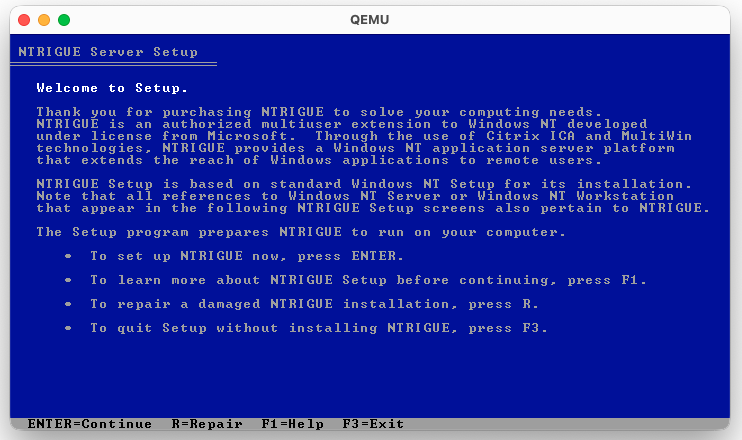
The CDROM is essentially Citrix WinFrame but everything is find / replace rebranded as NTRIGUE.
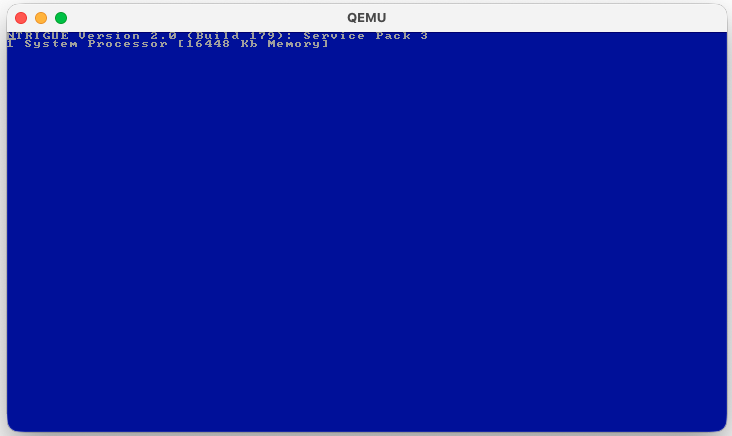
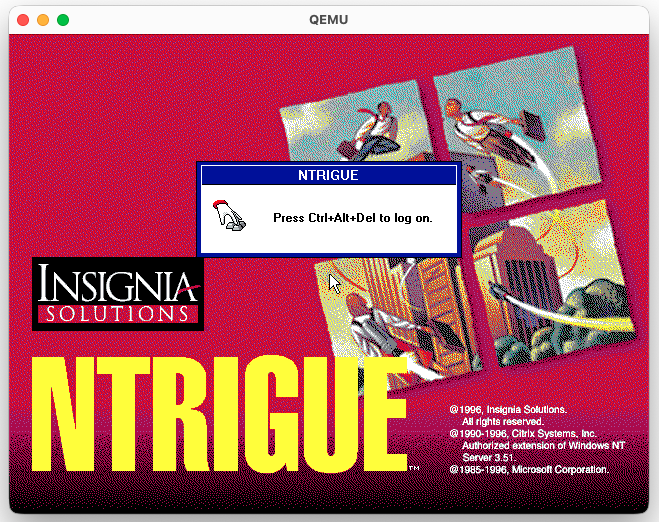
Even the NTOS kernel prints NTRIGUE…
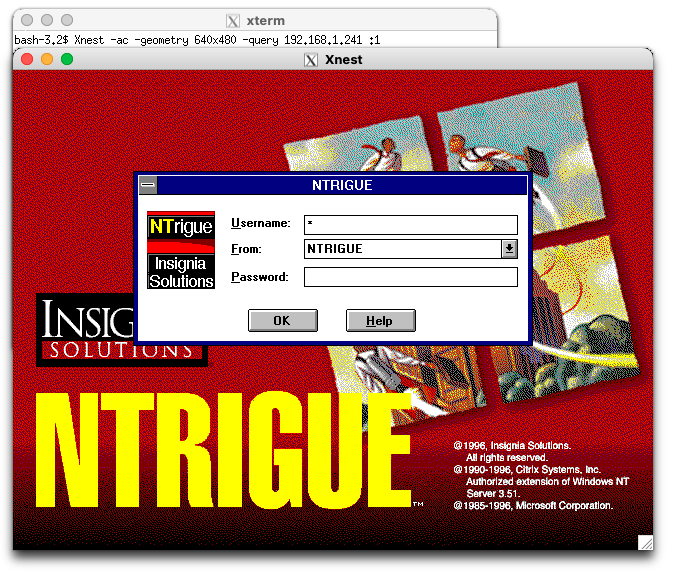
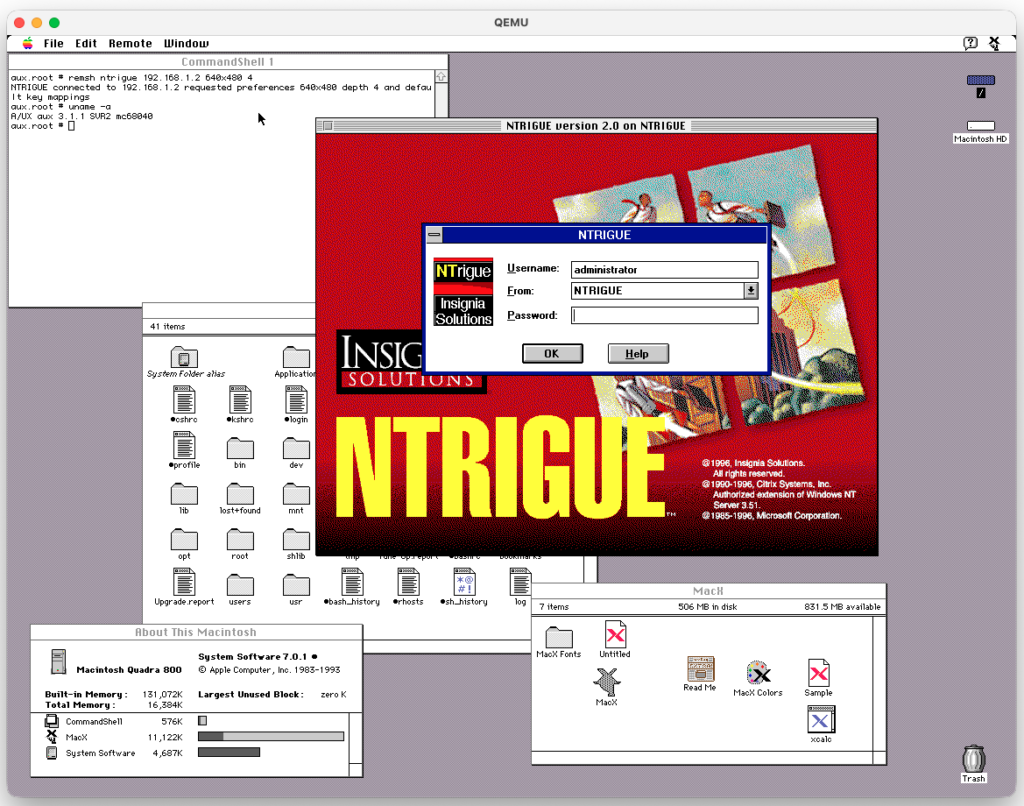
And the login screen
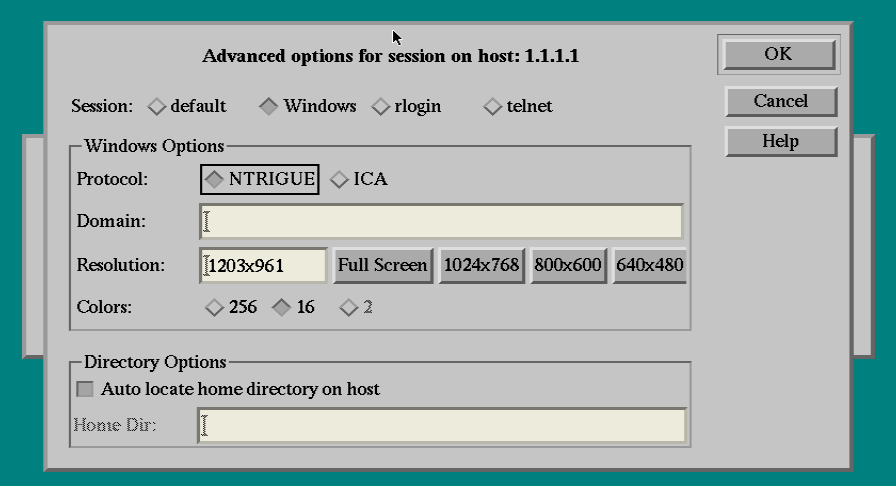
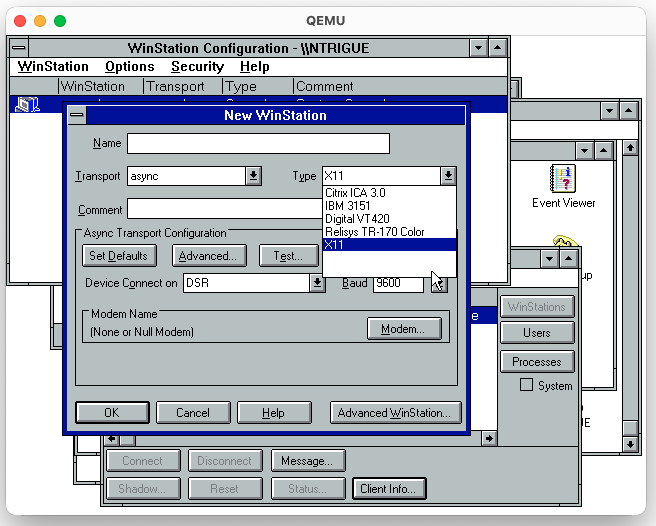
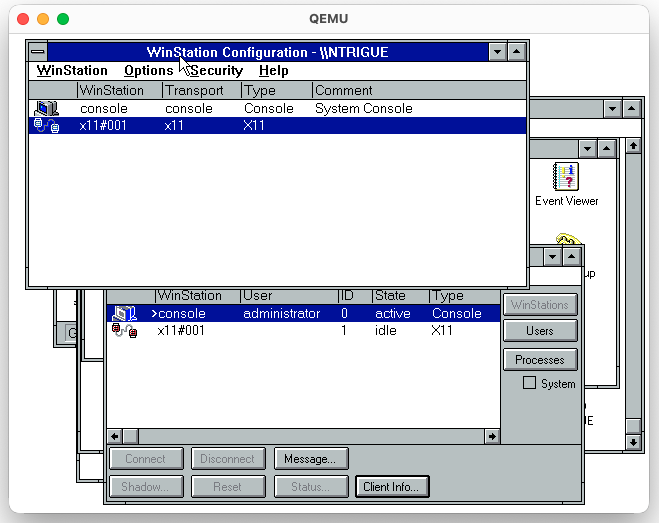
The real deal comes from WinStation configuration. You can create one with X11 protocol instead of ICA:
But how do you use it? Very simply! In two ways:
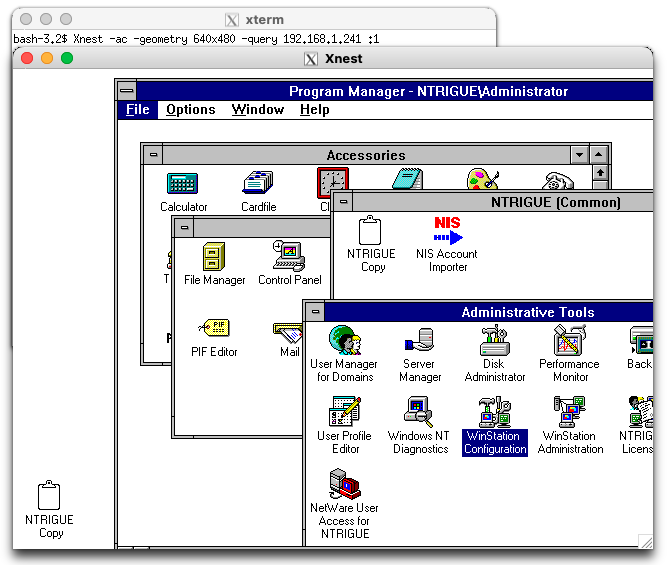
XDMCP Query, either from a physical Xterminal or Xnest or Xephyr:
…yes so now any plain regular Xterminal like NCD, HP, Tek, IBM, DEC, etc can connect to a Windows host!
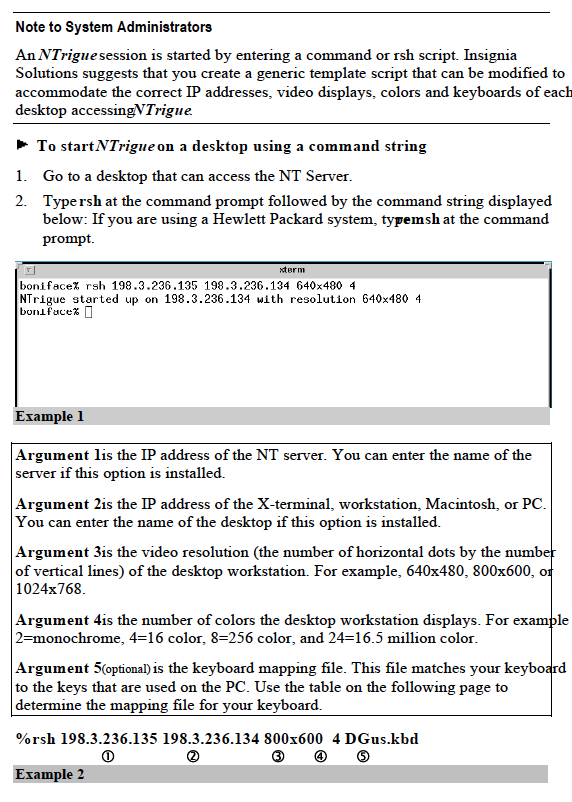
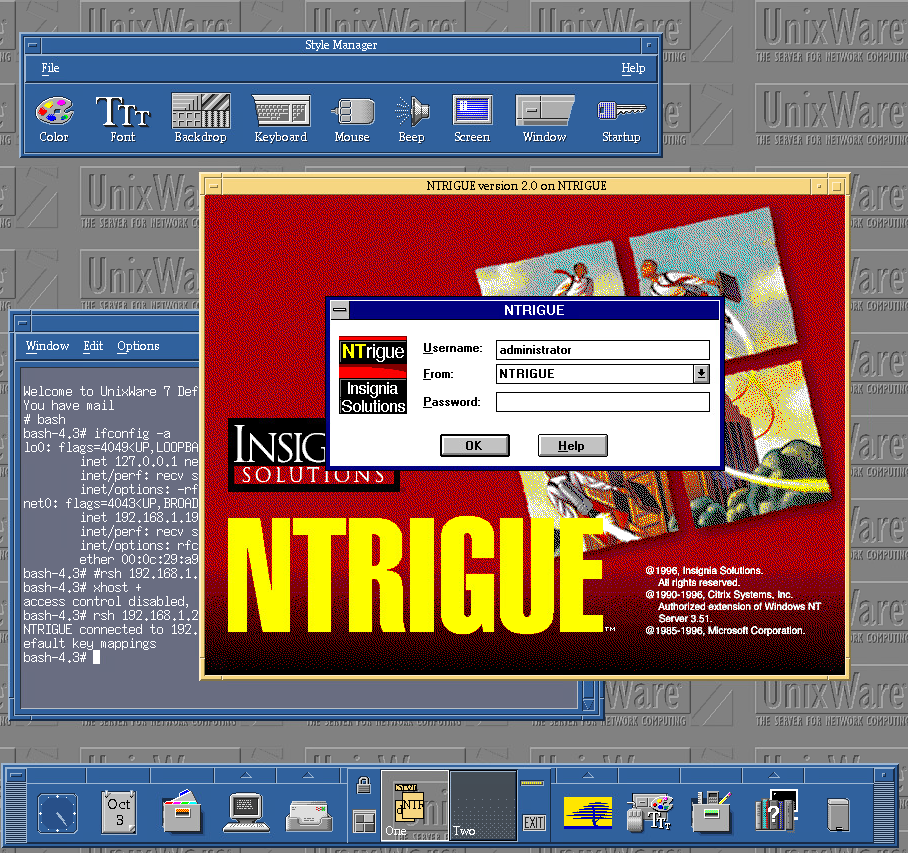
Second way – export NTRIGUE X11 client via remote display export. Like you would with xterm -display x.x.x.x:N or export DISPLAY=..... You RSH into NTRIGUE box and request a client:
rsh <target> <client_ip> <resolution> <colors>
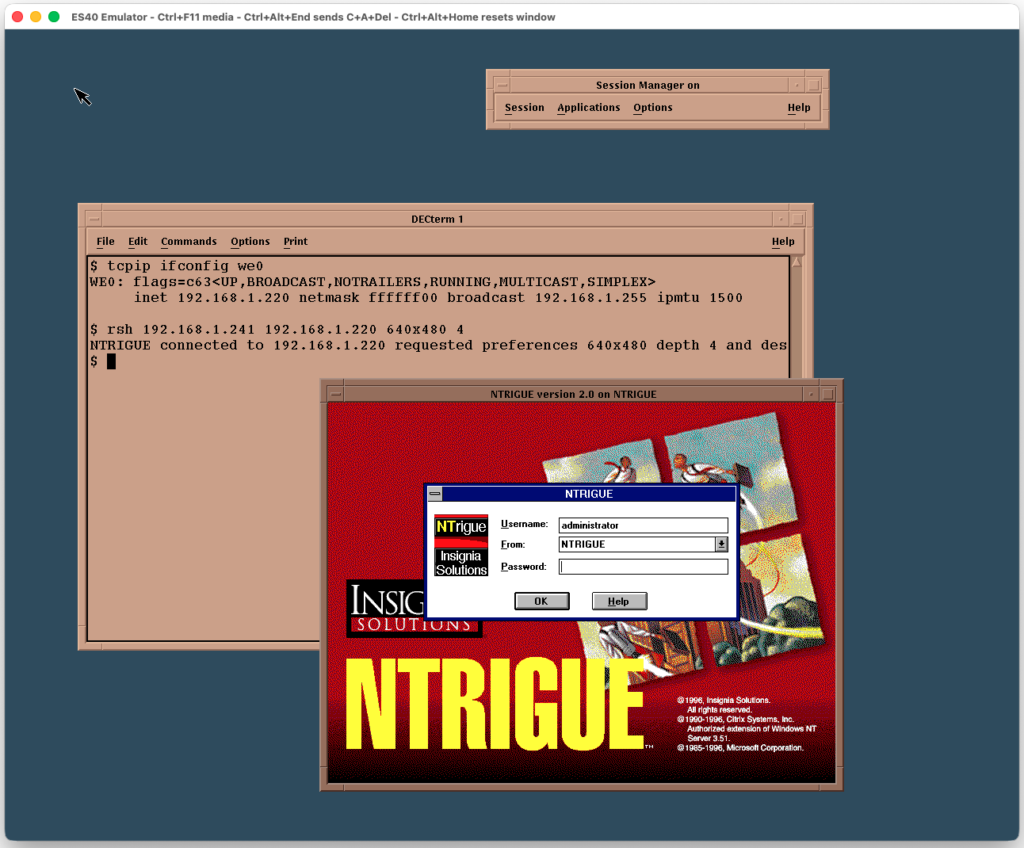
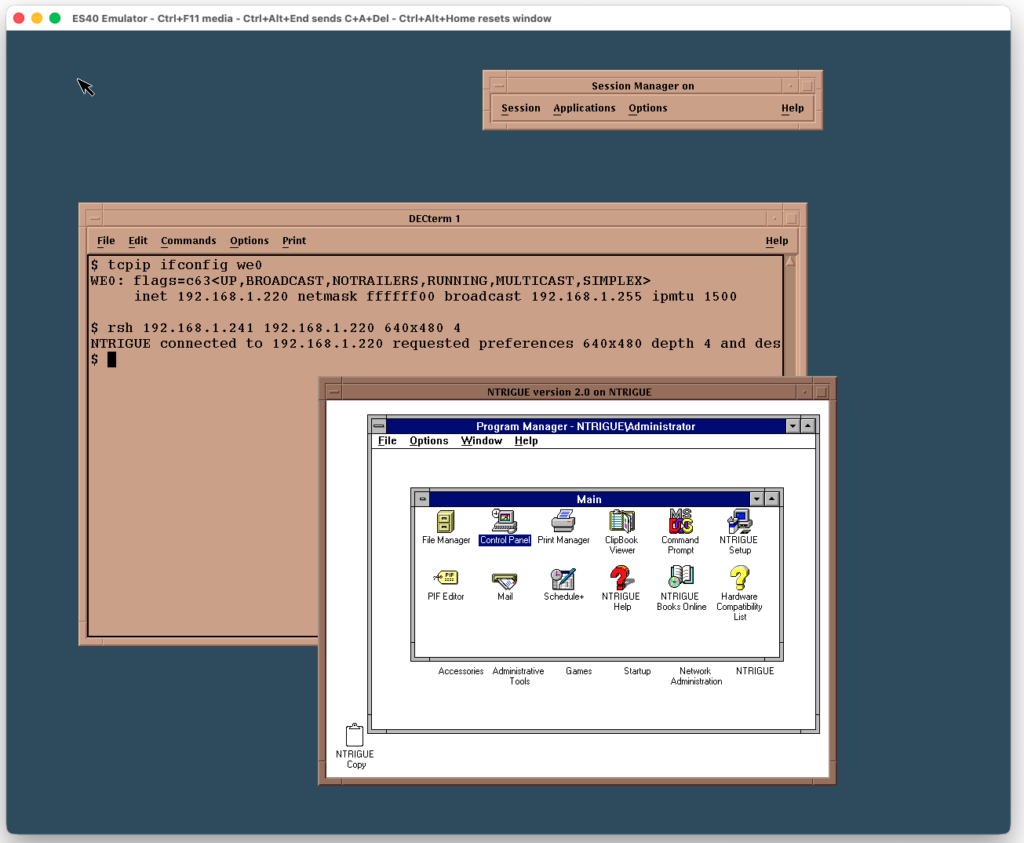
In practice:
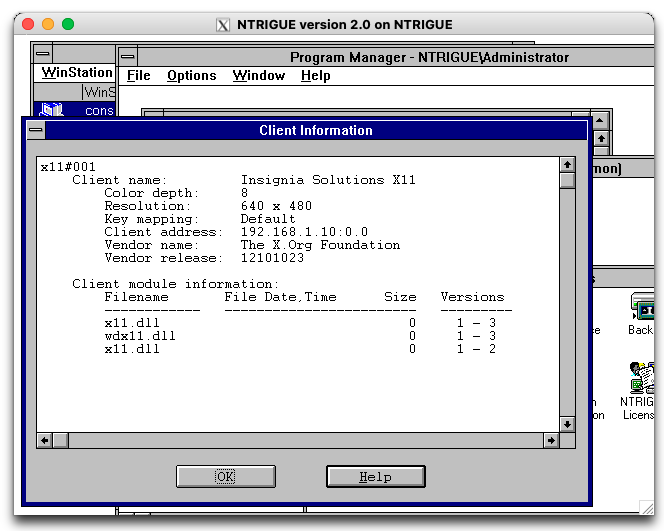
It seems that the NT box runs a rsh daemon and can send you an X11 exported client via x11.dll. It looks like they ported xlib to NT:
I find it curiously odd that the NTRIGUE client “app” runs on the host and exports display via X11 protocol. This is unlike ICA or RDP where the client runs on … the client.
Citrix ultimately acquired NTrigue from Insignia. Never to be heard from again and the tech essentially being buried. Is possible that this became their X11 ICA Client, but more likely they just bought it to kill competition to ICA protocol. After Microsoft released Terminal Server Edition with RDP, the ICA protocol and app management was all that Citrix had left to offer. NTrigue offered a “client-less” alternative. That couldn’t be good for business.
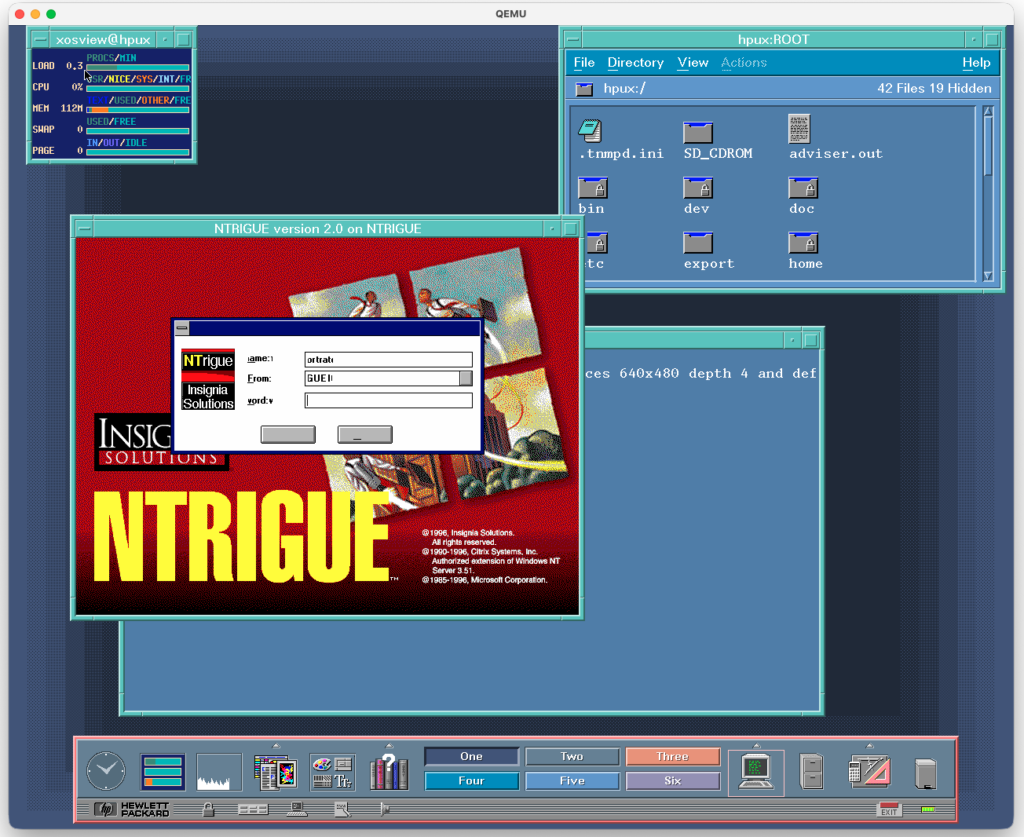
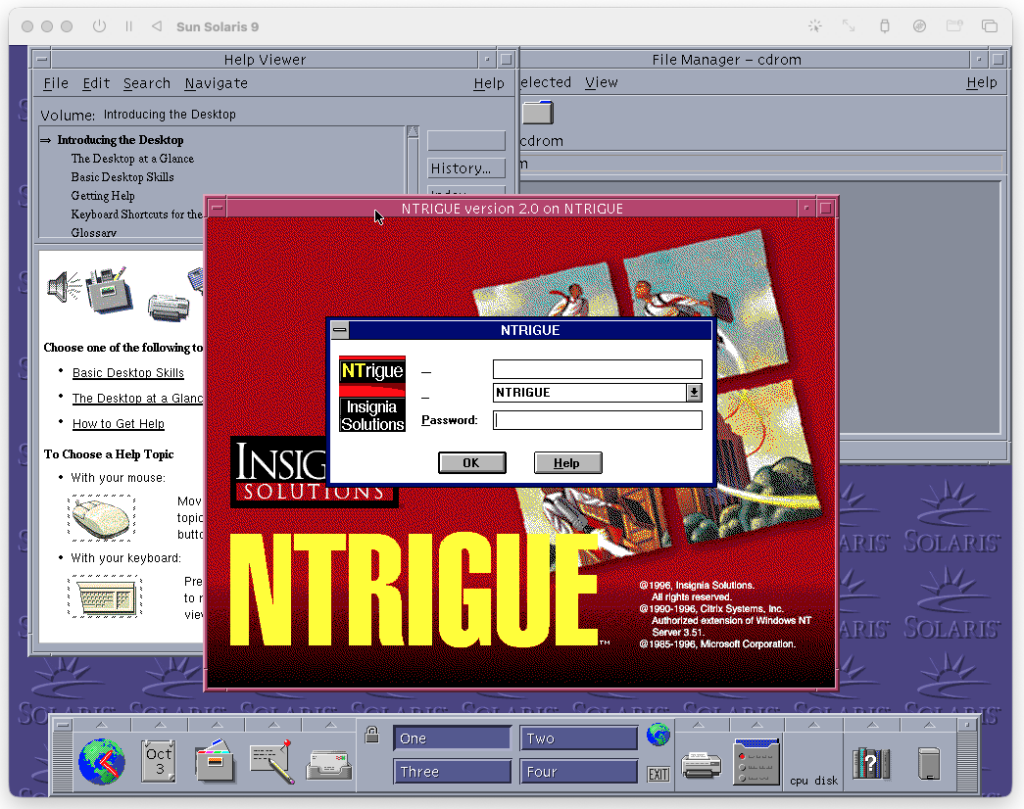
Finally a gallery of various UNIX systems talking to NTRIGUE: