I don’t use Windows XP very often, but when I do…

(this is a guest post by Tenox)

I recently needed to install Windows XP. Because I don’t do that very often nowadays I decided to document the “pro way” of doing it.

First you should consider getting a volume license copy of Windows XP CD because it doesn’t require activation over the internet. The process below will work with any version, but it will require activation.

Then you need to download and install nLite which lets you add SATA/AHCI, network, display, audio, drivers and customize a fully unattended installation, including the product keys, and some tweaks like autologin, themes or show extensions/hidden files in explorer. Create your own bootable XP .iso file. You should probably test it in VMware/Vbox/Qemu first to see that all the settings are to your liking and the setup prompt screens are gone.

Second you need WSUS Offline Update, version 9.2.1 (which is the LAST version supporting Windows XP). It will let you roll out your own Service Pack 4 for Windows XP, including all the updates and goodies like .NET framework, Silverlight and DirectX updates. Create your own SP4 .iso file.

Booting Windows XP from a regular USB pen drive is notoriously difficult, so this is where ISOSTICK comes handy. Put both of the iso files on to the stick, insert to the PC and watch the magic happen.

It’s quite easy to integrate the SP4 in to the boot cd itself, but then it outgrows size of a physical CD, which is not a big deal with ISOSTICK, but I don’t mind installing the updates in a second step.

Finally if you need to install apps automatically you can consider something like Ninite.

Enjoy!
Upgrading through Windows NT; Windows XP Pro

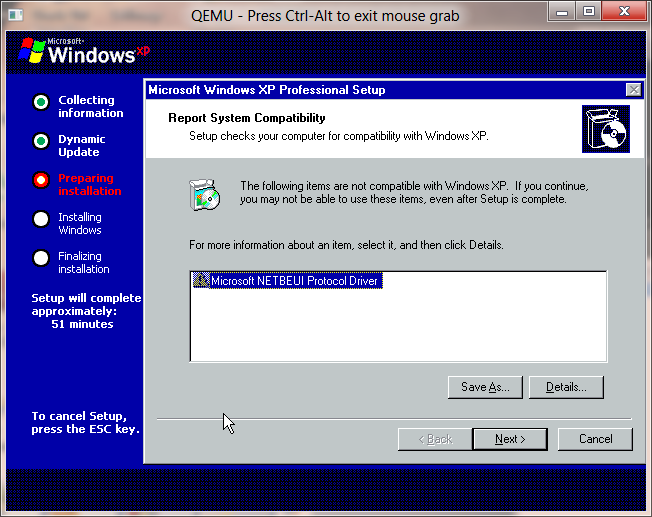
No more NetBEUI

While without fail Windows XP may have been the most popular version of Windows ever, it did remove the OS/2 subsystem, something I had grown used to having around.

But without fail the MS-DOS and DPMI environments were still in place.

Windows XP of course also entered the home market with the aptly named Windows XP Home Edition, which was limited to a single processor and couldn’t join any domains.  For the sake of my upgrade path, the ‘workstation’ versions became PRO with Windows 2000 & XP, so that is what I’ve upgraded to is XP Pro, without the slipstreamed SP1/2/3.

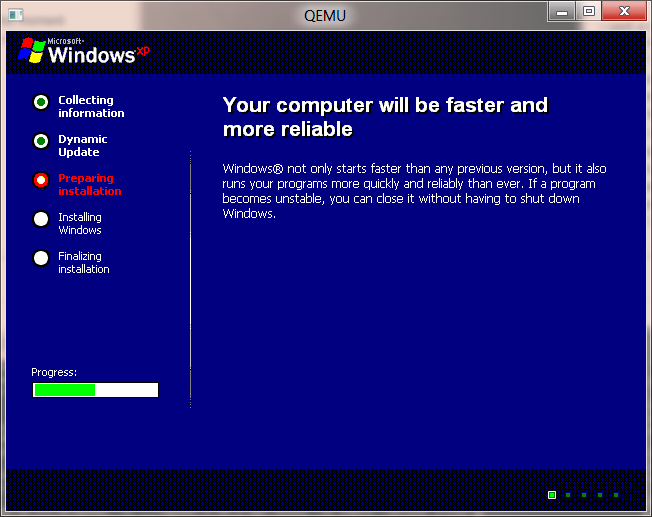
Faster, more reliable!

Unfortunately right now this is the end of the road, XP doesn’t upgrade correctly from Windows 2000, and it leaves me with a black screen at best, or a BSOD related to Bug Check 0x19: BAD_POOL_HEADER … Error code was 20 so … there you go.

Itanium….

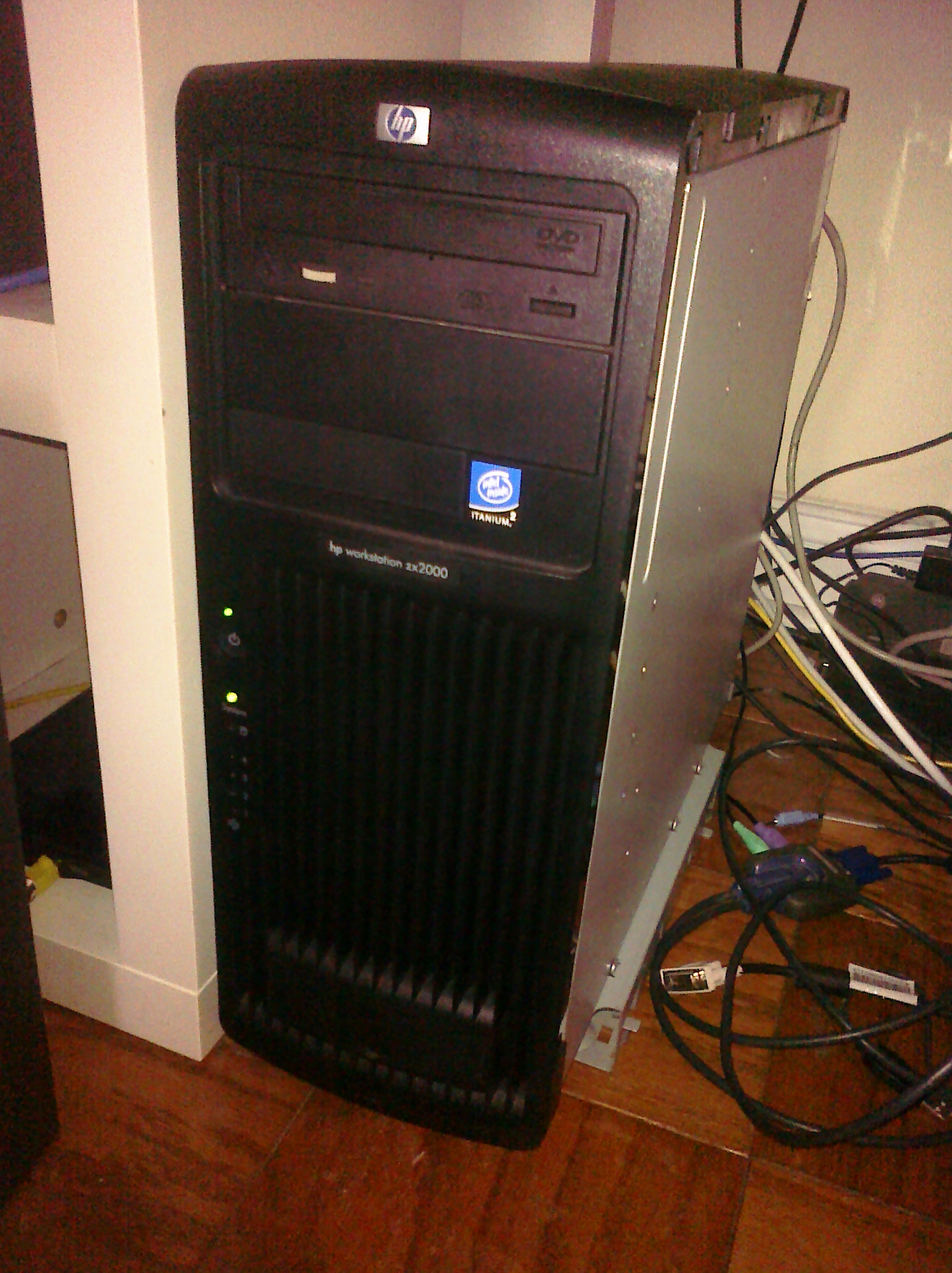
This isn’t virtual, but rather the real deal. I scored an HP zx2000.

HP Itanium

My HP zx2000

Just got it out of the box, I had to remove the funky sides to get it under my desk… And I’ve just installed Windows XP onto it now. My first observation is that the included DVD drive from HP, the HL-DT-ST GDR8160B has got to be one of the slowest drives I’ve dealt with in a while. And kinda finicky as the first attempt at installing XP failed with all kinds of errors, while a swift kick and a power cycle got the thing running. And let’s see it in action..

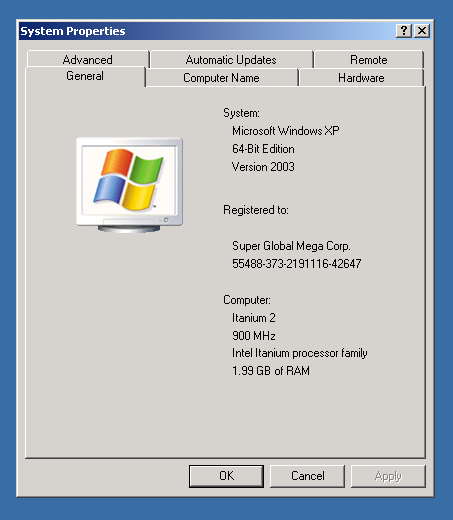
This thing likes to tell you over and over that it’s the 64bit version. It may look like XP but it’s not the 32bit version. It is however much like the x86_64 version with no NTVDM, no WOW. But worse, no Virtual PC. It can run i386 win32 exe’s but at a performance penalty. I saw mention that the Itanium C compiler can be found in the November 2001 Platform SDK, so I downloaded that, and installed it.

It’s slow.

It’s annoyingly slow.

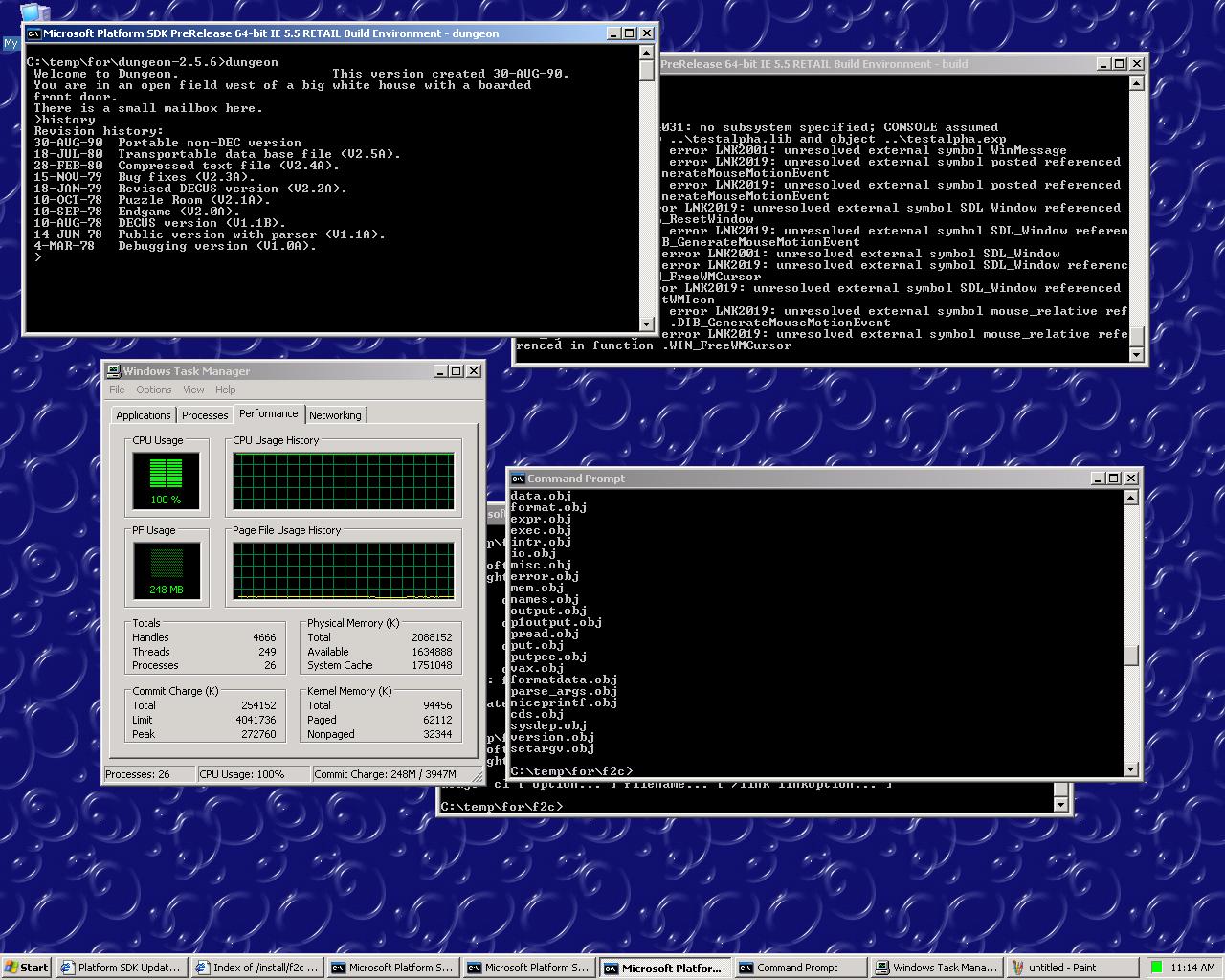
All that talk of EPIC, and moving the complexity to the compiler isn’t a joke. Did I mention, it is *SLOW*? I thought it was running an i386 version of the compiler but the taskman didn’t show any stars next to the processes so I’m assuming not, but I’m not sure. I also am assuming that the November 2001 SDK is timed with the “Windows 2000 Advanced Server Limited Edition” for the Itanium. So I figured for a quick test, I’d build some dungeon… Except the f2c interpreter broke in some strange manner. I’d first think it’s something to do with integer sizes, but it worked on x86_64.. So I cheated, used the i386 version of f2c, and built the library and dungeon. Also I found out about this flag, /As32 which builds exe’s in the 32bit address space. f2c will run once it’s built like that. And although compiling f2c takes forever, once built it is FAST.

It worked. The exe is over 900kb! Without at doubt when they called it EPIC they meant the compiler speed, and exe size. For the crazy, you too can play zork on your Itanium here.

And yes my attempt at building SDL bombed too. But I’ll have to spend more time with the box.