
(This is a guest post by Antoni Sawicki aka Tenox)
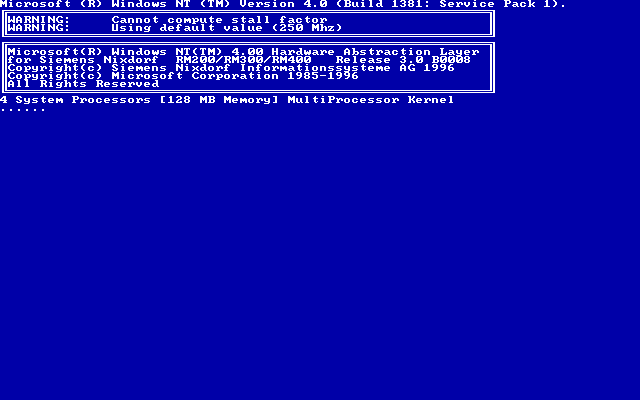
In my previous posts I covered NT MIPS on QEMU Jazz and on the Siemens RM-200. Time for the ultimate one!
Behold! Windows NT 4.0 Server with 4-way MIPS SMP!
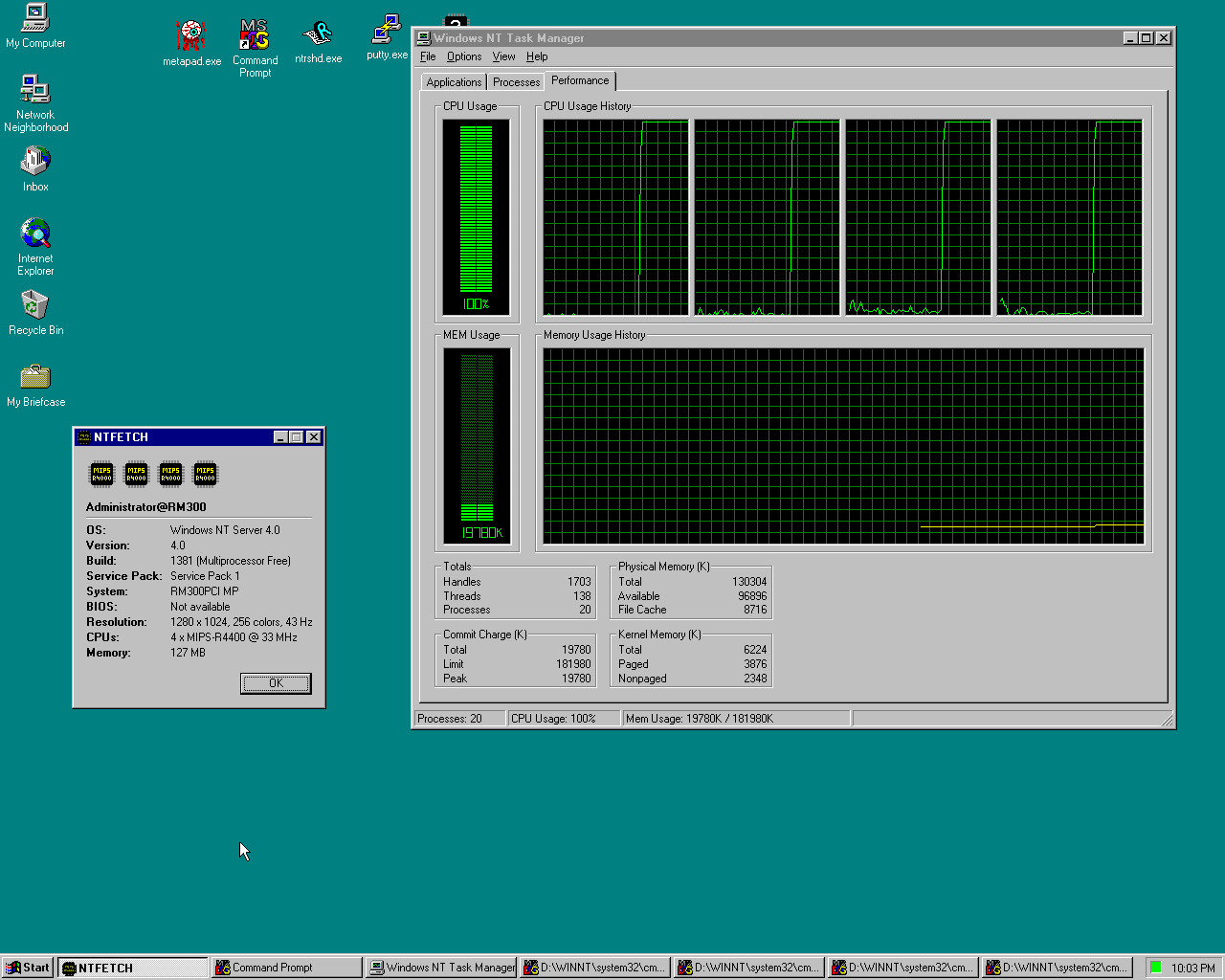
Specs: Siemens Nixdorf RM300-C, 4 x MIPS R4400, 128MB RAM, Cirrus 1280x1024 256 colors, AMD PCnet
Each guest CPU runs on its own separate host core. Real R4400 boards had at most 2 CPUs, but the firmware and the NT HAL handle 4 just fine. It has to be Windows Server, as Workstation only supports 2 CPUs.
CPU idle detection! NT’s idle loop just spins. LEMU detects it and halts the CPU instead. On my Mac the idle VM uses ~10% of one host core. Without it the same idle desktop burns 3 full cores!
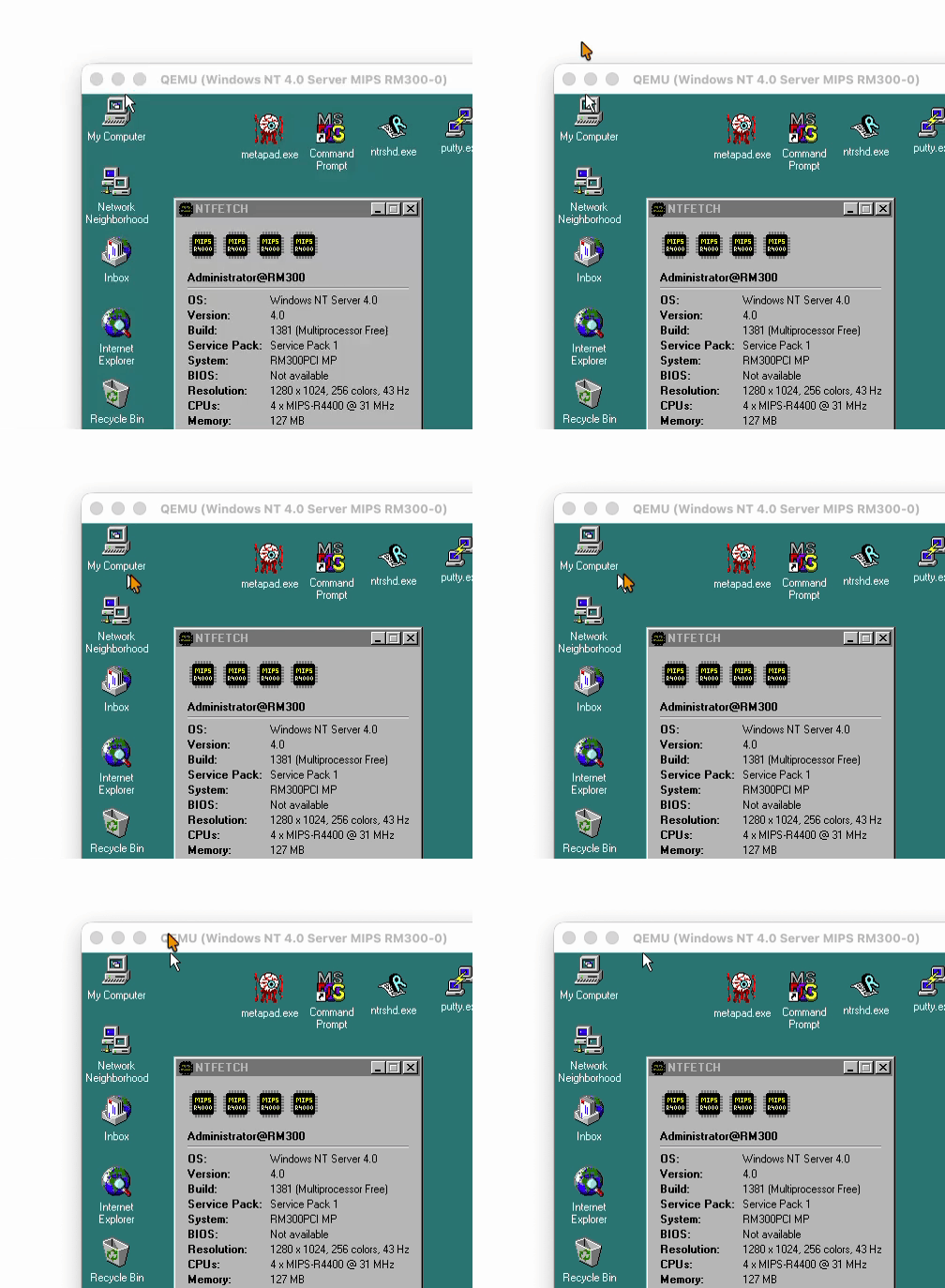
Seamless mouse! Remember the mouse issues from the Jazz post? All solved now thanks to the vmmouse driver. No more mouse grab, the pointer just moves in and out of the window, and the scroll wheel works!
Ready to run portable image for macOS (Apple Silicon), Linux x64 and Windows x64. Unpack and run run.sh or run.cmd. At “Hit any key to continue” press Enter twice. NT logs on by itself as Administrator / password.
Download: https://files.42718.net/mirror/tenox/os/winnt/VMs/qemu-mips/nt4srv-rm300-smp4-qemu.tar.lz
Source (LEMU, my QEMU fork): https://github.com/tenox7/lemu
Have Fun with Virtualization!
It’s easy to fix NT Workstation to support more than 2 CPUs. You hust need to change setupdd in setupreg.hiv on the install CD. As far as I remember the setupdd is 3 dwords: evalution time (for the 180 day demos), setup up mode (upgrade) and last is cpu restriction. 0 means the default limits (2 for workstation, 4 for server), 1-32 means the CPU limit, >32 is some weird per processor licensing I no longer remember.
You can also change it for an installed system, change the bits 5-9 in MacProcessors (it’s obfuscated by merging it with the installation date of a system and it’s really ~(MaxProcessors-1)), but it’s guarded when the system is running. On an x86 I was using ERUNT to edit a copy of a registry. And if you fail it won’t boot with the “LICENSING” blue screen.