I don’t use Windows XP very often, but when I do…

(this is a guest post by Tenox)

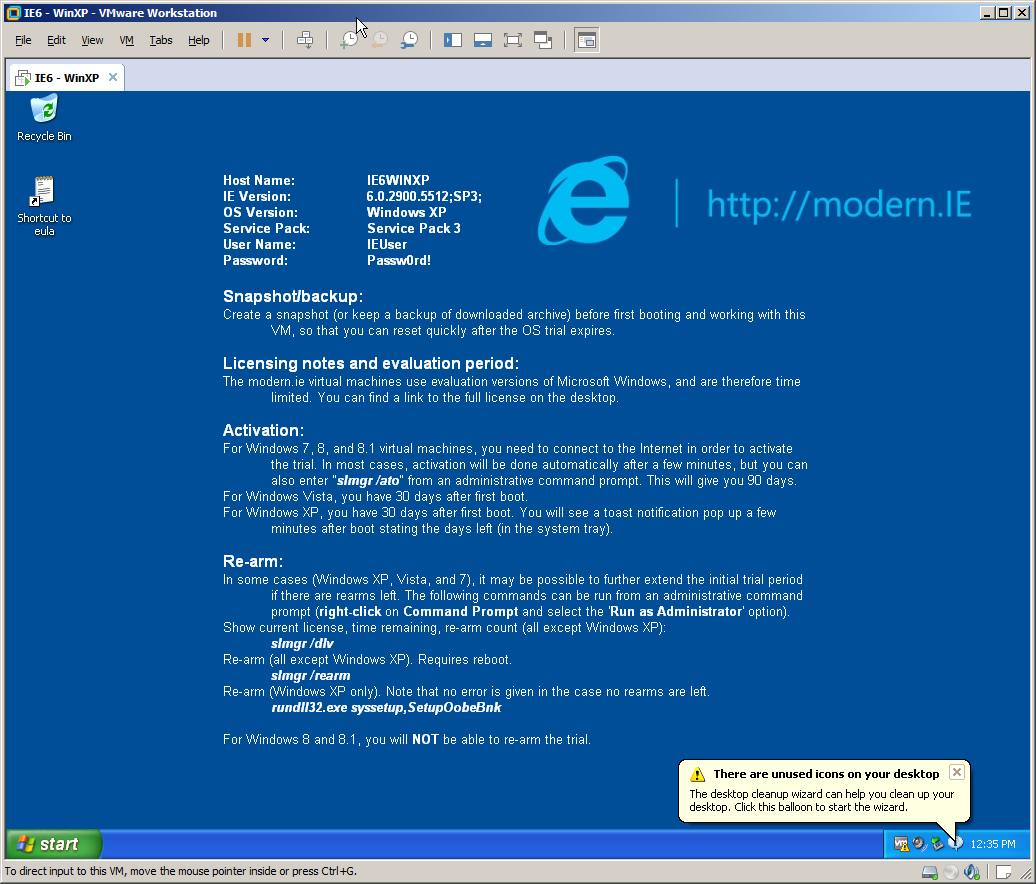
I recently needed to install Windows XP. Because I don’t do that very often nowadays I decided to document the “pro way” of doing it.

First you should consider getting a volume license copy of Windows XP CD because it doesn’t require activation over the internet. The process below will work with any version, but it will require activation.

Then you need to download and install nLite which lets you add SATA/AHCI, network, display, audio, drivers and customize a fully unattended installation, including the product keys, and some tweaks like autologin, themes or show extensions/hidden files in explorer. Create your own bootable XP .iso file. You should probably test it in VMware/Vbox/Qemu first to see that all the settings are to your liking and the setup prompt screens are gone.

Second you need WSUS Offline Update, version 9.2.1 (which is the LAST version supporting Windows XP). It will let you roll out your own Service Pack 4 for Windows XP, including all the updates and goodies like .NET framework, Silverlight and DirectX updates. Create your own SP4 .iso file.

Booting Windows XP from a regular USB pen drive is notoriously difficult, so this is where ISOSTICK comes handy. Put both of the iso files on to the stick, insert to the PC and watch the magic happen.

It’s quite easy to integrate the SP4 in to the boot cd itself, but then it outgrows size of a physical CD, which is not a big deal with ISOSTICK, but I don’t mind installing the updates in a second step.

Finally if you need to install apps automatically you can consider something like Ninite.

Enjoy!

Atari System V UNIX Saga – Part III – SCSI Disk Replacement

(note this is a guest post by Tenox)

In previous posts from ASV series I have explained why I got hooked on Atari System V UNIX and what I had to do to get a decent resolution out of Atari TT. Having built the VGA monitor adapter, the next challenge was to replace the internal SCSI hard disk with a flash storage of some sort. I really don’t like spinning hard disks and especial the old ones.

I have mentioned that there are two surviving ASV disk images. The better one was made out of a rather large old, loud and obnoxious Maxtor. I’m definitely not having this monstrosity inside of my beloved Atari!

Maxtor LXT340SY

Maxtor LXT340SY


So how can you replace an old SCSI hard disk with a modern flash device? There actually are several different ways.

If you have the money you can go industrial route, which is a SCSI disk replacement for various machinery and embedded systems produced by ReactiveData. You can buy one of these for a little over $1000 USD. The good part is that they substitute a specific real hard disk model and are exceptionally good in quality of emulation. However, spending a lot of money on my TT and TenoxVGA already, this really wasn’t an option without getting a divorce.

Another approach is to use SCSI to IDE bridge combined with IDE to CF adapter or possibly SCSI to SATA bridge and SATA SSD disk. These are widely used by Atari / Amiga / Mac 68k community. The most popular bridge come from a company called Acard. I actually had one of these at hand, AEC-7220U which I used for TOS/GEM work.

acard front

acard front


Did it work? As you can guess – of course it didn’t! The initial boot loader errors out unable to read disk capacity.

Atari SYS V failed to boot

Atari SYS V failed to boot


Atari ST/TT, somewhat similarly to 68k Macs require a hard disk driver, present on the hard disk itself. There are several 3rd party implementations, some of them, like HDDRIVER maintained up to present date. Unfortunately these drivers are TOS specific and obviously don’t work with Atari Unix. The system comes with it’s own hard disk driver which seems to be obsolete and with limited hardware support.

The next step was to research and try out some other SCSI to IDE bridges in hope one would just work. And surprisingly there are several to choose from.

The second on the line was I-O Data R-IDSC21-E/R. No longer produced and supported, however still fairly popular. Usually regarded as the ultimate bridge with most fancy options bells and whistles. It has most jumpers and modes of all tested devices. For instance ATA PIO and DMA modes.  Unfortunately this didn’t help at all and same error was observed.

idsc21e

idsc21e


Another device tried was Yamaha v769970. This bridge was conceived to allow use IDE CDROM and Hard Disks with Yamaha samplers. No longer produced and obsolete, it’s somewhat most easy to set up, robust and stable. It’s actually my favorite bridge for day to day use, except for ASV where it just doesn’t work.

v769970

v769970


More recent kid on the block is an integrated SCSI2IDE + IDE2CF in one device called Aztec Monster. Recently designed and currently produced in Japan (you can buy one on eBay) is a fairly decent choice, which I recommend to every one. I had a lot of luck with these, except for ASV of course…

CF_AM_r1_1

CF_AM_r1_1


I also looked in to SCSI to SATA bridges, like this one, but they have additional issues, like need to convert LVD to SE on one end and SATA to IDE to CF on the other. Little bit too complex for what I wanted.

Being out of luck I started researching if it would be possible to build an open source version, which can be easily diagnosed and fixed. Doing so I found out that there in fact is one open source SCSI adapter called SCSI2SD.

SCSI2SD_V3.0_plain

SCSI2SD_V3.0_plain


I was bit skeptical in the beginning but then I though that being open source it can be debugged and fixed if it needs to be. So I immediately ordered one.

Once it arrived, I plugged it in, applied the image to the card and BAM! It worked! The system booted fully and worked flawlessly!

Atari Unix System V – Boot Sequence from Antoni Sawicki on Vimeo.


Over time SCSI2SD proven stable and flawless. One feature that Mac users will appreciate:

--apple Set the vendor, product ID and revision fields to simulate an
        apple-suppled disk. Provides support for the Apple Drive Setup
        utility.

In the next article I will write about my first steps in the system post boot and then bringing it to a more or less usable state. Stay tuned!

Fun with Windows Timeout command…

(this is a guest post by Tenox)

I’m pretty good at finding bugs in Windows and I get a new one every couple of weeks or so. Today I found out this unbelievable gem:

So there is this (cmd.exe) command called timeout. It works roughly similar to sleep(1) under Unix. It is supposed to stop execution of a batch script for a given period of time. Example:

In reality just wishful thinking, because apparently this is not always the case. Sometimes it does and sometimes… it doesn’t.

Wait… what?

Sounds unbelievable but it appears the timeout command uses Real Time Clock for it’s sleep function. If you change the clock while timeout is running…

t2LOL 🙂

I found this because my batch scripts were stuck for rather long time when a machine would have time changed by NTP. If the change was negative the timeout command would wait x thousand seconds. When the change was positive the integer rolled and timeout stopped immediately causing avalanche of problems.

So beware to timeout eating your batch scripts…

Web Rendering Proxy

(note this is a guest post from Tenox)

WRP is a HTTP proxy service that renders web pages in to GIF images associated with a clickable imagemap of the original web links. It basically allows to use historical and obsolete web browsers on the modern web.

See a gallery of today’s news sites. All links are clickable!

CNN via Internet Explorer 1.5

CNN via Internet Explorer 1.5


Reuters via IBM Web Explorer

Reuters via IBM Web Explorer


BBC News via Mac Mosaic

BBC News via Mac Mosaic


Reddit via NextStep OmniWeb

Reddit via NextStep OmniWeb


netscape3

Netscape 3.x visiting DNA Lounge


For more background information and screenshots you can see my previous post on the matter.

There are two versions. Cocoa-webkit for Mac OS X and QT-Webkit for Linux/BSD/etc. The script can be downloaded here.

Surfing Modern Web With Ancient Browsers

(note this is a guest post by Tenox)

[Update: A full HTTP Proxy version has been made in this post.]

I spend a fair amount of time working with legacy operating systems. Apart from being obsolete themselves they suffer from a common problem – the web browsers are simply unusable on a present day Internet. You start by getting JavaScript error on google.com and it only gets worse once you go further. Try going to microsoft.com with IE 1.5 or qnx.com with the last version of Voyager. This just doesn’t work. With rapid progression of web standards, the situation will only be getting worse in time. Something had to be done.

Quite a while ago I’ve came across Opera rendering proxy for mobile browsers. This got me thinking. If you could render a web page on a proxy server to a simplified HTML, say 3.x., this would make a lot of web browsers happy! Also, for some unrelated purposes I have been using webkit2png which allows to create a whole web page snapshot in a single png image. What if such image had an image map of clickable regions pointing to the original links?

The idea was born, but was it possible to implement and would it work? Webkit2png was quite far from having all the required functionality. Fortunately, though after some additional research I have stumbled upon picidae network. To my utter surprise they actually made all or even more functionality that I wanted in their picidae.py script. All that had to be done to adapt picidae to my purpose was to save the image as a GIF image, generate a simple HTML page with imagemap, an input box and strip all the unwanted stuff.

Webrender.py came to life. It’s a cgi-bin application that resides on a machine in the middle. It renders a gif image and spits it out to the browser together with a simple web page, containing a URL and search input boxes plus the gif and image map.

After some initial debugging and massaging out few bugs the solution worked perfectly! I could finally get the old browsers happily navigate modern websites! Check out some examples:

Internet Explorer 1.5 on microsoft.com

Internet Explorer 1.5 on microsoft.com

Yes! You can finally browse microsoft.com with IE 1.5 🙂

Netscape 4 visiting netscape.com

Netscape 4 visiting netscape.com

Or go to netscape.com in Netscape 4.x browser. This was impossible just a few hours ago!

How about some other browsers:

QNX Voyager going to qnx.com

QNX Voyager going to qnx.com

Mozilla on UnixWare

Mozilla on UnixWare

Old Firefox on Haiku

Old Firefox on Haiku

CNN on Mosaic

CNN on Mosaic

apple-mosaic

Apple.com using Mac Mosaic

IBM WebExplorer on OS/2

IBM WebExplorer on OS/2

RiscOS !NetSurf on Wikipedia

RiscOS !NetSurf on Wikipedia

netscape3

Netscape visiting DNA Lounge

NextStep OmniWeb on Reddit.com

NextStep OmniWeb on Reddit.com

Enjoy!

Update: A full HTTP Proxy version has been made in this post.

Virtual Hands on Labs

(this is a guest post by Tenox)

Jason’s post on VMware reminded me of something that I wanted to post a while back. Not widely known, both VMware and Microsoft offer free and available to anyone, virtualized “hands on labs” on some or most of their products. Don’t think of them as videos or scripted presentations. They are in fact real virtual machines with real software you can play with. VMware HOLs for instance include putty.exe that allows you to SSH to the ESXi host to hack it.

If you don’t want to spend hours installing and configuring all this stuff and just want to learn the essence or gain some experience with enterprise technologies without breaking a bank I highly suggest to check them out. Also VMware labs let you preview upcoming technologies which are not yet available on the market!

VMware HOLs: http://labs.hol.vmware.com/ there also is a community page.

Microsoft, TechEd 2013 HOLs:  http://channel9.msdn.com/Events/TechEd/NorthAmerica/2013?y=Hands-on+Lab&t=available-online (I think you need Internet Explorer to launch them)

Enjoy!