zeeDoom updated to use latest Freedoom assets

So I missed all the updates over on doomworld about Freedoom, and deutex has been updated to support PNG files.  Which certainly explains why all the assets were in PNG.  I had thought they were still going the way of prBoom+ or some other ‘limit extending’ engine, but it turns out that they are wanting to target ‘vanilla’ LinuxDOOM derived engines.

So I tweeked my Makefiles where needed, and didn’t have enough Python to regenerate the text the way they do, so for now all the text assets are from a significantly older version.  At any rate, here we go with the new assets:

Downloads over on sourceforge, and of course, direct link to doom.wad.

Download zeeDoom

I’ll be on the road today, so no real updates.

Putting the 2015 Romero DooM level release to use

or how I learned to love Freedoom.
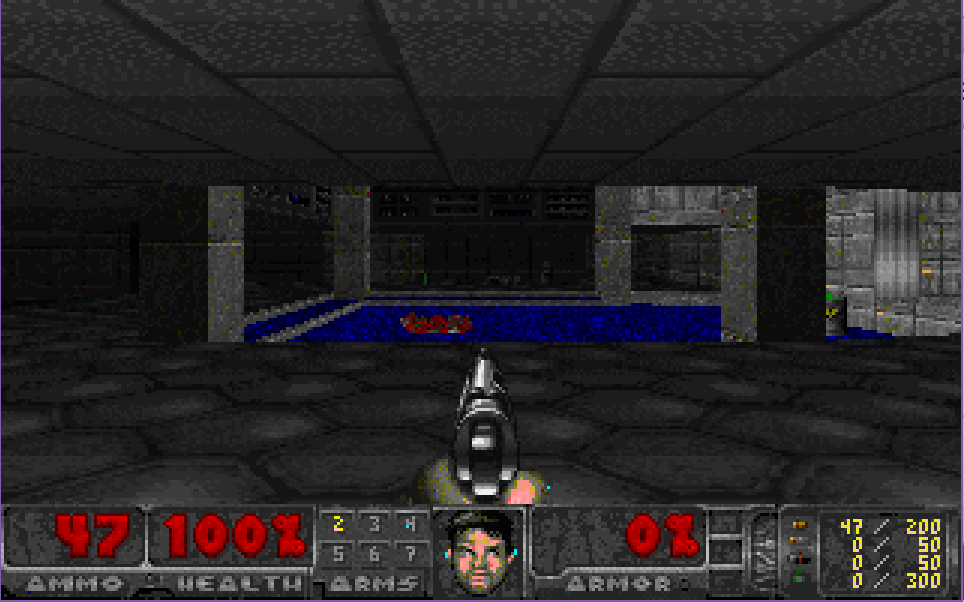
E1M1

So back in the distant past of 2015, John Romero had released a bunch of assets to DooM, including the source to the maps. And like a fool I never really did anything with them.  But I decided to do something about that.  Obviously just compiling a map isn’t anywhere near good enough, you need graphics, music and sound right?

Enter Freedoom

Now what is great is that the Feeedoom folks have had the whole ‘apple pie’ stance to their project, with everything included.  However they have drifted tools, build processes and other methodologies through the years. But thankfully the full archives are online, so I could go through and piece stuff together to my liking.  Of course this all needs various tools, and oh boy does it ever need tools.  You need:

  • Perl
  • Python
  • a C pre-processor
  • ImageMagick
  • idbsp10
  • deutex-4.4.902
  • midi3mus
  • sox-14.4.2
  • A Unix’y build environment, I used the ancient MSYS

And probably many more I’m forgetting.

The first was to compile the levels.  I used Ron Rossbach’s ancient IDBSP, a C port of iD’s command line Objective C level compiler.  I did run into two slight issues, the first is that Ron’s tool expects their to be a line in the level’s dwd file telling us the name of the wad it’ll compile to, which of course is missing.  The other is that I suck a makefiles, and just cheated forcing the tool to use a .wad extension on whatever .dwg it converts.  And with that out of the way, I had the levels all built.

However that is where I found out the hard way that Freedoom doesn’t target something like my goal of being able to run this wad with the original DooM v1.1 release.  The first problem is that Freedoom uses a different palette set, where it looks like it should be deeper?  I’m not sure, but one thing was for sure everything looked like a rainbow sea of wrong and any vanilla or chocolate engines.  And that is where I got a fun chance to play with ImageMagik.  It really is quite powerful.

The first problem of course is the palette.  Buried in the Python build scripts is a Perl fragment for generating a palette, and the all important playpal.lmp & colormap.lmp. I also got to spend a lot of time trying to extract that palette and do something useful with it to no avail.  But googling led me to VGA_palette_with_black_borders.png, on Wikipedia of all things. So using this as a base I could convert, dither, and re-map the higher color Freedoom artwork into something that would play nice with Vanilla Doom.  The downsite is that I didn’t try to find out exactly what assets a DooM version 1 wad needs, so I converted them all.  On a good Xeon or i7 it takes about 10-20 minutes all the images.  I can’t even think about how slow this would be using a 486, 68040 or MIPS.

ImageMagick-7.0.7-18-Q16/convert ../graphics_freedoom/wia00001.gif -dither Riemersma -remap ..\playpal\VGA_palette_with_black_borders.png wia00001.gif

Imagine running that some 1,558 times.

Vanilla DooM v1.1 only plays audio at 11,000 Hz, 8bit deep.  All the later ones needless to say use better sampling, and once more again Freedoom was at a higher level.  I used sox to re-sample all the audio into the lower frequencies.

sox “../sounds_freedoom/dsslop.wav” -b 8 -r 11025 -c 1 “dsslop.wav”

Later engines also are capable of directly playing MIDI files, and taking advantage of OPL3 chips, instead of v1.1’s OPL2 level. Thankfully Natt’s midi3mus is still online, and I was able to use this to convert Freedoom’s MIDI into the more restricted MUS format.

midi3mus ../musics_freedoom/d_map11.mid d_map11.mus

The last tool is deutex, which is not only capable of building iwads, but also decomposing them.  I ended up having to add the ‘musid’ flag to force it to honor the older sound format.

deutex -v0 -fullsnd -rate accept -rgb 0 255 255 -doom2 bootstrap/ -iwad -musid -textures -lumps -patch -flats -sounds -musics -graphics -sprites -levels -build wadinfo_ult.txt wads/doom.wad

But because I wanted to verify my build against DooM v1.1 I also had to address one other thing, which is the status bar for DooM version 1.1, which I had patched around in my lame source port. I was able to just decompose the shareware 1.0 wad, and extract the following:

  • stabarl.bmp
  • stabarr.bmp
  • starms.bmp
  • stbar.bmp
  • stmbarl.bmp
  • stmbarr.bmp

And injecting them into the final wad gives me something that the Vanilla DooM  v1.1 engine can actually run.

I’ll put up something online later, and a video of me playing, I guess.  It’s a weird Doom, I mean it is the “normal” DooM, just looks different.

As suggested it’s now called zeeDoom. I’ve uploaded the project, some of the 3rd party programs to build the project, and of course the built wad file.

Download zeeDoom

And as mentioned a play through E1M1 video.

Links 386 Pro

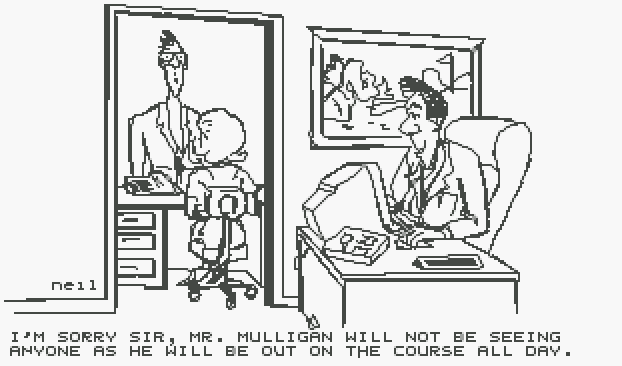
Out on the course

Links 386 is one of those programs that is very easy to love to hate.  It was 1992, and PC’s were mostly being used for business, and high powered 32-bit machines were still insanely expensive.  And then Links 386 happened.  Before there was DooM, Links 386 was the ‘must have’ executive ball clacking device.  And the specs that you needed to run this game were really over the top.  At it’s heart was the Phar Lap 386 Dos extender, along with the virtual memory module.. Which most people would have to rely on.  Links 386 really needs over 8MB of RAM to run.  Yes, that is correct, in 1992 you were recommended to get 8MB (which should have been about $400-800 USD) So you can golf at your desk.  But as the name implies you also needed a 386 classed computer, although ideally you would have one of those new 486’s!  Links 386 also pushed the edge by wanting a VESA capable SVGA card that could use mode 101, 103, or 105.  Although the higher resolutions modes just ended up with logos everywhere, it really didn’t take enough advantage of the higher resolution modes.

Another interesting thing is not only does Links 386 have sound drivers (which means you need a sound card!) but it’ll do voice through the AdLib card.  Also it has a driver model, the WLZ, which I don’t know if they ever published or if people wrote additional sound drivers.

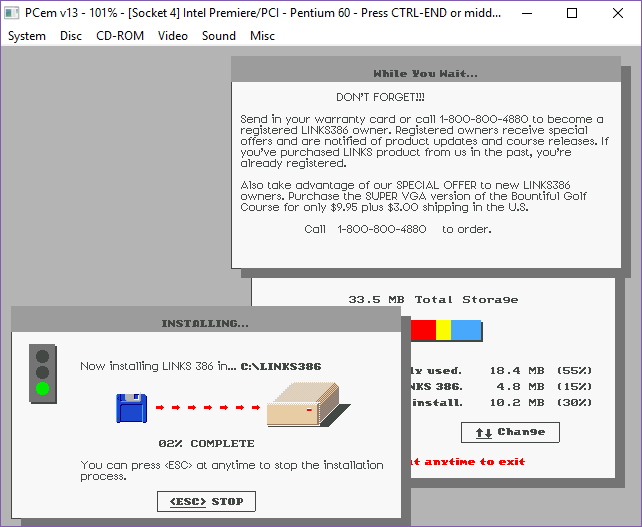
Links 386 installer

The installer is kind of cute, in that it’s flat shading is so old it’s now modern.  How’s that for crazy?

Installation is a snap, at only four diskettes.  They sold additional courses, and I only have one additional course, although oddly enough finding others online is pretty trivial.  However I had far less luck finding the program.  One nice tip to Infocom is that the courses include a score card, like the ones you would get on actual courses.  It really tied the package together.

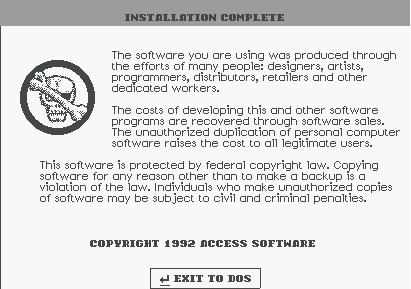
Don’t copy that floppy!

Although for me, I really bought it for the manual.

Pebble Beach

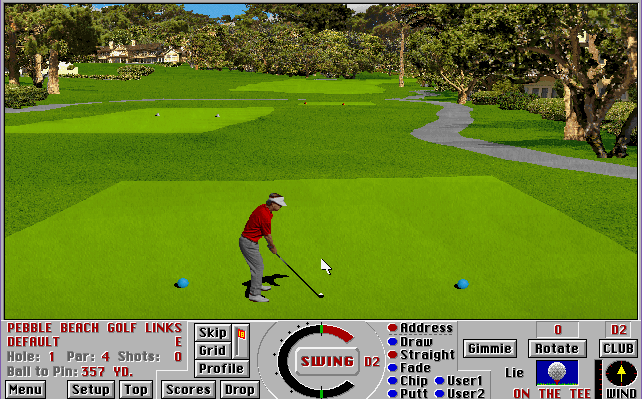
And I have to admit it, Access Software did a great job.  Even all these years later, it looks great.  But no doubt scaling and placing all the textures is SLOW.  Incredibly slow.

Back in the 90’s I had a lowly support job, and I’d get flown all over the country to help out with issues, and it’d never fail that the regional director would have ‘issues at home’ and amazingly they’d always ask about running Links 386 Pro.  No doubt a lot of people upgraded machines, and got to brag to their buddies on how fast Links would now load.  Running at actual 386 speeds will take nearly a minute to render the screen between shots.

The DOS Extender was forever very touchy.  It took a bit of work to get around it’s issues, with the continuous conflicts with TSR’s, drivers, sound cards, video cards.. It was a nightmare of compatibility issues.  Not to mention that although Phar Lap 4.1 was DPMI compatible, it really didn’t play that nice with OS/2 or Windows.  Microsoft would later come to the rescue for this costed gamer market in the form of buying Links away from Access software, and putting out Microsoft Golf.  And much like SimCity, being able to run this under Windows make it immensely popular in the workplace, as all you needed to find were Windows drivers for your hardware, which vendors did actually support, unlike games.

It’s amazing how companies like Phar Lap, or Rational never did try to make an actual gaming platform for their extenders, leaving it all up to individuals.  My older self says that Microsoft’s rise to prominence in the 90’s was mostly due to their competitors incompetence, rather than their brilliance.

Although DOS Extenders like Phar Lap have been around since the introduction of the 80386, Links 386 Pro is the oldest one I know of.  If you like programs that try their best to bend the limits of what you can or should do, certainly check out Links 386 Pro!

Source code to EXXOS / ERE Informatique Captain Blood not exactly released

It’s no secret that I always was fascinated with the 1988 game Captain Blood.  Last time I played it through was when I’d modified it to run with a virtual floppy drive on an Amiga 600.  While the game had been ported to numerous 8 bit and 16 bit platforms, it basically vanished into the haze that was French 80’s SciFi body horror.

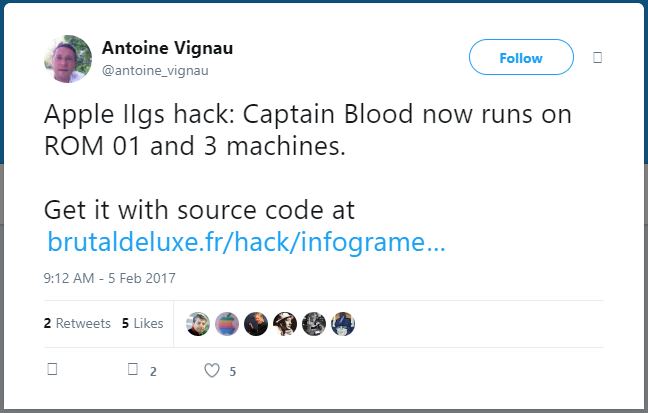
But then I saw this tweet:

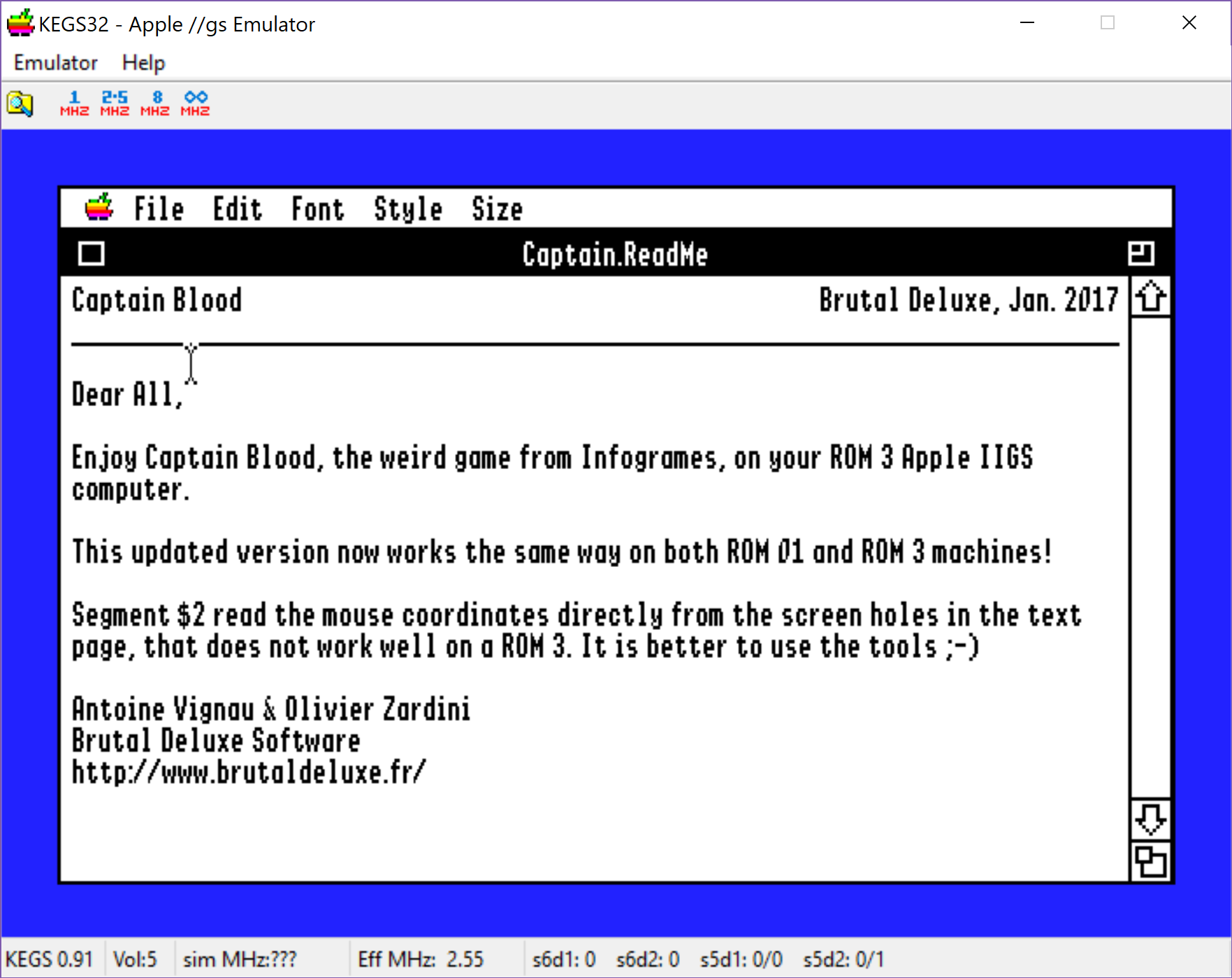
And sure enough I grabbed a copy of the IIGS emulator KEGS32, the ROM, an OS disk, and booted up System 6.0.1 after putting the OS disk into slot S7D1. I then mounted up the source code diskette found at brutaldeluxe.fr

Captain Blood source code release

Great right?

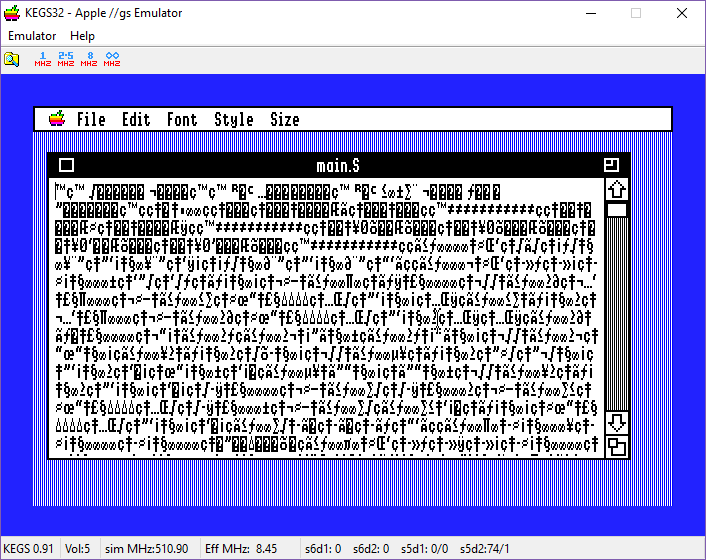
Well it’s a bunch of assembler files.  Ok, so when I try to open one from System 6.0.1 I get this:

Corruption

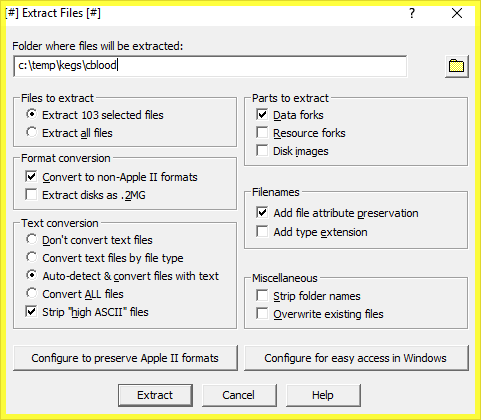
So not giving up just yet, I loaded up a program called CiderPress that can read the IIGS disk image files, and using that I was able to extract the source.

CiderPress extraction

And then I saw this gen scattered in the ASM files that were.. well honestly pretty bare of any comments.  Or sane labels.

TFBD generated externals

Which of course is the output from The Flaming Bird Disassembler, a product of Brutal Deluxe, aka where this ‘source’ came from.  Although apparently it can be re-assembled into a working executable, as Antoine had fixed it so the mouse used toolbox calls for the mouse for ROM 03.

I put the source code online in CVS.  Although I don’t think many people would care, as it’s reversed and VERY terse.

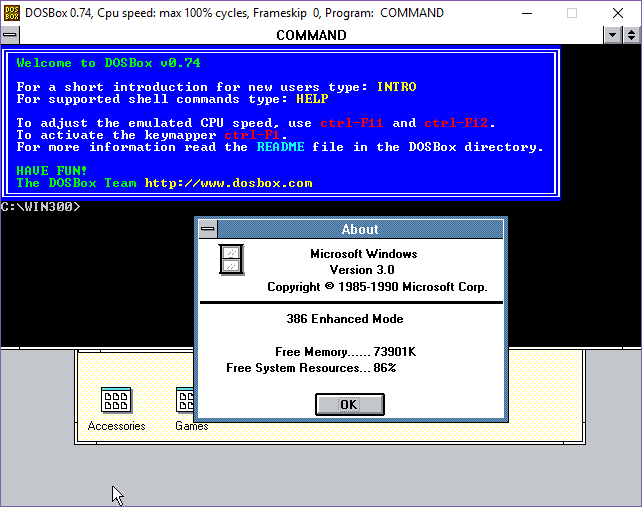
DOSBox 0.74 can run Windows 3.0/3.1 in 386 Enhanced mode!

DOSBox… in a box!

I don’t know why I never tried it before, but it actually works!  And it’ll even spawn out to a window two.  Although without share/record locking it’ll end up being a world of pain, I suspect.  Maybe vDOS/vDosPlus will work?  I know it’ll work fine if you boot MS-DOS inside of DOSBox, but for some reason I never actually tried to stress the v86 mode of DOSBox from within Windows.

Welcome to the uncanny valley

It’s that awkward time of the year when those of us that still have to work feel as if we really should be on vacation…  But here we are flipping your burgers and keeping the lights on.

Oh and I thought it’d be fun to do one last giveaway for the year.  And a good one too, DooM 3 BFG!

As always, I have 5 keys.  So to the first 5 people!

Calamus for Windows NT RISC

(This is a guest blog post by Antoni Sawicki aka Tenox)

A Christmas gift for those who run Windows NT on Alpha AXP, MIPS or PowerPC. The RISC versions of Windows are really lacking some good, high-end applications. Yes, there are utilities and games, Alpha even has Microsoft Word, Excel and Oracle DB, but apart from that, there just are no serious apps available.

Calamus is a professional DTP (Desktop Publishing) software. It has been actively developed by a German company Invers up until 2018. If you want to play around with the latest version you can download a 30 day trial and (at the time this article was written) even purchase the Lite version for 99 Euro on calamus.net. There are versions for Windows, Mac and Atari ST.

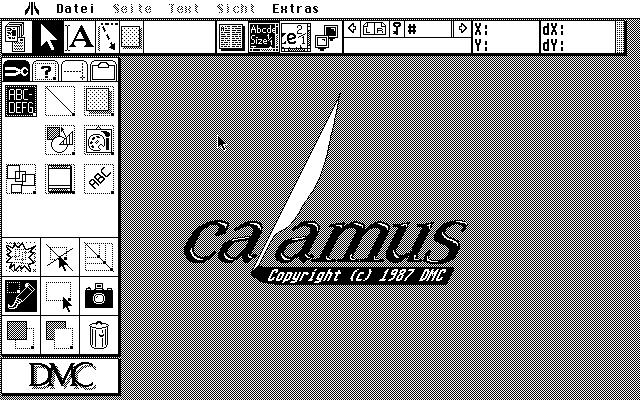
Atari ST ?! Well yes, the original Calamus was born some 30 years ago on Atari ST:

I had pleasure of using Calamus professionally on Atari for several years in early 90s. At that time 486 PC could max 64MB RAM and maybe 800×600 VGA. In contrast, a high-end Atari TT packed 256MB and true color 1280×1024 framebuffer. The memory and high resolution displays were desperately needed to process large images and complex page layouts. You can read more about my Atari TT restoration efforts.

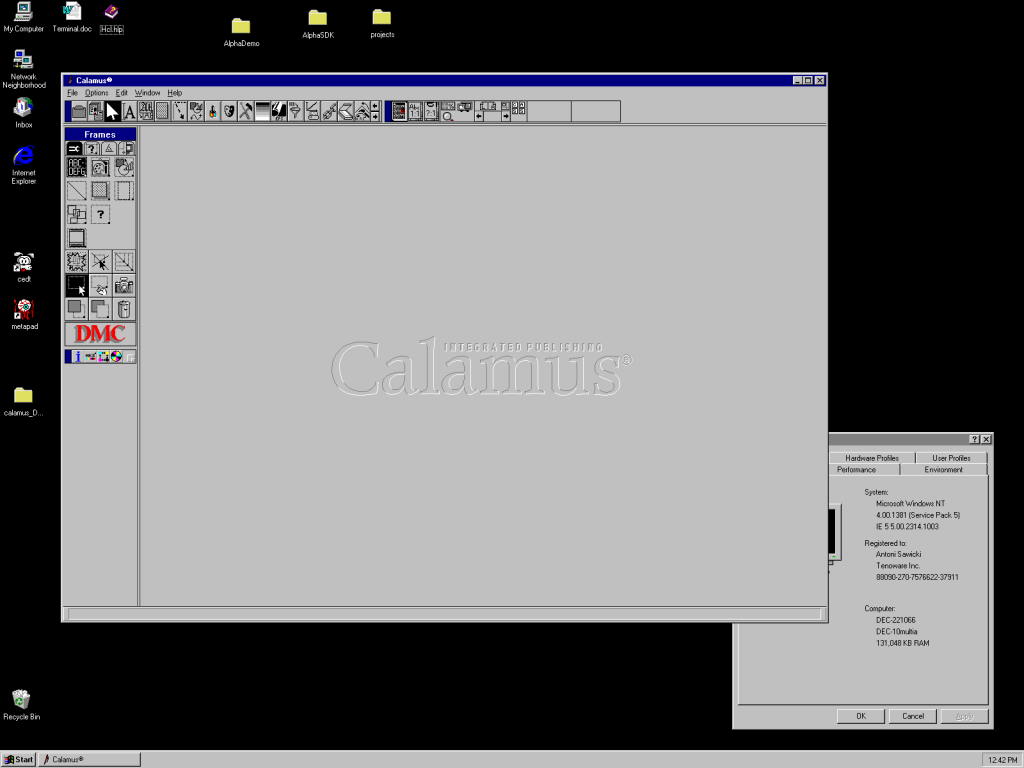
Calamus on Windows NT Alpha AXP

In the mid ’90s DMC decided to port Calamus to Windows NT to take advantage of the ultra high-end RISC hardware (compared to PC or Atari). At the time of the port, NT was actively supported on all RISC platforms, so thankfully Calamus has been compiled on all of the available architectures. Alpha version was probably the most popular choice for publishing companies as it was fastest and supported outrageous amounts of memory needed for these high res glossy magazine covers.

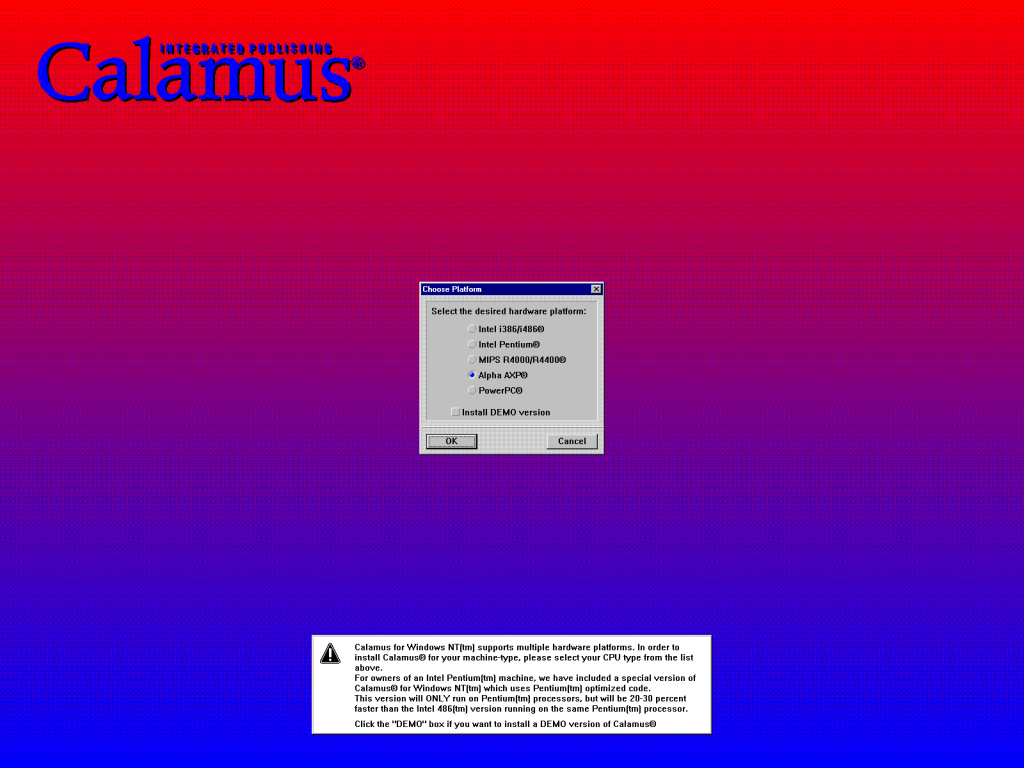
After literally decades of searching, I finally tracked down and secured a copy of Calamus NT with support for all the RISC CPUs! This is how it looks when you first install it:

Calamus NT Install Wizard

Interestingly there were separate builds for 386/486 and Pentium CPUs.

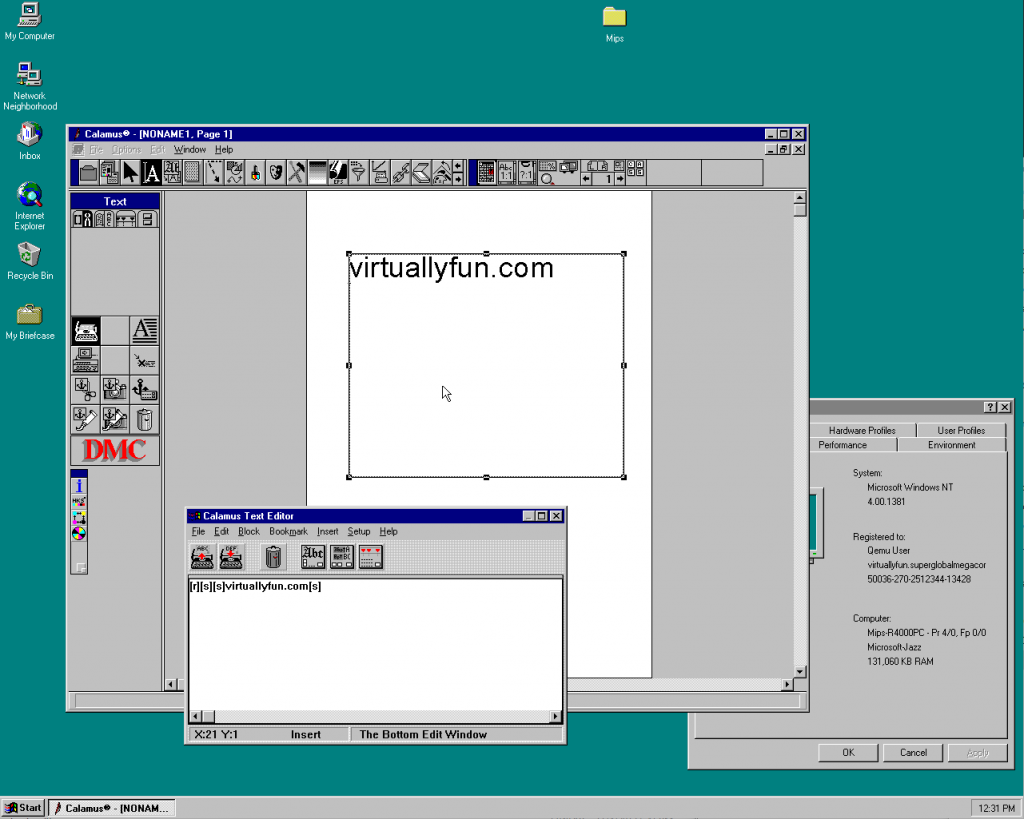
If you don’t have one of these machines you can still run Windows NT MIPS on Qemu:

Calamus on Windows NT MIPS under QEMU

And finally to the goods! You can get them in my my archive. If you just want to play with small demo without installing the whole app look in the demo folder.

As a closing comment I wanted to bring an interesting fact. The Calamus Windows NT port wasn’t really a full source code rewrite. This was deemed impossible due a large codebase size. Even that Calamus has 100% native Windows GUI and a lot of functionality has been rewritten, inside the software lives a small embedded Atari ST emulator that does on fly translation of some of the Atari/m68k ABI. You can read a bit about it here.

Commodore Programming Languages

While looking for nothing in particular, I came across Glenn Holmer’s excellent site which has an excellent collection of languages for the Commodore 8bit computers.

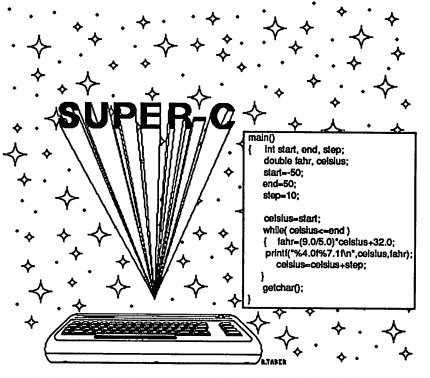
And among them was the first C compiler I’d ever owned, SUPER-C!

SUPER-C

Towards the end of the effective life of the Commodore 64, people started to dump expensive software on the cheap.  It was a great time to go to the World of Commodore, and see all the great vendors and wares.  And of course feel that ever pervasive shift to the Amiga.  It was where I picked up this fun little binder:

And what about programming in C?

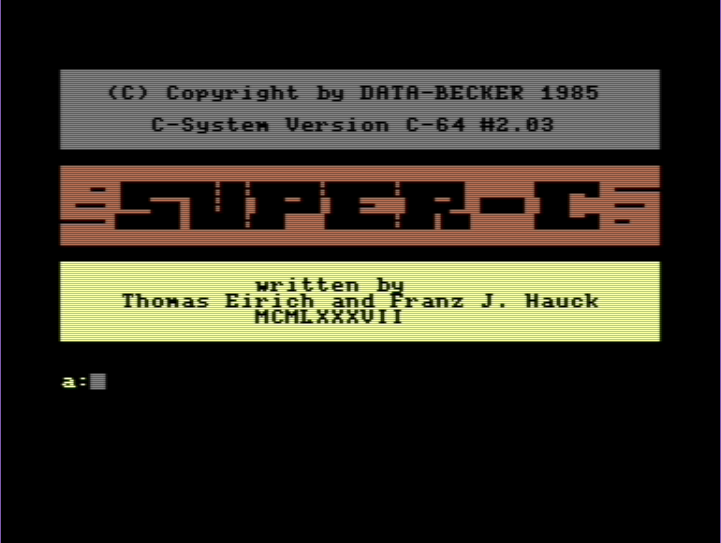
Super-C CCP

It boots up into a CP/M like environment, complete with drive letters.  You can write programs to either be loaded up from the BASIC ROM environment, or the CCP environment.  On the one hand it’s pretty cool, it includes a simple text editor, and the compiler and linker.  But one thing is for sure, using this with a single 1541 is incredibly slow.  The touted Commodore 128 version with REU support would have made it’s insanely slow speeds a little more tolerable.  That and having multiple machines would have been a must.

As interesting as it was to look at, if you really wanted to do anything with C on the Commodore 64, seriously use cc65. There is something to be said for using a cross compiler when you are running at GHZ vs the 6502’s 1Mhz.

OS/2 2.00 CGA on PCem v13

I don’t know why I did it, as honestly I didn’t like it on CGA back when it was a thing.  Also, thankfully the hard disk speed on PCem is way faster than the real thing.  And I’m not complaining.

Installing

Text mode is all the same setup wise, but on reboot the installer goes forward in glorious CGA ‘high res’ mode.  Which is pretty terrible.

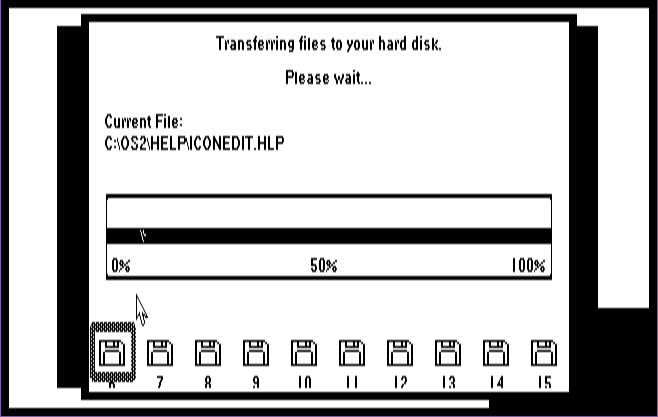
Welcome to OS/2!

Yuck.  I guess at the time I just felt lucky that I could at least run it.  Although once I got lucky enough to score an EGA card + monitor.  Anyways let’s continue the horror!

Command prompt

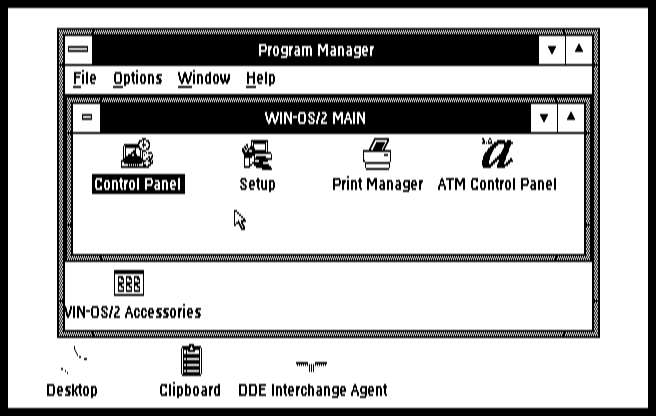
Yep, there is the desktop! .. barely.  The desktop constantly want’s to jump around which is annoying, just as command prompt’s cant decide if they should be black or white.  And the font’s get truncated.  It’s almost as if nobody cared about actually supporting CGA.  Which honestly I’m more surprised that it even made the cut.

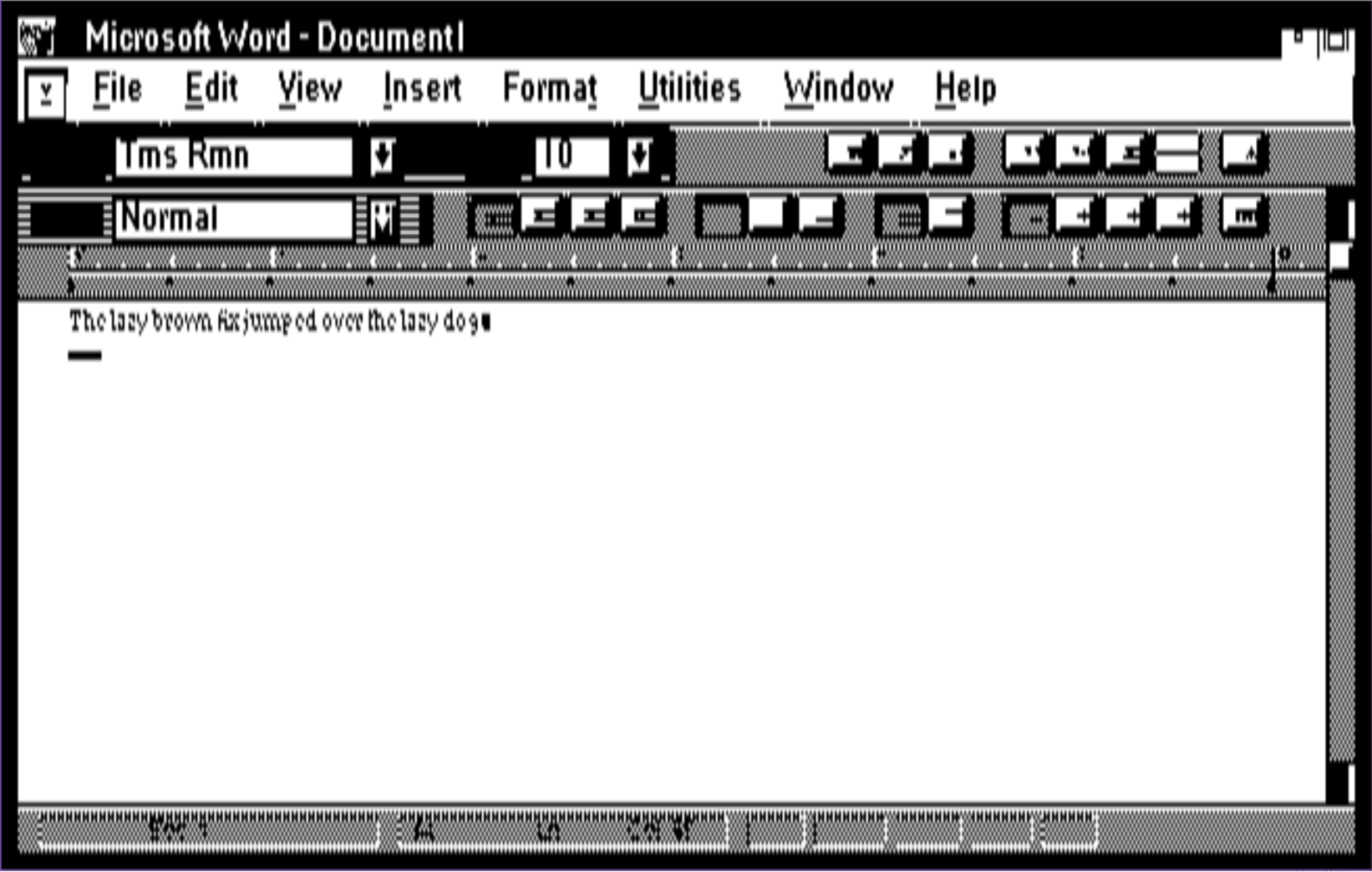
Word and the fox

Sure, I could have changed the default font, but why should I?  I know Word 1.1 is very primitive but wow.

To be fair, Windows in CGA is pretty terrible as well.

Could they make the title bar any larger?

Not to mention solitaire on both is nearly impossible between the lack of colour, and the lack of any high resolution.  I suppose the Wyse 700 display ought to be much nicer, if only they had gone through the hell of making OS/2 device drivers.

One neat ‘feature’ of PCem is that it’s CGA emulates the single ported memory, so that the card & host cannot properly share the video memory so for programs not watching the retrace line you get the snow effect. (here is a demo, GP-01 by Genesis Project with snow, and here without snow).

but of course in this day & age all of this really is moot.