One of those days….


I wonder if the NOVA's were that bad...?

I wonder if the NOVA’s were that bad…?

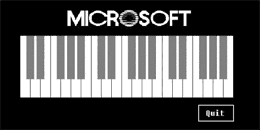
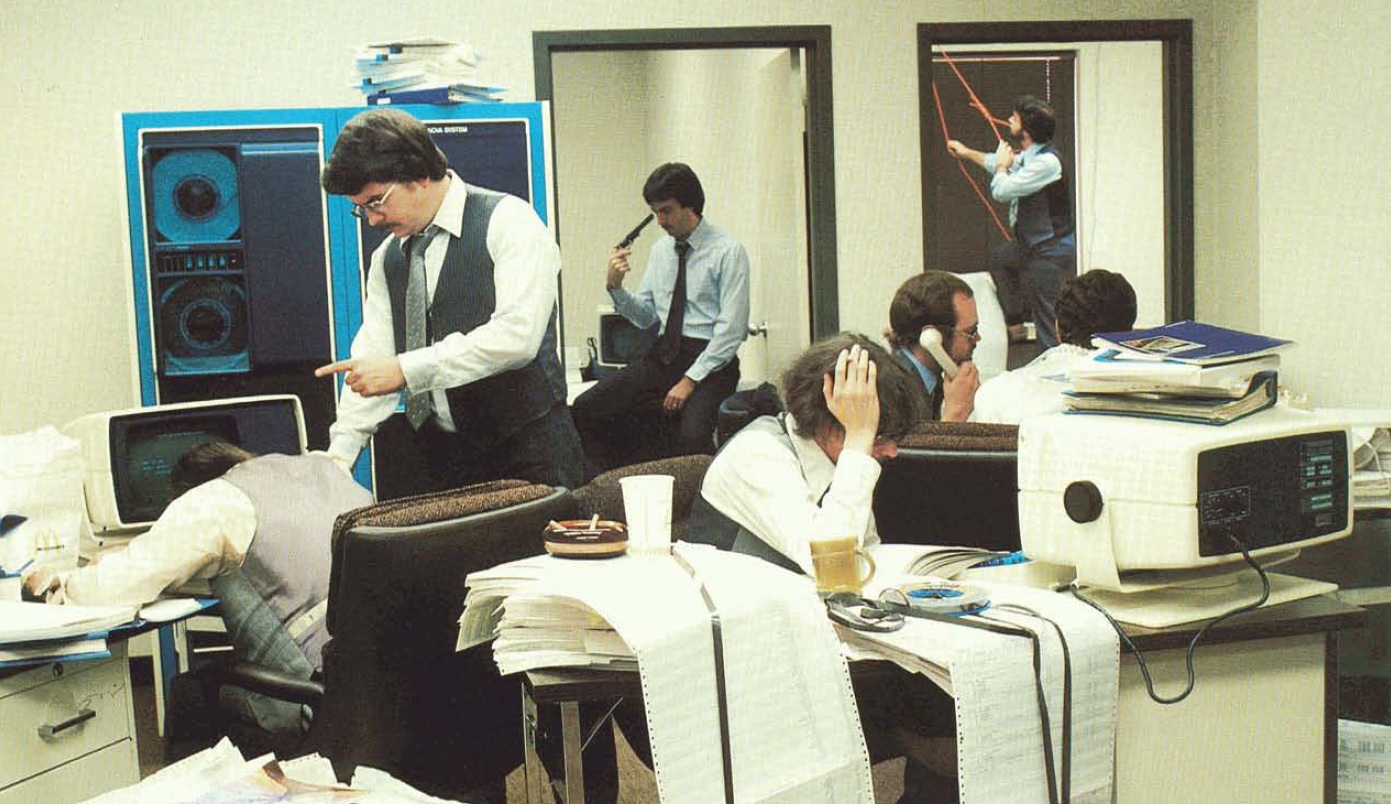
I came across this great picture from a brochure promoting an operating environment called Dimension for various NOVA machines, back in the 1970s.

And there is plenty more to be found in the Computer History Museum.

And speaking of the CHM, they have posted the source code for Quick Draw & MacPaint.

I haven’t even tried to see what is involved to build them, but I’m sure it’s good fun for someone out there.

I’m sure this is day late & dollar short, but I think it’s kinda interesting!

Pov-ray & Fortran

A long time ago, I had this 286 computer, and I thought it was so cool because I had a 287XL math co-processor. It basically was a 80387 math chip that was wedged to work on a 80286 computer. And it being the early 1990’s the one thing everyone loved to do was to show off rendering stuff.

I’ve long since lost all my stuff, but I do remember the ‘switch’ from DKBTrace to POV-Ray.

I did lament at the time that doing a good ‘quality’ render could take a week or more… And power in South Florida being a ‘best effort service’ wasn’t very forgiving for those of us on FPL. But it was still very neat and exciting for the time. OpenGL kind of killed that as now you could do ‘good enough’ stuff in realtime!

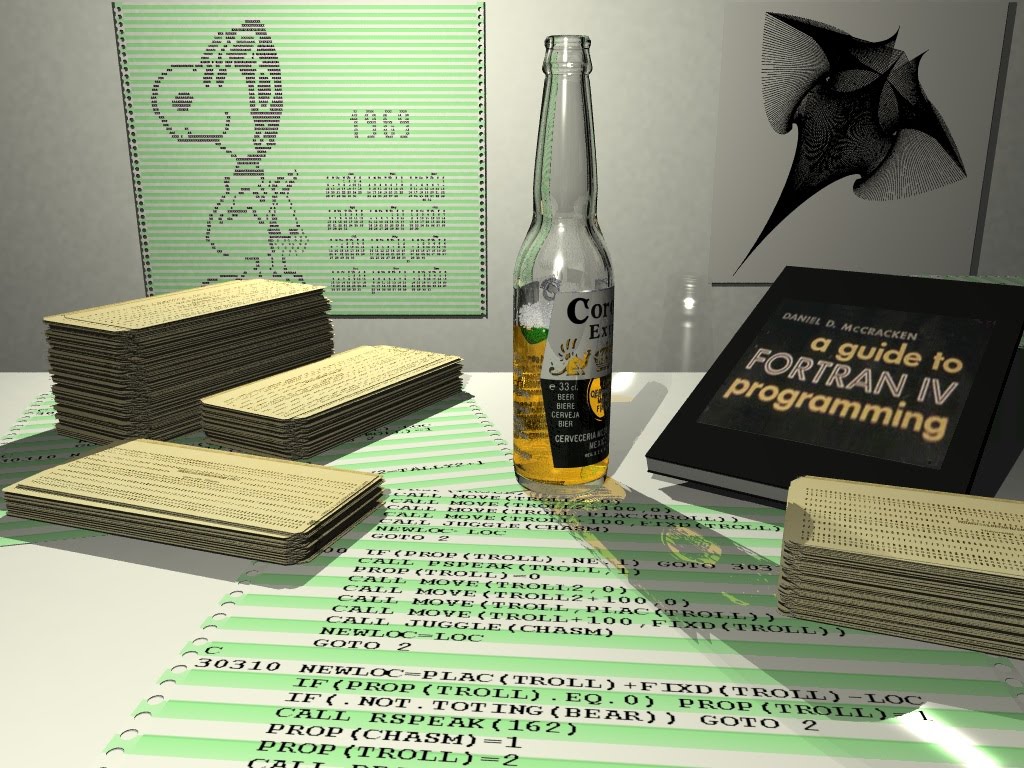
Anyways I was googling around checking out pageranks (I know so shameless) when I came across Kurt Bangert’s page, that included a POV-Ray scene with some fun filled Fortran stuff.

So after downloading the files, and the latest POV-Ray (3.7), and fixing a trivial line I was able to render the above picture in 16 minutes!!

I figured by now POV-Ray could support SMP, and found the new beta version, that supports SMP! So on my HP laptop with 4 cores, and hyperthreading enabled, I was able to render the scene in 1.5 minutes in 1024×768 resolution!!

The Fortran printout is the ‘adventure’ cave game, along with another variation of the snoopy Fortran calendar.

Microsoft Interface Manager

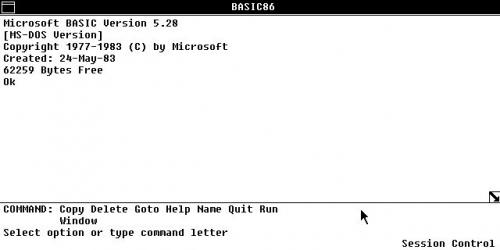
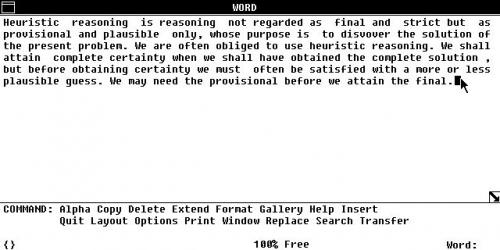
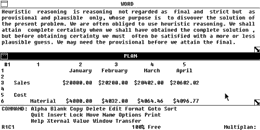
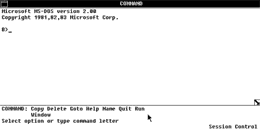
A friend pointed me to this site, as it has pictures of the 1983 Comdex version of Microsoft Interface Manager… This was the start of all things Windows.

Now “oscollect.ru” is Russian, and I figured I’d provide a mechanical translation (google) of the page for anyone that wants to at least experience a little of the magic that was MIM.

Microsoft Interface Manager
Internal Release 3

Develop graphics engine, known as Interface Manager, started in 1983. Microsoft was first shown at the exhibition Comdex’83, where and preserved its screenshots. According to foreign colleagues, given shots – a restored image from photographs. In 1984, Interface Manager has been renamed in Windows.

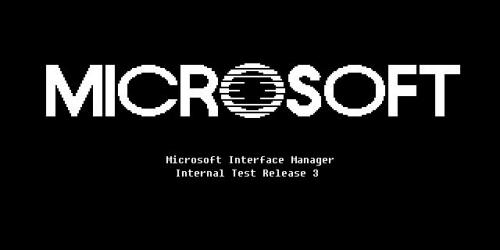
Boot Screen

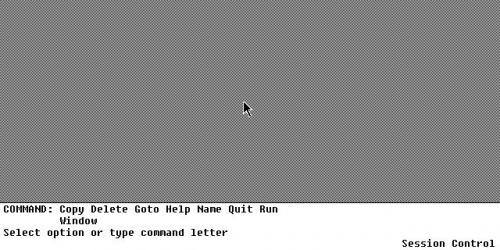
First Start
As can be seen in the photograph, design and concept of Interface Manager is very different from that seen in the first versions of Windows. The screen is divided into two parts: the panel available at this time teams, and the “working area” where windows are placed open applications.

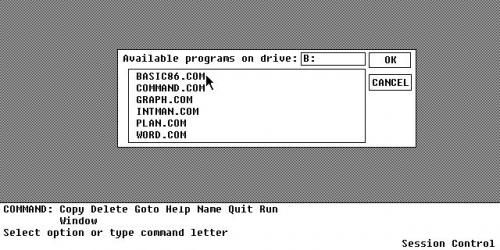
Programs

Basic

Word Processor (Microsoft Word)

When you start a text editor set of commands on the toolbar at the bottom has changed, ie Apparently, there appear general commands, or commands for the currently active window.


Just can not help noticing that quite diverse controls window. In the upper right corner there’s a icon in a folder, for what he says I do not know exactly, but perhaps this is the system menu.

Command Line
 

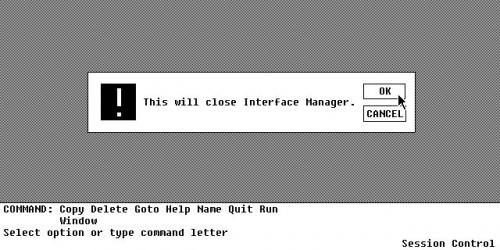
Shutdown
And that’s about it. Again, I just found these images on oscollect.ru, I did not install this, I don’t have any disks, I don’t know if this release even worked, or if these are even forged screenshots……

But I do think it’s very interesting that even back in 1983, The whole menu and ‘run’ commands at the bottom of the screen were there….

Duke 3d & the Build engine

Well I was looking at some stuff on old games, and naturally everyone always did love Duke Nukem 3D!

Now what is really cool, is that that the guy behind the build engine, Ken Silverman released the source to the ‘build’ engine, but also some of the builds of build as it progressed.

Ken is a big fan of QuickBasic, so to compile his earliest version, you’ll need QuickBasic 4.5, or the QBasic that came with MS-DOS 5.0 and above.

Download picrot4.bas, and run it through basic, and you’ll get this:
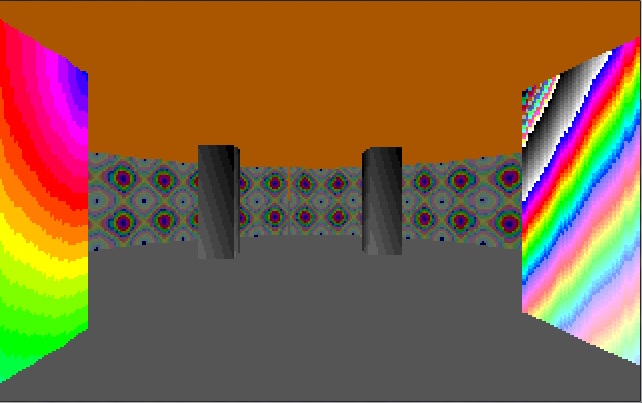
Qbasic 'Build'

Qbasic ‘Build’

Under some emulators (Virtual PC) you’ll get a corrupted screen at first, hit any of the arrow keys, and it’ll redraw the screen into what it should look like. Considering the 8kb of basic code includes the engine, and the map it’s pretty snazzy!

You can find the timeline, and other versions of the build engine as it progressed on Ken’s web page.

As the engine improved, and was ported into C, it only got better! Then it was sold and licensed out, which gave rise to great games like 3D Realms Duke Nukem!
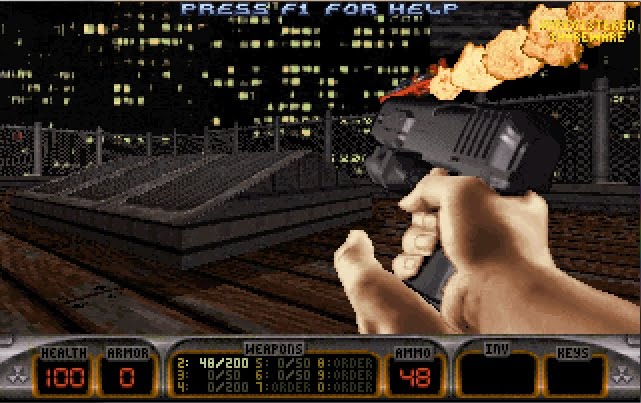
Notice the similarities?

Notice the similarities?

After the build engine went open, 3D realms followed up, in releasing their extensive modifications to build which can be found here.

In the off chance you don’t have the game, you can still get the shareware version of it from 3D Realms here, and of course the full version on Good Old Games for $5.99 USD.

With the release of Build & Duke 3D, it’s only natural that they shed their humble MS-DOS beginnings and found their way onto Windows as full Win32 applications taking advantage of the hardware. Thanks to the work of Ken & Jonathon. You can find the results on Jonathon Fowler’s page here.

I suppose later I’ll have to see if it’ll build with the win64 tools… It’s be neat for a 64bit version of Duke!

Microsoft Word 2007/2010

I just found out about this….. For those of us OLD people, we saw the new version of Office and said…

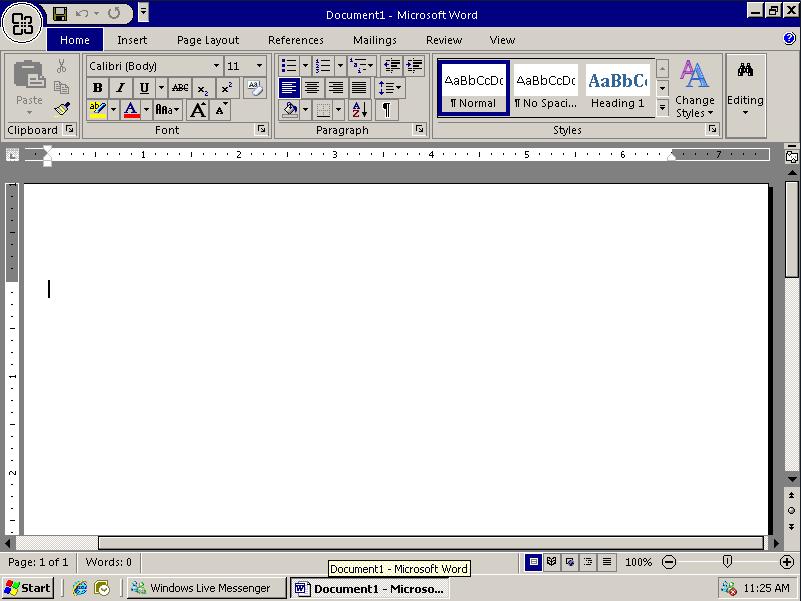
Dude, where is my screen??

Dude, where is my screen??

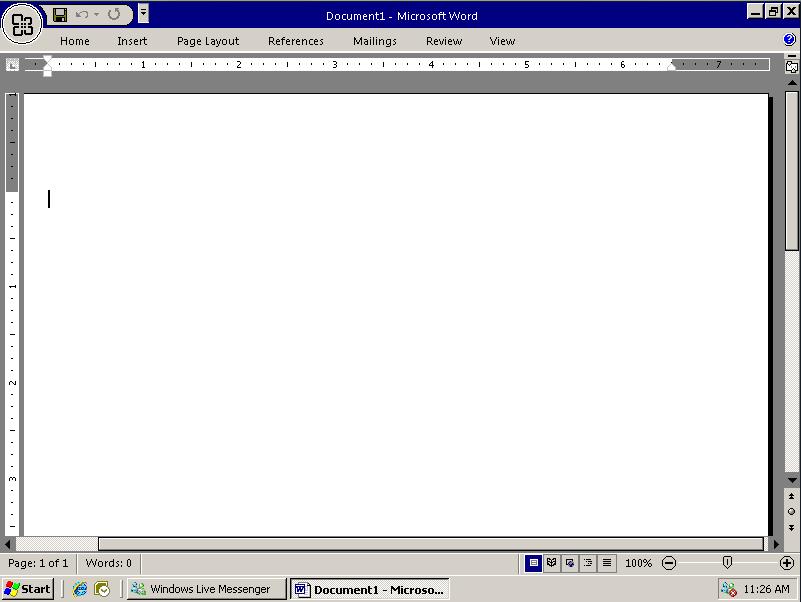
But I just found out on TWiT that by simply hitting CTRL+F1 you can get rid of that ribbon that blocks 1/3rd of your visible screen area…!

Nice clean screen!

Nice clean screen!

There isn’t that great! The ribbon is out of the way! Now you can see what the hell you are doing. Honestly why is this stuff hidden? Or is it the death of printed documentation that leads to this stuff. Then again MS Word 2.0 installs in under 15MB. lol

Serweb 0.3

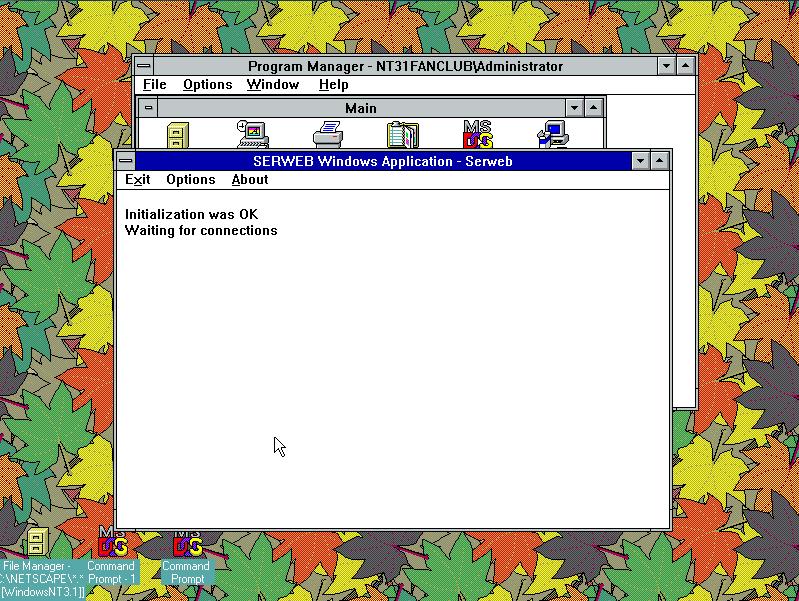
So a while back when I installed a copy of Windows NT 3.1, and put it on the internet, I looked high and low for a web server. Somehow I found this small web server, Serweb by Gus Estrella, which seemed to fit the bill. However one thing that I did notice after a while is that it had a tendency to crash, and it’d require manual intervention to hit an ‘ok’ dialog box. The other stumbling block, was that it was a Win16 application, and Windows NT 3.1 only supports a single WOW instance…. So running Serweb and Netscape always led to issues…

Then the other day, I actually found the source code to serweb! So the first thing I did was to remove the message box function that was preventing me from letting this thing ‘just run’. Well that was cool, but I wondered if this thing was from 1993, meaning it’s MFC dependencies shouldn’t be that involved it may even port to a Win32 application.

So with a few tweaks, mostly in the resource scripts, I was able to rebuild serweb as a win32 application! For the 2-3 people who care about this kind of thing, you can download it here.

I would suspect it’d run on the Dec Alpha or the MIPS, but I haven’t even tried to build it there, as I run NT 4.0 on both of those platforms, and I end up using the IIS that is available.

Serweb 0.3 on WindowsNT 3.1

Serweb 0.3 on WindowsNT 3.1

I do have to admit, I’m kinda surprised that Visual C++ 1.0 for Win32 could handle this… I’ve had pretty mixed results with it, but oddly enough converting a MFC Win16 to a Win32 MFC app seemed somewhat straight forward. It’s probably more so to Gus Estrella’s work then anything I did…!

Some Java & Javascript

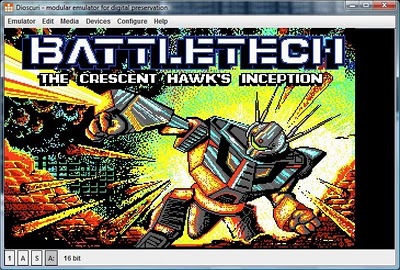
Well I found this program, Dioscuri quite interesting… It’s a PC emulator written in JAVA!

It’s very interesting in how it’s trying to be accurate hardware wise, although holding down keys tends to cause it to crash…. 😐

Maybe a later version will work, but for what it’s worth, here is the title screen from Battle Tech.

battletech

The best game of 1988!

Naturally, any machine with a good JVM ought to be able to run this… But I’ve always found Java to be such a moving target….

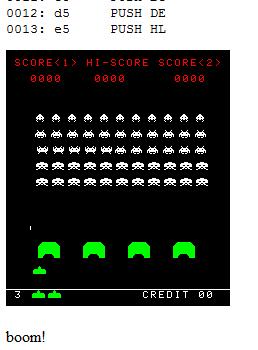
Another thing I came across was this fantastic i8080 emulator coded in javascript. And it’s setup to play space invaders!

On Chrome, or Firefox it should perform at a reasonable rate. Internet explorer users are in the cold, as IE doesn’t have a javascript canvas. Sorry. But here is what you are missing out on.

javascript space invaders

Complete with i8080 emulator in Javascirpt!


This is some really neat stuff (to me) anyways.

MS-DOS Player…

You’ll probably need to run this through translate.google.com, this this site, by Takeda Toshiya, has this nifty utility that’ll run some MS-DOS programs at the command prompt from Windows x64!

It’s best geared towards command line utilities, but it seems to work fine for little (old) stuff.. nothing too fancy though the CPU core is taken from MAME’s i86 (which looks heavily influenced from pcemu).

Today is a slow internet day.

IBM 370 emulation on MS-DOS!

Where there is some flap going on in the Hercules mainframe emulation package, which caught my eye… I was wondering what other mainframe emulators are out there for the PC?

Sadly the answer is not a heck of a lot… There is sim390, which is geared to running the MUSIC/SP operating system, however the author died a few years ago, and it seems that there will not be any more releases, nor any source release.

There is also this old program, PC/370. And it provides an environment much like DOSBox, in that it traps and emulates MVS OS calls, and executes mainframe code on your PC!

PC/370 is old though, the last version was released around 1988! However it’ll run on dosbox just fine, and FAST too! I was clocking over 6million operations a second on one of the benchmarks!

While also looking around at PC/370, I came across this site, which includes a full PDF copy of the book “Mainframe Assembler Programming”. Special thanks goes to Bill Qualls for making this great resource available!

A special note, if you try to unzip the pc370.zip file, it’s so old that there is some encoding method not 100% supported by a bunch of modern unzip programs.. You may need to unzip with real pkzip.

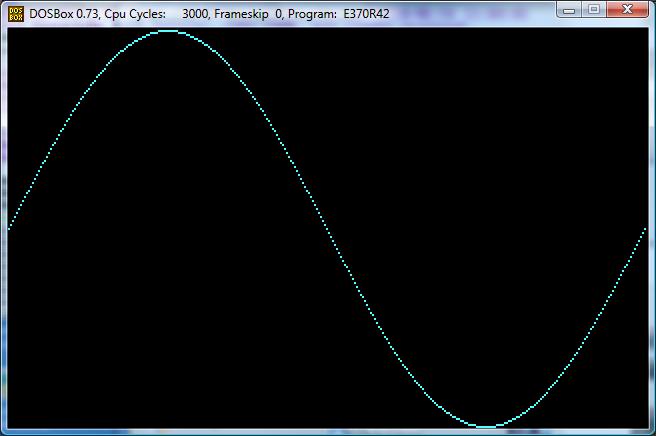
A neat feature of PC/370 is that you can use the PC graphic modes… like the simple demo plot XY…

PC/370 plot XY

PC/370 plot XY

Anyways, that’s about it!