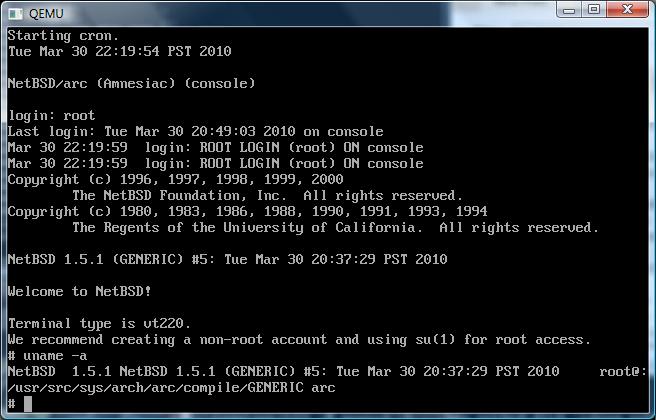
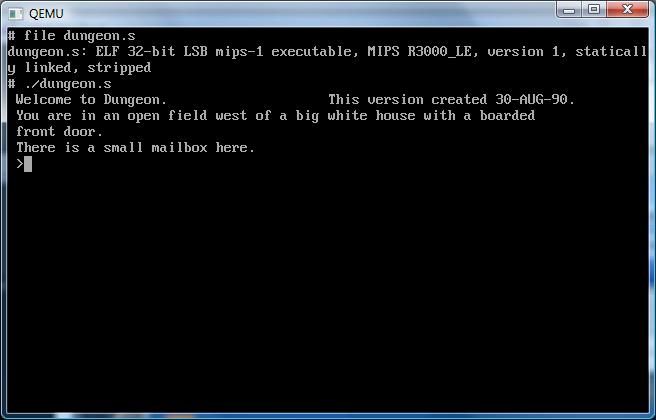
Wow, so I was about to post this when I check to see how many posts I’ve done, and this will put me at 200.
It’s hard to believe it all started out on running Netware 3.12 on Qemu 0.9.0.
Ok, now let’s get on with today’s fun.
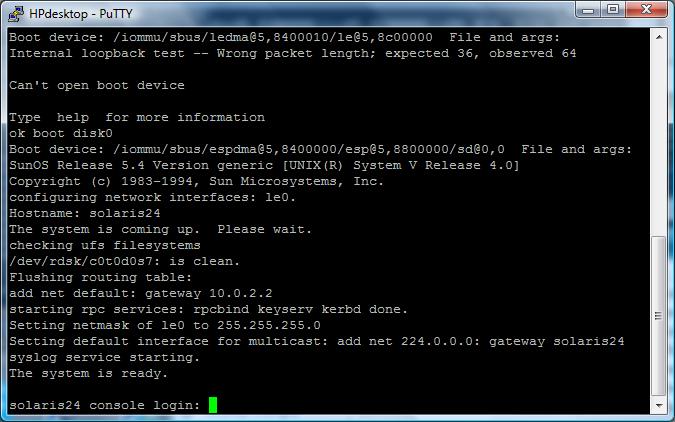
I’ve recently managed to get Solaris 2.4 running on Qemu, and it’s been all great, but I’d love to build some programs for it! Now there are binary builds of GCC for Solaris 2.4, but they are about 17MB compressed, and I think it was about 80 uncompressed!
Well that sounds great, except for 2 major limitations:
1. For some reason Solaris doesn’t want to mount any ISO I give it… I’m still kind of lost there.
2. The only networking I can get working is the usermode NAT, and Solaris 2.4’s ftp client/server is just too old for passive mode.
So what the heck can I do?
Well back in college we had this RS/6000 that was cool, *BUT* for some reason I don’t recall it couldn’t build and use mtools (among other things) but from what we had heard is that if we had gcc, it’d run fine. Except without a working C compiler, how does one get GCC running on a RISC machine?
Well, thanks to the fine people that maintain GNAT, the GNU ADA translator, they provide some ready to run versions of GCC. Well not to complain but as the years drag on, lots of mirrors are gone, and there are only a handful of copies left, but they currently have:
*Dec Alpha OSF4
*HP HPPA HPUX 10.20
*i386 Solaris 2.6
*SUN Sparc Solaris 2.5.1
*IBM PowerPC AIX 4.1
And let me tell you, if you were ever given any of the above machines, you’ll be so grateful for this massive leg-up! Now these are *NOT* full development systems, as they are geared towards translation, they are lacking the libc/include files. You’ll have to source those from somewhere, but thankfully as part of the Solaris install there is an option for headers and libraries.
So, while this is all very good, how do you get this stuff to run on your SPARC?
Well.. It’s tedious! but this method is what I used to get gcc running on the RS/6000 years ago, and on the sparc. Unpack that GNAT distribution, then use uuencode/uudecode on the minimal files.. Then paste them into a console window and be sure to have turned messages off!… It’s not “sexy” but it works!
Naturally since there is no gzip for Solaris (you’d have to send one over first!) don’t bother compressing anything with gzip/bzip2… although you could us the old unix compress command, which is what I ended up doing.
So at a minimum the following files are needed to build some programs…
cc1 crt1.o crtend.o crtn.o libgcc.a
cpp crtbegin.o crti.o gcc
Yes, really!
# cat one.c
#include <stdio.h>
void main(void)
{
printf(“hi\n”);
}
# gcc -v one.c -o one
Using builtin specs.
gcc version 2.8.1
cpp -lang-c -v -undef -D__GNUC__=2 -D__GNUC_MINOR__=8 -Dsparc -Dsun -Dunix -D__svr4__ -D__SVR4 -D__sparc__ -D__sun__ -D__unix__ -D__svr4__ -D__SVR4 -D__sparc -D__sun -D__unix -Asystem(unix) -Asystem(svr4) -D__GCC_NEW_VARARGS__ -Acpu(sparc)
-Amachine(sparc) one.c /var/tmp/cca000KP.i
GNU CPP version 2.8.1 (sparc)
#include “…” search starts here:
#include <s…> search starts here:
/usr/include
End of search list.
cc1 /var/tmp/cca000KP.i -quiet -dumpbase one.c -version -o /var/tmp/cca000KP.s
GNU C version 2.8.1 (sparc-sun-solaris2.5.1) compiled by GNU C version 2.8.1.
one.c: In function `main’:
one.c:4: warning: return type of `main’ is not `int’
/usr/ccs/bin/as -V -Qy -s -o /var/tmp/cca000KP1.o /var/tmp/cca000KP.s
/usr/ccs/bin/as: SC3.1 dev 09 May 1994
/usr/ccs/bin/ld -V -Y P,/usr/ccs/lib:/usr/lib -Qy -o one /lib/crt1.o /lib/crti.o /usr/ccs/lib/values-Xa.o /lib/crtbegin.o -L/usr/ccs/bin -L/usr/ccs/lib /var/tmp/cca000KP1.o -lgcc -lc -lgcc /lib/crtend.o /lib/crtn.o
ld: Software Generation Utilities (SGU) SunOS/ELF (LK-1.4 (S/I))
# ./one
hi
#
After an hour of struggling with uuencode, and pasting the results with putty into Qemu running Solaris 2.4 I’ve managed to cook up the following programs:
gzip-1.24
httpd-0.5
ircII-4.4
lynx-2.8.2
make-3.75
unzip-5.52
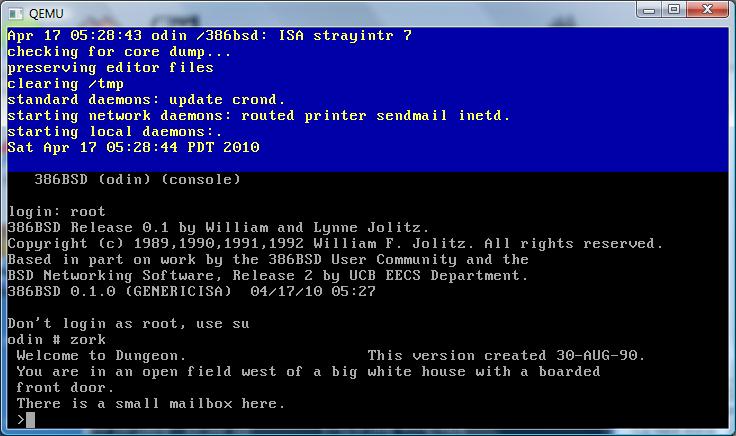
And I’ve got to admit, that using lynx to download new stuff is a VAST improvement! So for the hell of it, I went ahead and built my favorite f2c/libf2c & dungeon-2.5.6!
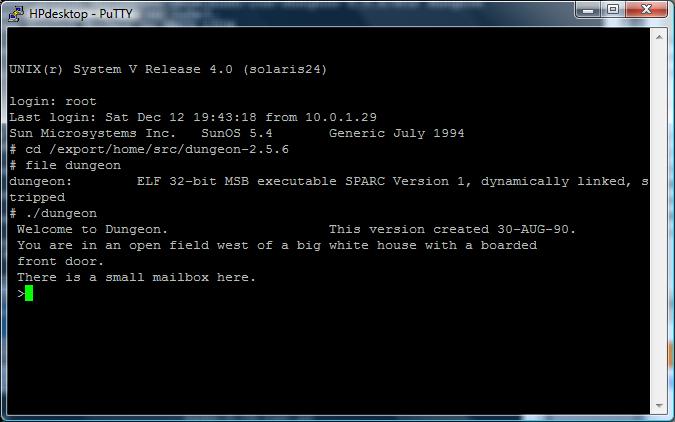
So there it is, Dungeon in all of its “glory”.
Now one important ‘tip’ to share, is that if you follow this path, it’s possible to run into some weird vararg issues… The problem is that gcc works better with it’s own headers for varargs, not any OS version… Everyone recommends you build GCC on your machine yourself to get all the headers in place. The GNAT packages do include the needed vararg stuff, you can simply change the lines that use something like this:
#include <varargs.h>
to
#include “/tmp/gnu/varargs.h”
And life will be good.. That’s basically what I was needing to get lynx to run.
Well, that’s the end of this adventure, hope to post at least another 200 more!