More failure on the Netware front….

Years ago Netware sold these 4.1 dev kits on the cheap, and I picked one up in College. Back then the selling point was that along with Watcom you could actually run Netware 4.1 along with OS/2, and do all the dev loading on the same machine!

What a time saver, not to mention you could simulate a LAN on the same PC as each MS-DOS VM could have it’s own virtual NIC and each VM could login independently.

Anyways, I thought I’d go ahead and give this thing a shot, since I haven’t run this in a while, so I installed OS/2 2.11 on Qemu 0.14.0, and … got this.

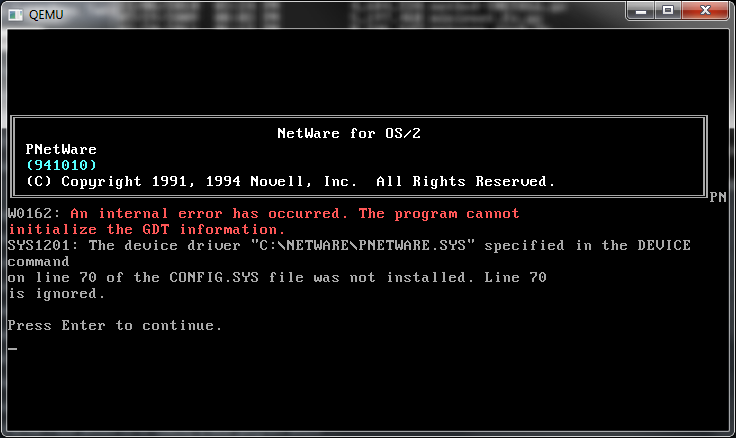
Qemu 0.14.0 OS/2 and Netware crash

Qemu 0.14.0 OS/2 and Netware crash

PNW0162: An internal error has occurred. The program cannot initialize the GDT information.

Which of course is the Global Descriptor Table, and I don’t know why it can’t play with it… Qemu limitation? OS/2?

Anyways afterwards, I get this.

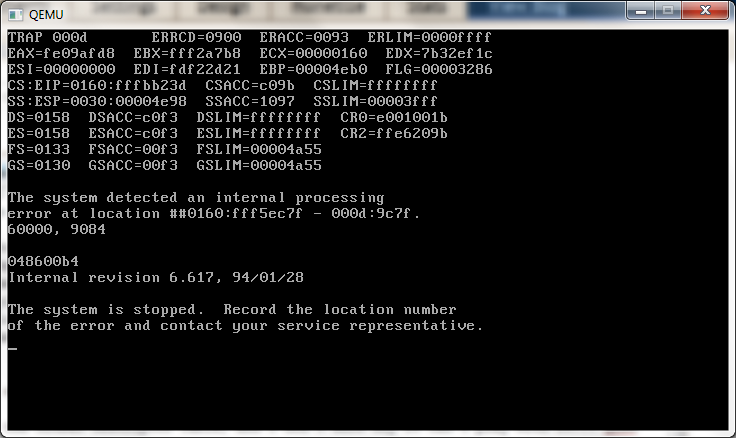
Qemu 0.14.0 OS/2 and Netware trap

Qemu 0.14.0 OS/2 and Netware trap

Trap 000d

And you thought Windows NT blue screen of death was impossible to read…

Revisiting Netware 3.12

I know this is one of the really ‘hot issue’ things out there. Sadly the thing is that Qemu ran Netware 3.12 back in the 0.90 release, but not any release since then has been able to run it.

And after testing Netware 4.1 & 4.11 they too only run acceptably under Qemu 0.90

Otherwise on the newer versions, I get nothing but disk errors, even trying to used some 3rd party updated IDE drivers, it still does not work.

It’s very perplexing, and at the same point I know it’s not a burning priority for the Qemu team….

Proxmox/VE gets much further but ultimately I couldn’t get it all working…

Apparently it’ll run on VMWare, more information here.

One thing is for sure, Netware 3.12 and it’s “patching” system is a major nightmare.

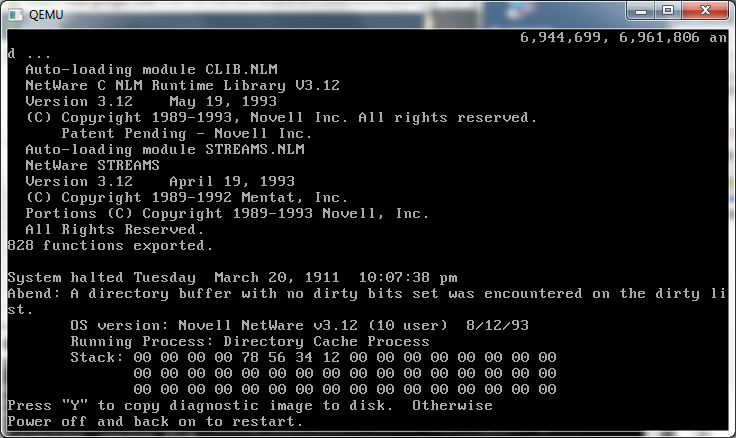
Any Qemu higher then 0.9.0 gives this error….

“Abend: A directory buffer with no dirty bits set was encountered on the dirty list”

qemu 0.14.0 netware abend

qemu 0.14.0 netware abend

While there is the ‘scsi option’ for Qemu 0.12 and higher, you’ll need a BIOS… However for 3.12 it hinges on the DOS driver, which when loaded… crashes out Qemu.

Qemu and 64bit windows…

It’s been a while since I’ve tried to run some 64bit versions of windows so I downloaded some from MSDN, and tried to run some under the latest 0.14.0 build

First up is Windows XP x64 sp2 (en_win_xp_pro_x64_with_sp2_vl_x13-41611.iso)

I launched it like this:

qemu-system-x86_64.exe -m 1024 -hda six64.disk -L pc-bios -cdrom en_win_xp_pro_x64_with_sp2_vl_x13-41611.iso

And the bootloader loads up, but it hangs transitioning to the kernel. Nothing is logged to the serial port.

qemu 0.14.0 windows xp sp6 x64

Next up is Windows 2003 server, with no service pack.

I’m loading up Qemu like this:

qemu-system-x86_64.exe -m 1024 -hda six64.disk -L pc-bios -cdrom \install\en_ws_2003_std_x64_vl.iso

And again being met with a hung state booting the kernel.

qemu 0.14.0 windows 2003 x64

I guess this isn’t surprising as booth 2003 & XP x86_64 both use the same kernel.

Next up, I thought I’d try a longhorn beta…

qemu-system-x86_64.exe -m 1024 -hda six64.disk -L pc-bios -cdrom longhorn-some-random-beta-x86_64.iso

qemu 0.14.0 longhorn 3016

And I get a nice black screen, again transitioning to the kernel…

So let’s try Windows 2008r2 (It’s the same thing as Windows 7).

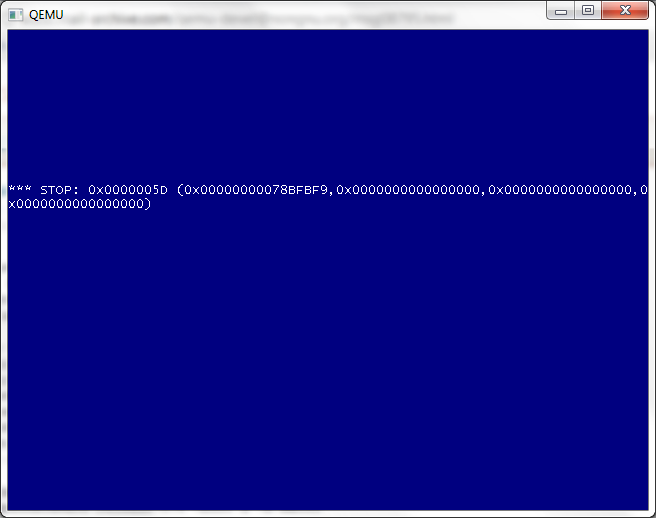
qemu 0.14.0 windows 2008 r2 x86_64 crash

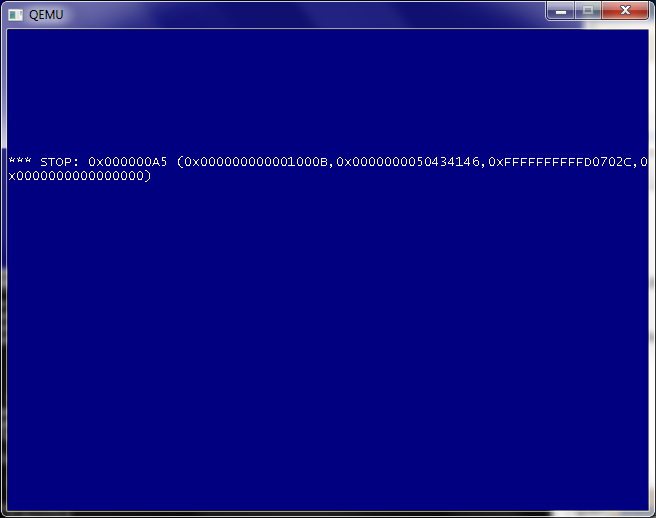
So this is different, so googling around for the Stop: 0x0000005D (0x0000000078BFBF9,0x0000000000000000,0x0000000000000000,0x0000000000000000 code, led me to some config file for the x86_64 for additional CPU types. It appears that in the arch_init.c file I modified the following line:

const char arch_config_name[] = CONFIG_QEMU_CONFDIR “/target-” TARGET_ARCH “.conf”;

Into:

const char arch_config_name[] = “./target-” TARGET_ARCH “.conf”;

So that way I could pick up the ” -cpu Nehalem ” flag. Sadly it produced…

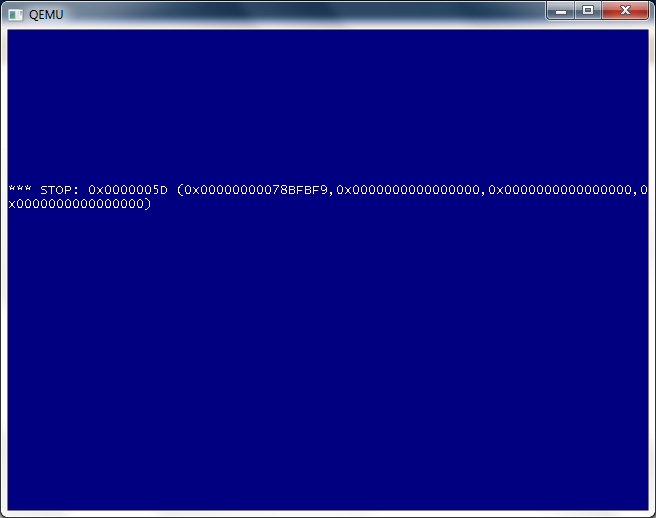
qemu 0.14.0 windows 2008 r2 x86_64 crash nehelam

Bummer.

Meanwhile, much like Novell Netware, it really only works on Qemu 0.9.0

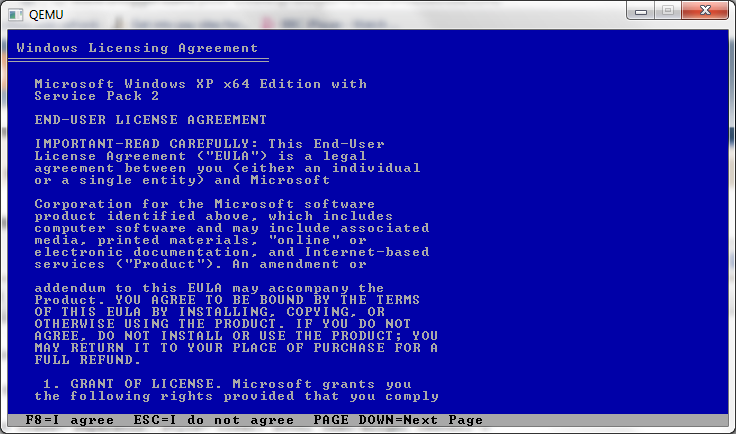
qemu 0.9.0 widnows xp x64 sp2 boot

qemu 0.9.0 windows 2008 r2 x86_64

But not so hot for Windows 2008 r2 (AKA Windows 7).

SPARC NetBSD on Qemu 0.14.0

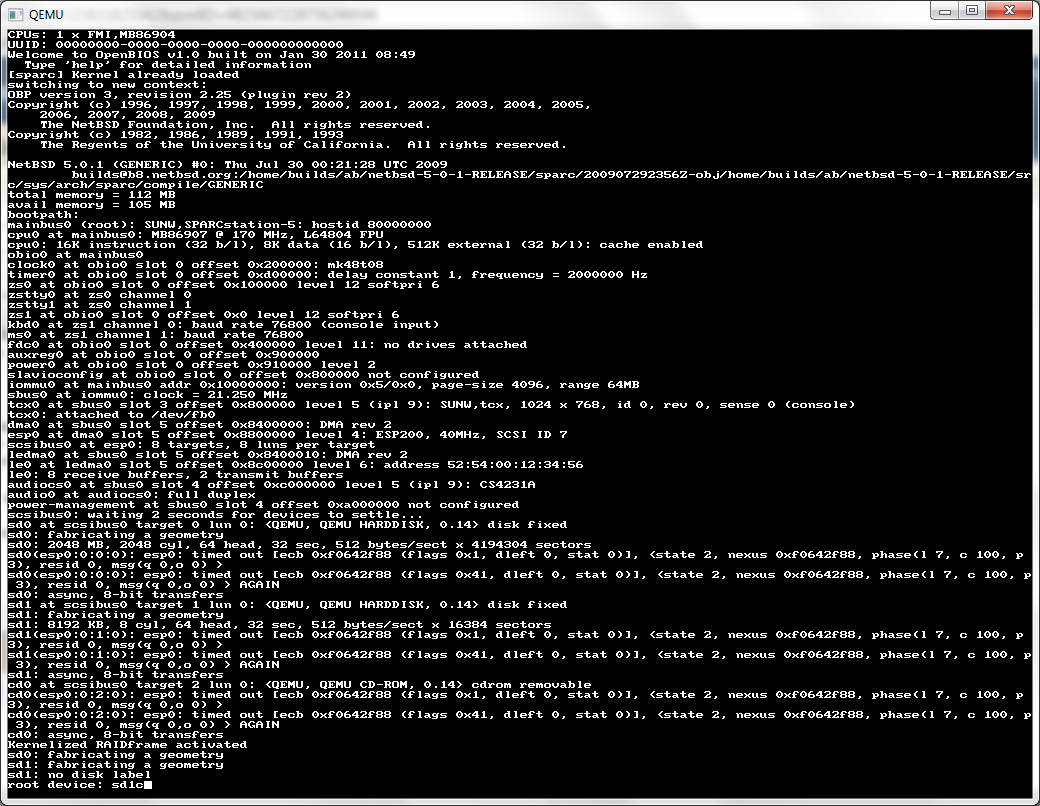
I came across this link, in some kind of vain search to see if NetBSD Sparc could run on Qemu.  And the answer is a resounding yes!

I have to admit it was pretty simple to setup too. I did a network install, so all I needed in a minimal config was a GENERIC kernel, and the miniroot. I did it this way because booting with the inserted kernel lets me easily choose my root…

First I created a 2GB data disk, then start up Qemu like this…

qemu-system-sparc.exe -kernel netbsd-GENERIC -L pc-bios -hda sparc.disk -hdb miniroot.fs -net nic -net user

And it’ll boot up!

I specify the root to be sd1c, I’m not sure if it’d pick up on sd1, or sd1a but at any rate sd1c certainly works. The other gotcha I found was the keyboard, sun-type4 worked best. I also had to configure the network manually (maybe I missed something?) but the settings are simple for NAT.

address 10.0.2.15
mask 0xffffff00
gateway 10.0.2.2
dns 8.8.8.8

Any attempt to ping the gateway will fail. But it’s nothing to worry about, and the install can continue normally. I pulled the rest of NetBSD down via HTTP, and it booted up!

I should also add that the CD-ROM iso install works as well. And the NetBSD site has lots of ways of getting the install ISO for the sparc.

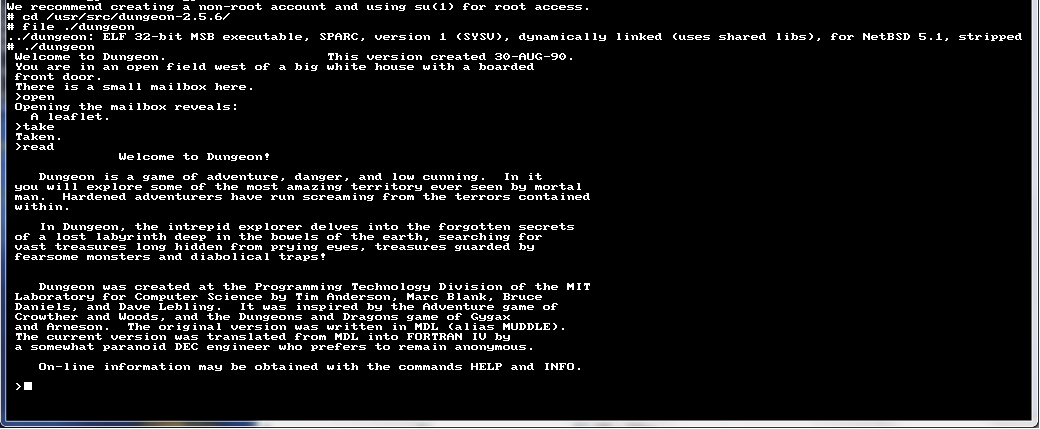
And of course, will it run Zork?

Yes it does!

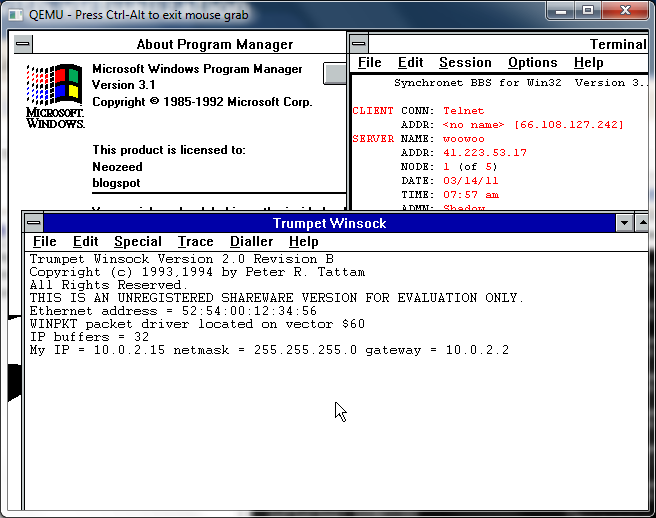
Trumpet Winsock 2.0b

So while browsing around k7tty, I came across this file, internet.zip, that pretty much has everything you need for a windows 3.1 machine to get into the internet using Trumpet Winsock.

I used a packet driver, along with Qemu’s built in ne2000 and it works pretty well!

While I never used Trumpet back in the day, setting it up for LAN access was pretty easy, and while Trumpet 1.0 loads on Windows 3.0 I never could find any applications that actually work with it. Trumpet 2.0 seems more along the line of the finalized Winsock 1.1 stacks, with applications abound to run with it and Windows 3.1

Twinsock and early windows internet usage

A friend of mine let me know that there is a current drive by former users of trumpet winsock to actually send the author the $25 ($35 in adjusted money) that he had asked for the shareware program. While I’ve seen Trumpet, it required a SLIP or PPP connection which I just didn’t have back in 1993/1994 timeline. Sure there was SLiRP, but it was far more involved to compile on the Ultrix machine university gave us access to, or the pay internet connection (sefl.satelnet.org!) that ran IRIX. So I ran Troy Rollo’s Twinsock.

Besides being GPL’d twinsock proxied the socket access from your Windows 3.1 computer, and ran the requests on the Unix host you connected to. The best part is that they didn’t have to know that you even ran it. Twinsock transformed the internet from being a Unix shell account that kept many people away, into a graphical experience with windows applications executing on our desktop. Since it wasn’t a real TCP/IP stack, it effectively firewalled us, and seeing we were running Windows 3.1 that was a good thing.

So to make this experence more… realistic, I took the 386BSD 0.1 image from sourceforge, and made one tweak into how it runs. I added the following to the Qemu execution:

-serial tcp:127.0.0.1:4445,server,nowait

Then I installed MS-DOS, Windows 3.1, a terminal program, and some tcp/ip programs to test into another Qemu virtual machine. I then connected the two Qemu instances like a null modem like this:

-serial tcp:127.0.0.1:4445

This way COM1 on both machines now talk together. The only major downside I’ve seen is that if the client VM is killed re-starting it doesn’t get the serial connection working, both VM’s have to be restarted from the command line.

The cool thing was I was able to use a dos terminal program and zmodem to transfer the source to 386BSD to build. Surprisingly this part went pretty smooth on all the versions of Twinsock that I tested, but version 1.3 and higher was the version that actually worked.

So with the executable built on the Unix machine, you launch the windows program, which included a minimal terminal program. And from there you can dial up, login to your Unix account, then launch the twinsock Unix component and the window minimizes and now you are ‘connected’.
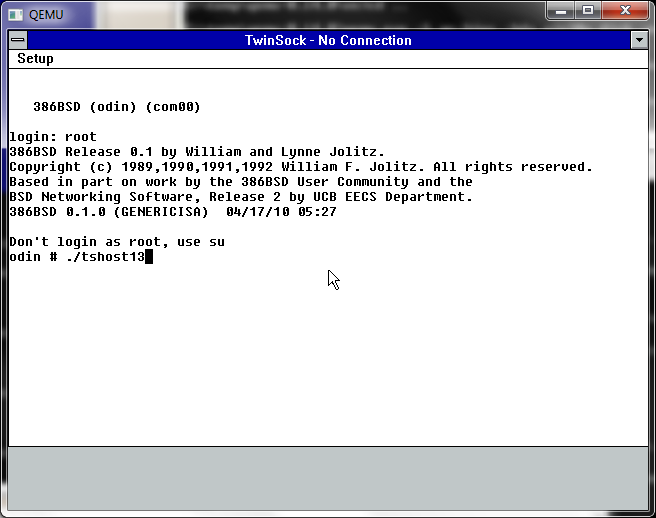
Launching Twinsock

WinVN

One of the most popular programs & protocols of the “early” internet was NNTP or Net News. Net News transitioned the world from BBS’s and Forum Software. The topics were incredibly diverse, and the system was distributed by nature. And news traversed the internet in a semiquick fashion. Especially the nodes that had T1 or faster access at the time. Unlike down stream UUCP BBS’s that may only take a small feed once a day, now with Twinsock you could get whatever groups and feeds you wanted, and as fast as your little modem could download it.

So for this fun experiment, I downloaded a suitably old version of WinVN, 0.92.1. The first thing I went looking around for was a public NNTP server. A great resource for locating various news servers that have certain groups is newzbot.

So with a suitable server in hand, I was able to connect up and check a news group. It was slow and clunky like it was in the old days, but it was neat in that client server feel to know that it was running on my desktop.
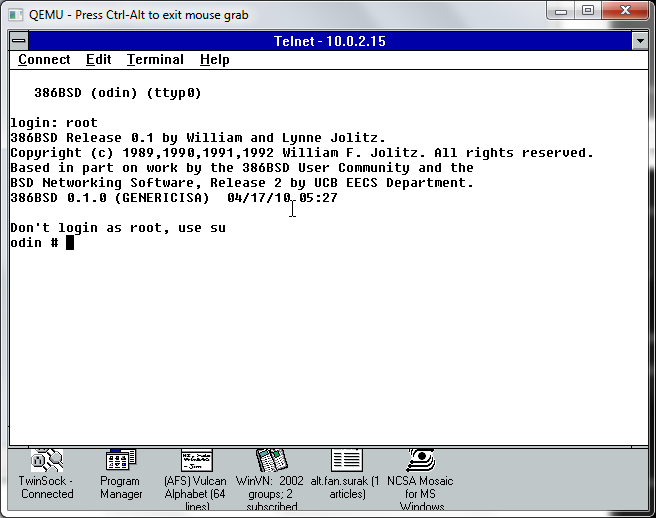
MS Telnet

Naturally it wouldn’t be the internet if you still telneted all over the world for MUD’s, and even access to compilers, different systems, and school work. I had a chore of a time finding a ‘good’ telnet client, so I ended up settling with the one that Microsoft had released their own stack, ‘Wolverine’ as part of a TCP/IP protocol update for Windows for Workgroups. This stack was also significant in that this was the first time a ‘full’ and ‘real’ TCP/IP stack had been released for free. As mentioned above with Trumpet winsock, and the rest, you had to buy the network stack. This free stack was only meant for LAN access, though I’ve heard of people trying to hack PPP/SLIP stuff at the dos level, but again it wouldn’t help me, since I couldn’t SLiRP. But this was the forshadowing of how the internet was going to finally take off, and the short thriving window of 3rd party TCP/IP stacks for Windows was about to slam shut in the next release of Windows.
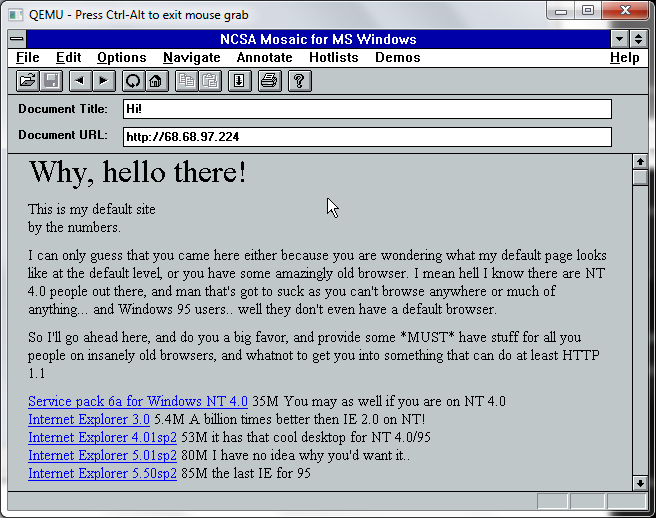
Mosaic 0.7

And finally we come the program that basically changed the way we do everything – Mosaic. The first web browser only worked on the NeXTSTEP, and I don’t think that Mosaic was the first PC browser, but at the time it certainly was the best. I loaded up an old version to see if it could at least hit a site by IP address, and it worked. Sadly downloading files causes the browser to crash. Mosaic was rather touchy back in the day too. Because Mosaic came from the Unix world of browsers it was a 32bit program, and needed large amounts of memory. It also was a large exe too, around 2MB! Which is far larger then doom & the dos extender! So Mosaic was the first program I can recall that needed the magical Win32s add on. I’ve mentioned Win32s before so I won’t go on and on, but like the TCP/IP from Microsoft, this also basically killed the DOS Extender market.

The first time I saw Mosaic, I was blown away, we left the world of terminals and archie/gopher/veronica to something you could use a mouse with, and enter in your own URL! It was amazing, but at the same time I thought the internet was doomed to failure as you had to READ. Oh how wrong I was to be shown later. But in the time between Windows NT 3.1 and Windows 95, there was a lot of reading expected to be done. Much like everyone at the time would reply with RTFM in the news groups for stupid questions, why there even was the “Big Dummies Guide to the Internet“, thankfully made available online, put on various shovelware CD’s and saved thanks to cd.textfiles.com.

I couldn’t get MiRC to work.. I forget what other IRC programs would actually work with Twinsock. But I didn’t spend that much time on IRC.

Oh well, that is how the internet stood in that pre Windows 95, pre wide scale PPP world. It really was amazing how fast things changed.

Xenix 286 on Qemu

I nearly forgot to mention this… But a friend had some issues with an ancient 486 box running Xenix 286 and made a disk image of it. The box finally died, and he lost his copy with some disk accident (double trouble!) but he did send me a copy to see if it’d work under Qemu… At the time it didn’t.

So while I was transferring his disk image back to him, and looking around on ebay for a 286 board, I figured I’d try Qemu 0.14 to see how badly it failed…

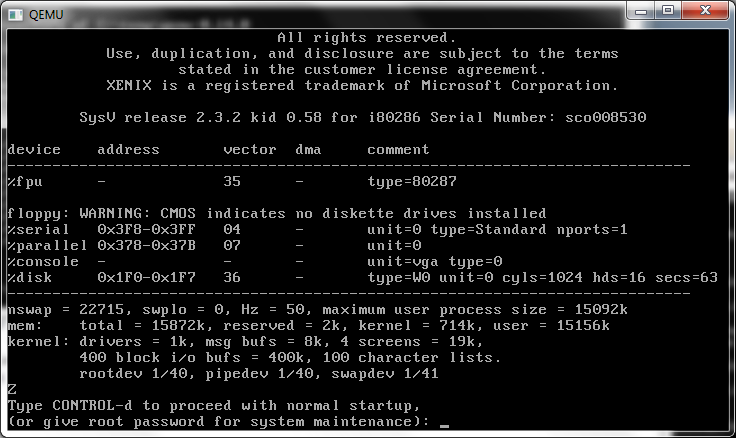
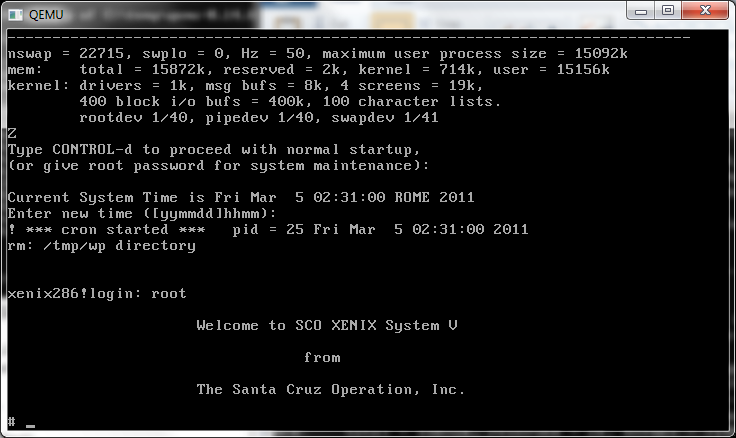
xenix 2.3.2 286 on Qemu 0.14

And…

xenix 2.3.2 286 on Qemu 0.14 pt2

It worked!

I can’t say I’ve thoughtfully tested it, but it seems pretty workable.. I have no idea about what editions work, and which do not… I have no idea if this version knows it’s on a 386 and uses a 386 friendly method to switch to protected mode, or what.. Then again it being Xenix, it won’t need to constantly pop between real & protected modes, unlike, say Windows 3.0 / windows 3.1 or OS/2 1.x ..

Qemu 0.14.0 rc2 released!

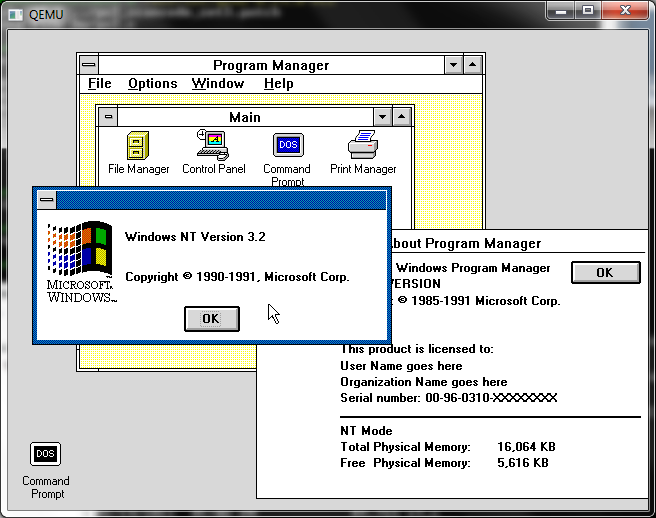
Qemu 0.14.0 rc2 and Windows NT December 1991

Qemu 0.14.0 rc2 and Windows NT December 1991

Well this one compiles clean under MinGW so that’s a nice touch. the ISAPC machine type is still broken. 😐

I’ve built the usual set with soundblaster & adlib enabled, and the NE2000 set to 0x300 irq 3 so old crusty things ought to have some hope of working. I’ve also included the PS/2 mode 3 keyboard patch for some really old stuff.

So here we go the x86 / x86_x64 builds that 99% of you want/need.

And here for the rest of the stuff for the 1% that need/want sparc/arm/powerpc/mips etc…

Qemu 0.14.0 rc1 released!

Back on the heels of the 0.14.0 rc0 release, it’s rc1!

Still nothing on the official changelog

Also I ran into this snag while building under windows..

LINK i386-softmmu/qemu.exe
../qemu-timer.o: In function `host_alarm_handler’:
C:/msys/1.0/src/qemu-0.14.0-rc1/qemu-timer.c:188: undefined reference to `qemu_next_alarm_deadline’

I moved the “#ifndef _WIN32” below the definition of `qemu_next_alarm_deadline’, and all was well.

So here is the x86, x86_x64 build, what 99% of you want. And here is the RISC version for the 0.01%.

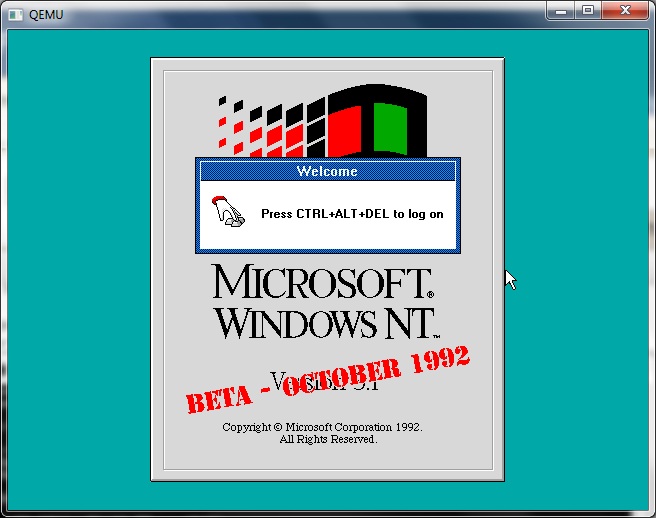
Qemu 0.14.0 rc1 and Windows NT October 1992

Qemu 0.14.0 rc1 and Windows NT October 1992

I know this may not look like much, or seem different from much of any version of Qemu but it’s 0.14.0 rc!!!!