
(This is a guest post by Antoni Sawicki aka Tenox)
SunOS 4.1.4 on QEMU is hardly any news. Neozeed installed it back in 2013, and graphics came with Mark Cave-Ayland’s cg3 frame buffer. However it was always a bit wonky. The mouse pointer jumped around, the whole thing froze when you held Shift and moved the mouse, the screen was limited to 1024×768 and an idle VM kept a whole host CPU core busy.
Now it all has been patched up in LEMU! A QEMU fork for legacy systems.
High resolution! The cg3 frame buffer now does any screen size. The image starts in 1280×1024, and RES=1920x1080 ./run.sh gives you Full HD. OpenWindows was tested all the way up to 3200×1800.
CPU idle detection! SunOS 4 never halts the CPU, its idle loop just spins. LEMU finds that loop and halts the CPU instead. An idle VM now uses about 2% of one host core. It used 100% before!
Mouse and keyboard fixed! No more jumping pointer and no more freezes. Caps Lock works, and a key held a little too long no longer types twice.
Sound! The emulated audio chip now plays, so SunOS sounds come out of your speakers. SimCity for HyperLook plays its sound effects too. Try /usr/demo/SOUND/play -v 100 /usr/demo/SOUND/sounds/spacemusic.au
Behold! SunOS 4.1.4 with OpenWindows 3 in 1280×1024 on an emulated SPARCstation 5:
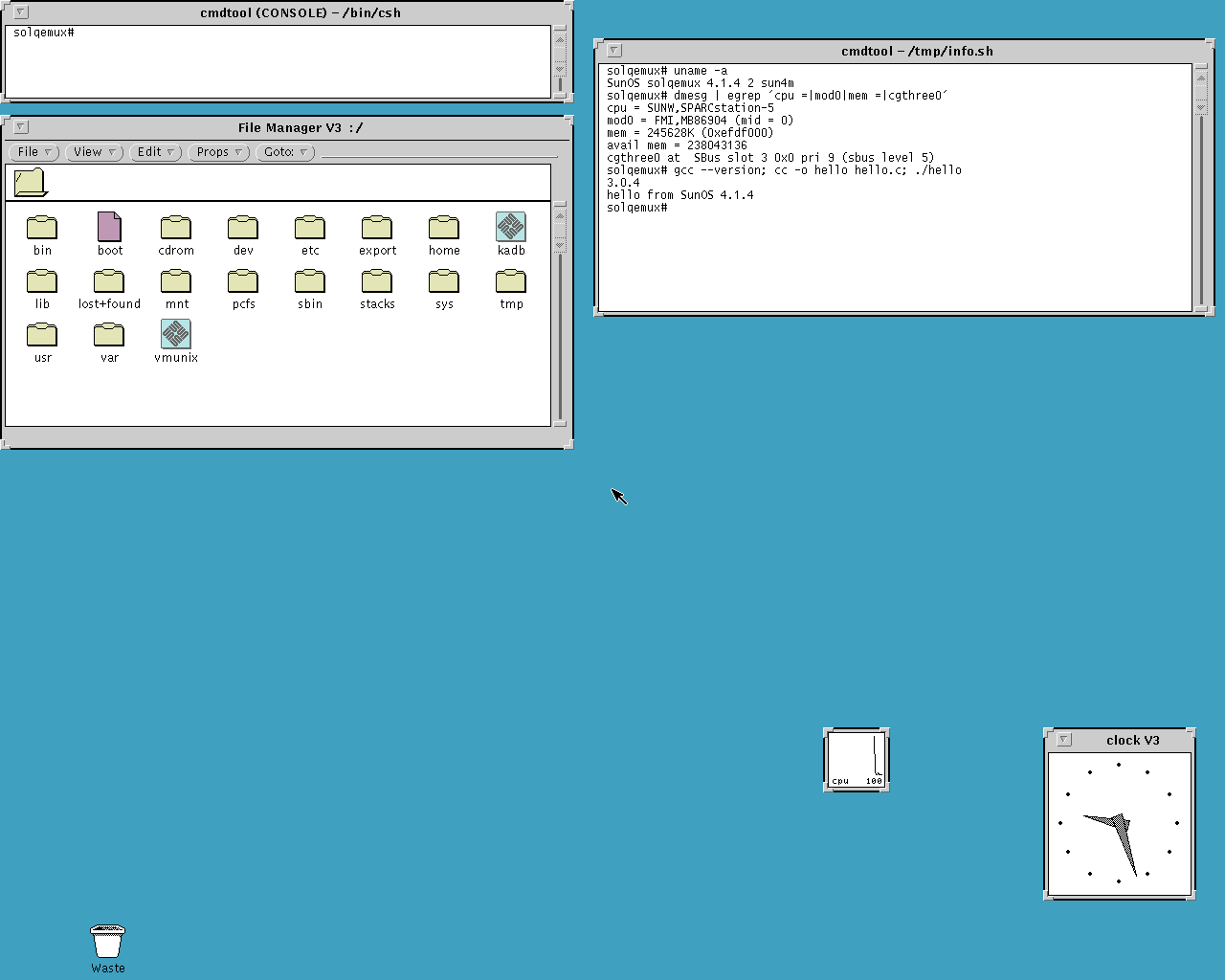
Specs: Sun SPARCstation 5, microSPARC II, 256MB RAM, cg3 1280x1024 256 colors, ESP SCSI, Lance Ethernet
Let’s look at some cool apps! The image comes with a pile of software already installed and ready to run.
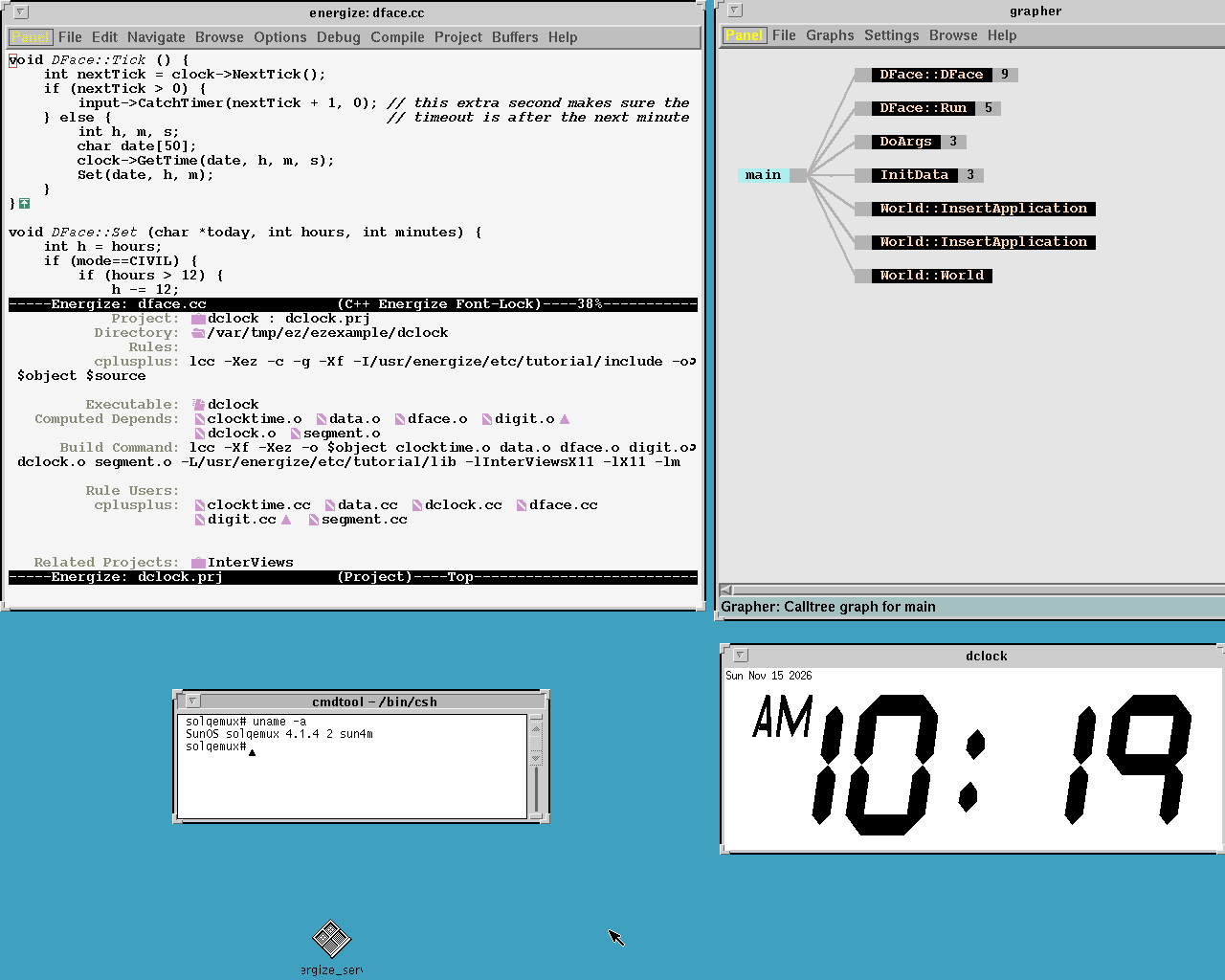
Lucid Energize 2.5, the C++ development environment from 1993, with Lucid C++ 3.1 and Lucid Emacs 19.7 as its editor. Add /usr/energize/bin to your PATH, start its ObjectStore servers with /usr/energize/ostore/etc/start_servers, then run start_energize. Here it built the dclock demo from its tutorial:
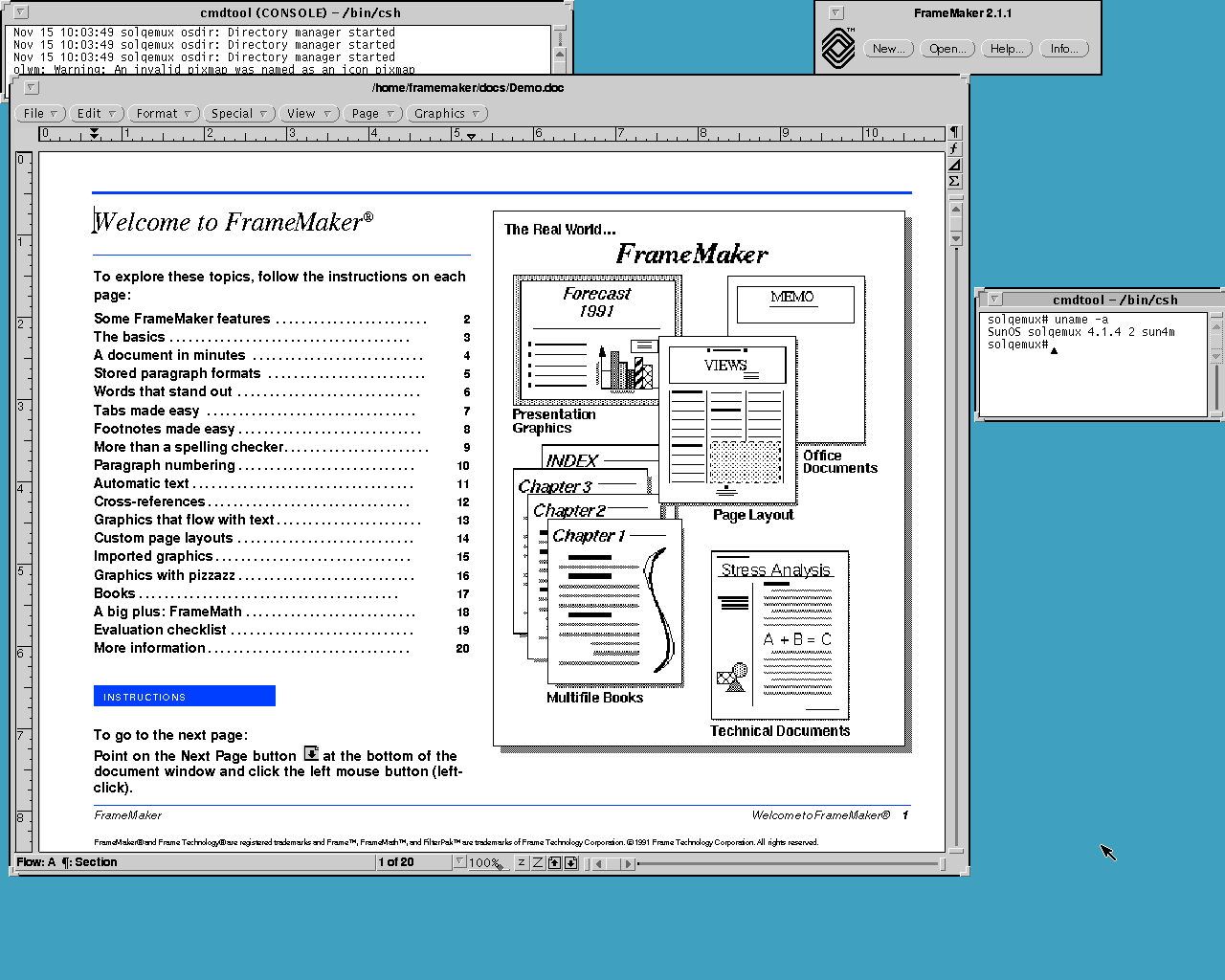
FrameMaker 2.1.1 for NeWS and OPEN LOOK:
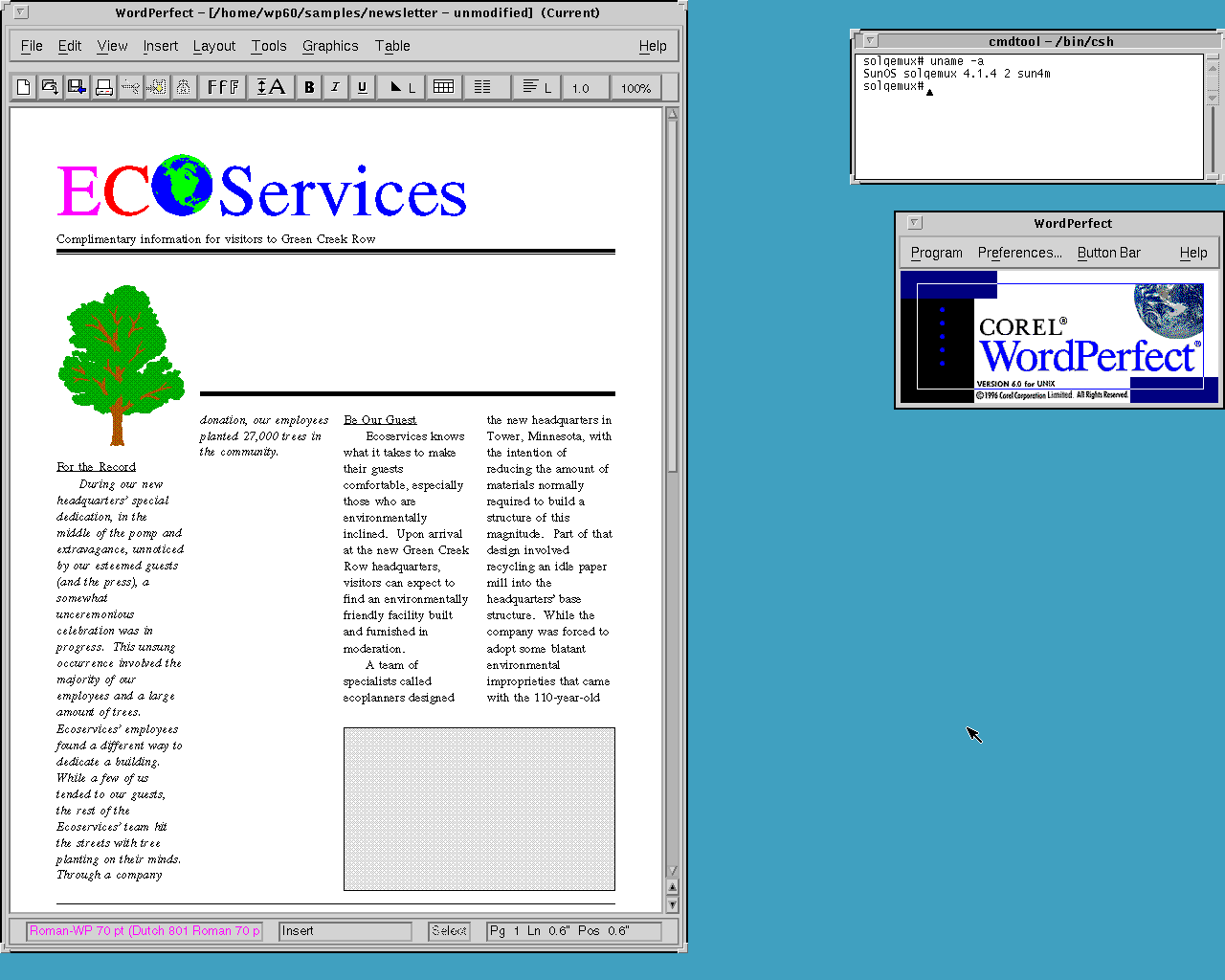
WordPerfect 6.0 for UNIX, plus the text version WordPerfect 5.2+ for fans of the blue screen:
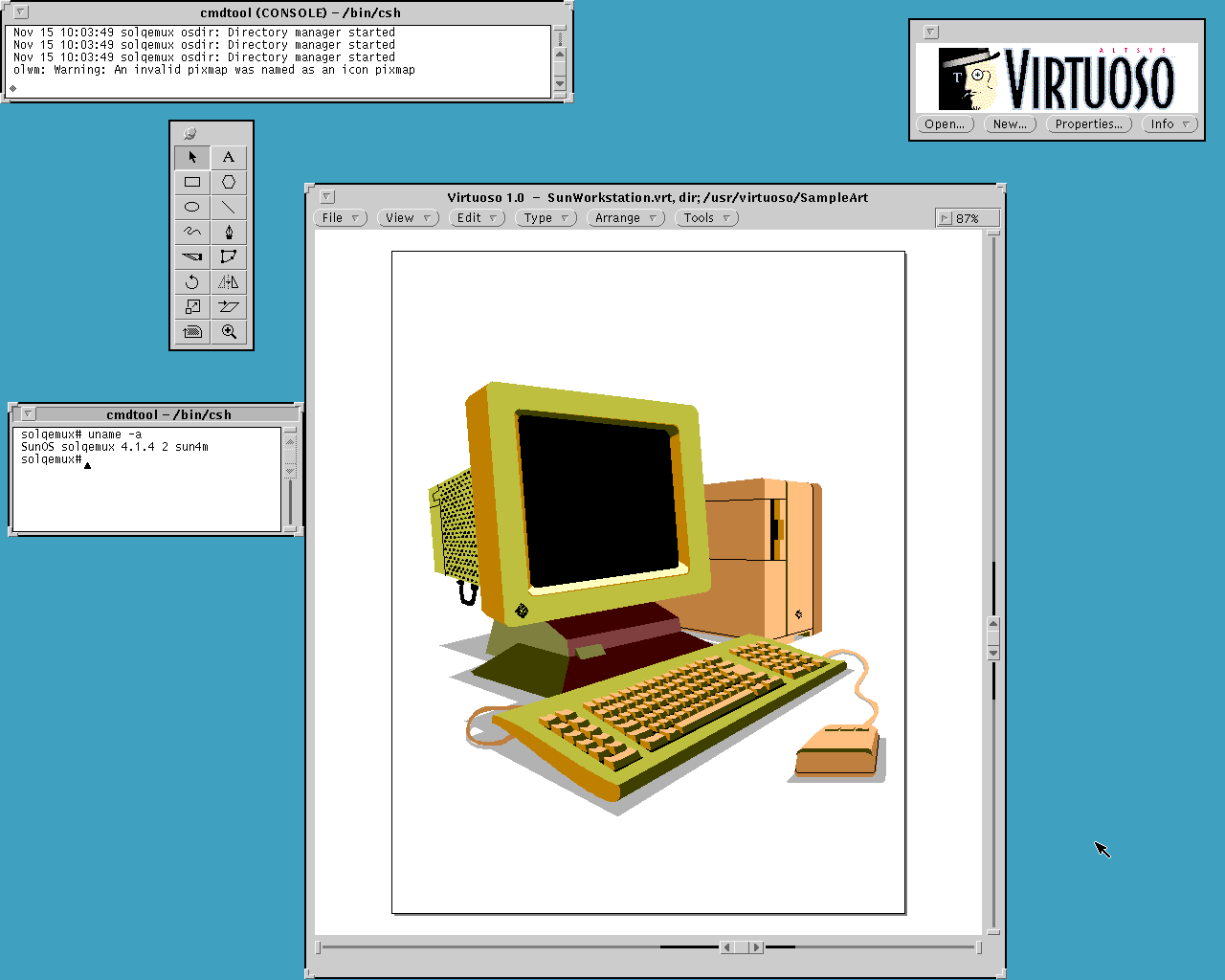
Altsys Virtuoso 1.0, a NeWS drawing program from 1993:
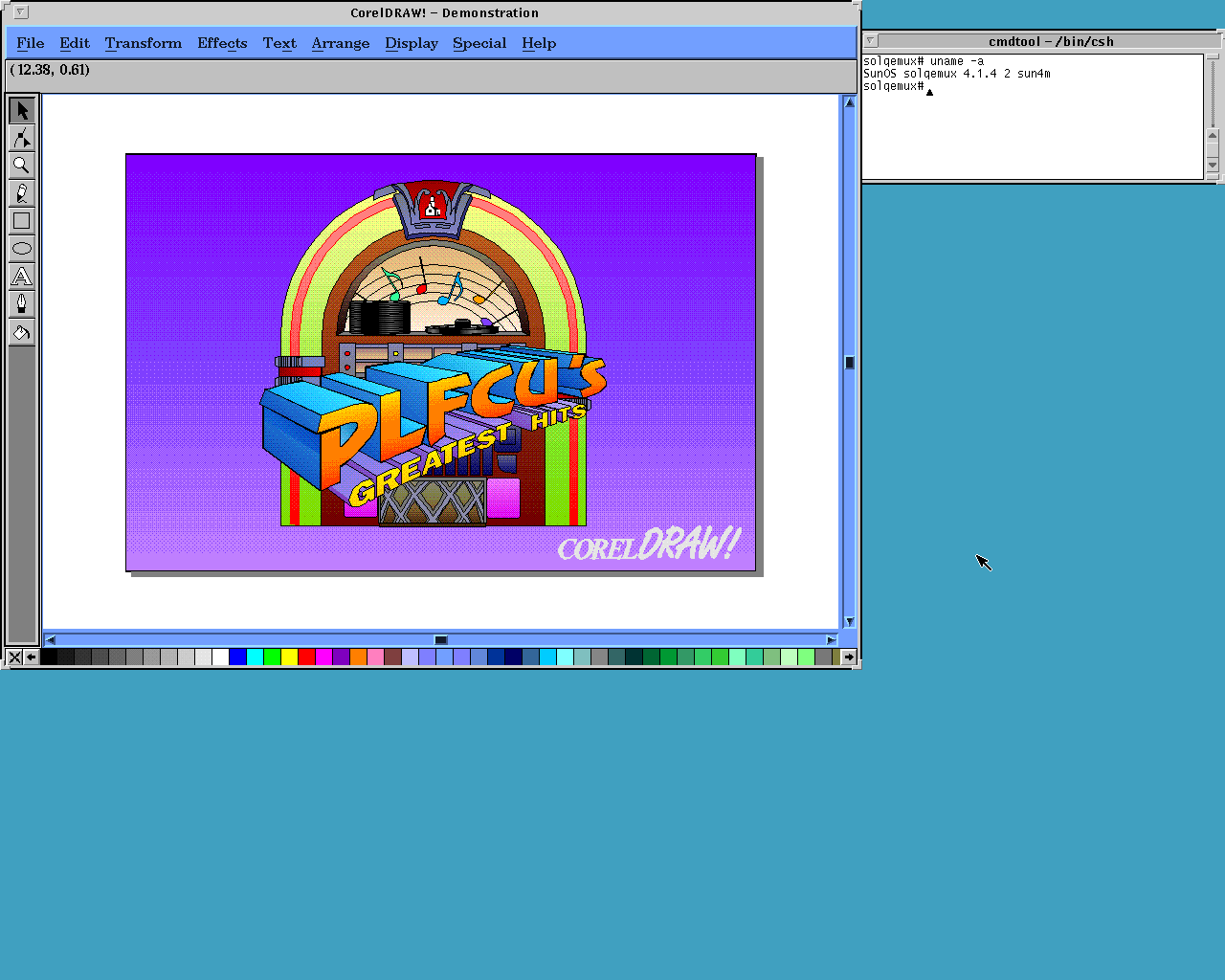
CorelDRAW 3.0 for UNIX, sadly only the demo version:
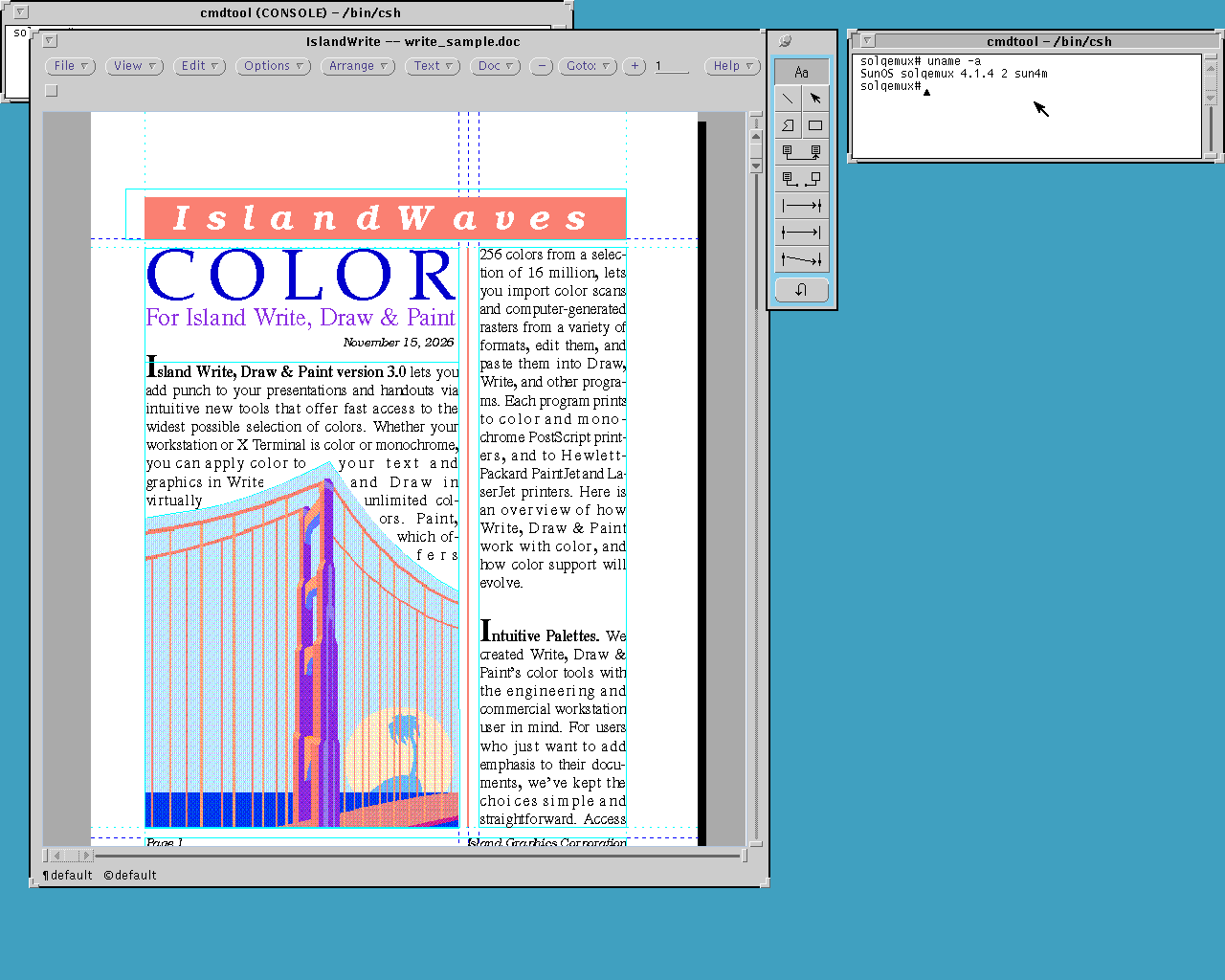
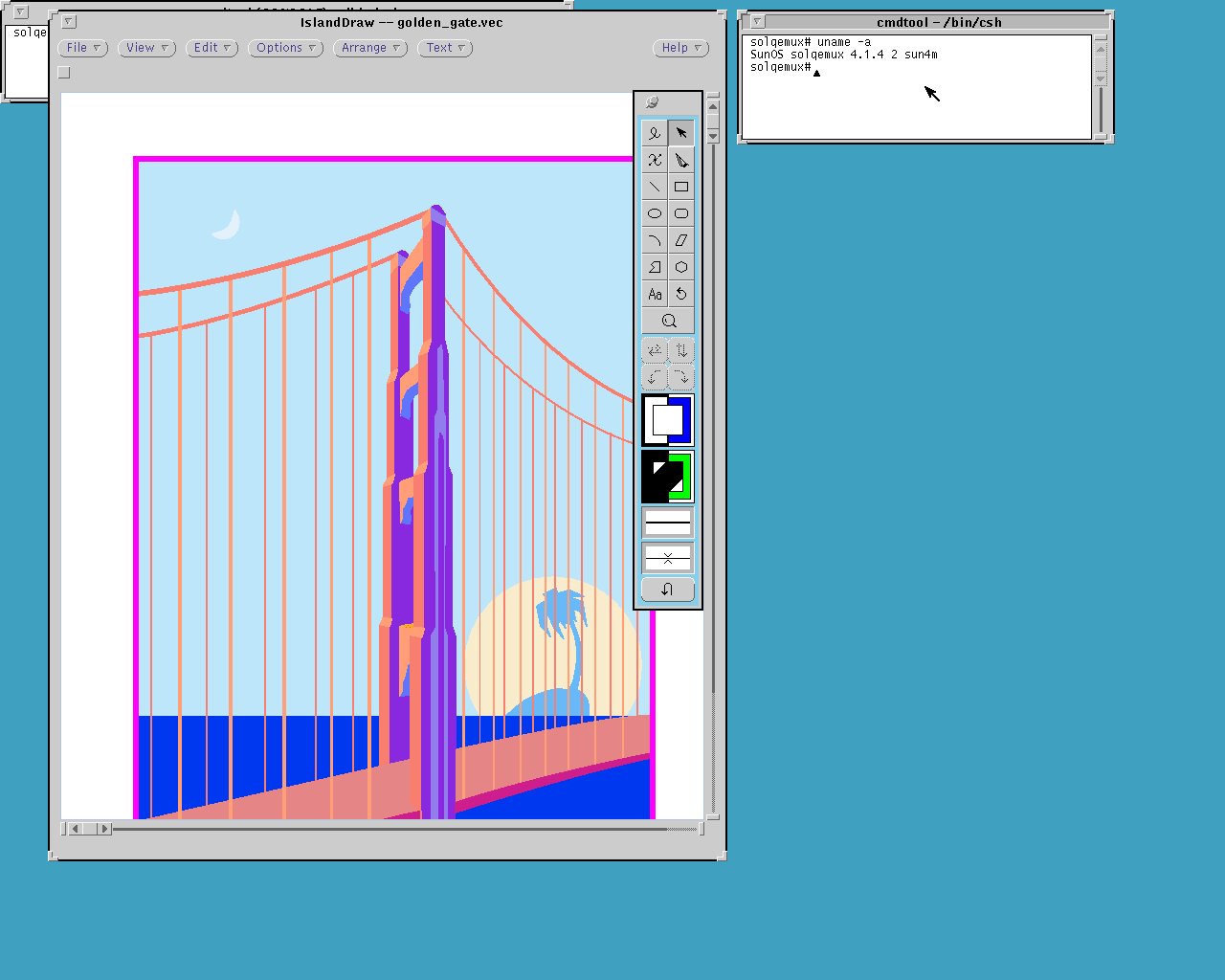
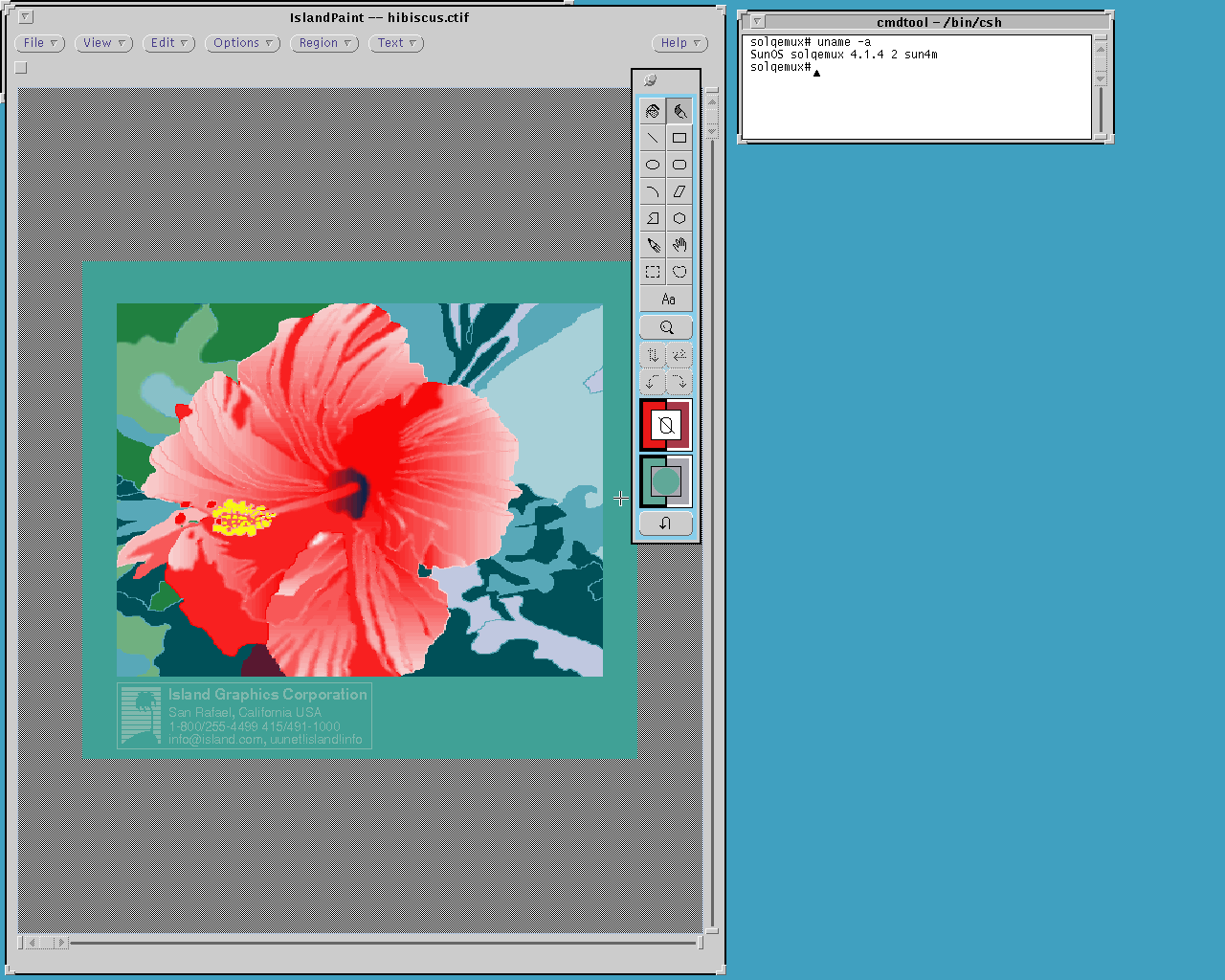
Island Productivity Series 3.0 from 1992: IslandWrite, IslandDraw and IslandPaint:
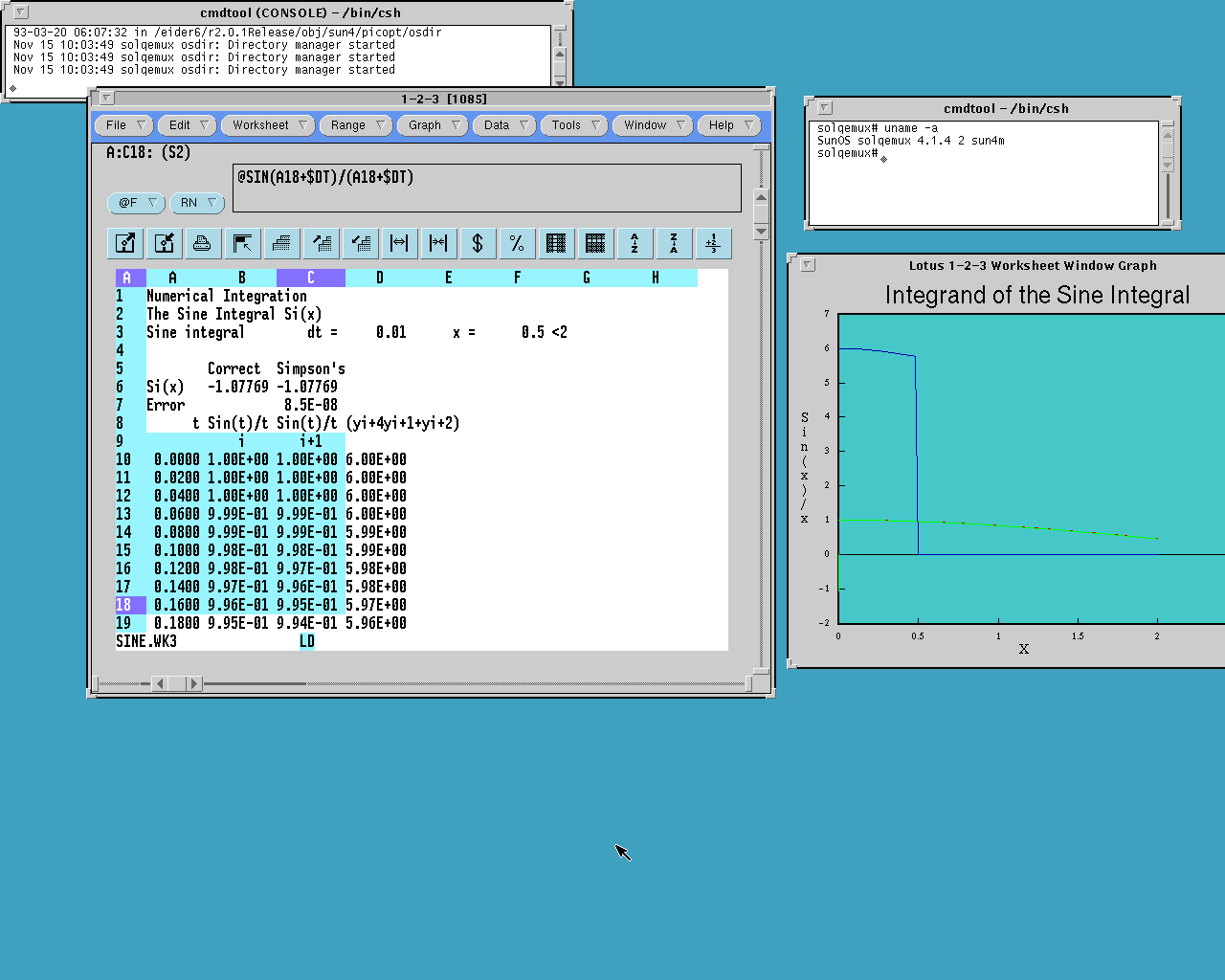
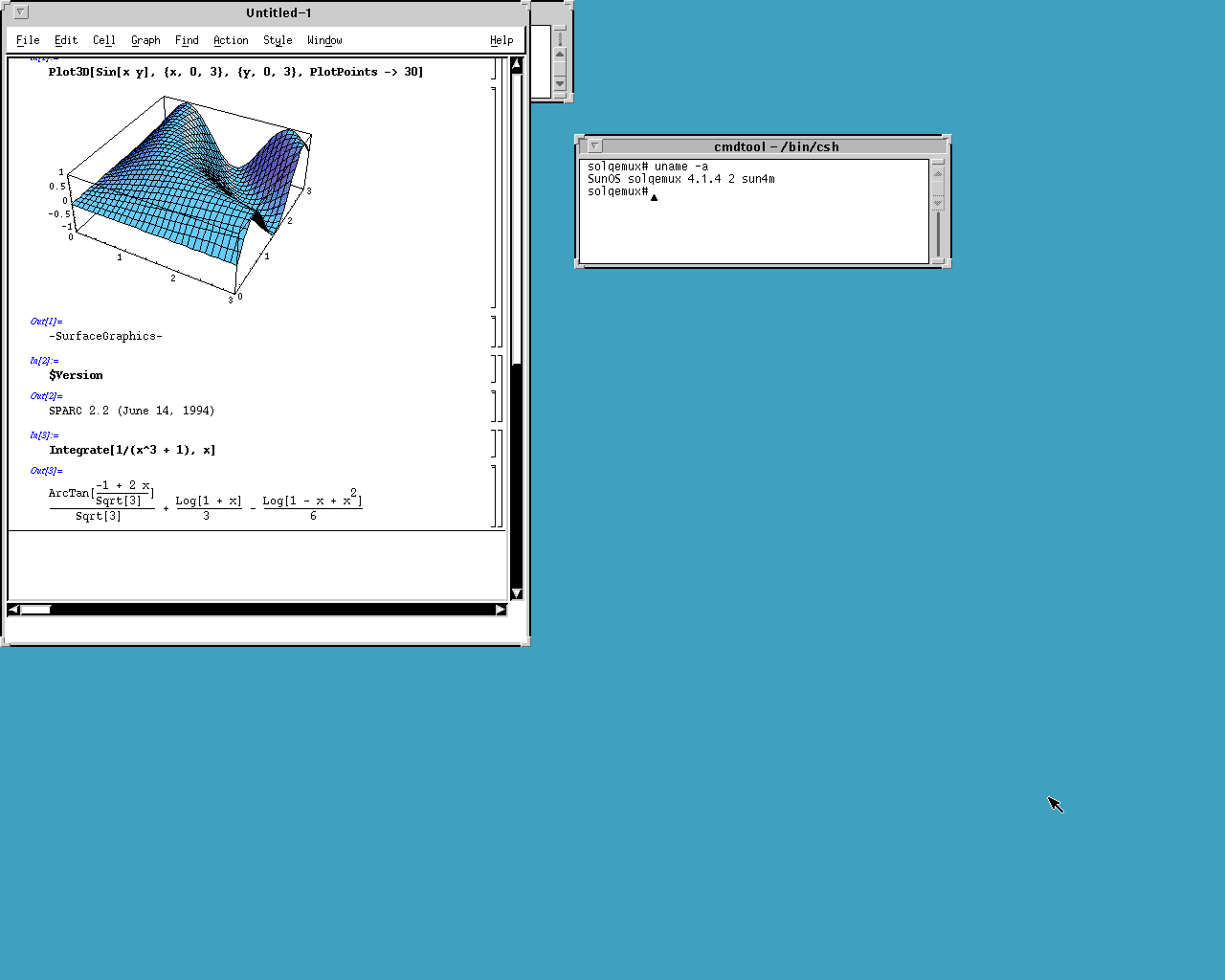
Then Lotus 1-2-3 1.2 and Mathematica 2.2.3:
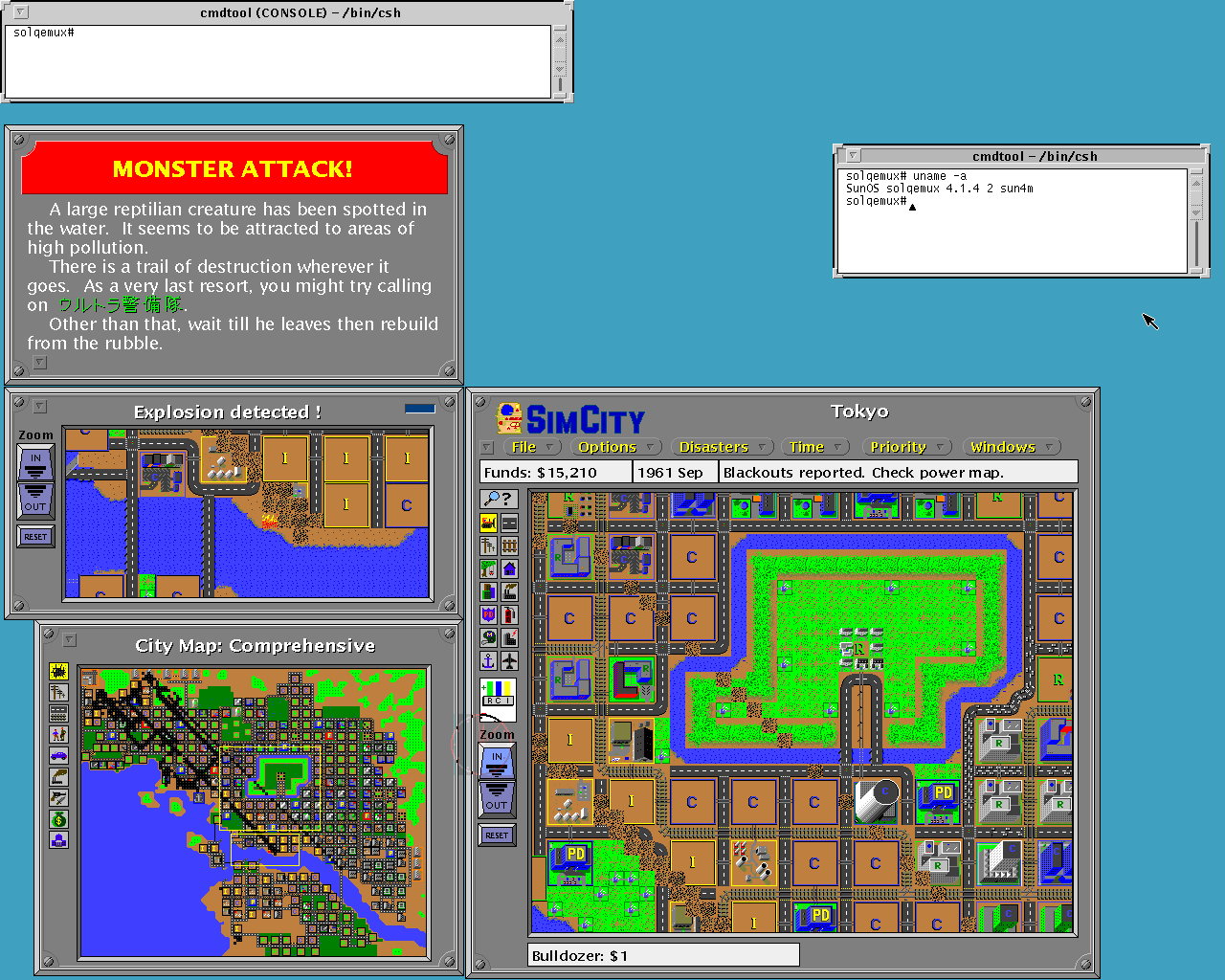
SimCity HyperLook Edition from DUX Software, 1992, with PostScript graphics and user interface by Don Hopkins:
And here is a real gem, the original Netscape 1.0:
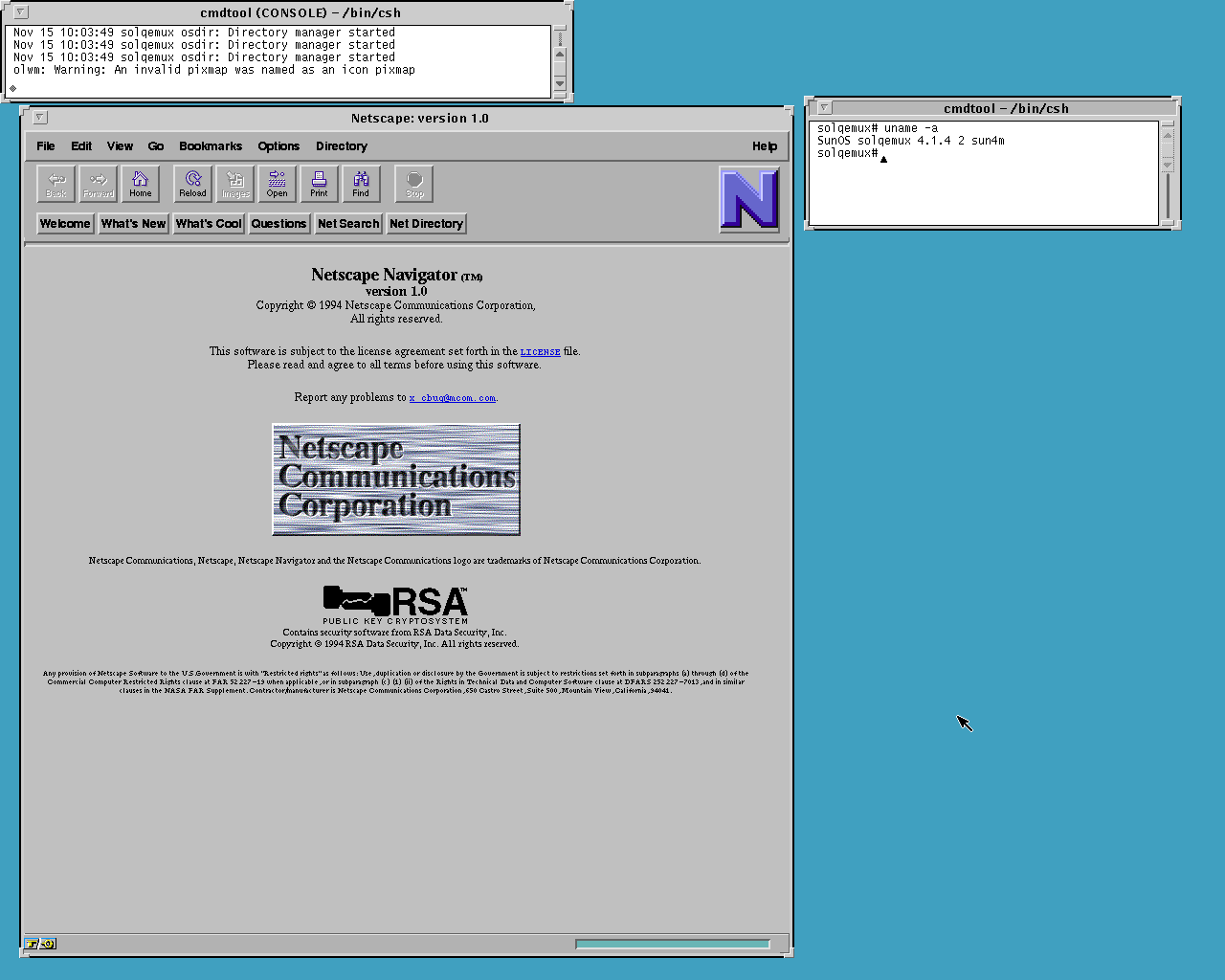
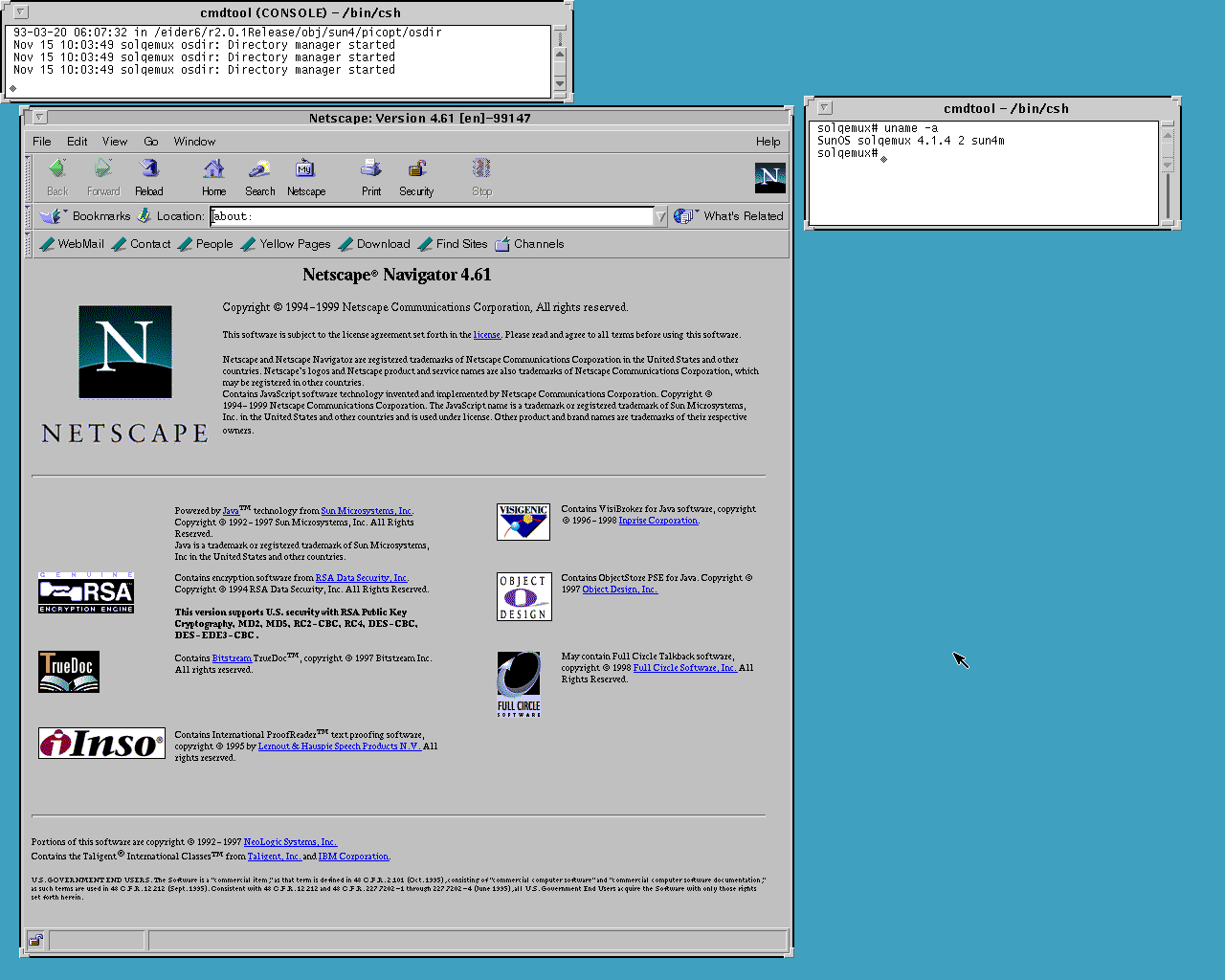
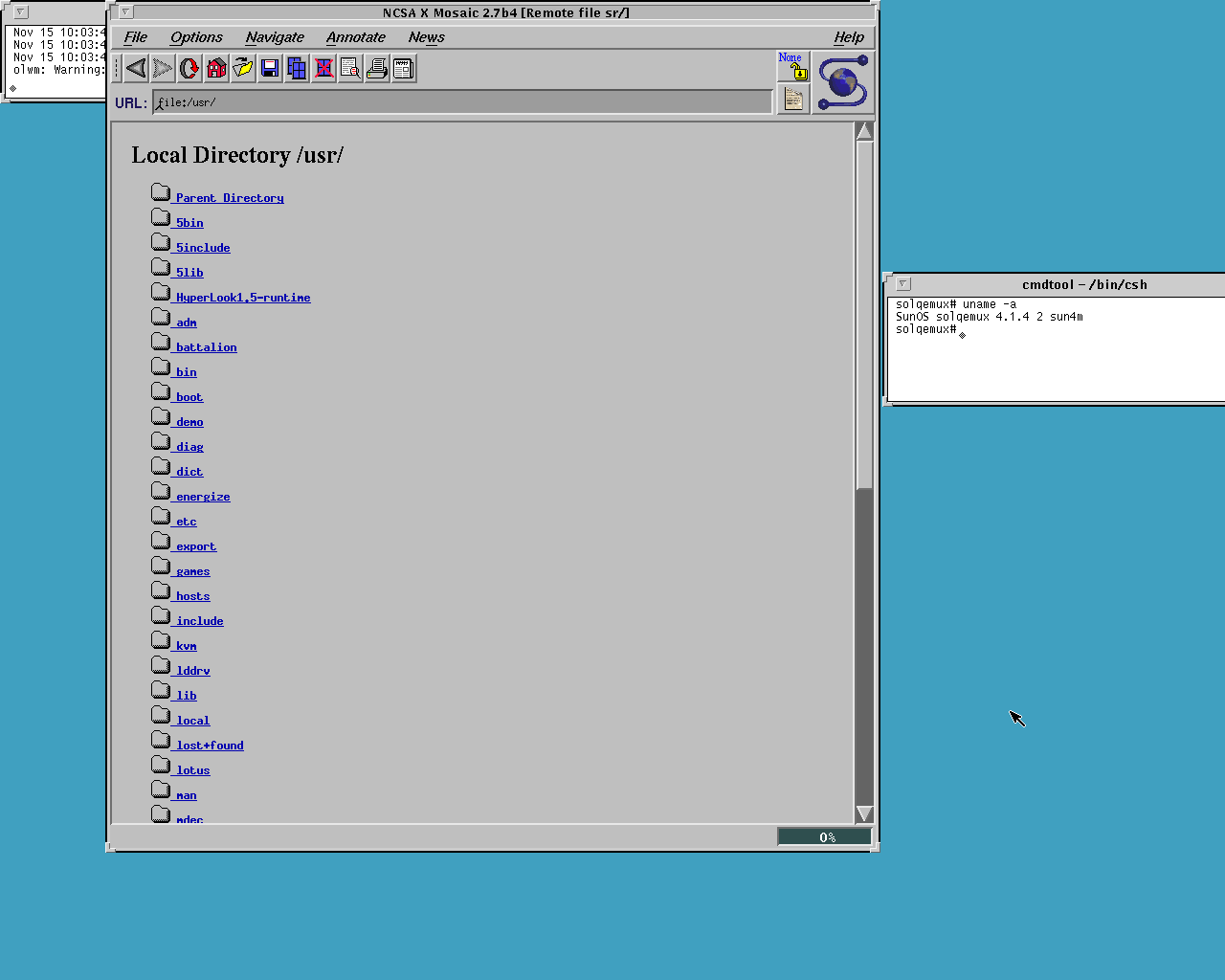
Plus Netscape Navigator 4.61 and NCSA Mosaic 2.7b4. You can always use WRP or VNC Brave for modern websites.
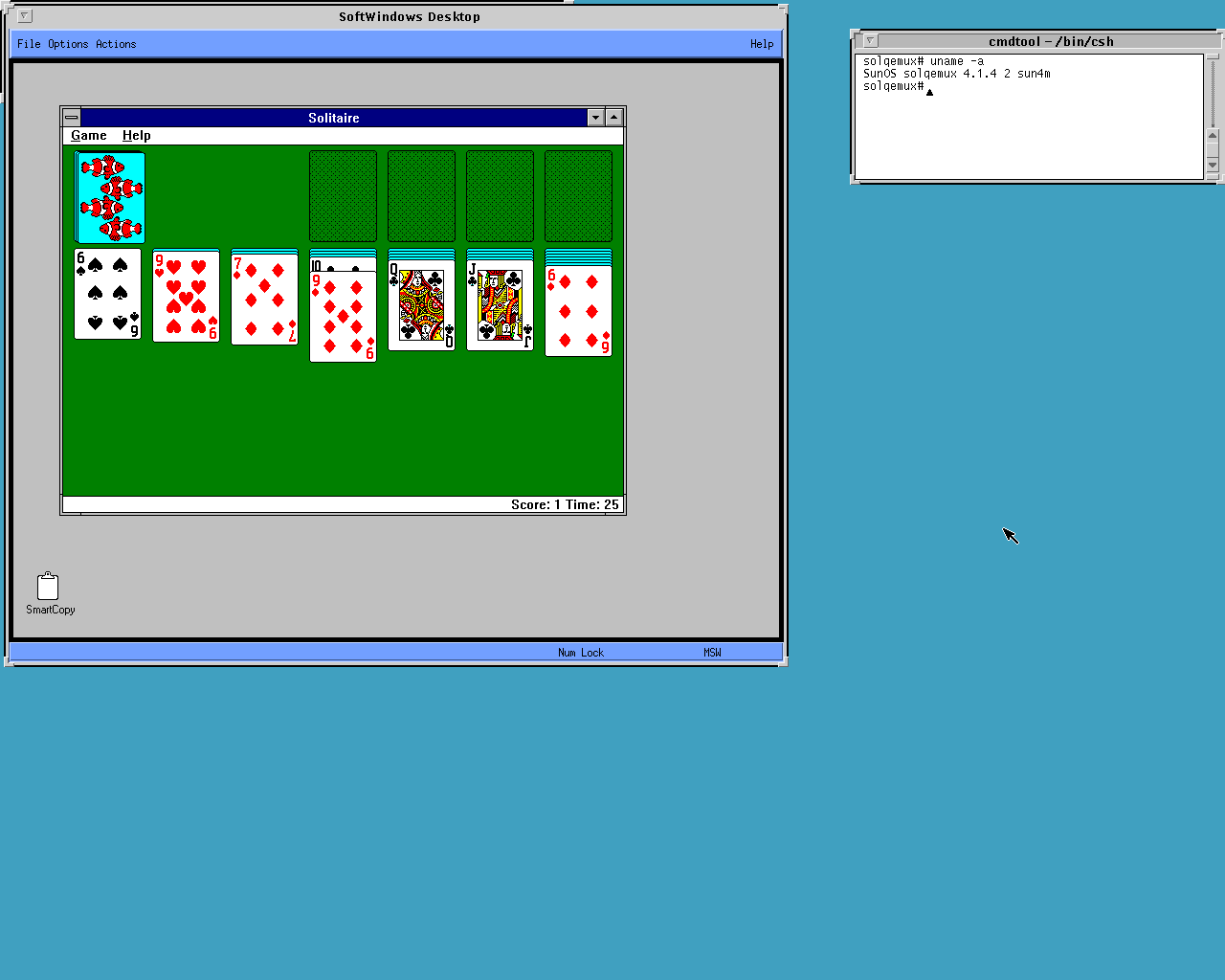
Even Windows! SoftWindows 2.0 from Insignia runs MS-DOS 6.22 and Windows 3.11:
OpenWindows 3 also comes with a nice set of X11 and NeWS demos:
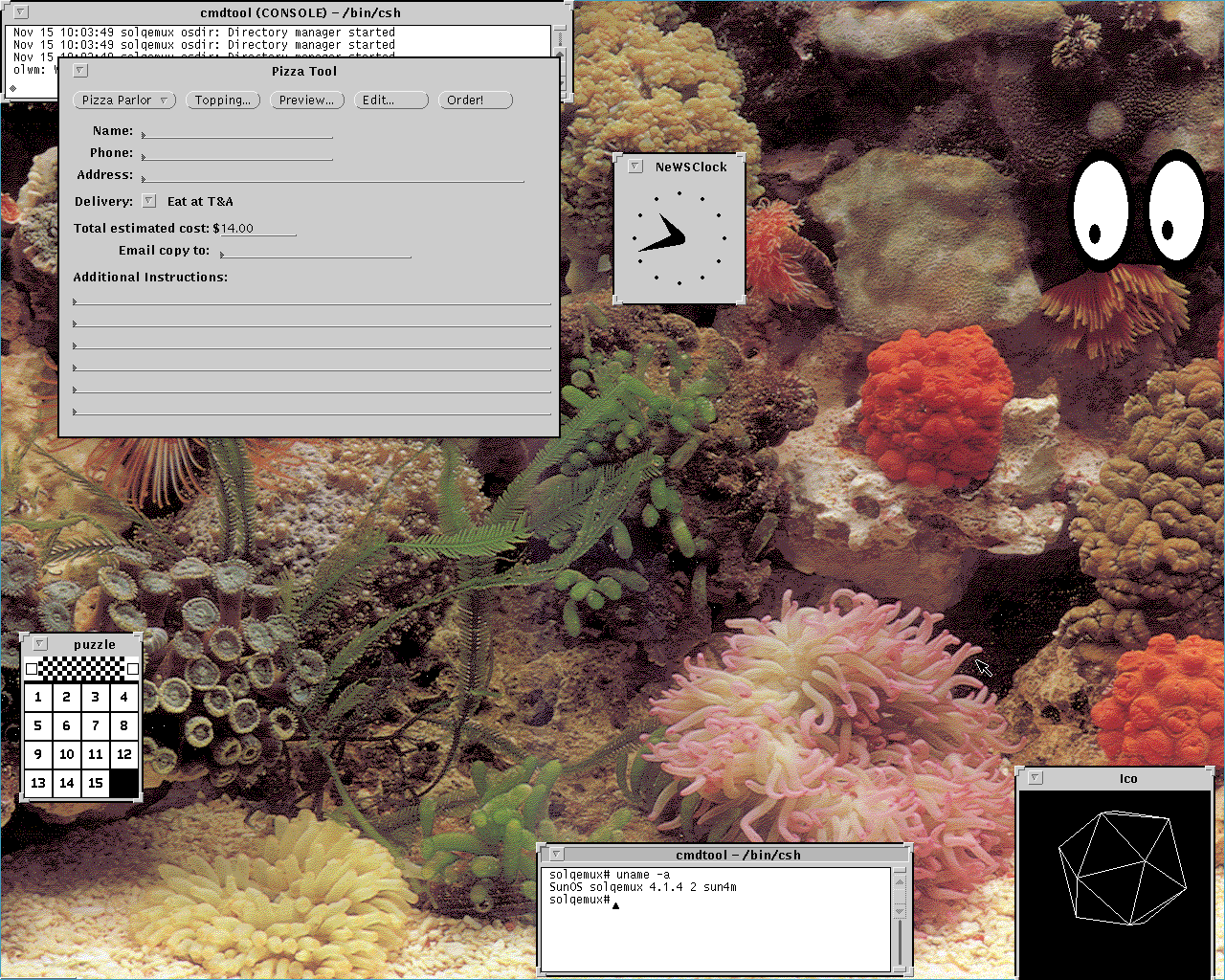
And of course there is good old SunView, with Interleaf TPS 4.0, MathCAD 2.53, Mathematica, Micropolis and a bunch of games:
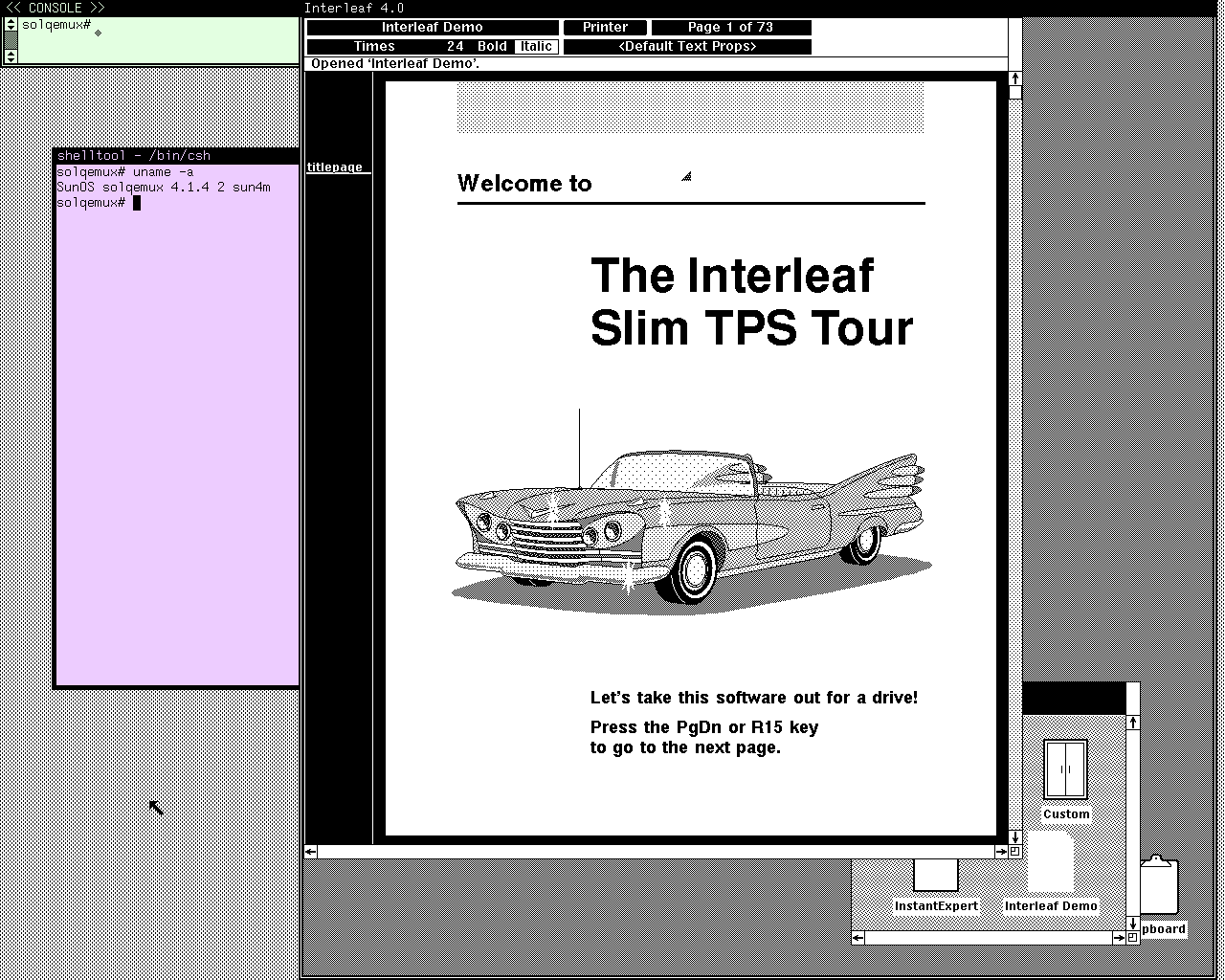
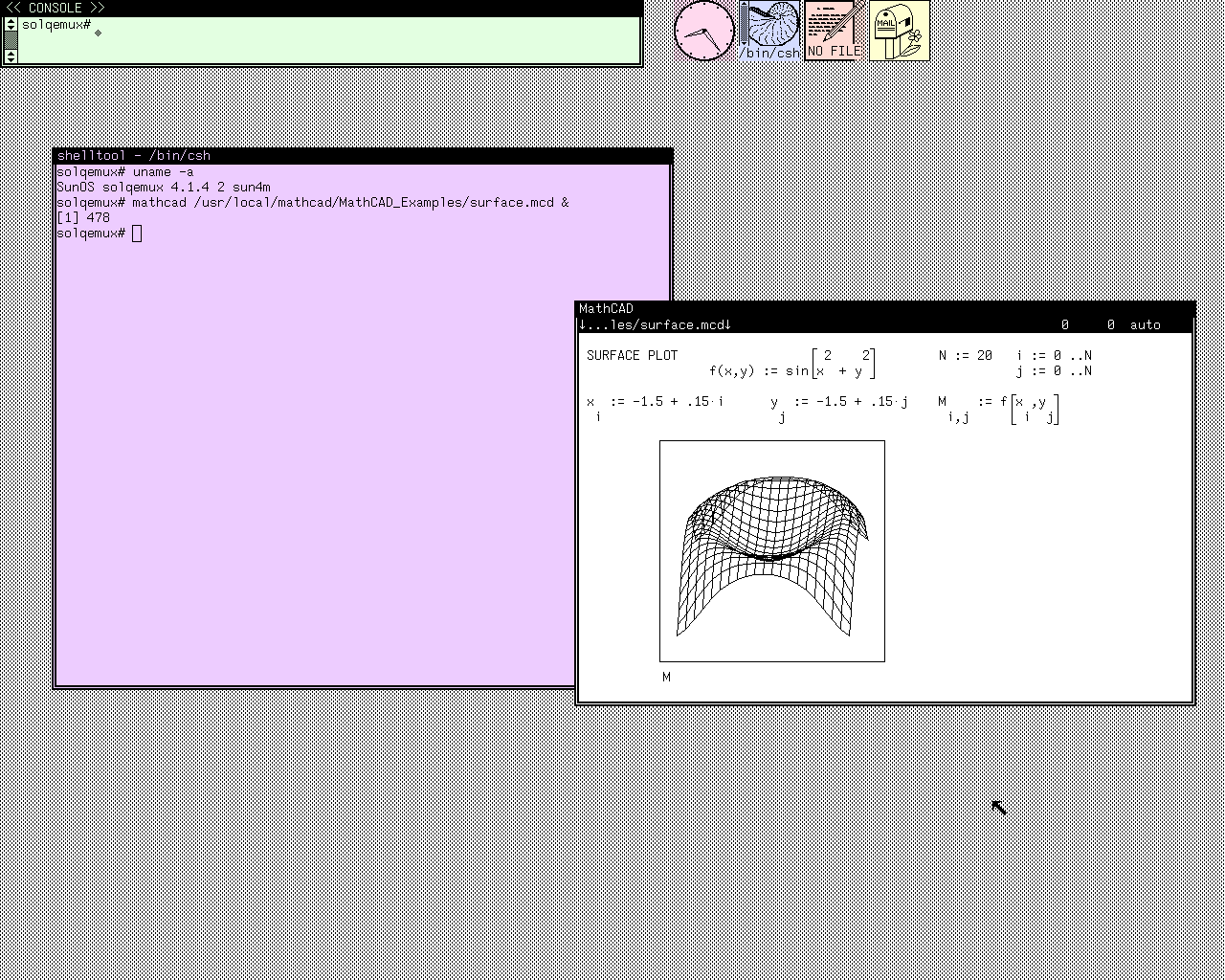
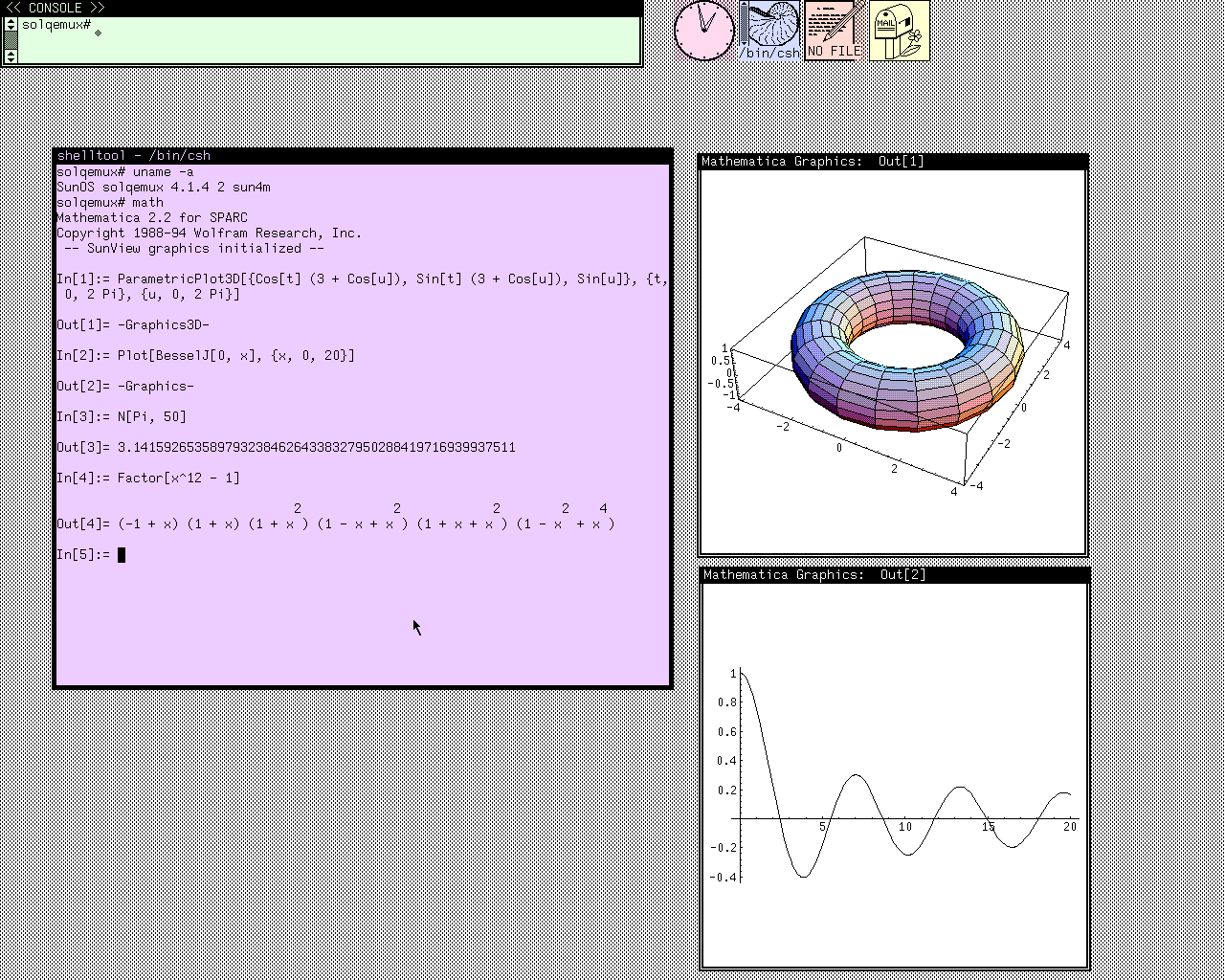
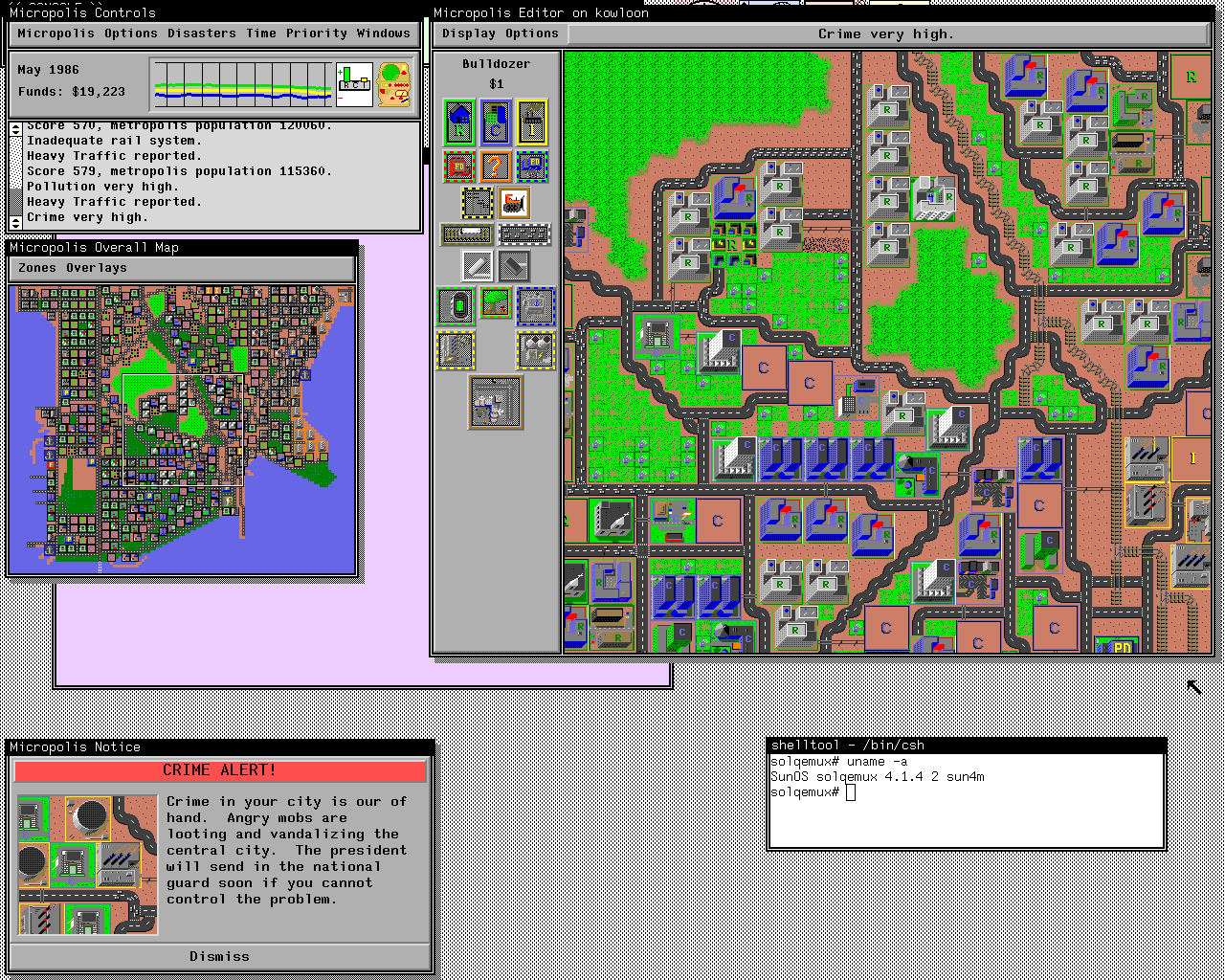
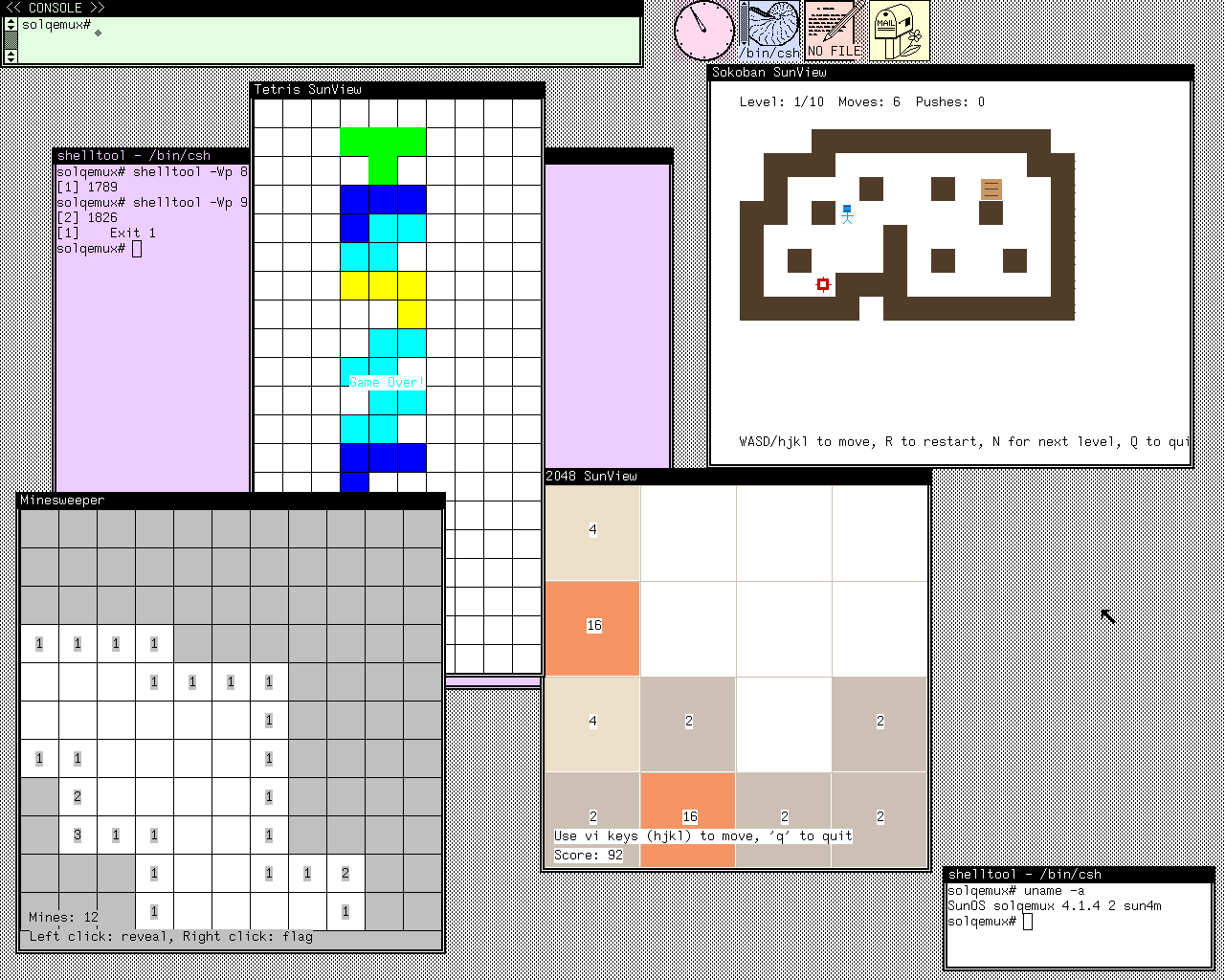
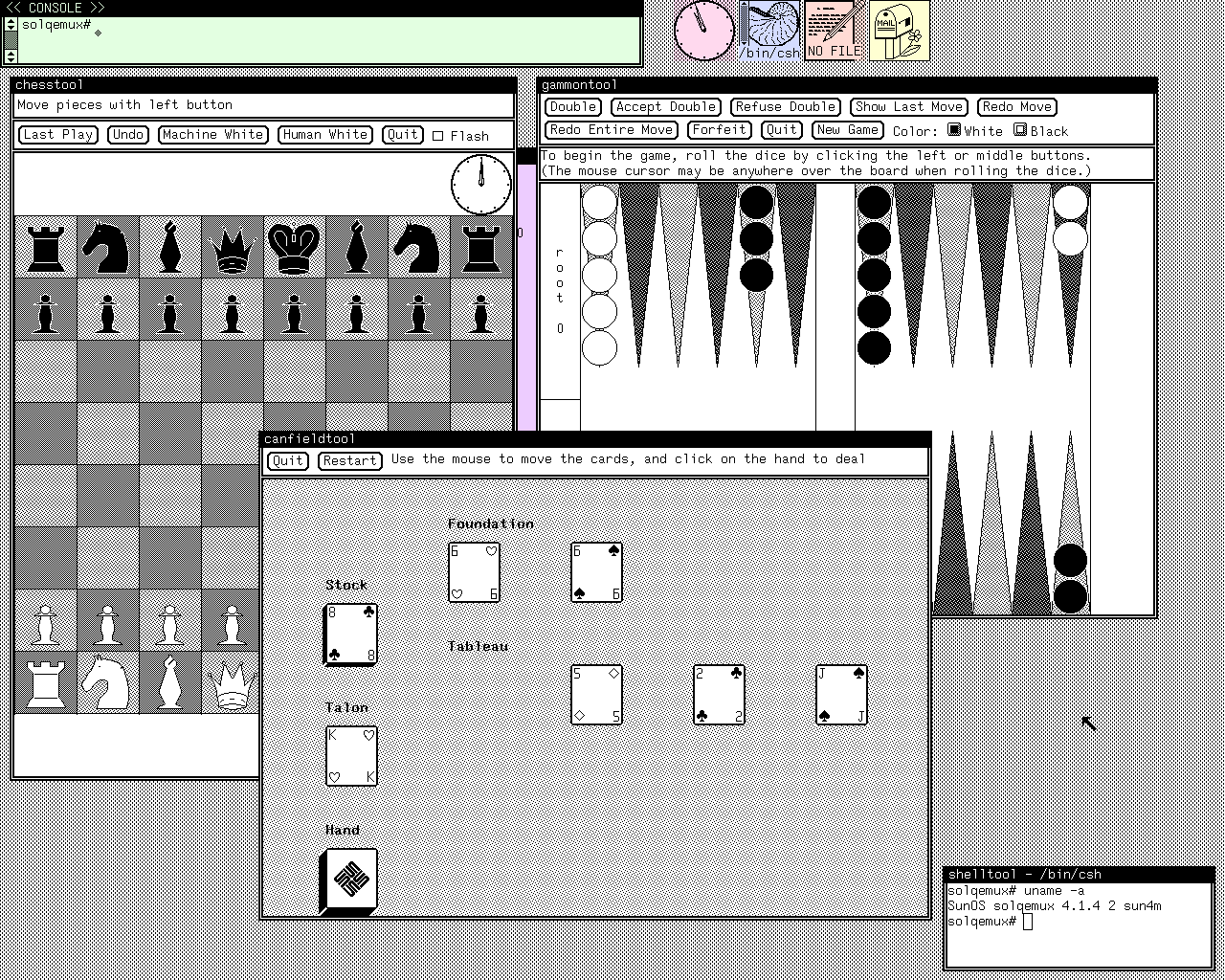
There is more under the hood: Sun C, gcc 3.0.4 with GNU make, bash, gawk, GNU tar, gzip and binutils, the classic games like hack, adventure and trek in /usr/games, the SunOS demos in /usr/demo, and a NeWS Hello World in /home/NeWS. The SunView games come with their sources in /home/games.
As usual I have prepared a ready to run, portable image with QEMU binaries for Linux, macOS and Windows. Just unpack and run run.sh (or run.cmd on Windows), log in as root with no password and type /usr/openwin/bin/openwin or sunview. The README.txt in the image tells how to start each app.
Download: https://files.42718.net/mirror/tenox/os/sunos/Virtual/qemu/SunOS414/sunos414-lemu.tar.lz
The image presented here was originally installed by Daghdha. I just added software and extended it! But credit is due!
Source (LEMU, my QEMU fork): https://github.com/tenox7/lemu
Have Fun with Virtualization!
PS You may also be interested in Solaris 2.5.1 PowerPC on QEMU.
Oh My God, memories return ! This is what I used on computer science classes at my uni, feels like, 50 years ago😀