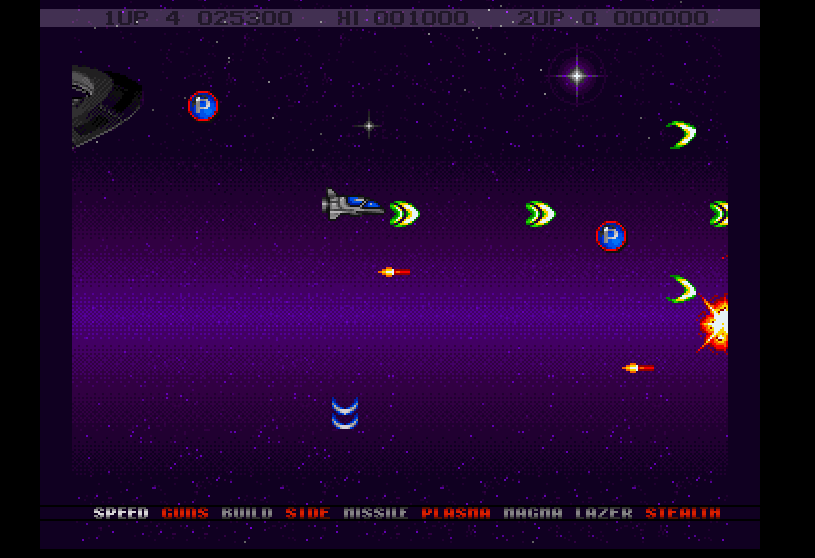
You can check it out on his blog, here.
Ah, yes who doesn’t love the old world of the mid 1980’s that was dominated by the Commodore 64?  Naturally I had one, and like many people in North America, I had the incredibly “fast” and reliable 1541 floppy disk drive. Unfortunately, in Europe it seems that the floppy drive addon was actually quite rare.  Many of the systems opted to go with the substantially cheaper, and slower 1530 tape drive.
My only real exposure to the Commodore tape drives was with old PET computers in my grade school library where I’d write meaningless BASIC programs, and save them to tape. Â But at home I had a floppy drive, so moving programs around never was possible. Â Not that it really matters.
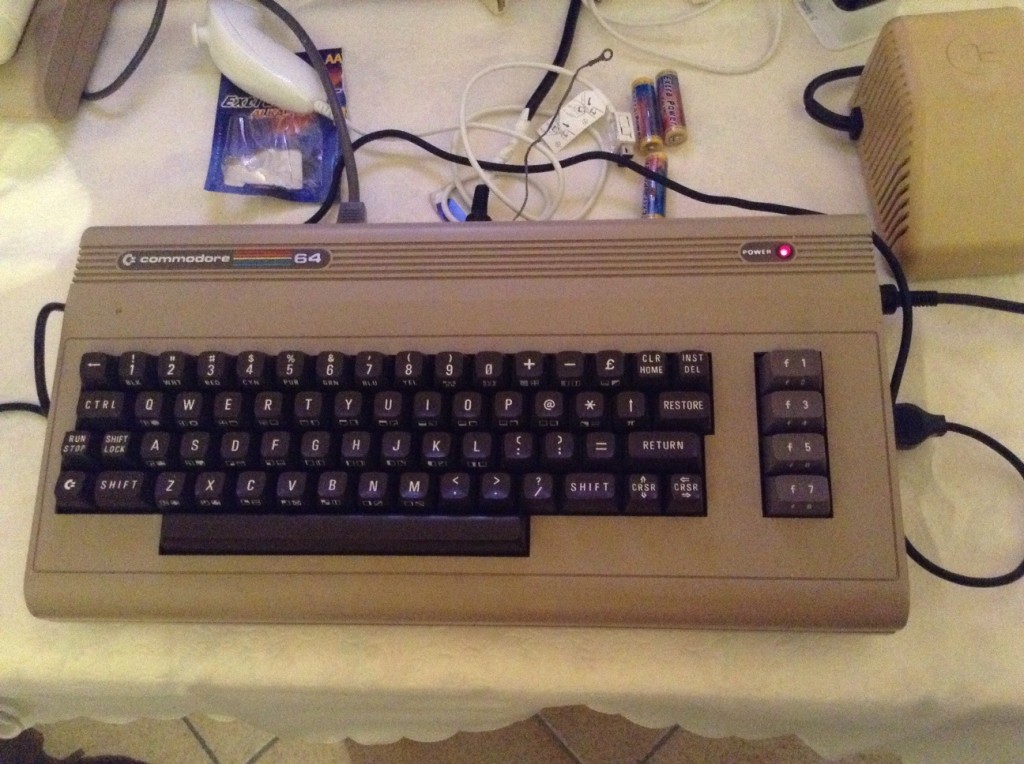
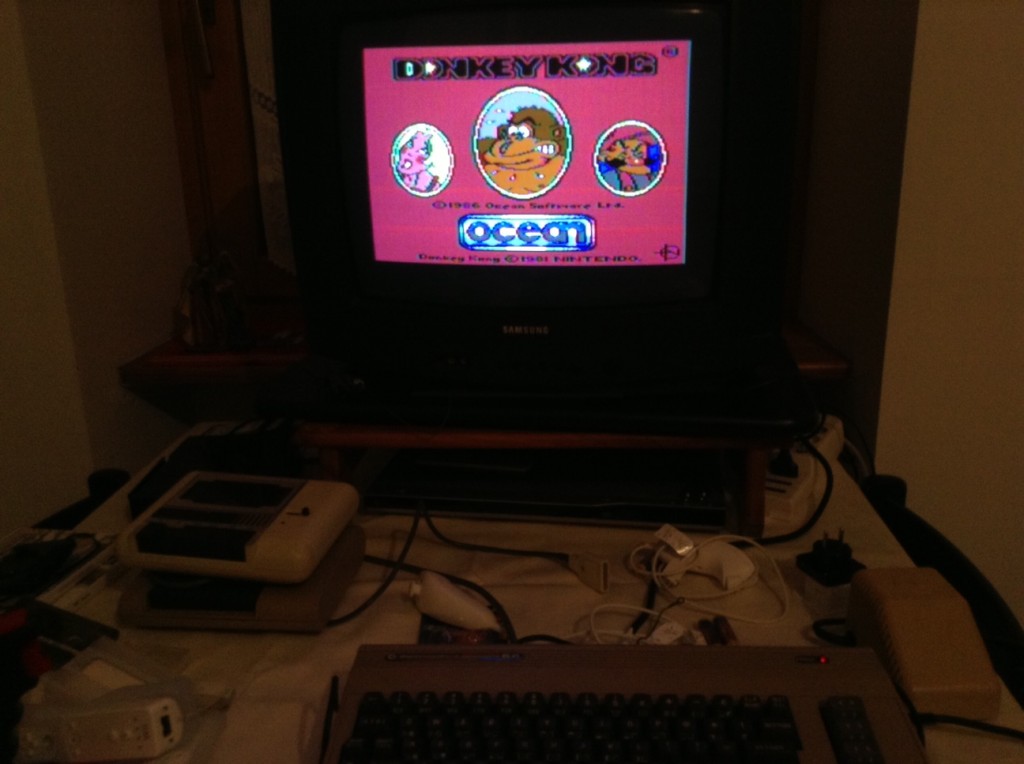
So while on vacation in Europe, Lorenzo managed to find this awesome score, a Commodore 64 with a tape drive, joysticks and BOXES, yes boxes of tapes!  All for €20!
So we get the Commodore home, fire it up and.. none of the tapes work.  Well completely many have these turbo boot loaders that load up, but from then on the screen flashes, the tape runs out and nothing happens.  Now granted all of this equipment has been stored in a garage for a decade (or two?) so it does look like the entire lot has bit rotted.  Going through some major effort we did find out that there were a few programs written to let you visualize the tape data to adjust the read/write heads, or even just determine if the tapes were just plain bad.
Then looking around some more online we pretty much come to the conclusion that we will need some kind of special cable to connect to the Commodore 64, and a Pentium 150-200Mhz class machine (no faster, no slower) to emulate a tape drive and feed the programs to the computer.
With everything looking down, we suddenly have a breakthrough by finding a Windows program that can convert a tap file, to an audio WAV(e).  Luckily Lorenzo has a working tape deck, new tapes, and a CD Player, so we burn the WAV to a CD-ROM, then record the CD Audio to a Tape, and amazingly, it worked!
So was it worth it? Â For 20 Euros it was cool, it is kind of neat being able to play it on the old ‘iron’ again. Â And a joystick was kind if a fun throwback vs the modern era of gamepads, I guess since we wound up using tap images converted, emulation would just be plain easier. Â And it is worth noting that the majority of the joysticks that we got didn’t work properly. Â Old things eventually die out.
But just as there is companies out there still making floppy drives, I’m sure someone is out there making a digital USB Joystick..
From Italy!
And all that jazz …
I came across the “Super 8 bit Fireplace” on flipboard… Kind of funny but with all the environmental laws going nuts about fires, I guess a fireplace is now.. retro hardwood(hardware) in action!
Best wishes all!
Well as the end of the year approaches, and in the USofA everyone looks for taxible donations, or just the holiday spirit of giving, here is a humble suggestion:
archive.org
Yep, the guys who run the wayback machine, and all kinds of other nifty stuff (like the usenet archive) are running a fundraiser to get four petabytes of storage. Â So far they are one down, three to go.
If you can, donate here.
FWIW I sent them $20 USD.
Antoni sent me a link to this project, AmiDevCpp. It is a nice little wrapped up IDE for cross compiling applications for the following platforms:
Naturally it doesn’t work correctly on Wine.. .Oh well, but for you Windows users out there that haven’t installed Cygwin this is an easy way to cross build stuff for the ancient Amiga platform.
Apparently he was able to rebulid the infamous aclock using this cross compiler…
Right here! Â Toasty Tech for those who don’t know has been collecting various screen shots of GUIs like since forever!
So it is kind of cool that I got mentioned over there, and for OS/2 of all things..!
Anyways, I thought it was worth mentioning.
Other than that, it is the prophesied end of some ancient calendar. If only it had any significance other than ‘happy cycle’.. I guess it is appropriate this being the ‘holiday’ season… Which for many may feel like the end of the world, but as they say, life goes on.
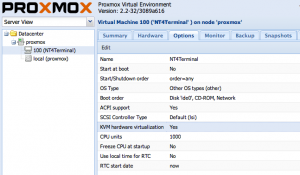
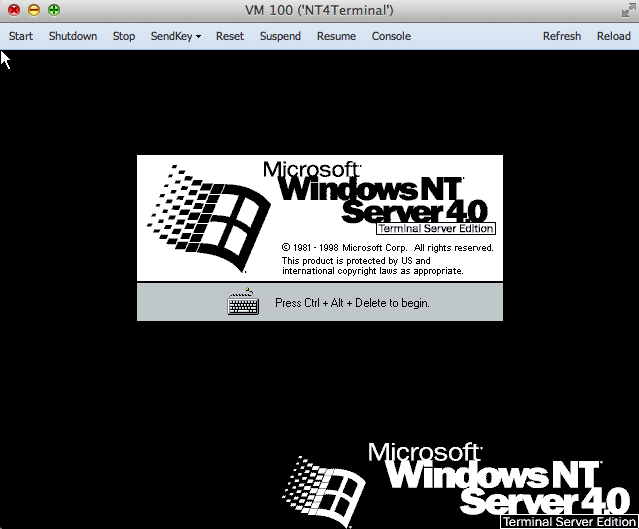
Ok, Ok I know 99% of the world won’t care, but here we go. Â I just setup a Proxmox/VE server on a friends PC, and felt like installing a NT 4.0 Terminal server.. So after getting the ISO onto the server, I went through the setup to get a quick blue screen. Â Much like Qemu, KVM won’t work out of the box, you have to first nudge the CPU level down to ‘pentium’ or 486, and for the install you have to disable the KVM (accelerated) version, and use the generic Qemu installer.
Also I would alter the config file, along with a global config to turn on the AMD PCNet network adapter.
In the  /usr/share/pve-manager/ext4/pvemanagerlib.js file, just go ahead and add in your NIC’s entries:
[‘rtl8139’, ‘Realtec RTL8139’],
[‘e1000’, ‘Intel E1000’],
[‘pcnet’, ‘AMD PcNet’],
[‘ne2k_pci’, ‘NE2k PCI’],
[‘virtio’, ‘VirtIO (paravirtualized)’]
And in the /etc/pve/nodes/proxmox/qemu-server directory, you will see stuff like 100.conf, and look for a line like this:
net0: rtl8139=56:65:DB:52:7F:F2,bridge=vmbr0
And change it to the AMD PCNet ..
net0: pcnet=56:65:DB:52:7F:F2,bridge=vmbr0
See, easy right? Â Then you can mount up your ISO, and install!
Once you’ve installed, and applied service pack 6, you can then turn on KVM acceleration, although I’d leave the CPU level knocked down to a Pentium.
So far, so good, yay!
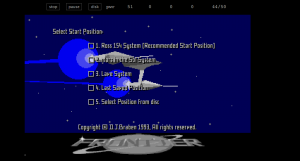
So, I came across this great page, Frontierverse, which has download links for all the versions of Frontier Elite which were released out as shareware. Â So what is cool, is that using the AROS Kickstart replacement ROM, it’ll boot up and work!
Just be sure to increase the default amount of chip memory, as it seems the AROS Kickstart ROM consumes more RAM than the Commodore ROM. Â But heck the AROS ROM is opensource, and free!
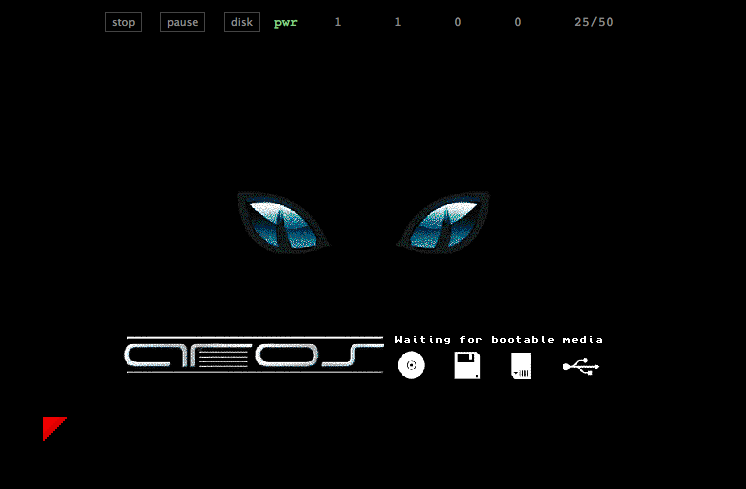
Pretty cool, and more interesting than say the normal, yippie a view of the AROS cat..
Again very cool stuff!
And lastly, I slapped together a disk that’ll boot up aclock, although it works only with a Kickstart 2 or higher ROM.. 1.3 kinda freaks out, and I didn’t feel the need to go all over the top on this one. Â Booting the aclock disk with the Aros ROM though loads up, but the clock doesn’t tick..
On OS X, I’ve been using the FS-UAE emulator to some degree of success, I’ve found it a tad cumbersome for swapping floppy disks, and I’ve had a major issue where making updates on an ADF that while they all look like the changes are reflected, going to the filesystem proved otherwise. Â So I wound up having to make DMS disk images, and running some ancient MS-DOS program to convert DMS to ADF‘s. Â Naturally the compression programs were in turn.. compressed. Â So with enough fooling around with various archivers I found here, I was finally able to get where I needed to be.
At the same time, looking at how the AROS kickstart replacement ROM is quite capable, it may be time to revisit AROS, and I would imagine it has become far more capable than that last time I had looked at it.
I’ve been looking for a good Amiga emulator as of late, something that I can mount a physical device (say a CF card), format it and install AmigaDOS, AmiTCP and a few other things, and get it to work on a physical Amiga.
Anyways I did a cursory google search to see what the state of Amiga emulation is, and I came across this very cool emulator, Janus that is written in java script.
You read that right, derived from UAE, Janus is a javascript Commodore Amiga Emulator.
So I loaded it up using Chrome, selected a dumped ROM, and lo I got the boot animation! Â Shuffling around I got a disk image for an old game, and it worked!
Although I’ve seen some glitches in the graphics, and the audio is experimental but hey it is in java script!
Really amazing stuff for sure.
Be sure to check it out in a HTML5 compliant browser here.