No.
No, it is not.
Now stop freaking emailing me about it. Â If I did have $1,375,000 I’d be in Tahiti. Â Although I think the “joke” is that they got pulled here because of me posting stuff about Amiga ROM versions 37.299 37.300 & 37.350 … LOL

No.
No, it is not.
Now stop freaking emailing me about it. Â If I did have $1,375,000 I’d be in Tahiti. Â Although I think the “joke” is that they got pulled here because of me posting stuff about Amiga ROM versions 37.299 37.300 & 37.350 … LOL
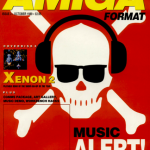 I came across this great site, commodore.me, which includes PDF’s of Amiga Format magazine!
And on the same kick, now that Frontier Dangerous got its funding, I ordered a copy of the awesome Elite II: Frontier. And there is another site, amr.abime.net which includes just about every review of the game, along with some page scans! I do look forward to being able to play this game again.. It just isn’t the same with analog sticks, or the PC version.
And speaking of a Commodore overload, they are still doing the “World of Commodore” shows, here is the last from 2012..
It would be cool to go to this in 2013, I would assume it will be held in Toronto, again by the TPUG?
We somehow managed to find an Amiga 600 for sale!
It is stock, 1mb if ram with a 37.300 ROM but it does have workbench disks. With all being well ill be able to rig this thing out!
Pictures and more to follow as I’m on a train to the airport.
Just got back from the UK, and check it out!
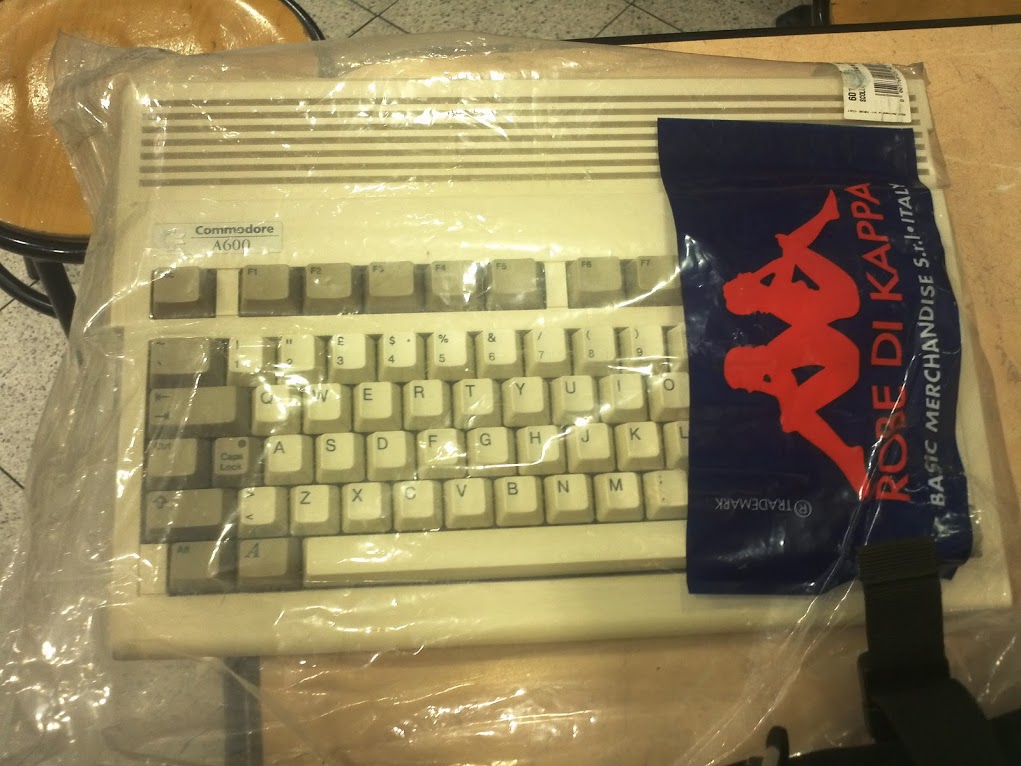
On my way out of Italy, it was kind of funny as the security checkpoint people immediately recognized the Amiga 600, pulled it out of the line, and started to wave it around, so that others could come by to check it out, then they put it through the x-ray machine and took pictures.. Sadly I couldn’t take pictures.  But it was slightly amusing.  I guess you had to be there.
Also check this out, I think this game is Amiga 500 / AmigaDOS 1.2 only .. But it crashes with the good old fashioned Guru Meditation…
Now if only I had a serial port I could use this method of transferring ADF files..
|
||||||||
As I had mentioned earlier there is this great HTML5/Javascript Amiga emulator Janus.
And now, it supports loading a bunch of games & demos from the page! Â Making this the easiest way to enjoy the best of the early 1990’s on Chrome.
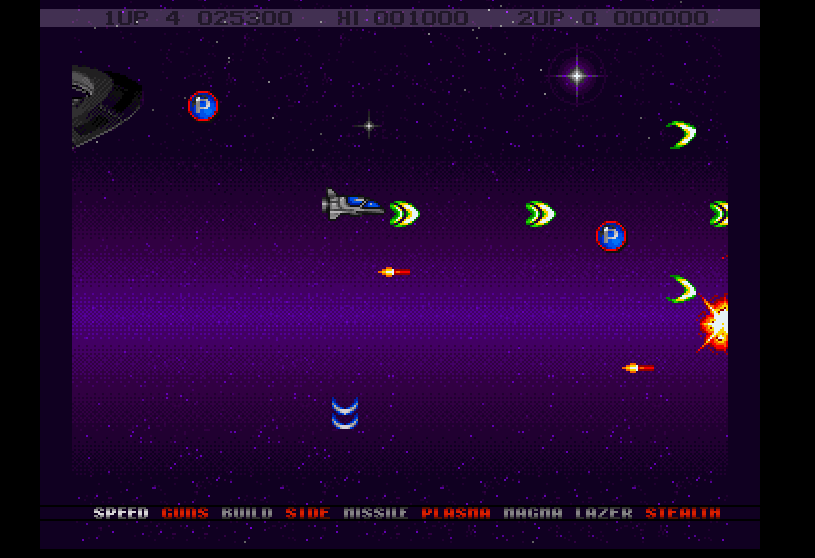
Project-X
The available games are:
And you can enjoy it here.
You can check it out on his blog, here.
Ah, yes who doesn’t love the old world of the mid 1980’s that was dominated by the Commodore 64?  Naturally I had one, and like many people in North America, I had the incredibly “fast” and reliable 1541 floppy disk drive. Unfortunately, in Europe it seems that the floppy drive addon was actually quite rare.  Many of the systems opted to go with the substantially cheaper, and slower 1530 tape drive.
My only real exposure to the Commodore tape drives was with old PET computers in my grade school library where I’d write meaningless BASIC programs, and save them to tape. Â But at home I had a floppy drive, so moving programs around never was possible. Â Not that it really matters.
So while on vacation in Europe, Lorenzo managed to find this awesome score, a Commodore 64 with a tape drive, joysticks and BOXES, yes boxes of tapes!  All for €20!
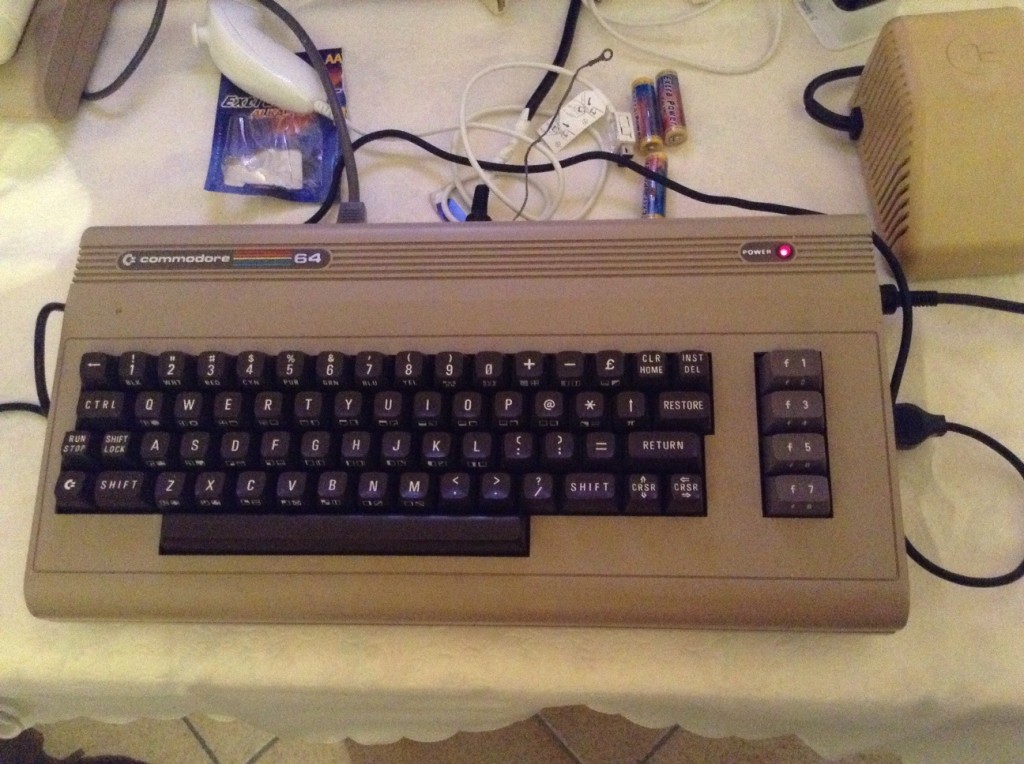
20€ of Amazement!
So we get the Commodore home, fire it up and.. none of the tapes work.  Well completely many have these turbo boot loaders that load up, but from then on the screen flashes, the tape runs out and nothing happens.  Now granted all of this equipment has been stored in a garage for a decade (or two?) so it does look like the entire lot has bit rotted.  Going through some major effort we did find out that there were a few programs written to let you visualize the tape data to adjust the read/write heads, or even just determine if the tapes were just plain bad.
Then looking around some more online we pretty much come to the conclusion that we will need some kind of special cable to connect to the Commodore 64, and a Pentium 150-200Mhz class machine (no faster, no slower) to emulate a tape drive and feed the programs to the computer.
With everything looking down, we suddenly have a breakthrough by finding a Windows program that can convert a tap file, to an audio WAV(e).  Luckily Lorenzo has a working tape deck, new tapes, and a CD Player, so we burn the WAV to a CD-ROM, then record the CD Audio to a Tape, and amazingly, it worked!
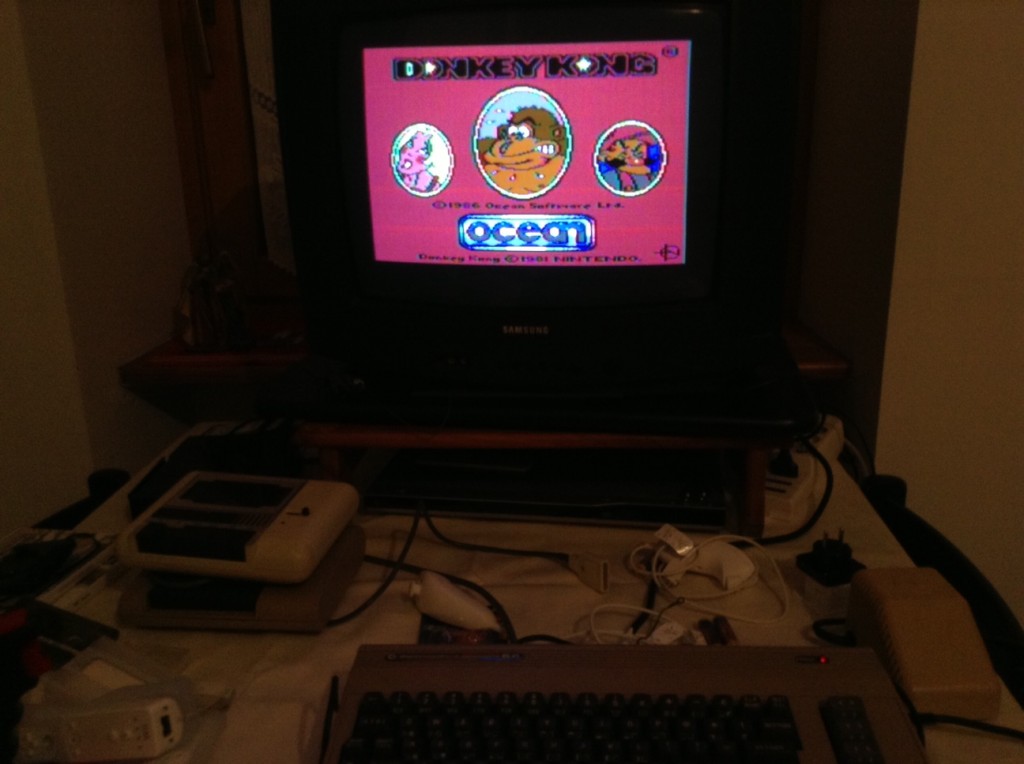
Donkey Kong!
So was it worth it? Â For 20 Euros it was cool, it is kind of neat being able to play it on the old ‘iron’ again. Â And a joystick was kind if a fun throwback vs the modern era of gamepads, I guess since we wound up using tap images converted, emulation would just be plain easier. Â And it is worth noting that the majority of the joysticks that we got didn’t work properly. Â Old things eventually die out.
But just as there is companies out there still making floppy drives, I’m sure someone is out there making a digital USB Joystick..
From Italy!
(note this is a guest post from Tenox)
As promised in a post about Floppy Disk Emulators, here is a review of HxC Floppy Disk Emulator. I ordered it from Lotharek via eBay. Initially stuck in Polish post made it just before the weekend! This made my Christmas gift as I had a lot of fun playing with it. The unit comes with two front panel stickers, one grey and one black to match your equipment type. Quite nice touch. I choose grey as most of my units are of this color. I have to say the LCD screen makes a modern touch to an old 286 machine!
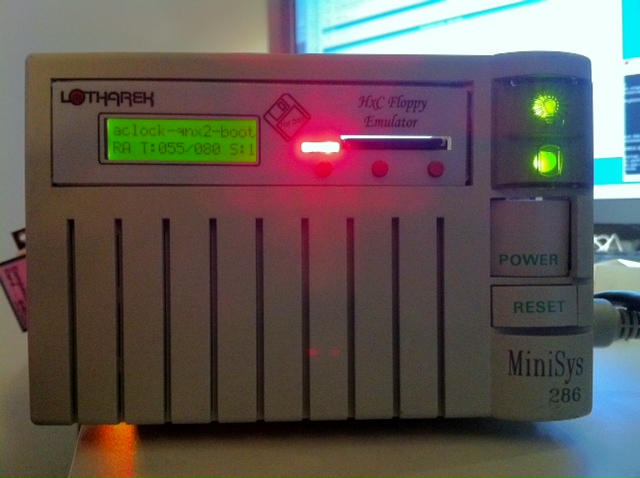
286 machine with HxC installed in 3.5″ floppy bay.
Initially I have stumbled upon a lot of issues. Floppy disks are not easy as it seems. No wonder I had so much trouble with the real ones. I spent a lot of time experimenting with ID jumpers and correct BIOS settings. The unit only worked on ID3A but I can probably attribute it to a weird machine. Then I had problems converting my raw images to HFE format. The main project developer helped me a lot on their forums.
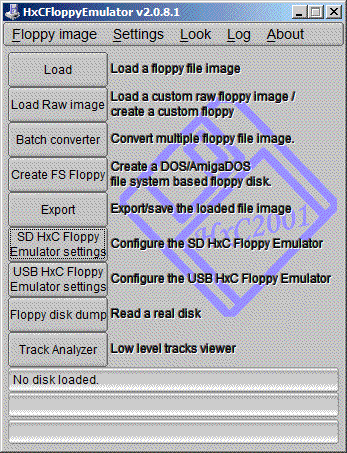
HxC Software used to load and convert disk images. The latest beta version includes a Track Analyzer!
Once I got a grip how to do it semi correctly I was able to torture the machine with bunch of operating systems it has never seen before. Â Let’s go directly to the screenshots!
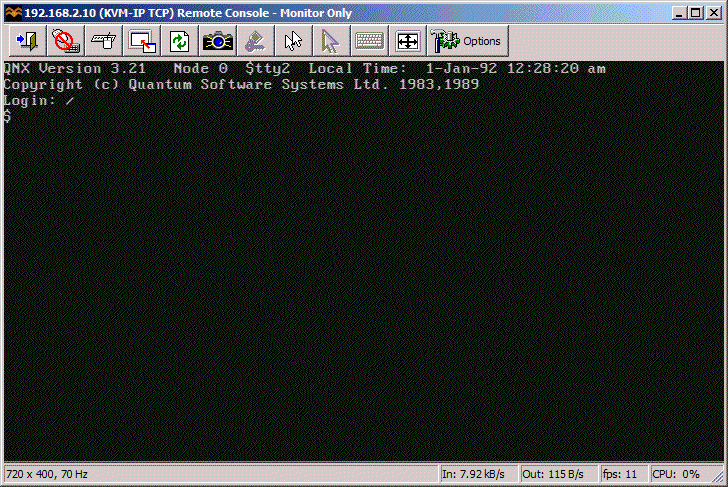
QNX 2 worked just fine!
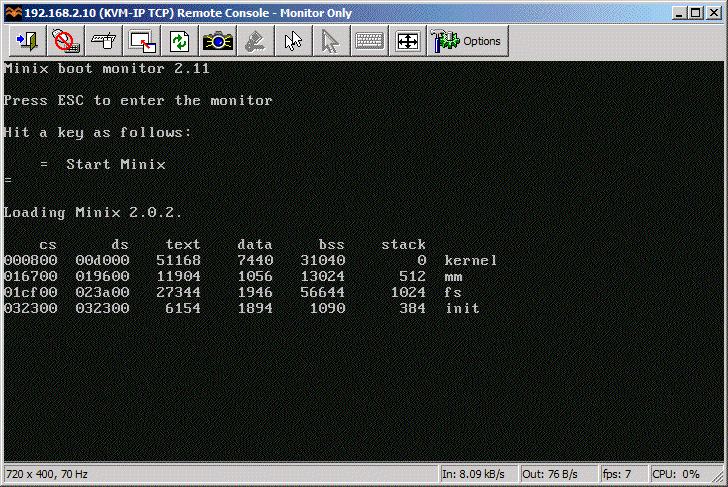
Minix 2.0 also loaded without problems.
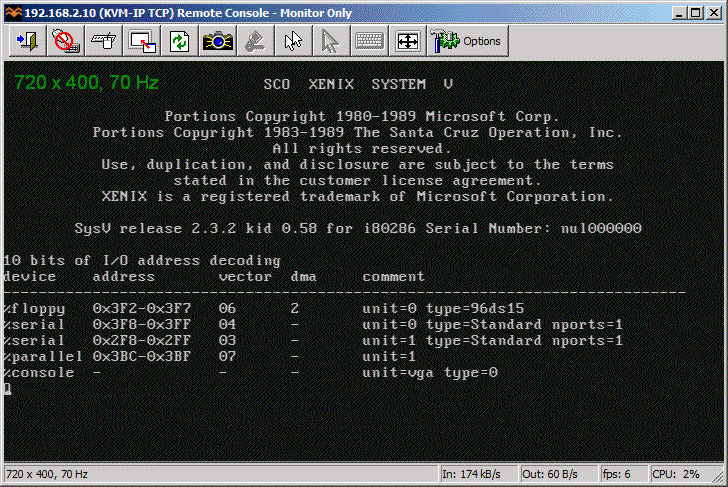
So did SCO Xenix 2.3
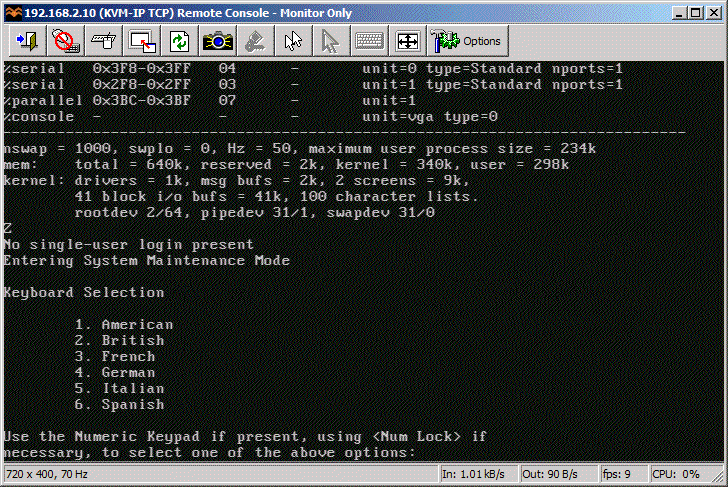
SCO Xenix 2.3 boot complete.
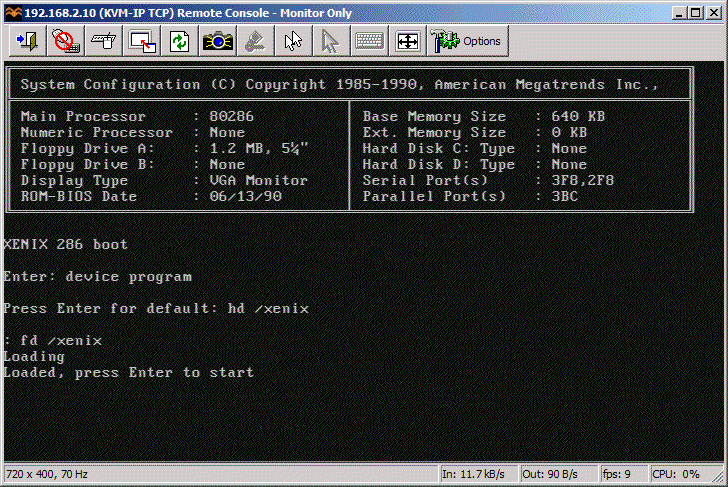
Microsoft Xenix also briefly saw daylight.
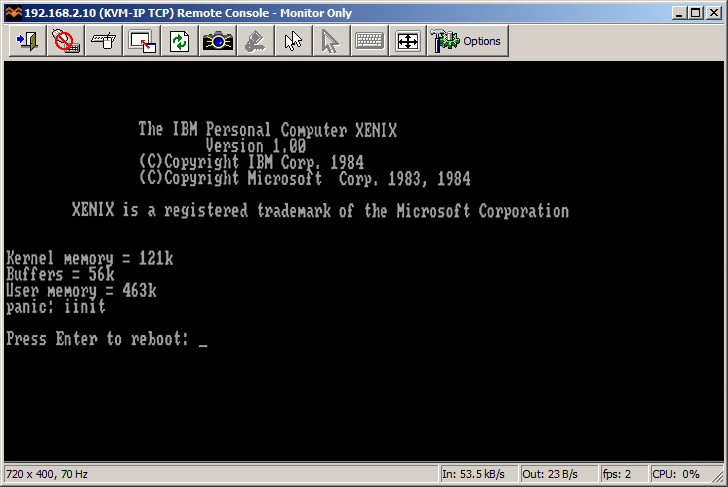
MS Xenix switched to CGA mode and died.
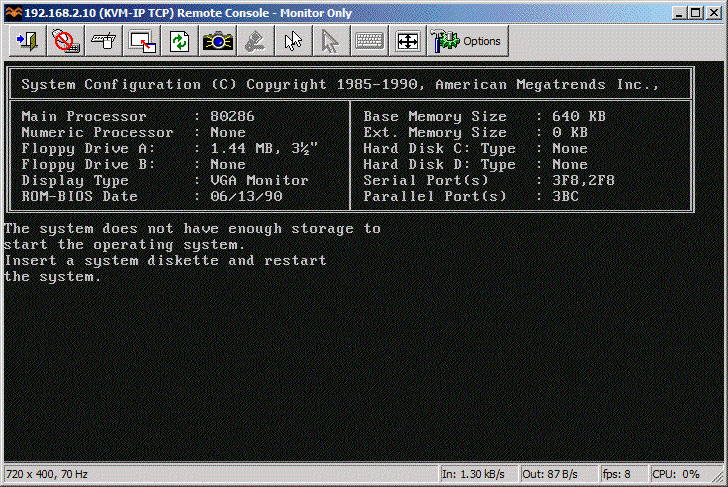
Guess which operating system is this?
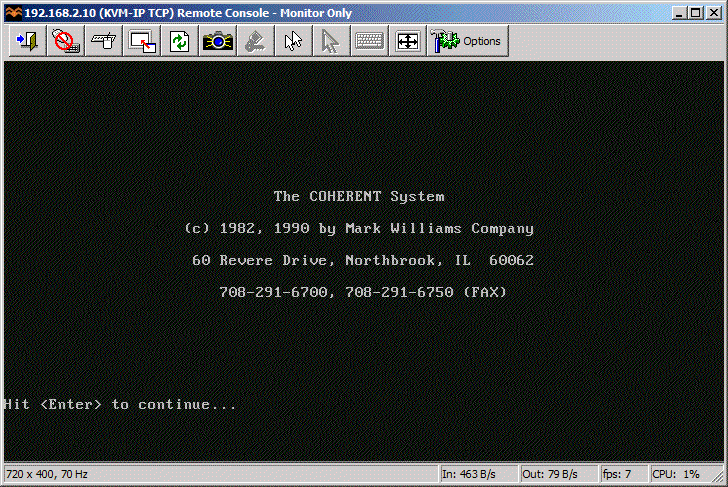
Coherent 3.10 boots correctly as well.
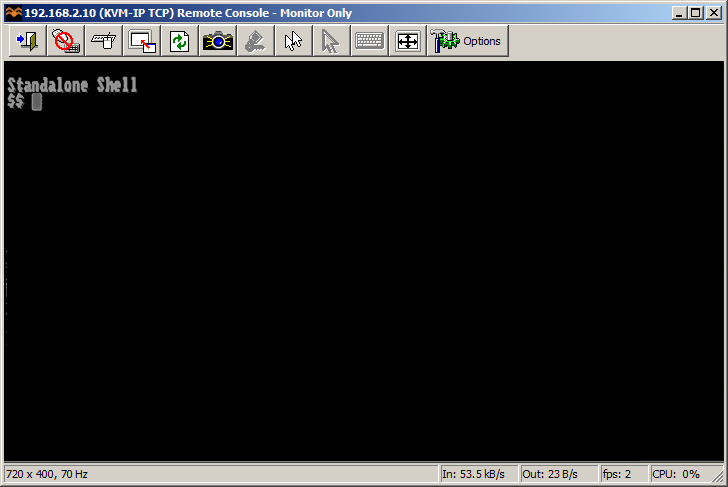
PC/IX booted to Stand Alone Shell.
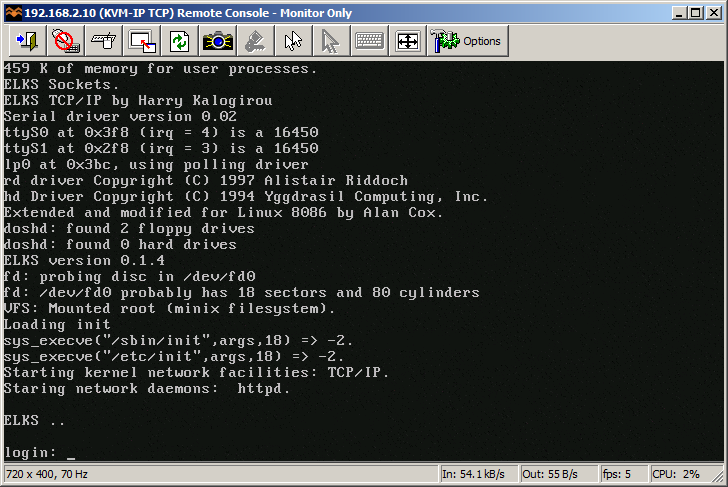
ELKS
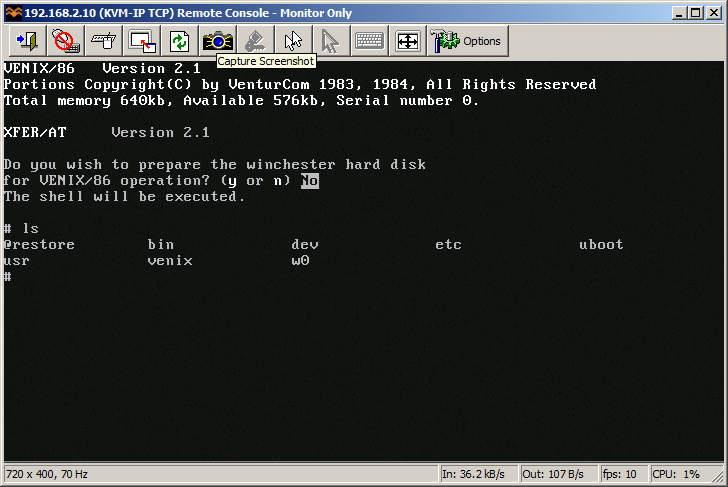
VenturCom VENIX/86
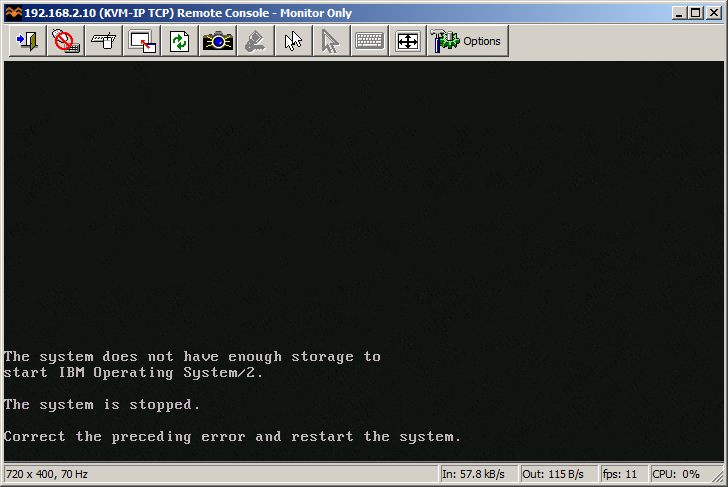
I guess 640 KB is NOT enough for everybody.
This pretty much concludes operating systems for 286. If you have more let me know! I will try 386/486 operating systems in a separate post.
So how does HxC works for an end user? You store floppy disk images in a special format called HFE as files on an SD card. HFE files can be made by a virtual floppy disk emulator + rawrite, reading and imaging in an existing floppy, or converting existing floppy images. The list of supported disk images is quite impressive. The conversion however sometimes fails. It detects a wrong format and you have to change file extension or it completely screws things up making 64 “sides” to a floppy disk. Most if not all these have been fixed in the latest beta version of software, but you need to know about it.
When you insert the SD card to the emulator it will read the file list and allow you to switch between different floppy drives on the fly. Interestingly you can mix and match different floppy disk types on the same SD card. So you can have bunch of 3.5″ or 5.25″ disk in different files. Each HFE file contains specific settings for the emulator including the floppy interface type. The operating systems I’ve tried above ranged from 360k, 720k, 1.2MB and 1.44MB images stored on the same SD card. However changing floppy disk type in the BIOS was necessary for the images of different format to load correctly.
One extremely interesting feature is a host control software, that let’s you manage the floppy disks from inside the machine where HxC is attached. Sort of like VMware tools. The software is available for Atari, Amiga and Amstrad CPC. Unfortunately not for PC so I could not test at this time.
Because of the pain with formats, errors in conversions and confusion about some settings I can only give it 8 out of 10 for ease of use. So let’s conclude:
If you have a large collection of floppy disk images or you maintain a bunch of old machines that rely on floppy disks to work – get HxC quickly. It may save your life.
Updates: Venix/86 and ELKS, Tried OS/2 V1.0 and 640 KB RAM was not enough to boot.
Still missing: Microport SYSV/AT
And all that jazz …
I came across the “Super 8 bit Fireplace” on flipboard… Kind of funny but with all the environmental laws going nuts about fires, I guess a fireplace is now.. retro hardwood(hardware) in action!
Best wishes all!