
Tip on memory for Windows NT 3.1 users

I just found out that if you replace the ntldr & ntdetect.com from Windows NT 3.51 service pack 5, you can access as much memory as the 32bit platform will let you!!! This is of course, 2GB per process, 1GB for Windows NT, the other 1GB is reserved for PCI hardware (remember the upper 384k in MS-DOS??). I have to say it’s GREAT to shatter the 64MB barrier of the earlier PC’s.

Anyways it’s quite simple to do, just download and extract service pack 5, then just copy the ntldr & ntdetect.com in the c:\ directory.

And here is a screen shot for the heck of it, of my Windows NT 3.1 with NT 3.51’s loader running with 3GB of ram! This makes compiling bigger things way easier, and I don’t have to page like crazy with Netscape…
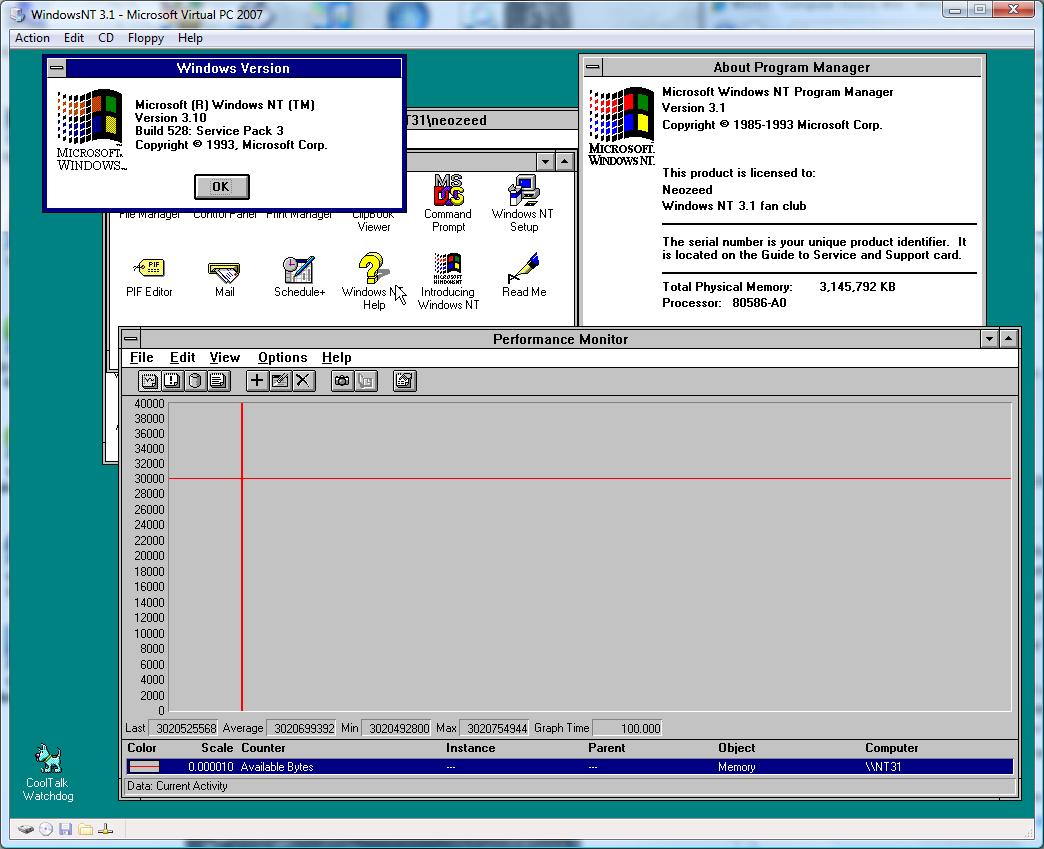
Windows NT 3.1 with 3GB of RAM!

Windows NT 3.1 with 3GB of RAM!

For what it’s worth, I wouldn’t go beyond 3GB, as you’ll never get to use any more then that much, just as it is with Windows 2000,XP,2003,Vista on the i386 32bit platform. That is just the way it is, and yes XP & Vista that tell you about your 4GB of ram are simply reporting installed ram, not available memory.

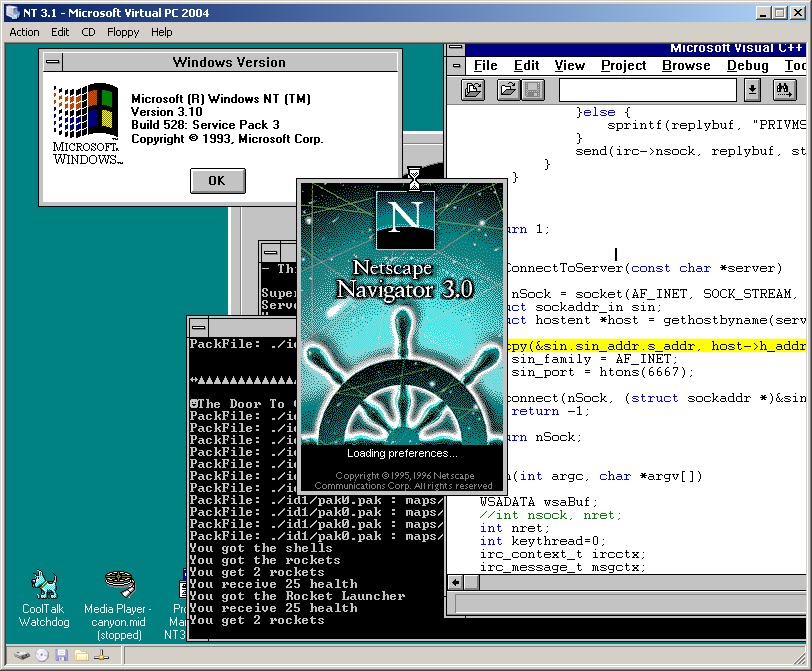
Networking with Windows NT 3.1 under emulation


Windows NT 3.1 does NOT support the PCI bus, making most emulation difficult to impossible.

However some vendors wrote their own PCI routines allowing their PCI devices to work under Windows NT 3.1!

And as luck would have it, the two that I found should work for both VMWare & Virtual PC users!

First the Virtual PC users, you’ll want this file GF10011.EXE , and just extract it, and put it on a floppy.  x64 users will either need to do this under dosbox / MS-DOS in a VM… Also another note about Virtual PC & NT 3.1 is that it has massive pauses, to where it seems to be unusable.  I’ve found that altering the Virtual PC process, and binding it to only a single CPU, and boosting it’s priority helps a great deal, although it’s nothing compared to the speed of Qemu…

VMWare users can download an AMD Pcnet driver here that will happily bind on PCI.  Once you install the driver, you can have it scan the appropriate busses and it should pull up and work.

Another fun thing I found for Virtual PC users, is that the HP Pavilion 5000 desktop shipped ready for Windows NT 3.1, and it was equiped with a S3 video card! And it’s video driver will work with Virtual PC! You can download it from HP’s site here.

This brings Windows NT 3.1 into a far more usable state. Another fun thing I found is that Netscape 2 & 3 for Windows 3.1 WILL RUN! One of these days I’ll have to sort out the exchange client situation…

And if anyone wants to see it in action, be sure to check out Apache running on Windows NT 3.1!

Or you can hit it directly:

http://winnt31.superglobalmegacorp.com/