(note this is a guest post from Tenox)
OMG this is how the heaven looks like:
Source: http://channel9.msdn.com/Series/CampusTours/Microsoft-Campus-Tours-Microsoft-Archives
(note this is a guest post from Tenox)
OMG this is how the heaven looks like:
Source: http://channel9.msdn.com/Series/CampusTours/Microsoft-Campus-Tours-Microsoft-Archives
(note this is a guest post from Tenox)
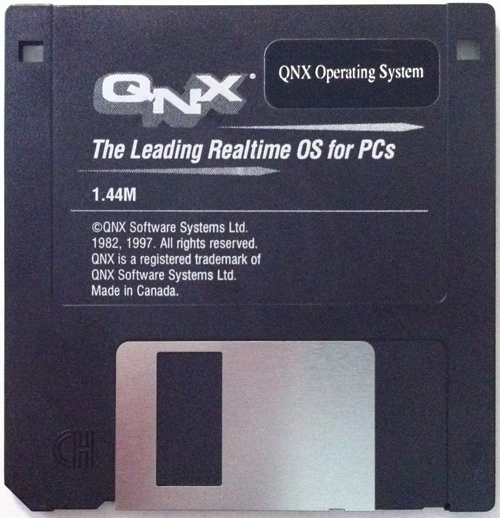
So that QNX 2.21 from the previously established purchase fund has arrived today. As an added bonus, I expected 4 x 5.25″ disks, but the media turned to be a single 3.5″ floppy disk. So it’s better suitable for more modern 286 machines and emulators.
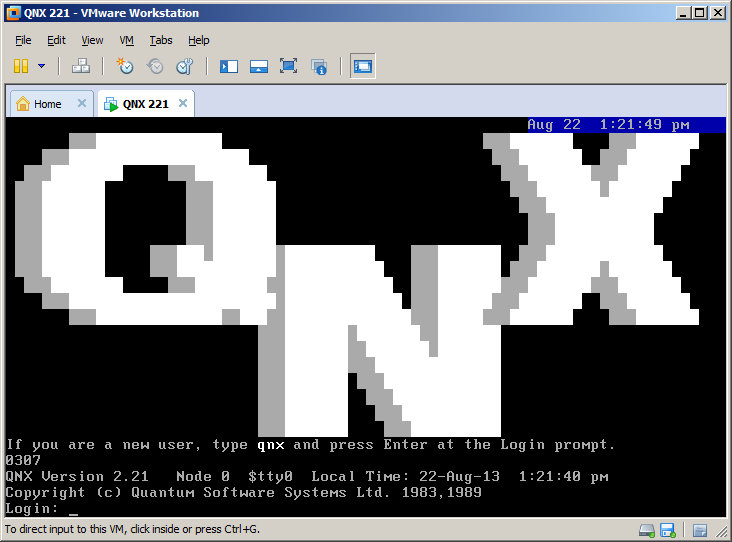
I have imaged the floppy to a raw disk dump and booted in VMware Workstation for verification.
The floppy disk image was sent to those who contributed in the previous post.
Manuals are always available here.
Update: the floppy disk image is here…
(note this is a guest post from Tenox)
So QNX 2.21 popped up on eBay. I’m organizing a collection so that everyone interested in getting a copy can chip in. I have previously covered QNX 2.1 that I purchased on my own and was getting a lot of requests for the install disk images. So this time instead of pissing people off I decided to let everyone participate! 🙂
Please comment with the amount you can chip in and once say 1/2 will be covered I will purchase it.
Update:
I have purchased the item for $500 via best offer. This is much more reasonable. Of course still looking for people to chip in for the purchase.
Please send your contributions to: [email protected] selecting for “friends and family” instead of goods or services. Thanks.
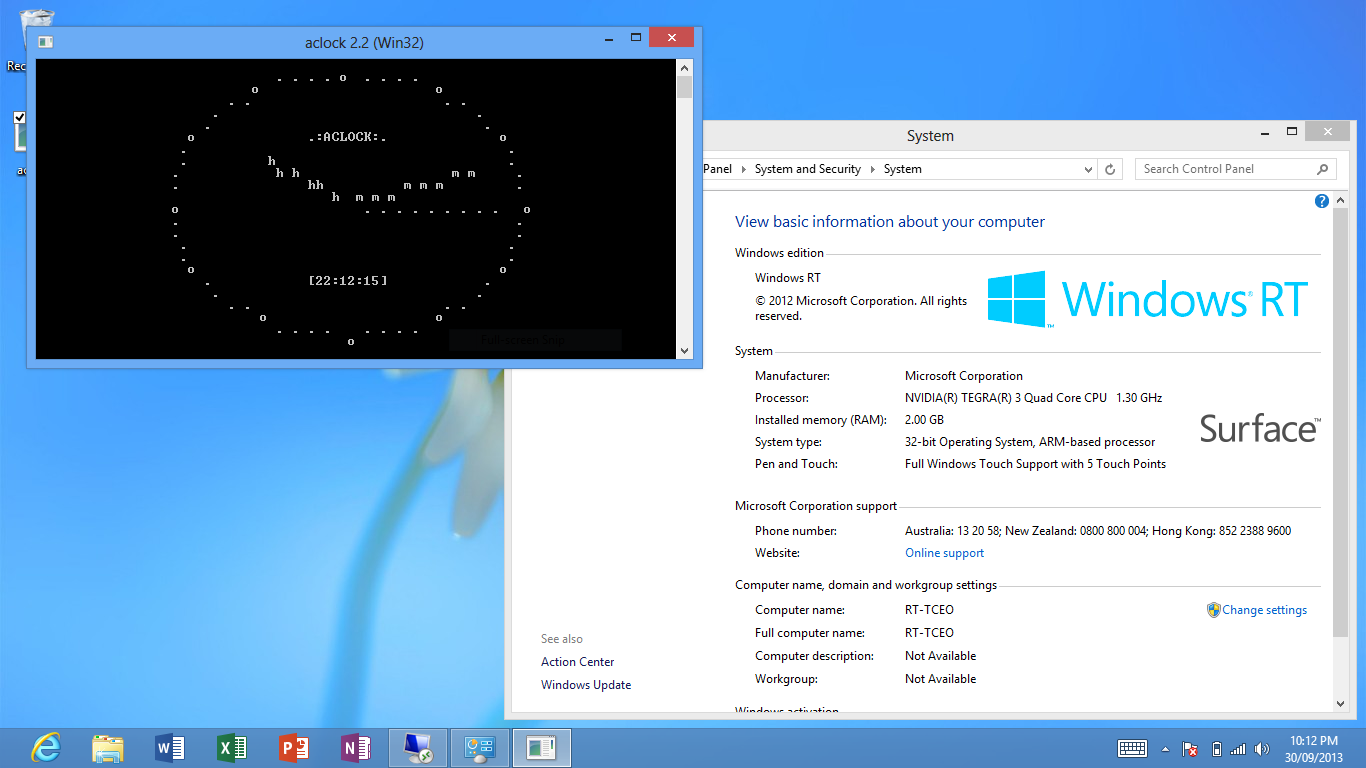
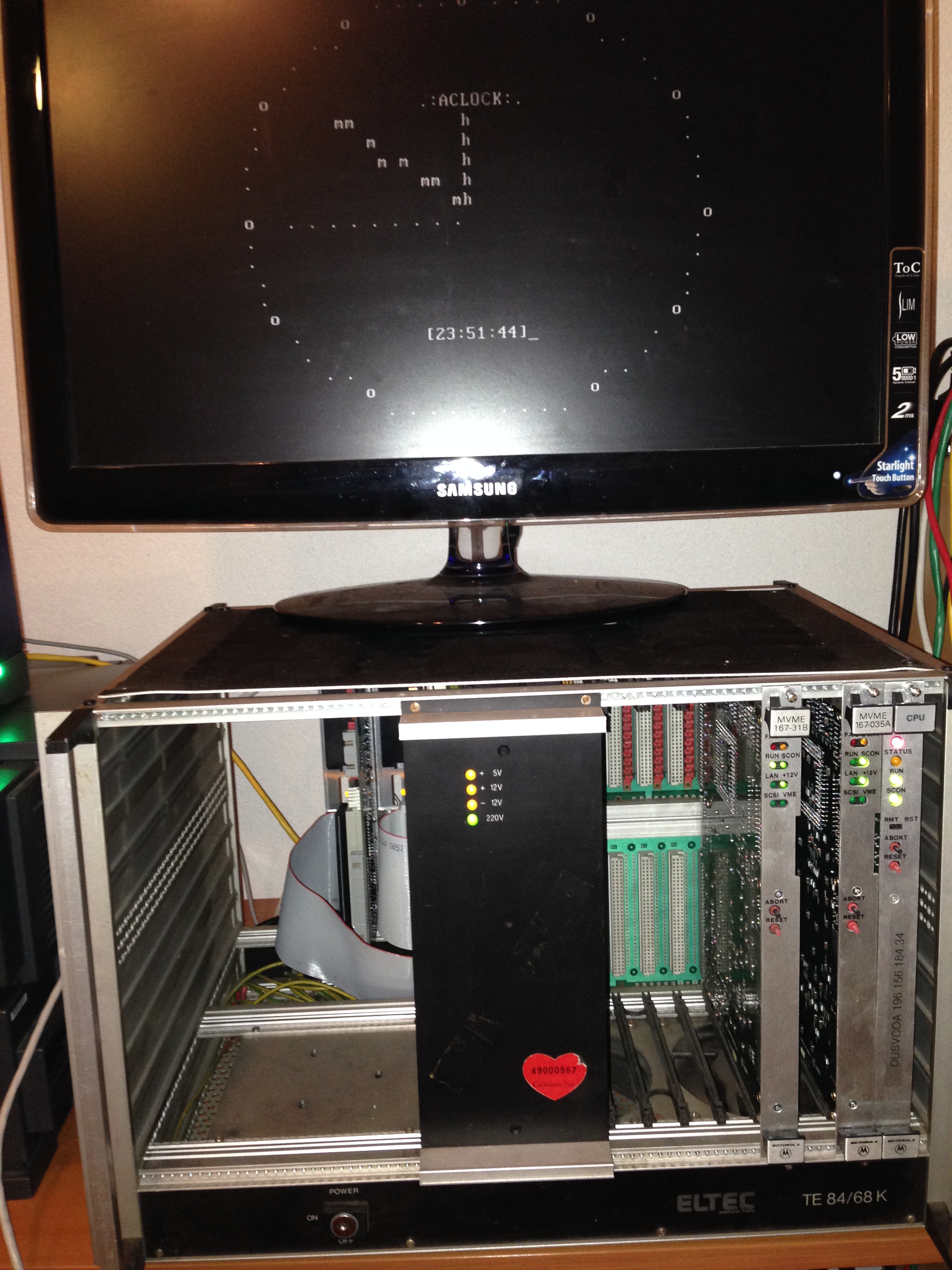
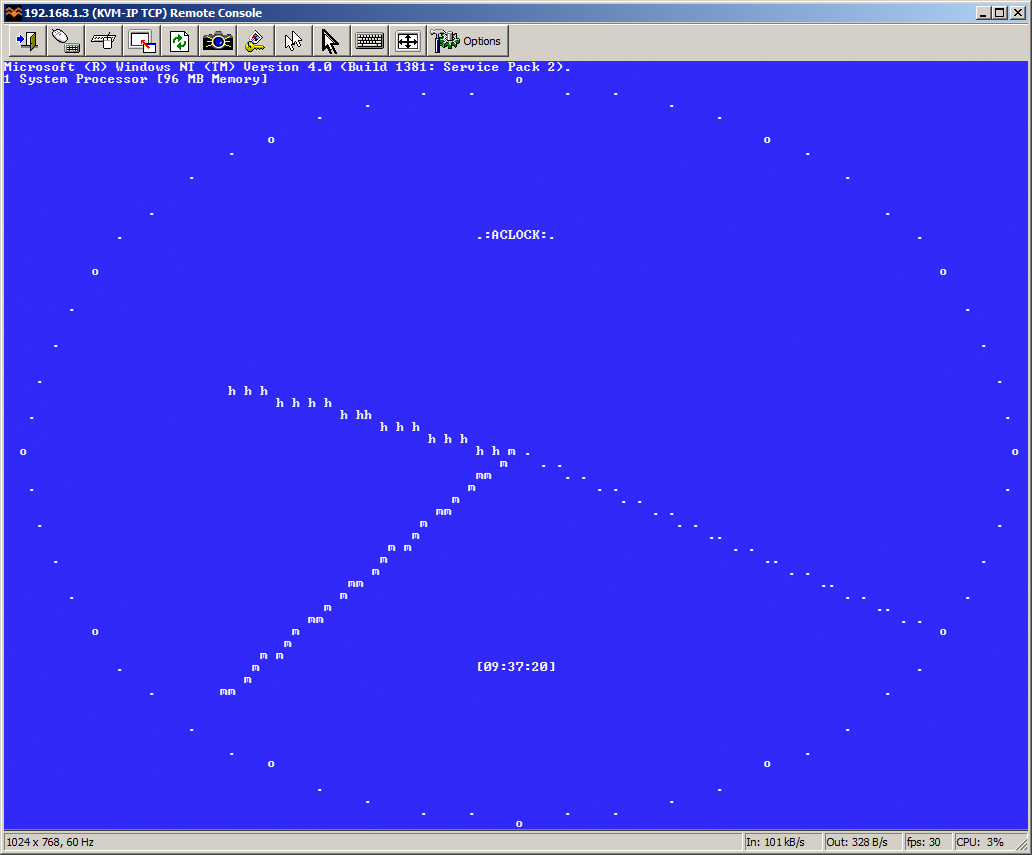
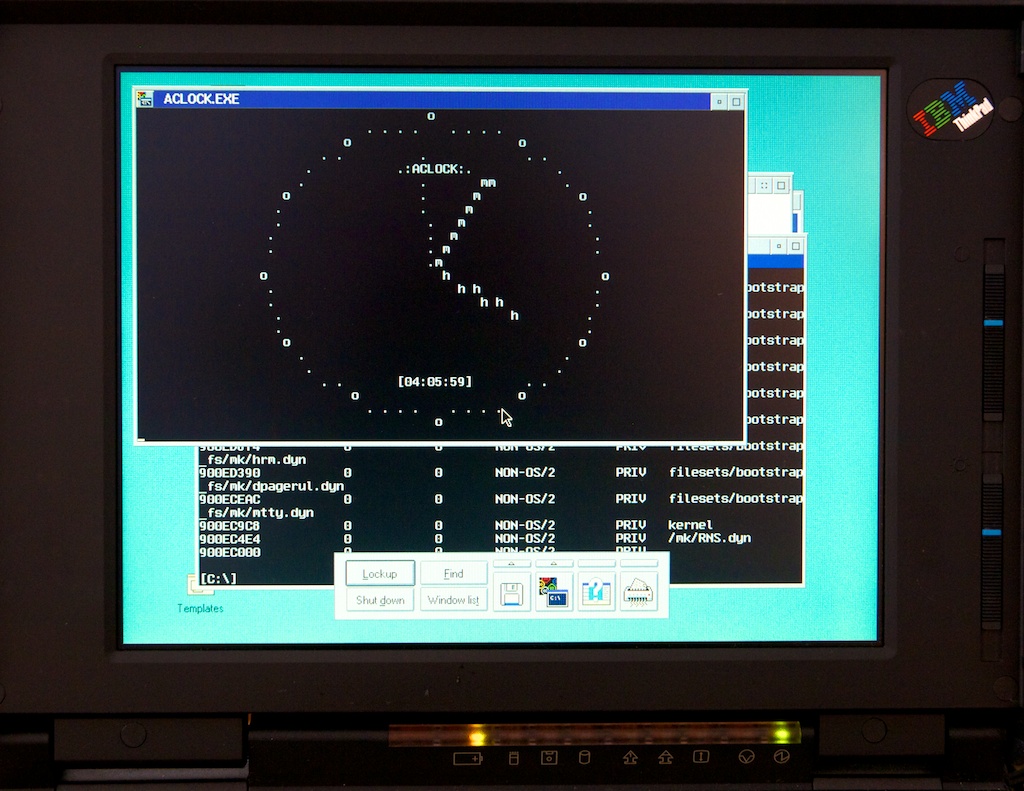
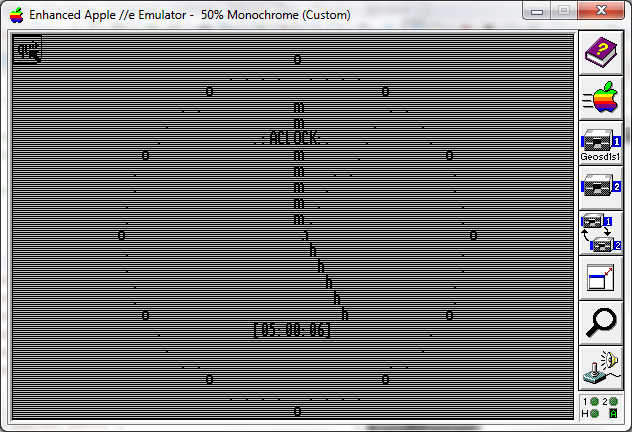
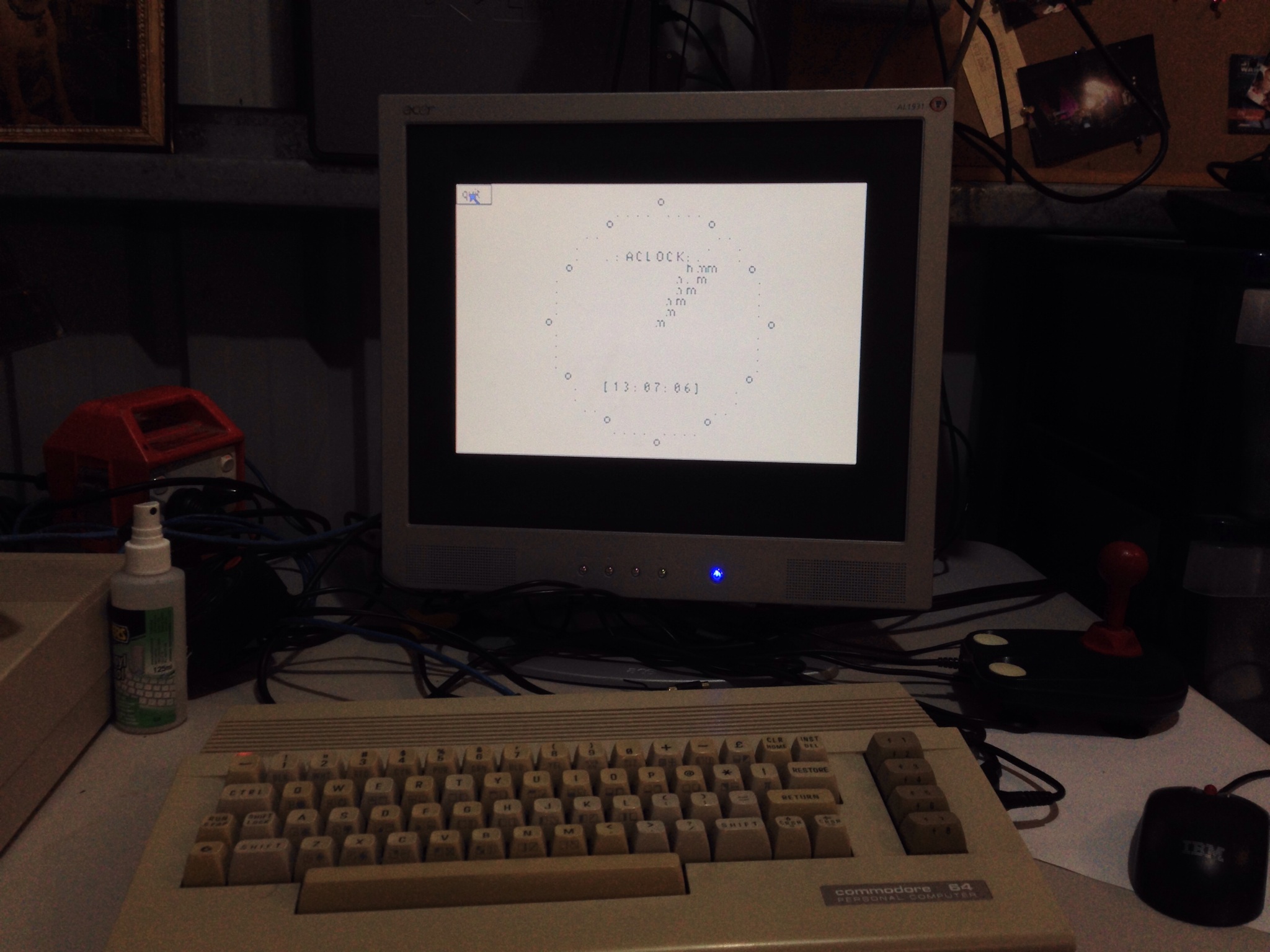
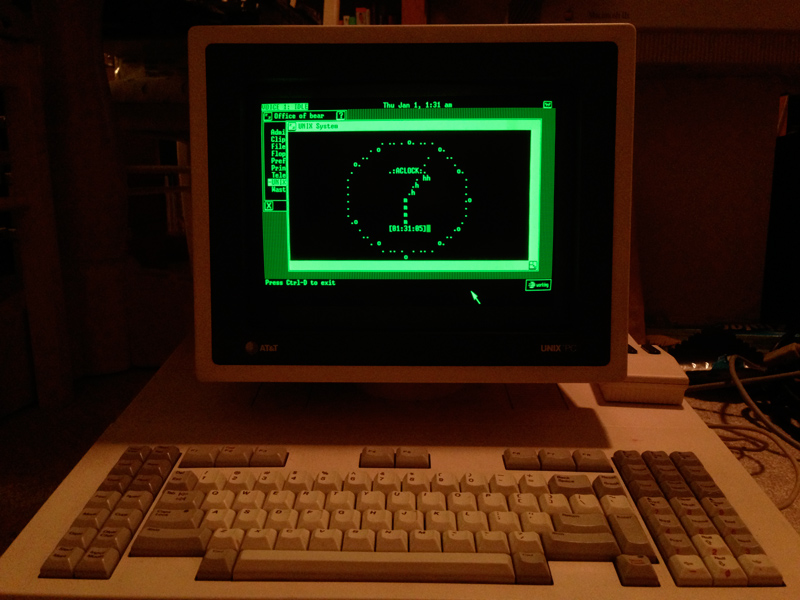
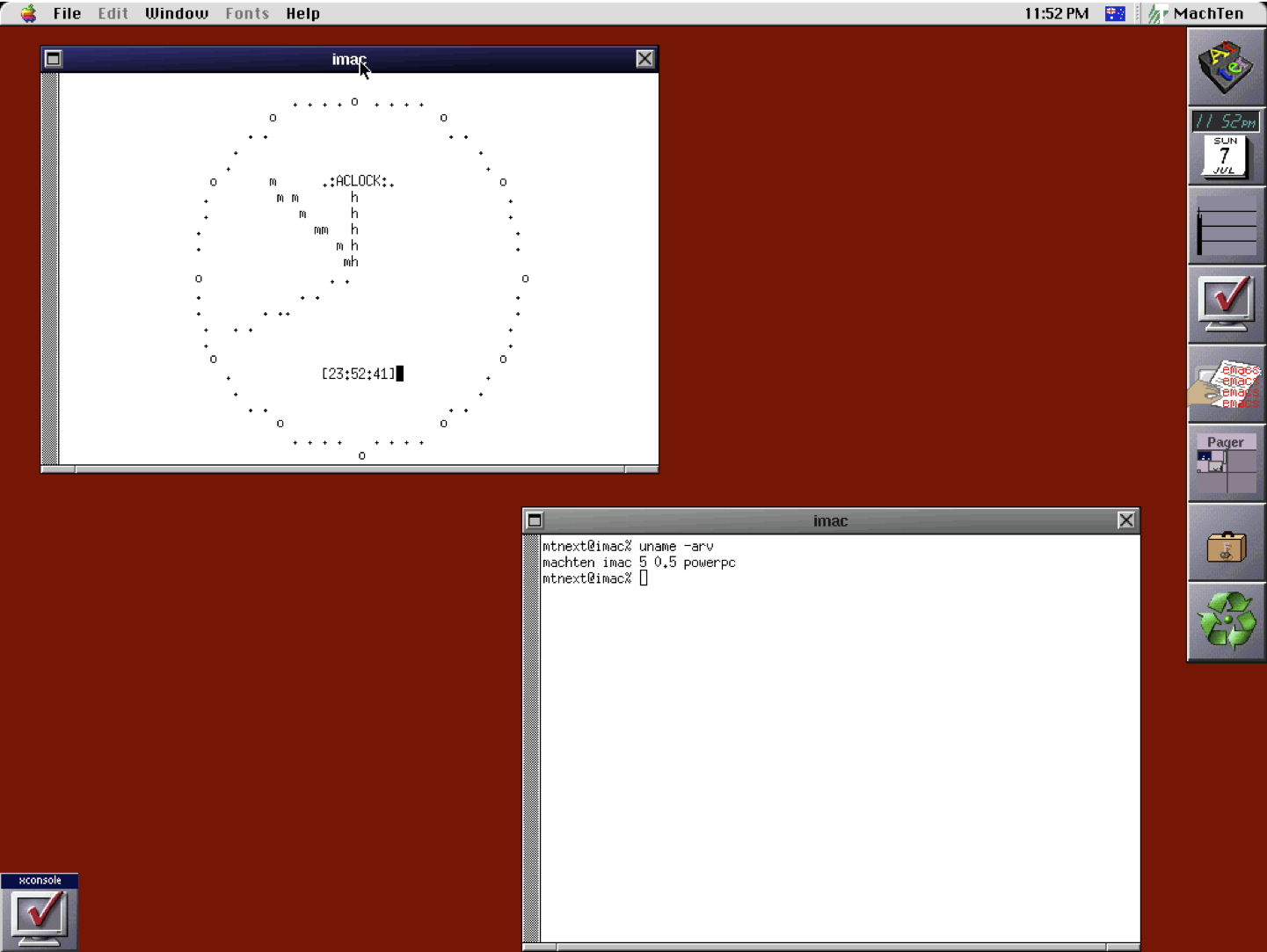
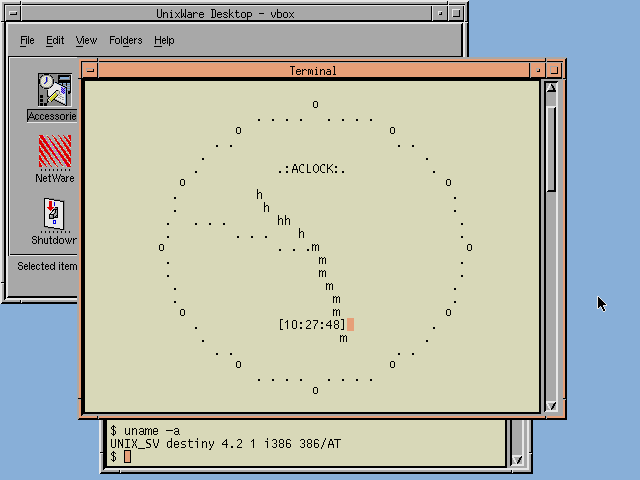
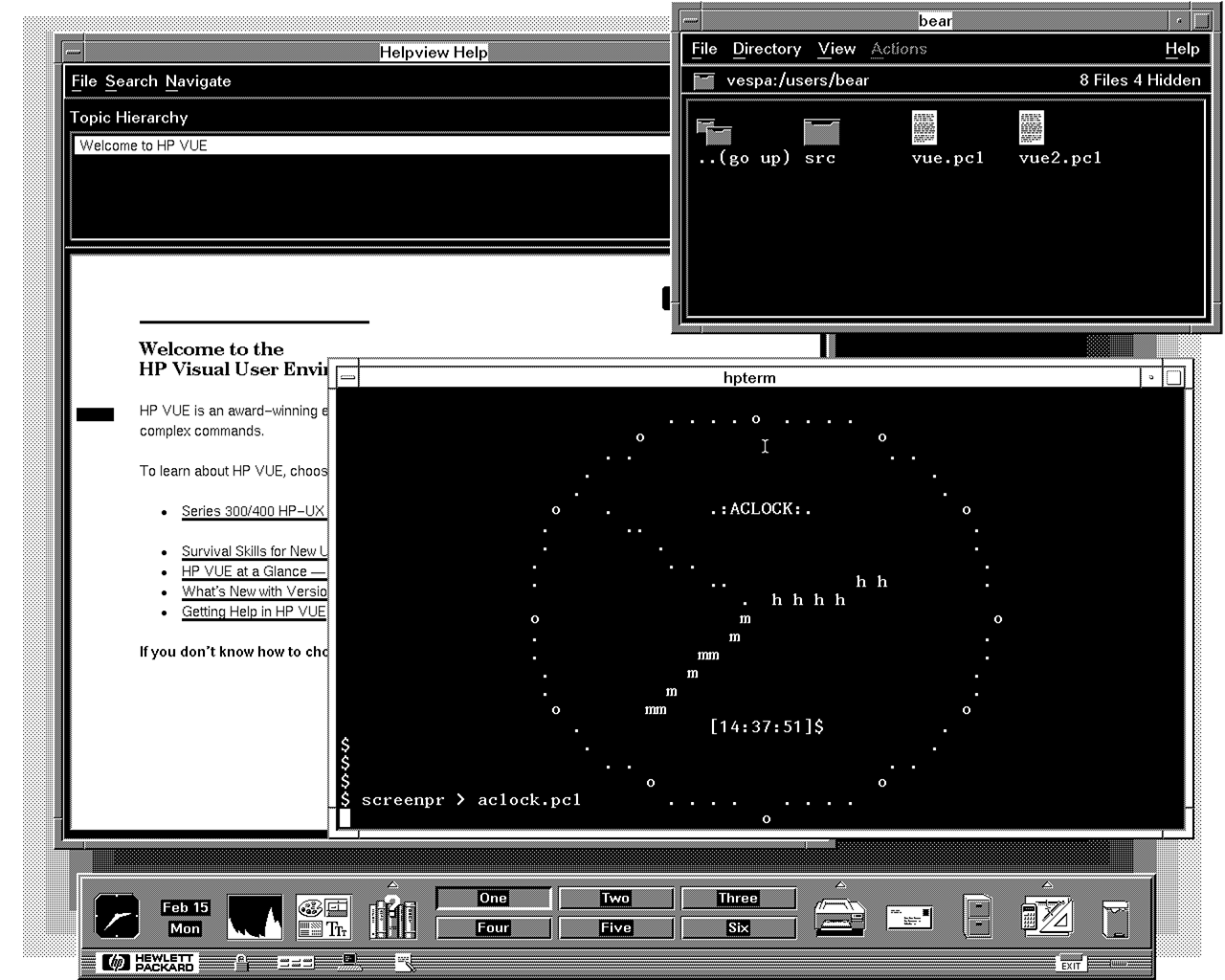
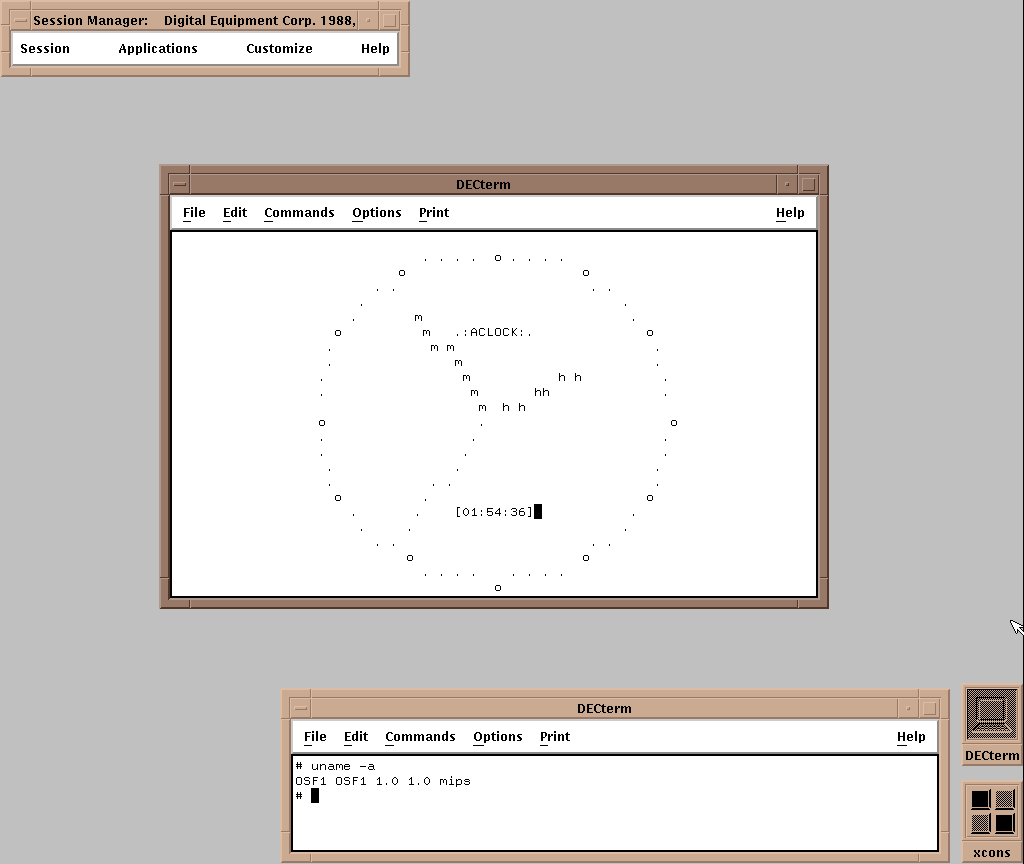
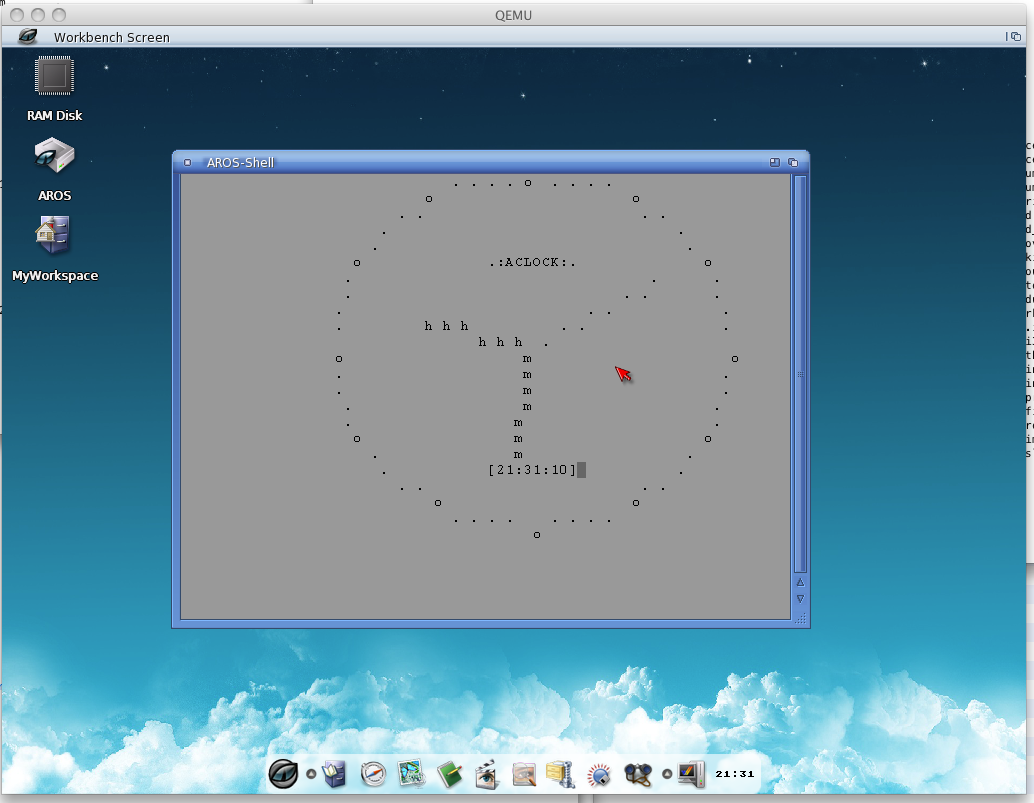
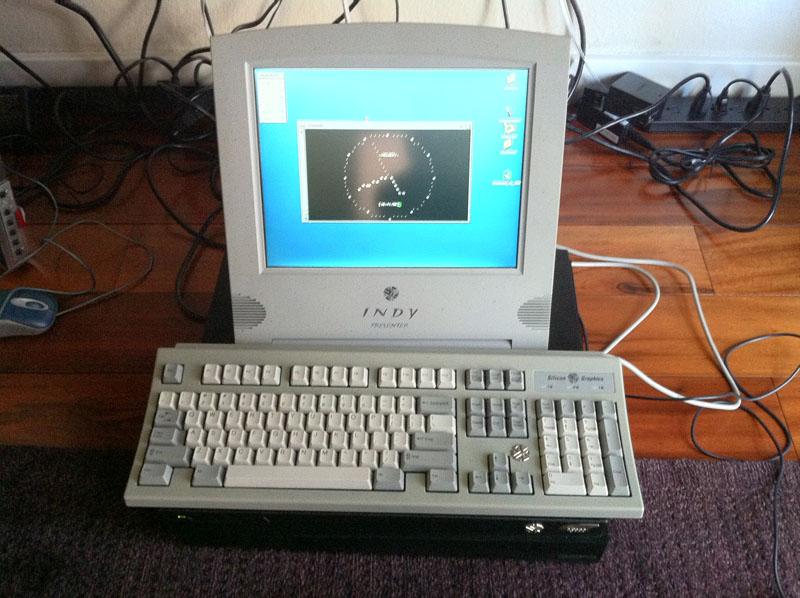
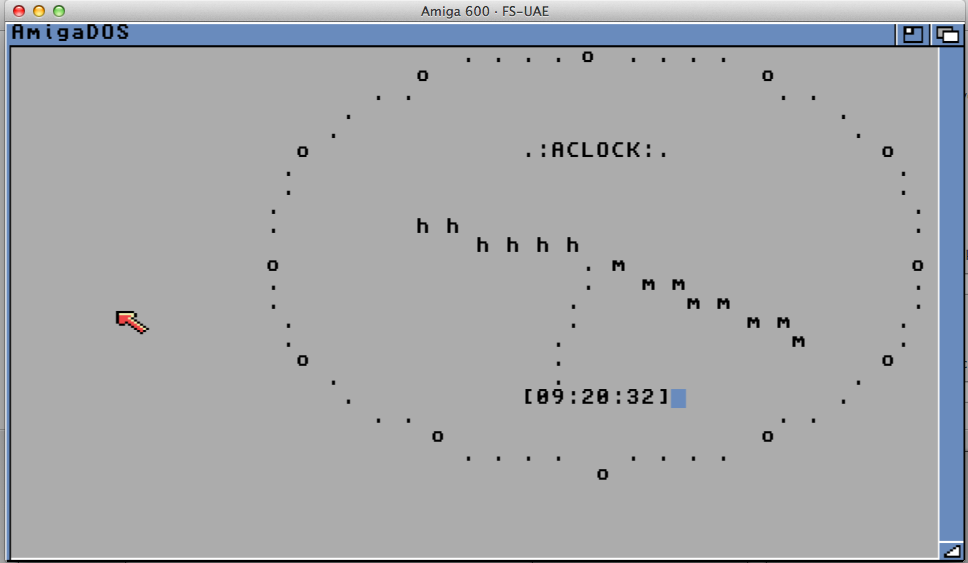
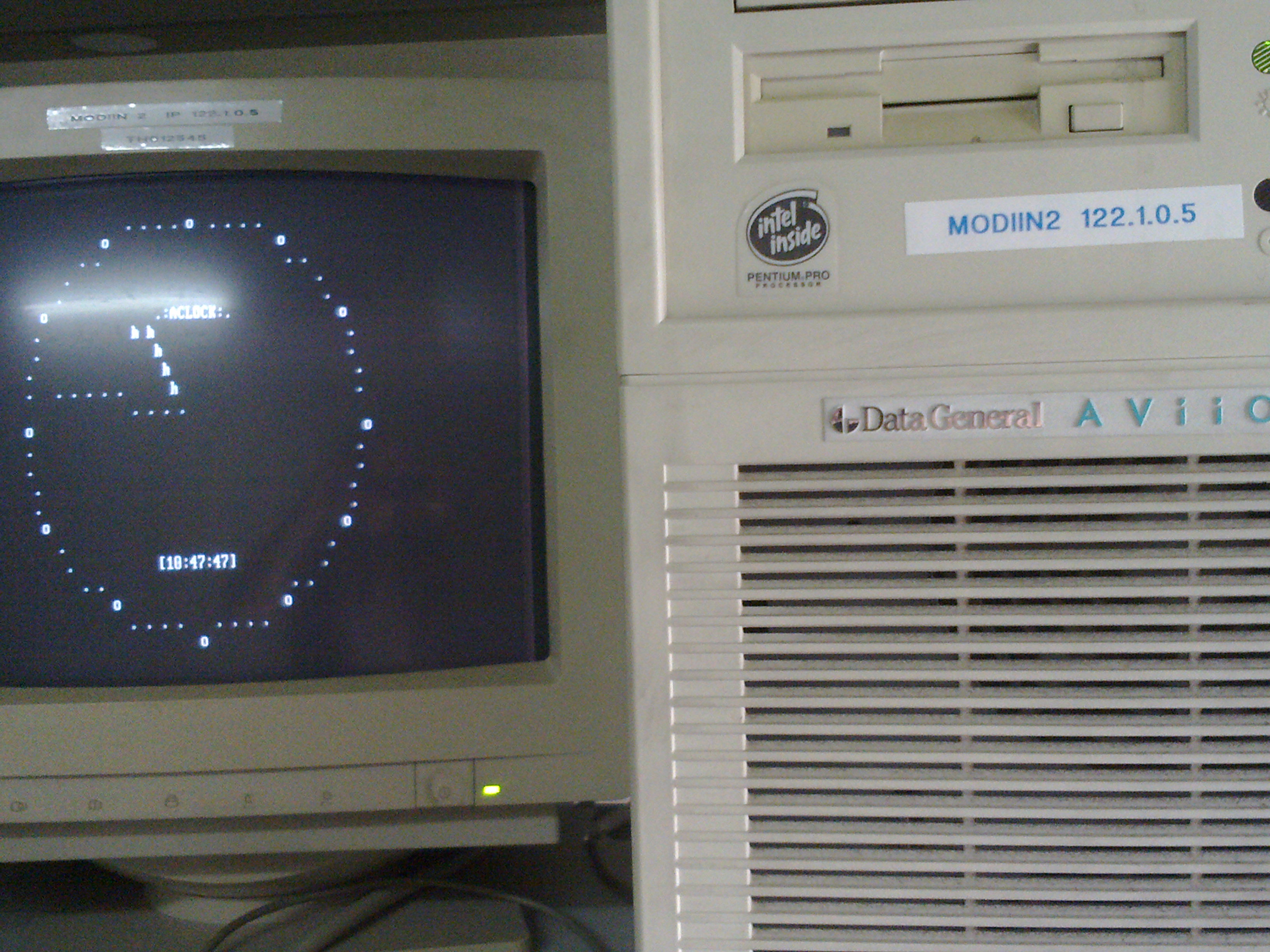
So here are the newest additions to Aclock binary family. In order of appearance:
#187 – Motorola MVME m68k – OpenBSD by Plamen
Thanks a lot for your contributions!!!!
There are also a few new screenshots from previously available platforms:
(note this is a guest post from Tenox)
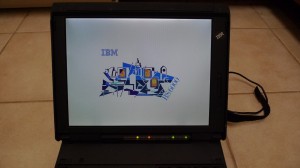
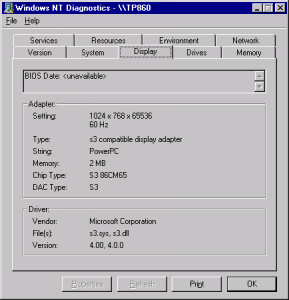
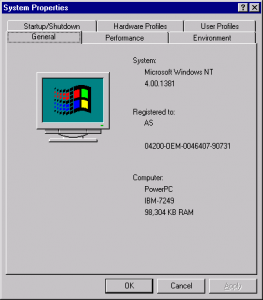
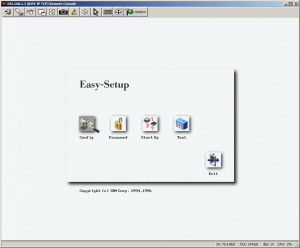
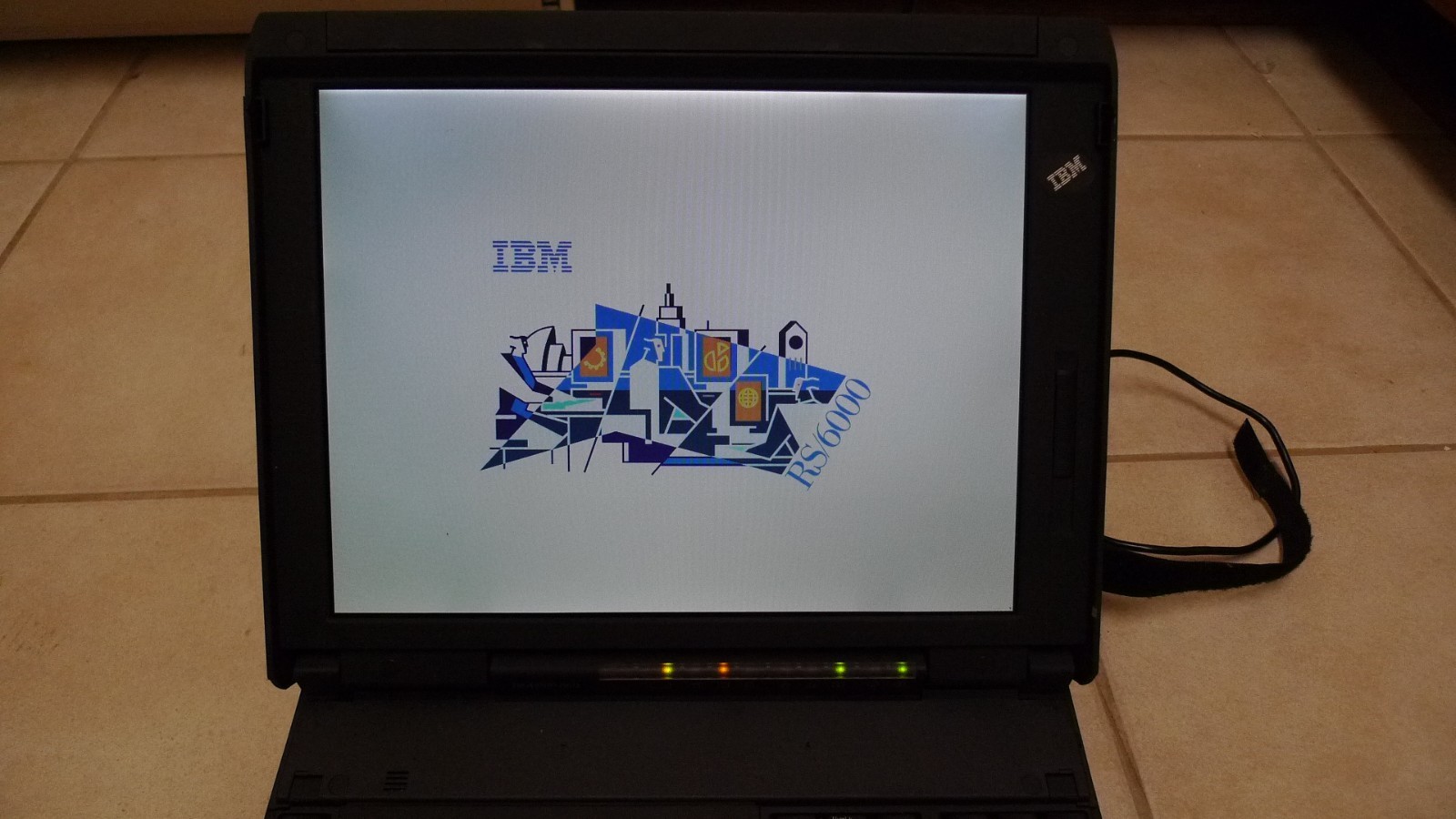
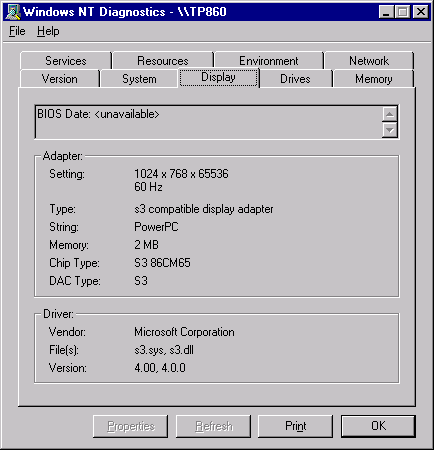
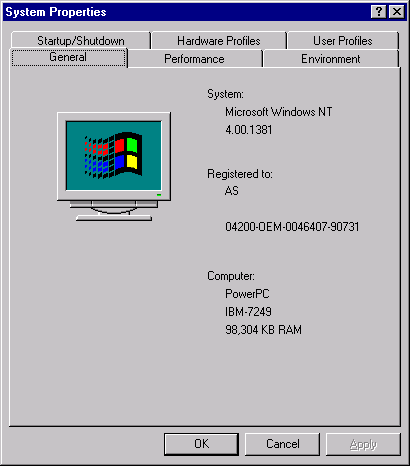
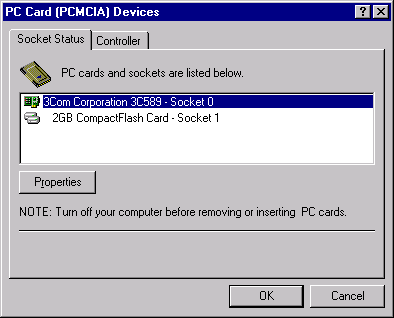
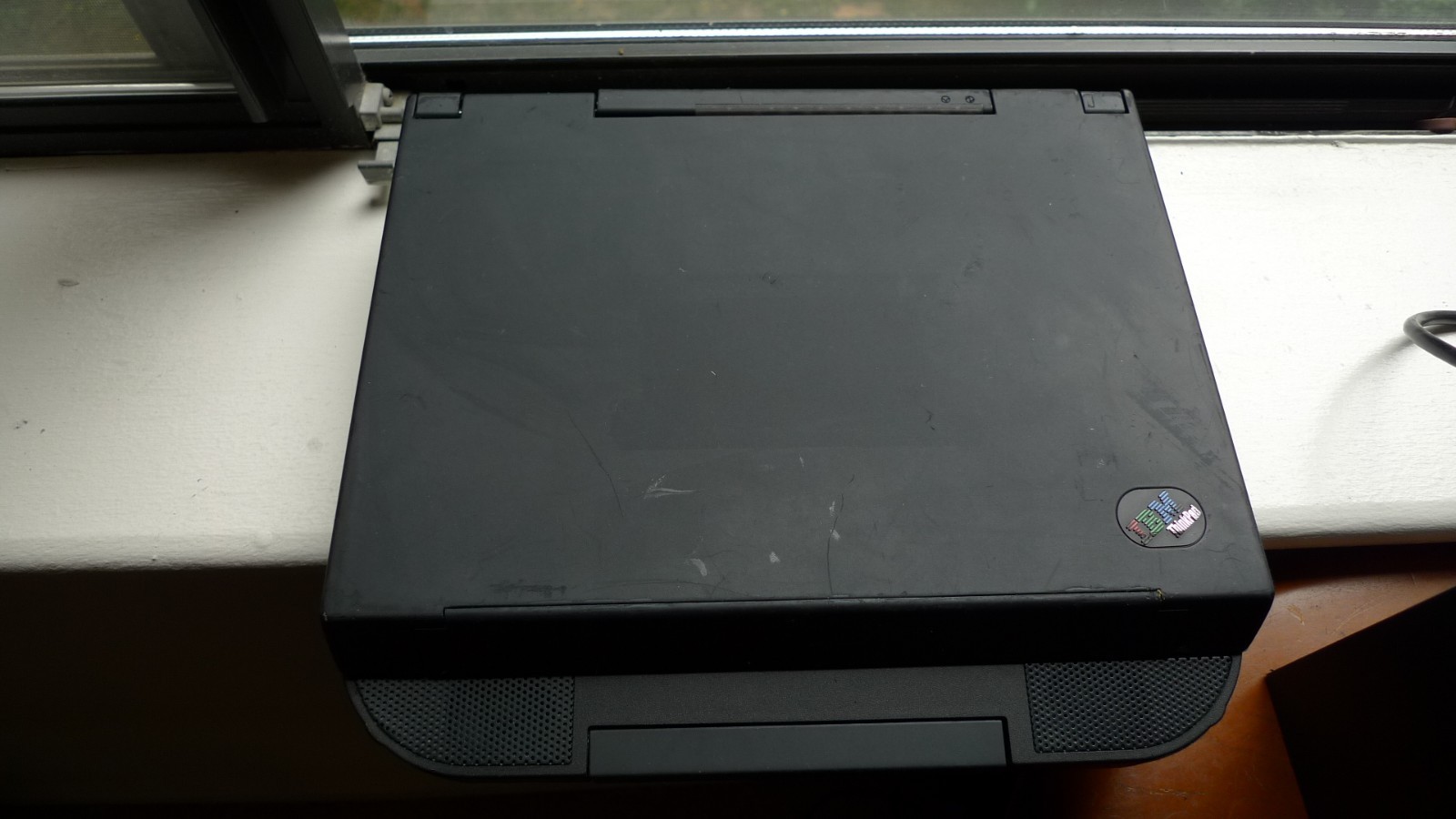
So after around 15 years of searching and going through 3 or 4 dead units I finally laid my hands on a working system! For those who don’t know, ThinkPad 850 is not an ordinary laptop because it rocks PowerPC!
It means that apart from AIX, I will be able to run such cool operating systems like OS/2 PowerPC, Solaris PPC or Windows NT PPC.
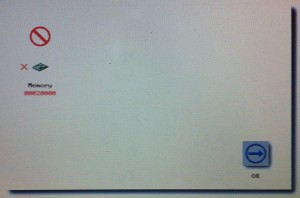
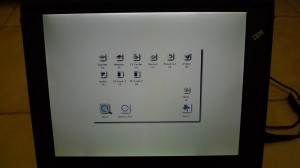
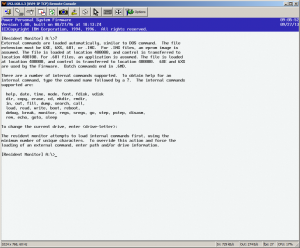
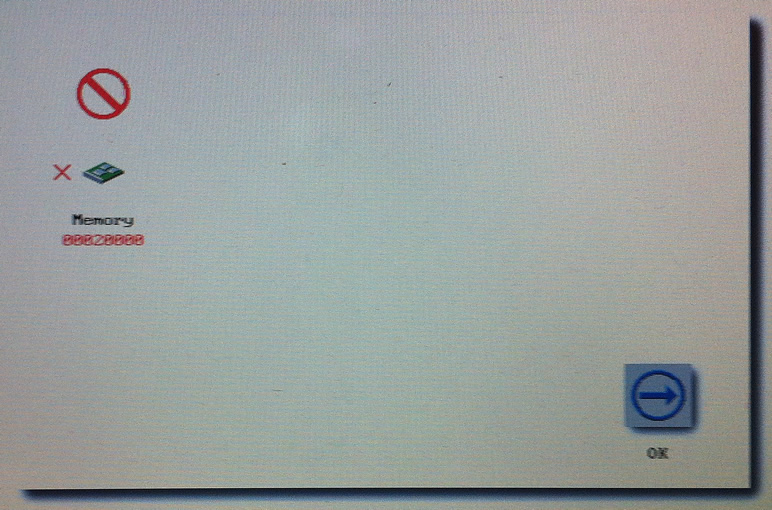
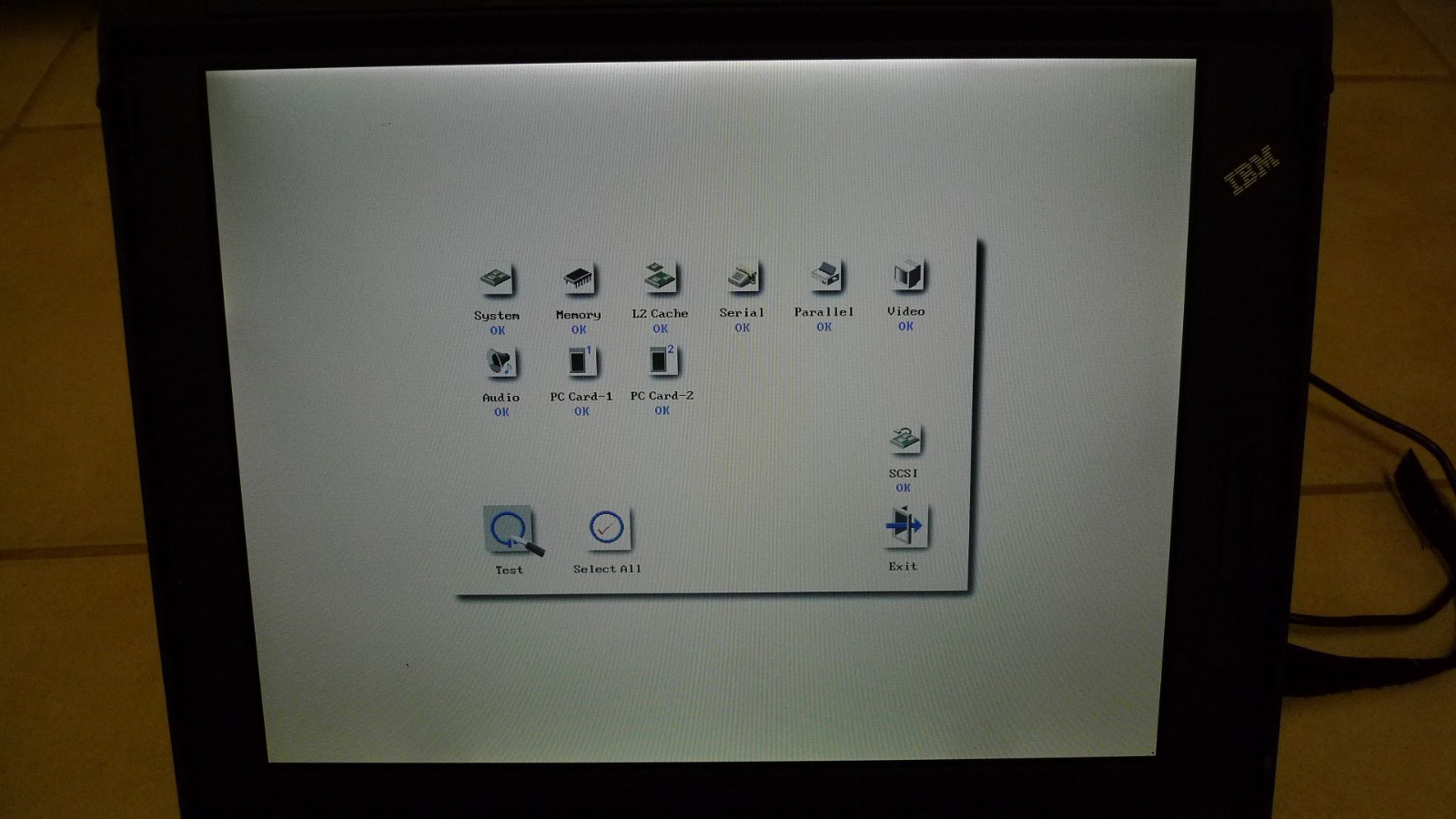
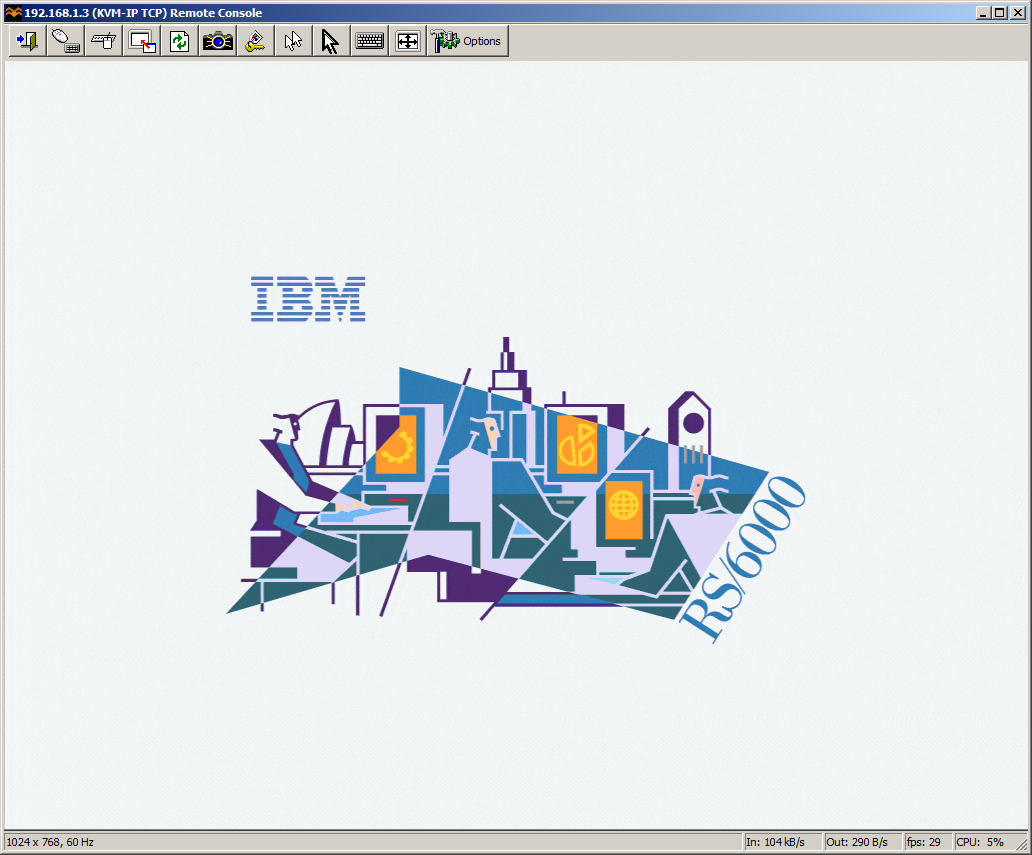
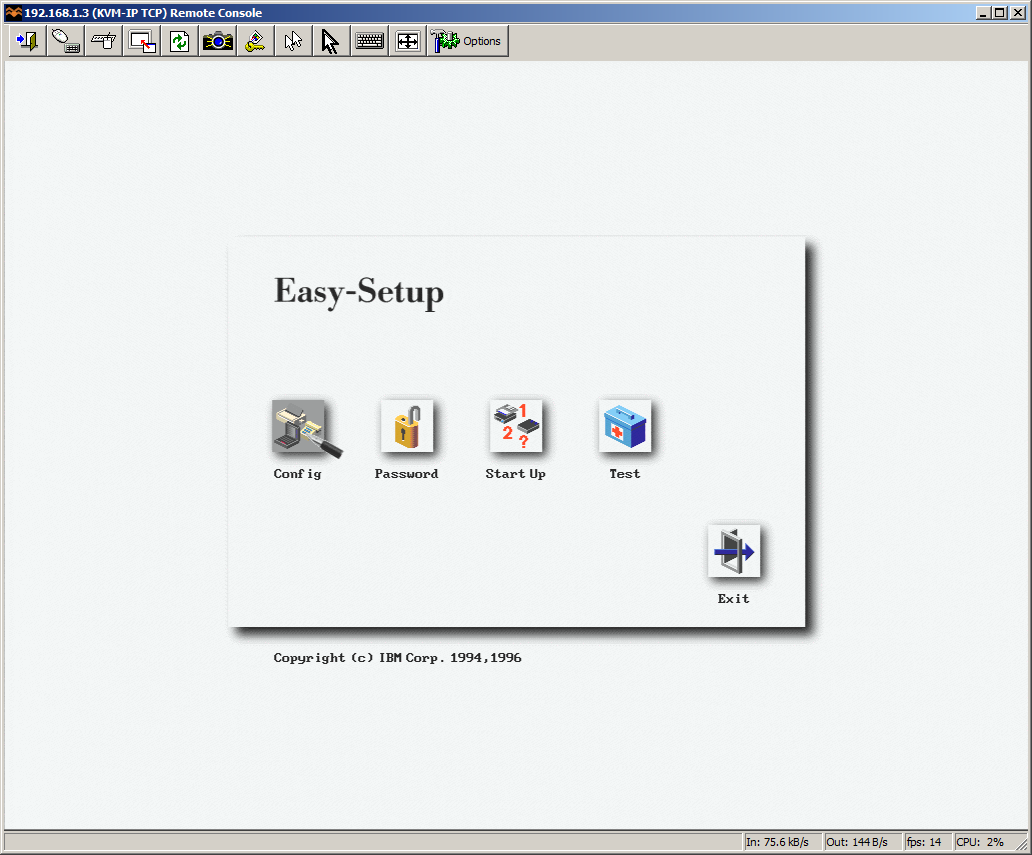
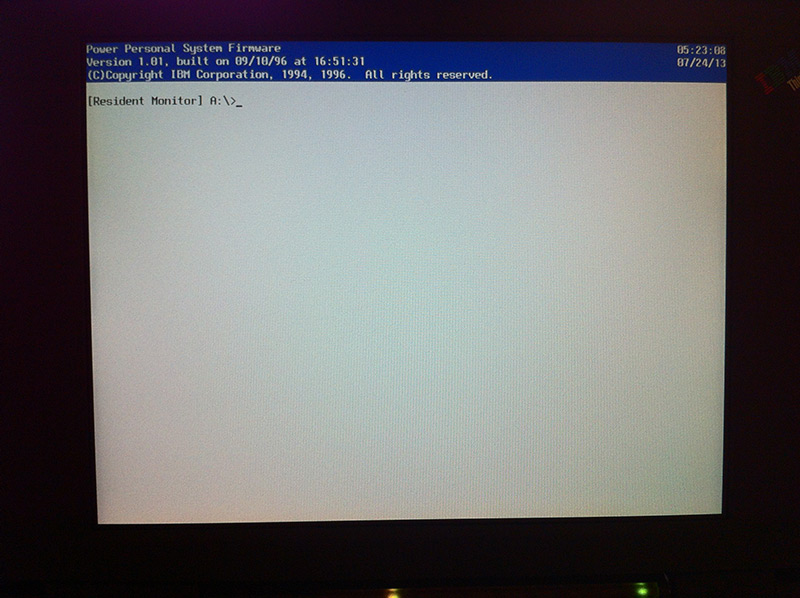
The system is quite banged up, the keyboard has broken keys and the built-in cdrom doesn’t seem to work. The battery is of course dead. But the base system works just fine. Here is a screenshot of a top secret firmware prompt:
(note this is a guest post from Tenox)
As promised in a post about Floppy Disk Emulators, here is a review of HxC Floppy Disk Emulator. I ordered it from Lotharek via eBay. Initially stuck in Polish post made it just before the weekend! This made my Christmas gift as I had a lot of fun playing with it. The unit comes with two front panel stickers, one grey and one black to match your equipment type. Quite nice touch. I choose grey as most of my units are of this color. I have to say the LCD screen makes a modern touch to an old 286 machine!
Initially I have stumbled upon a lot of issues. Floppy disks are not easy as it seems. No wonder I had so much trouble with the real ones. I spent a lot of time experimenting with ID jumpers and correct BIOS settings. The unit only worked on ID3A but I can probably attribute it to a weird machine. Then I had problems converting my raw images to HFE format. The main project developer helped me a lot on their forums.

HxC Software used to load and convert disk images. The latest beta version includes a Track Analyzer!
Once I got a grip how to do it semi correctly I was able to torture the machine with bunch of operating systems it has never seen before. Â Let’s go directly to the screenshots!
This pretty much concludes operating systems for 286. If you have more let me know! I will try 386/486 operating systems in a separate post.
So how does HxC works for an end user? You store floppy disk images in a special format called HFE as files on an SD card. HFE files can be made by a virtual floppy disk emulator + rawrite, reading and imaging in an existing floppy, or converting existing floppy images. The list of supported disk images is quite impressive. The conversion however sometimes fails. It detects a wrong format and you have to change file extension or it completely screws things up making 64 “sides” to a floppy disk. Most if not all these have been fixed in the latest beta version of software, but you need to know about it.
When you insert the SD card to the emulator it will read the file list and allow you to switch between different floppy drives on the fly. Interestingly you can mix and match different floppy disk types on the same SD card. So you can have bunch of 3.5″ or 5.25″ disk in different files. Each HFE file contains specific settings for the emulator including the floppy interface type. The operating systems I’ve tried above ranged from 360k, 720k, 1.2MB and 1.44MB images stored on the same SD card. However changing floppy disk type in the BIOS was necessary for the images of different format to load correctly.
One extremely interesting feature is a host control software, that let’s you manage the floppy disks from inside the machine where HxC is attached. Sort of like VMware tools. The software is available for Atari, Amiga and Amstrad CPC. Unfortunately not for PC so I could not test at this time.
Because of the pain with formats, errors in conversions and confusion about some settings I can only give it 8 out of 10 for ease of use. So let’s conclude:
If you have a large collection of floppy disk images or you maintain a bunch of old machines that rely on floppy disks to work – get HxC quickly. It may save your life.
Updates: Venix/86 and ELKS, Tried OS/2 V1.0 and 640 KB RAM was not enough to boot.
Still missing: Microport SYSV/AT
(this is a guest post from Tenox)
This is a continuation of my another post where I do a high level overview of different Floppy Disk Emulators. Gotek is one of them but from various research I have done before buying it I antcipated it will be the worst. Unfortunately the claims turned to be true.
The emulator arrived by FedEx earlier on today. It only took two days since the order, which is excellent, but unfortunately this was the only good thing about Gotek.
The FedEx bag looked like it has been used by at least 5 previous shipments and has already circled the globe few times. The inner package was even worse, a bit of old bubble wrap taped together with the unit and unpacked cdrom. Disgusting!
The unit itself looks rather good, they have made a better looking self adhesive front panel label.
I went to replace my original 1.44MB floppy drive with Gotek. First roadblock that I encountered was the fact that the emulator is about an inch shorter and the original floppy cable did not reach so I had to improvise. The unit powered on so I went on to the documentation and software.
Documentation is absolutely horrible. Written in Engrish is rather hard to understand, however invaluable because without it you will not be able to figure out how to use the software. Looks like they are aware of the software limitations because the documentation is full of workarounds and troubleshooting.
The software is even worse. It only works on Windows XP / 2000, so I had to run it inside VMware Workstation with USB pass-through It actually did work but usability is similar to RiscOS or Plan 9. Here is a photo from one of the manual pages that illustrates both the documentation and the application itself.
So how does it actually work? Here is a small excerpt from the user manual: “We will divide a pen drive into 100 partitions of 1.44 mb capacity each.” – err what? That’s right, this is what they are doing. Dividing a pen drive to small partitions and multiplexing them so that you see one at a time. You select the partition using the buttons on the front panel or from the software. When you switch the floppy drive will be mapped to another partition. On the host computer you can see it as a removable drive in Windows Explorer.
Gotek has promised me that the Type-F will support non-FAT and bootable floppy disks. So I started testing with writing QNX2 aclock demo floppy disk using ntrawrite.
The system has completely freaked out and went to an error mode. Fortunately described in the troubleshooting guide, however requires full reformatting. Now imagine rewriting 100 floppy disks stored on the unit… I spent hours trying to figure what is going in. What I think is that the non-FAT bootable disk can only be used in “singular mode” where you store just a single floppy disk image on the pen drive. What a waste, but it did work and in the end I did boot QNX2 on my 286 from a pen drive.
The next test was trying to boot Xenix from emulated 1.2MB 5.25″ drive. I have re formatted the singular drive to 1.2MB and switched it in the bios. However the system never actually loaded.
When it comes to FAT compatible operating systems like MS-DOS or OS/2, you can actually boot and use multiplexed floppies. You can install MS-DOS 6.22 by flipping the selector to change disks. Pretty cool. I was also able to run BIOS built in floppy disk diagnostics.
So the device sort of works. I was able to boot a non-DOS operating system and for DOS based floppies I was able to hold more than one disk per USB key. However the whole experience was rather horrible. The verdict:
So in short do not waste your time with this. Do not buy Gotek unless you absolutely have to.
I’m still awaiting for arrival of HxC, however it appears to be stuck in Polish Post Office, probably due to the holiday season.
Update: EMUFDD has provided me with a link to their page that lists all Gotek-like cheap Chinese and Indian made devices – with a warning how bad they are. They are claiming that German Ipcas also sells Gotek like devices, so I will be updating my previous post.
(this is a guest post from Tenox)
I had a really bad weekend associated with floppy drive failures. Either all my floppy disks or all my drives decided to jump the ship. Nothing worked! Worse, I could not buy any “new” floppy disk anywhere. Office Depot still stocks floppies but not in stores and you have to order online and wait. Neither Halted nor Weirdstuff had them as well. Seriously?
A major disaster! Something had to be done to make it future proof. So I went to research floppy drive replacement solutions. And this is what I found. There are several Floppy Disk Emulators on the market.
Here is the list and a little bit of research on every one of them. They do have major differences to be aware of.


I have ordered two units for testing: HxC, SD revision F from eBay and Gotek Rev F from the manufacturer. I guess testing of the units will be subject of part 2 of this post. I’m planning to try to install some of the weirdest operating systems with wildest disk formats.
Also as a final note, for more modern computers with USB support there are some more mainstream options. I have used following two professionally:
Updates:
I just received this note from the HECnet mailing list, and I thought I’d broadcast it out..
This is a shameless plug for something I and the Update Computer Club have been working on this spring and opened yesterday. The exhibition "Three Tons of Minicomputers" at Museum Gustavianum in Uppsala, Sweden. http://www.gustavianum.uu.se/node13 We have collected computers primarily used by the university at some point in time. Highlights include a Linc-8 and a DECSYSTEM-2060 with peripherals. Here are some pictures from the opening: http://www.update.uu.se/~jeppe/tmp/vernissage/ I strongly recommend anyone nearby Uppsala this summer to take a swing by Gustavianum. If you want a guided tour, let me know and we'll figure something out. It's only open for a few months, so don't wait to long. Regards, Pontus.
I don’t know when I’ll be in Europe next, but now I really want to go to Sweden!