The Ultimate Windows NT MIPS VM

(This is a guest post by Tenox)

In my previous posts I covered NT MIPS on QEMU Jazz and on the Siemens RM-200. Time for the ultimate one!

Behold! Windows NT 4.0 Server with 4-way MIPS SMP!
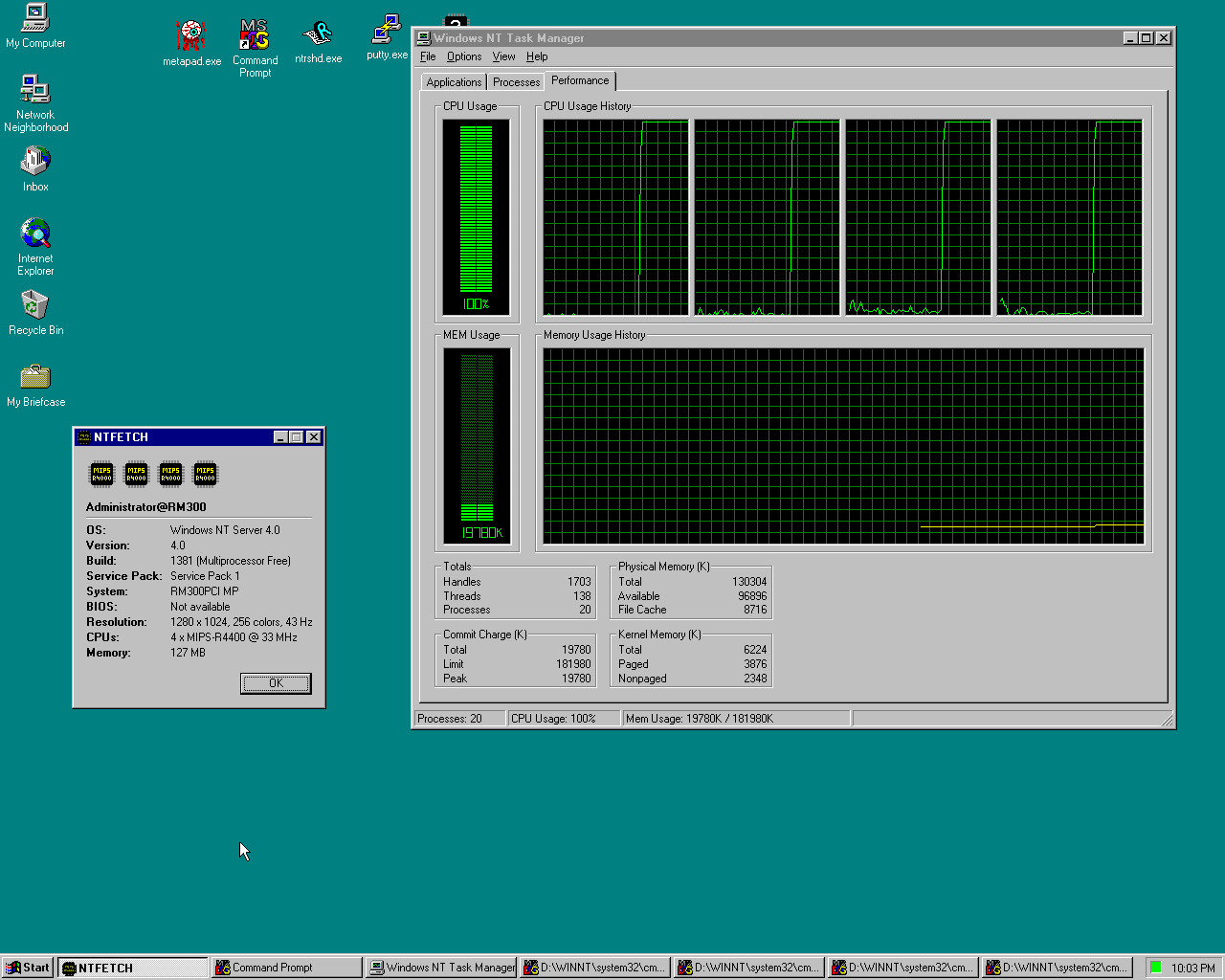
Windows NT 4.0 Server MIPS Task Manager with 4 CPUs at 100% and NTFETCH showing 4 x MIPS R4400
4 CPUs, all busy

Specs: Siemens Nixdorf RM300-C, 4 x MIPS R4400, 128MB RAM, Cirrus 1280x1024 256 colors, AMD PCnet

Each guest CPU runs on its own separate host core. Real R4400 boards had at most 2 CPUs, but the firmware and the NT HAL handle 4 just fine. It has to be Windows Server, as Workstation only supports 2 CPUs.
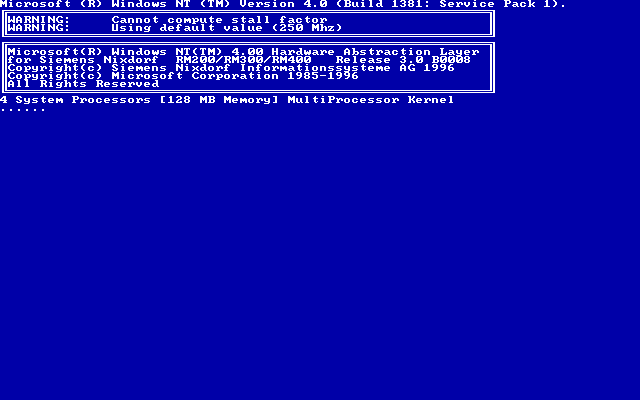
Windows NT 4.0 MIPS boot screen: 4 System Processors [128 MB Memory] MultiProcessor Kernel

CPU idle detection! NT’s idle loop just spins. LEMU detects it and halts the CPU instead. On my Mac the idle VM uses ~10% of one host core. Without it the same idle desktop burns 3 full cores!

Seamless mouse! Remember the mouse issues from the Jazz post? All solved now thanks to the vmmouse driver. No more mouse grab, the pointer just moves in and out of the window, and the scroll wheel works!
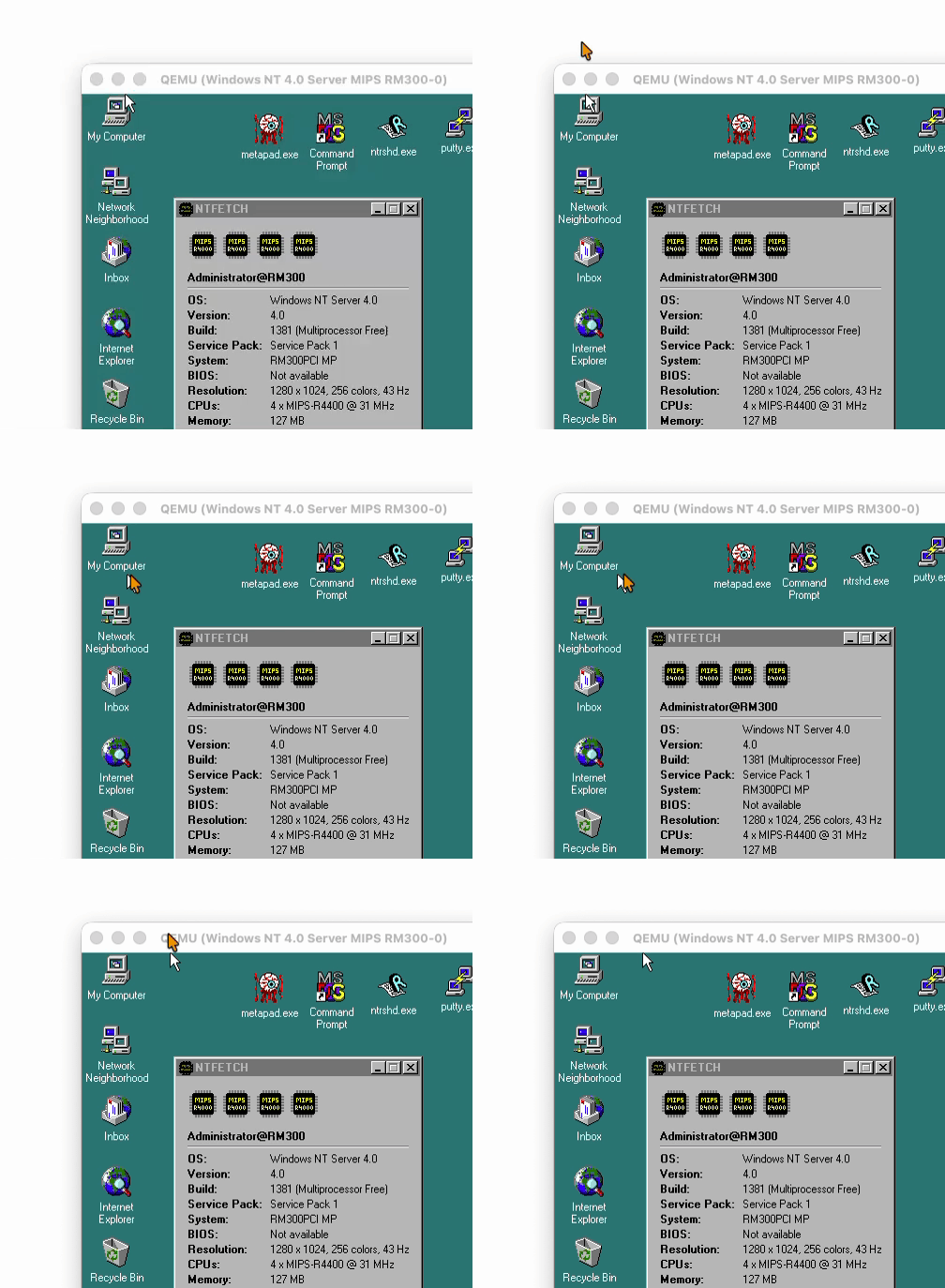
Animation: the mouse pointer moves in and out of the QEMU window running Windows NT 4.0 MIPS without a mouse grab
Look ma, no mouse grab!

Ready to run portable image for macOS (Apple Silicon), Linux x64 and Windows x64. Unpack and run run.sh or run.cmd. At “Hit any key to continue” press Enter twice. NT logs on by itself as Administrator / password.

Download: https://files.42718.net/mirror/tenox/os/winnt/VMs/qemu-mips/nt4srv-rm300-smp4-lemu.tar.lz

Source (LEMU, my QEMU fork): https://github.com/tenox7/lemu

Have Fun with Virtualization!
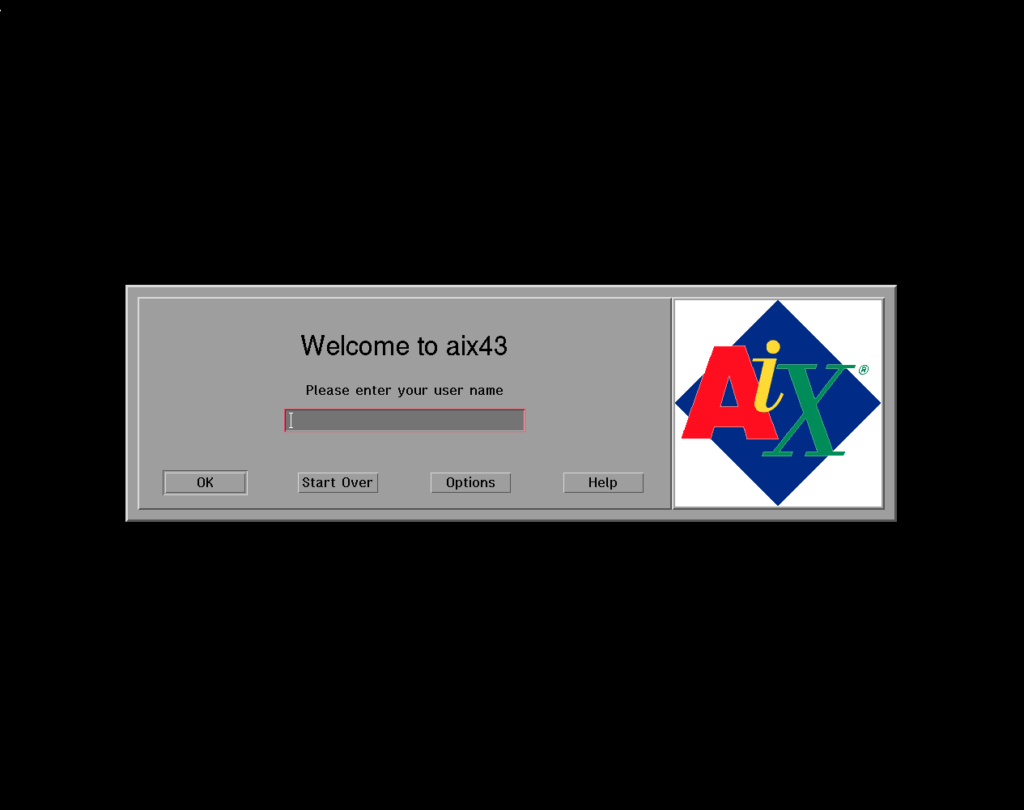
AIX 4.3.3, 5.1, 5.3, 6.1, 7.1 on QEMU w/Graphics! 7.2 and 7.3 console only

(This is a guest post by Tenox)

AIX on QEMU is nothing new. Neozeed ran AIX 4.3.3 years ago on Artyom Tarasenko’s QEMU 40p fork — but it was serial console only, no graphics, and the emulated CPU pinned your host at 100%. Recently I did AIX 3.2.5 and AIX 4.1.5 with a local graphics console. Now we have the rest of the line!

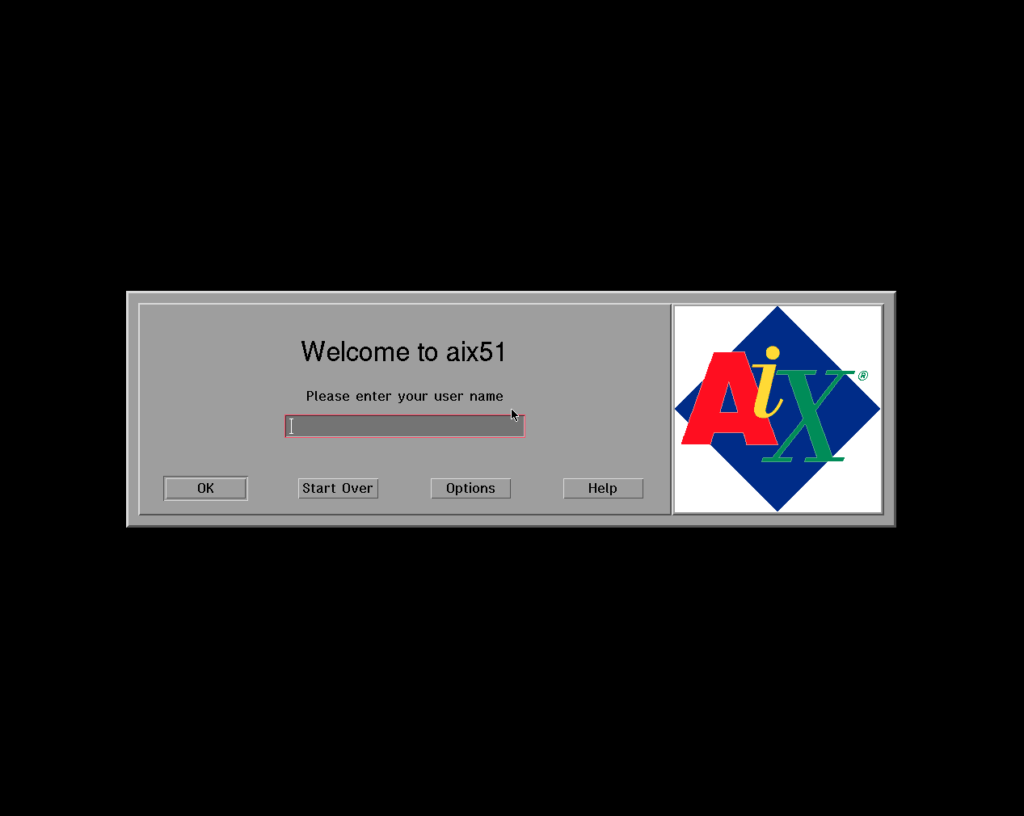
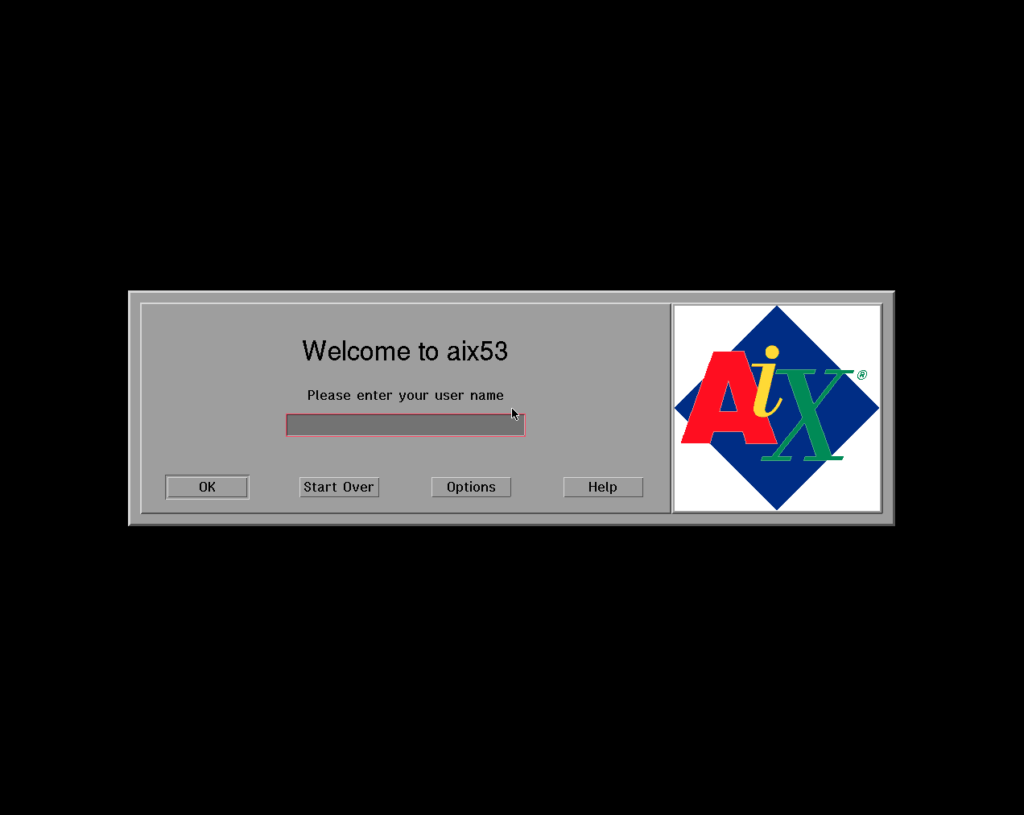
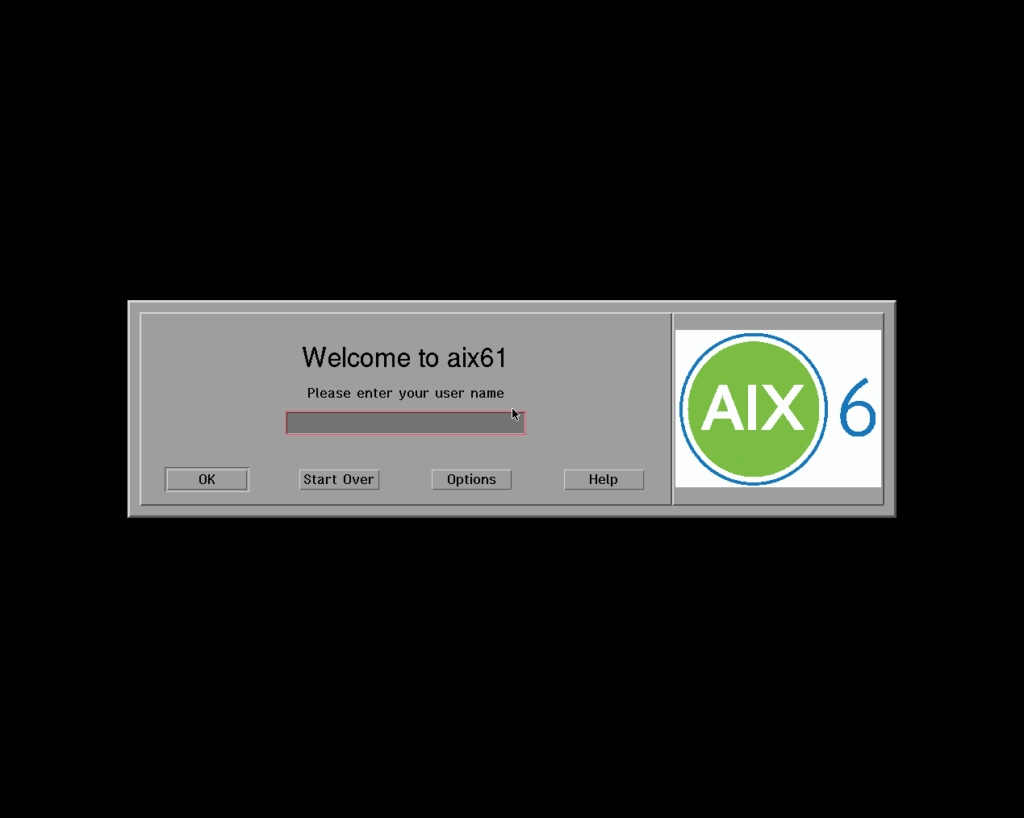
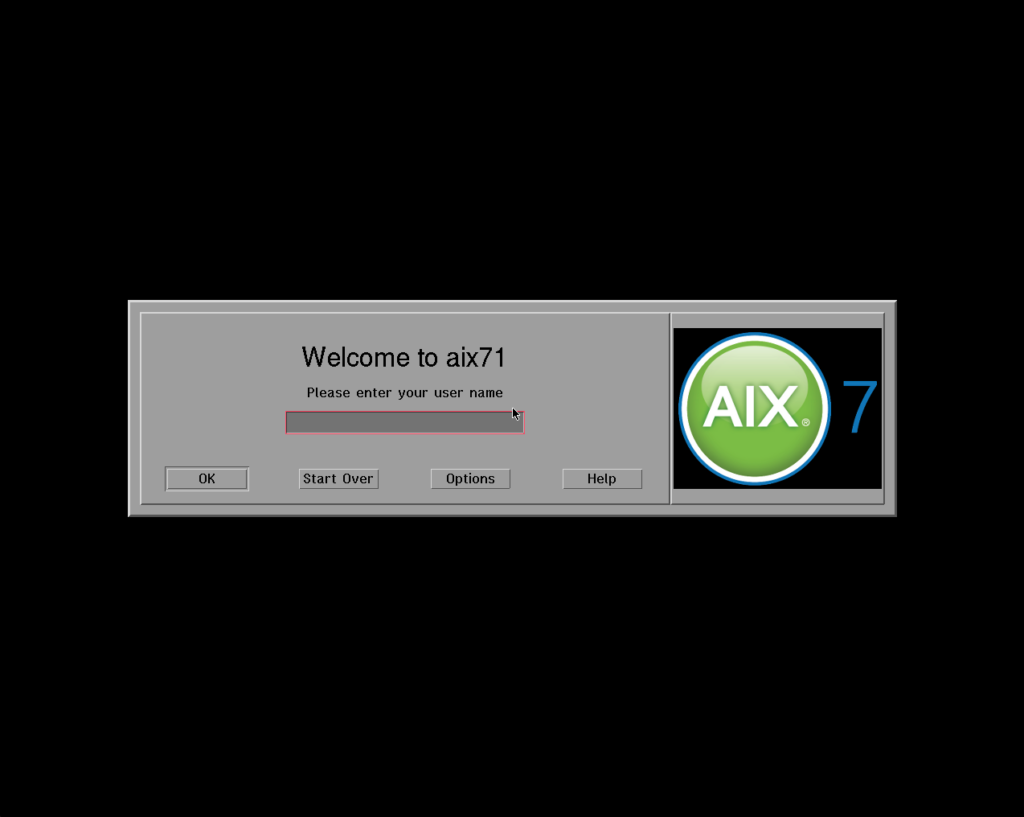
Behold! AIX 4.3.3 all the way to 7.1, every one booting to a graphical CDE login on the emulated framebuffer. AIX 7.2 is only serial console.

AIX 4.3.3 graphical CDE login screen
AIX 4.3.3
AIX 5.1 graphical CDE login screen
AIX 5.1
AIX 5.3 graphical CDE login screen
AIX 5.3
AIX 6.1 graphical CDE login screen
AIX 6.1
AIX 7.1 graphical CDE login screen
AIX 7.1

The older releases (4.3.3, 5.1) run on the emulated RS/6000 7020-40P, the newer ones (5.3, 6.1, 7.1, 7.2) on an emulated pSeries. And no more burning 100% CPU, we have full IDLE detection.

All images are ready to run and portable, with QEMU binaries for Linux, macOS and Windows. Just unpack and run. Grab whichever you fancy:

Have Fun with Virtualization!
Updates:

AIX 7.3 works too, thanks to Lauris’ aix73-papr branch: aix73pseries-lemu.tar.lz

Ultrix 4.5 on GXemul w/Apps!

(This is a guest post by Tenox)

Ultrix on gxemul is nothing new. The DECstation is gxemul’s oldest and most complete machine mode, and it has run Ultrix for over 20 years. What’s new is Rico’s fork, which fixes a ton: the real KN02-AA PROM boots, the LK201 keyboard works, faster NAT, NFS, and best of all high resolution graphics!

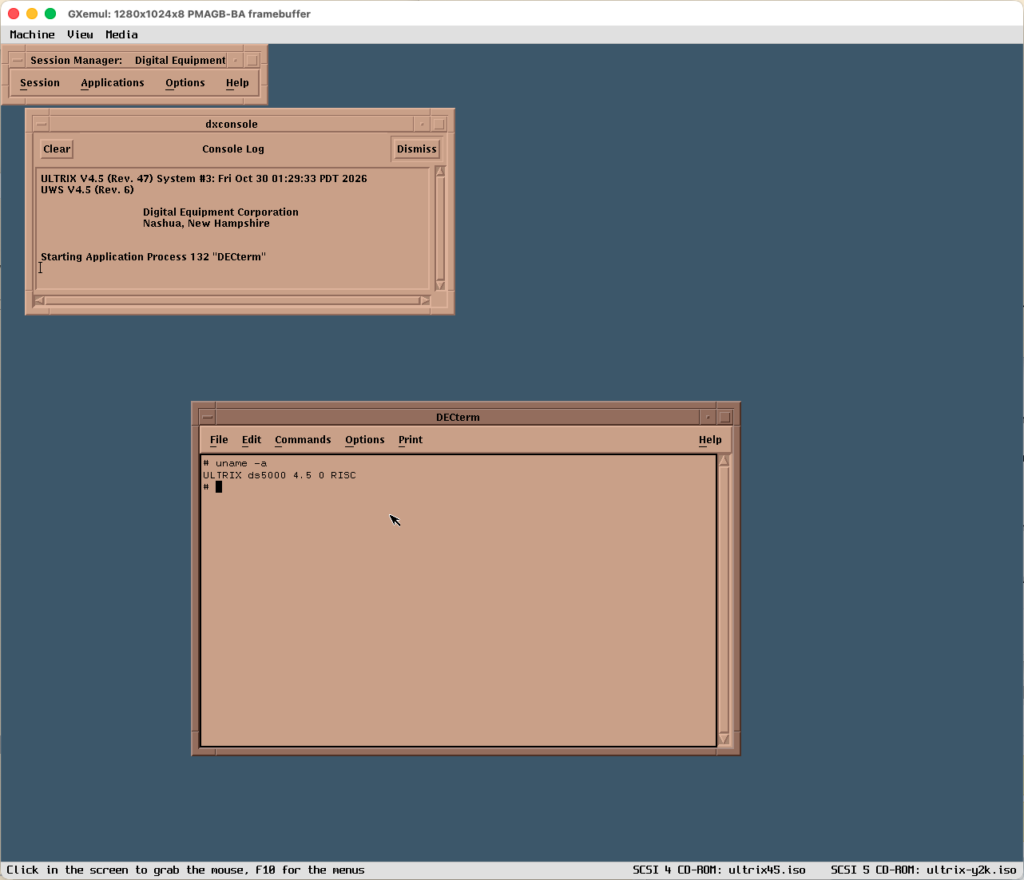
Behold! Ultrix V4.5 in 1280×1024 on an emulated DECstation 5000/200 (3MAX, R3000, 128 MB) with the HX (PMAGB-BA) color frame buffer:

Ultrix 4.5 DECwindows desktop, DECterm showing uname -a: ULTRIX ds5000 4.5 0 RISC
Ultrix V4.5 on an emulated DECstation 5000/200

The high resolution HX is new here. Stock gxemul topped out at a lower res frame buffer. Rico emulated the HX’s SFB drawing chip — fills, stipples, lines, copies, all 16 raster ops — so Ultrix’s X server drives it directly. uname says it all: ULTRIX ds5000 4.5 0 RISC.

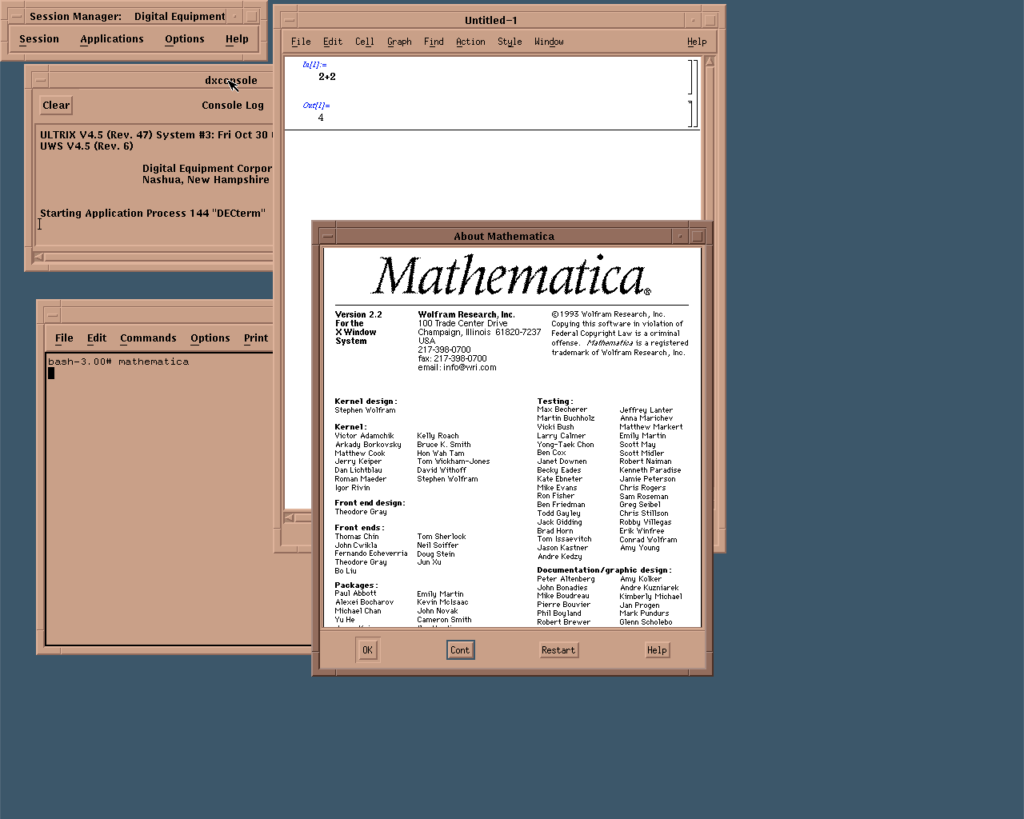
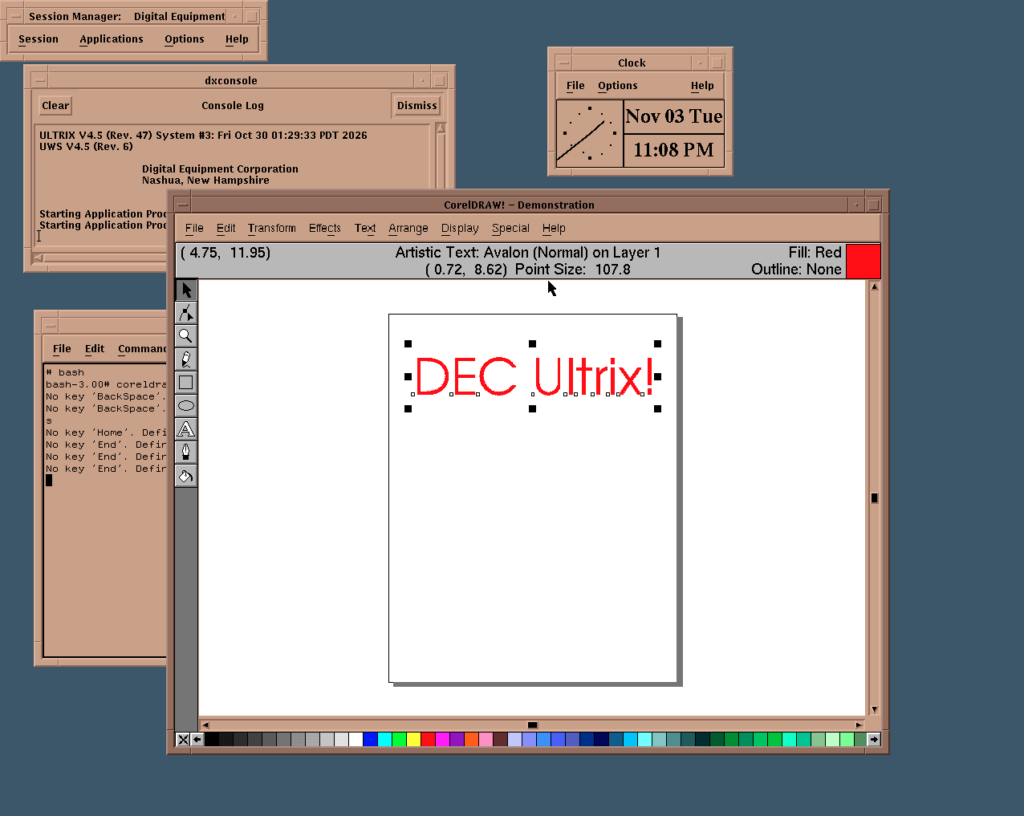
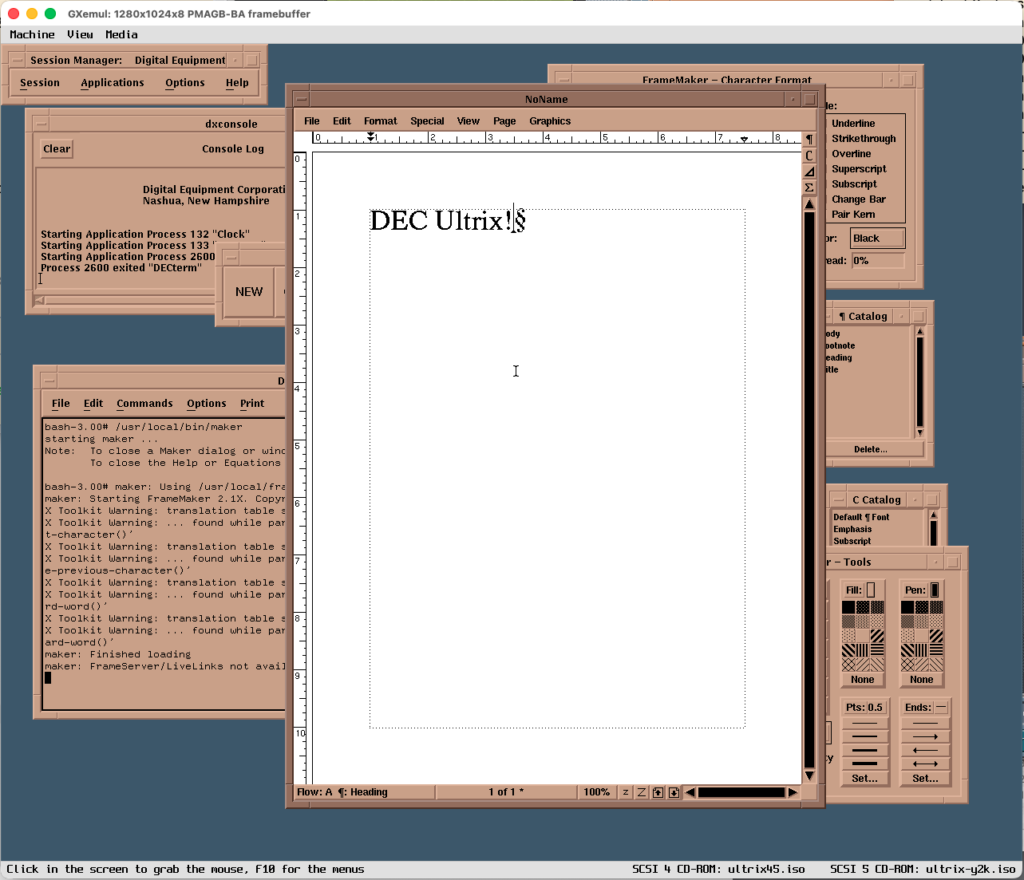
Best of all, the image comes with a pile of cool software already installed and ready to run. Let’s look at some apps!

Mathematica 2.2 running on Ultrix 4.5
Mathematica 2.2
CorelDRAW 3 running on Ultrix 4.5
CorelDRAW 3
FrameMaker 2.1X running on Ultrix 4.5
FrameMaker 2.1X

There is more under the hood: gcc 3.0.4 and the GNU tools, bash, vim with Motif, xv, and even NCSA Mosaic for some retro web browsing. Ultrix V4.5 (Rev. 47) itself is patched up with DEC’s late 1997 Y2K fixes.

As usual I have prepared a ready to run, portable image with gxemul binaries for Linux, macOS and Windows. Just unpack and run run.sh (or run.cmd on Windows), type boot at the >> prompt, and log in as root with password ultrix.

Download: https://files.42718.net/mirror/tenox/os/ultrix/virt/decstation5000-ultrix45-gxemul.tar.lz

Rico’s fork: https://github.com/rpajarola/gxemul

Have Fun with Virtualization!
Updates:

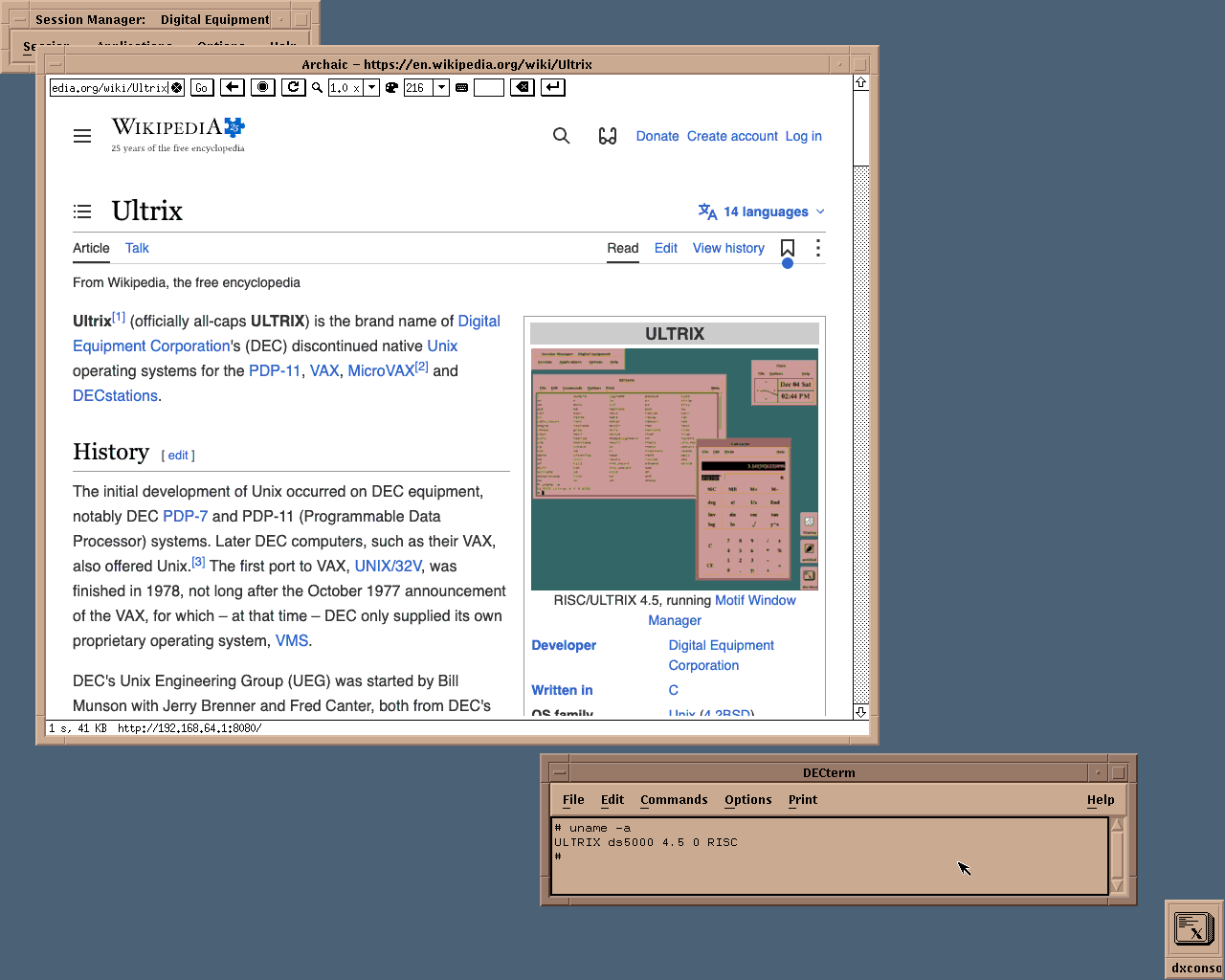
Archaic browses today’s web through WRP:

Ultrix 4.5 DECwindows desktop: the Archaic web browser showing Wikipedia's Ultrix article in 216 colors, next to a DECterm with uname -a: ULTRIX ds5000 4.5 0 RISC
Archaic 0.7 reading about Ultrix, on Ultrix

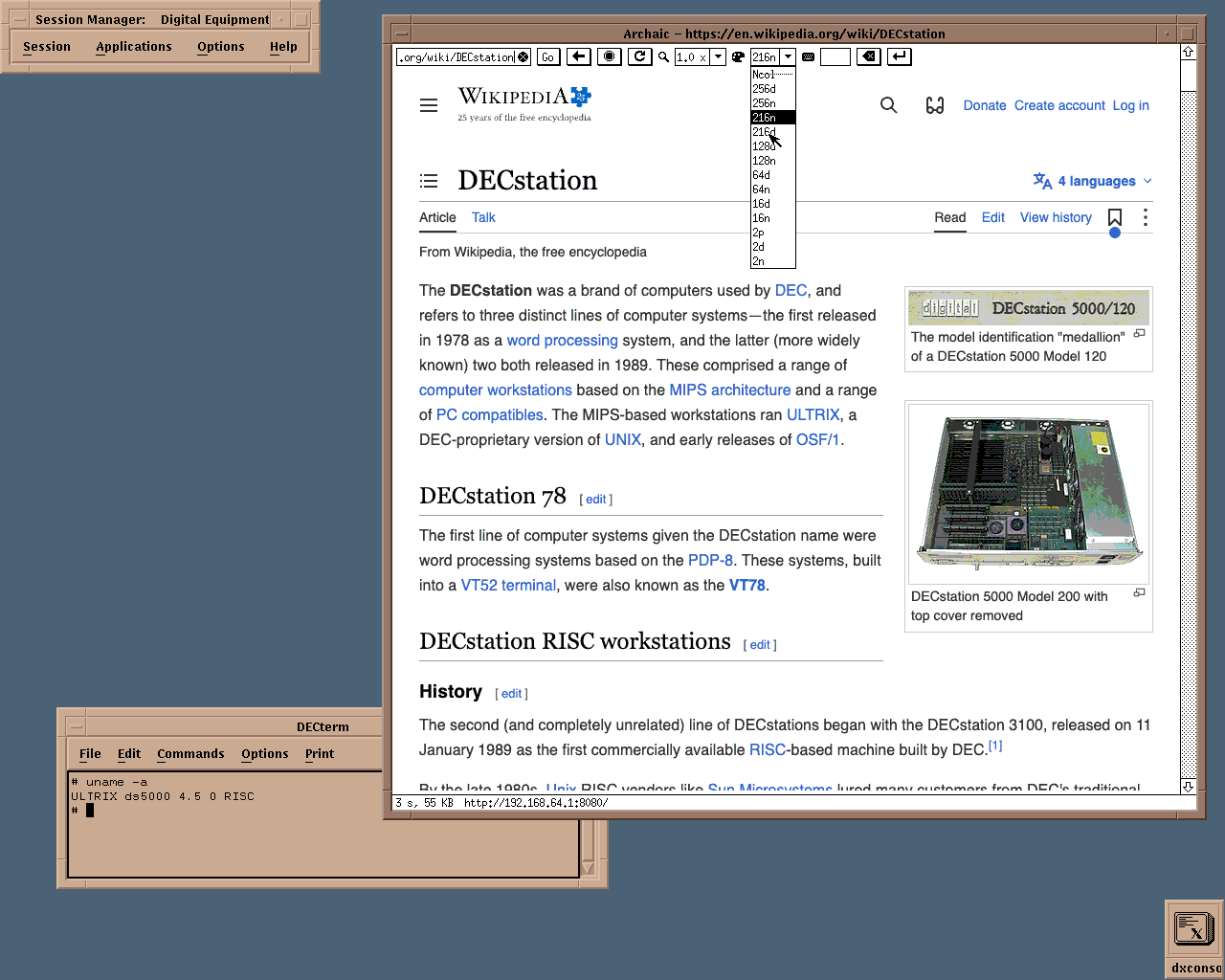
New kit: gxemul 1.0.34 (fixed mouse cursor) and Archaic 0.8:

Ultrix 4.5 DECwindows desktop: Archaic 0.8 showing Wikipedia's DECstation article with a photo of a DECstation 5000/200, its colors and dither menu open (256d to 2n), next to a DECterm with uname -a: ULTRIX ds5000 4.5 0 RISC
Archaic 0.8 with WRP 4.12.0’s new dither menu