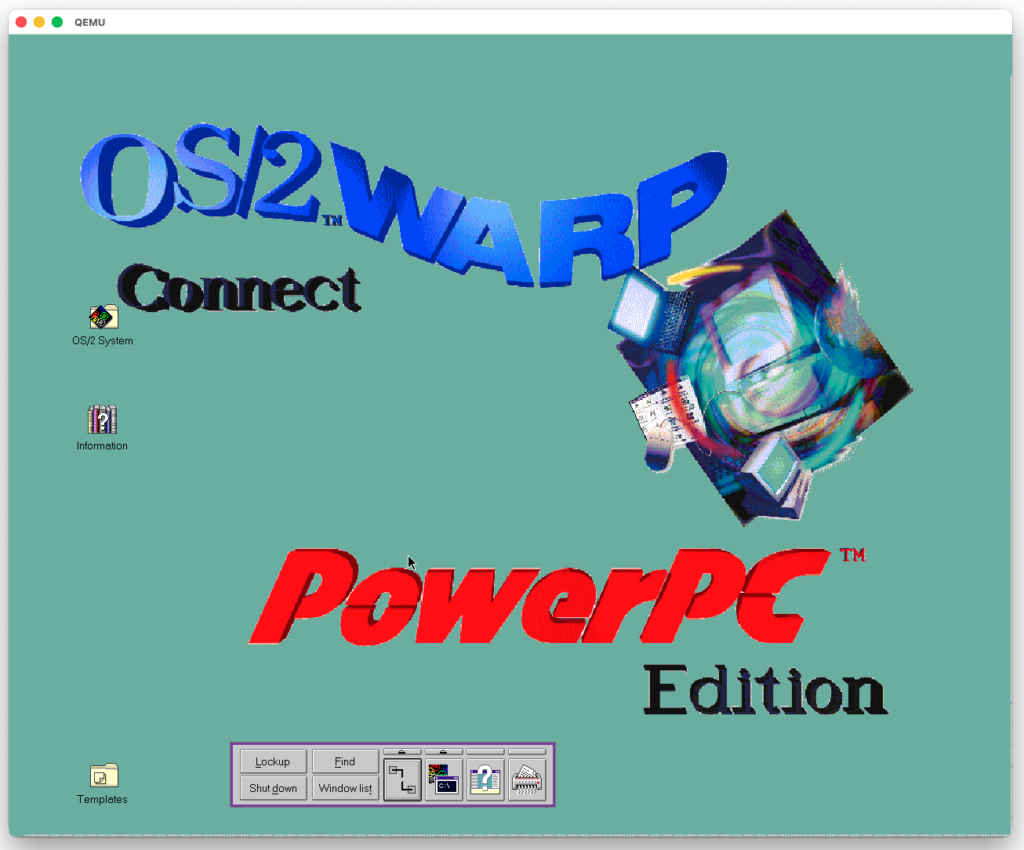
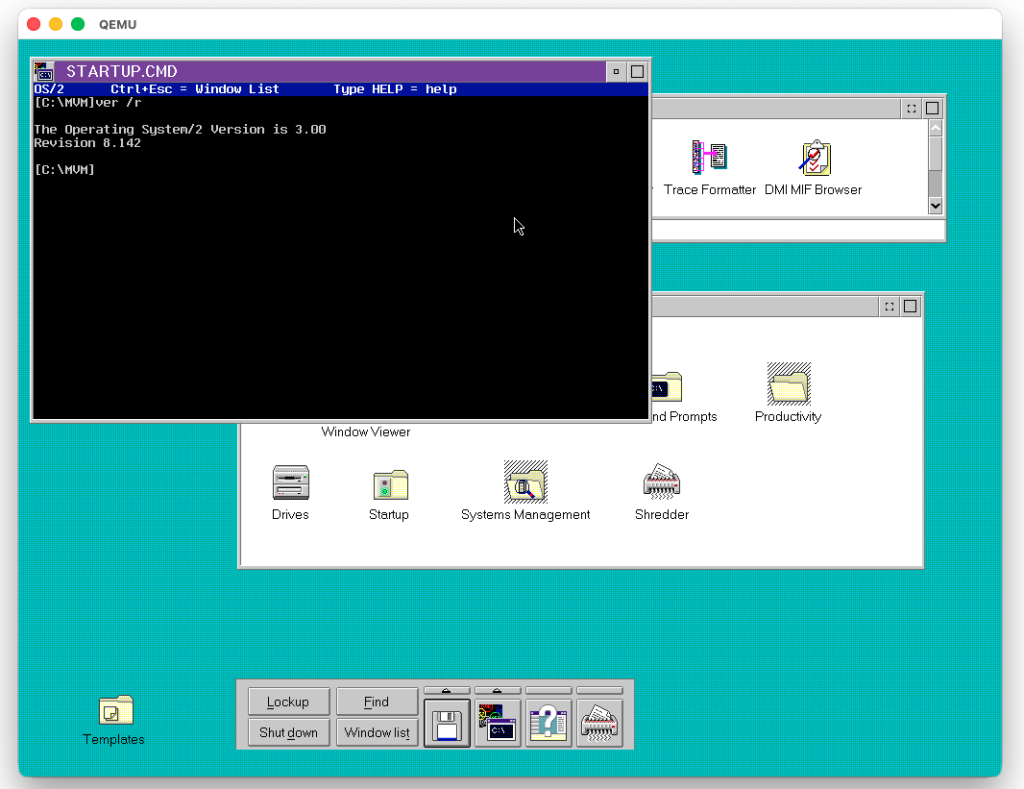
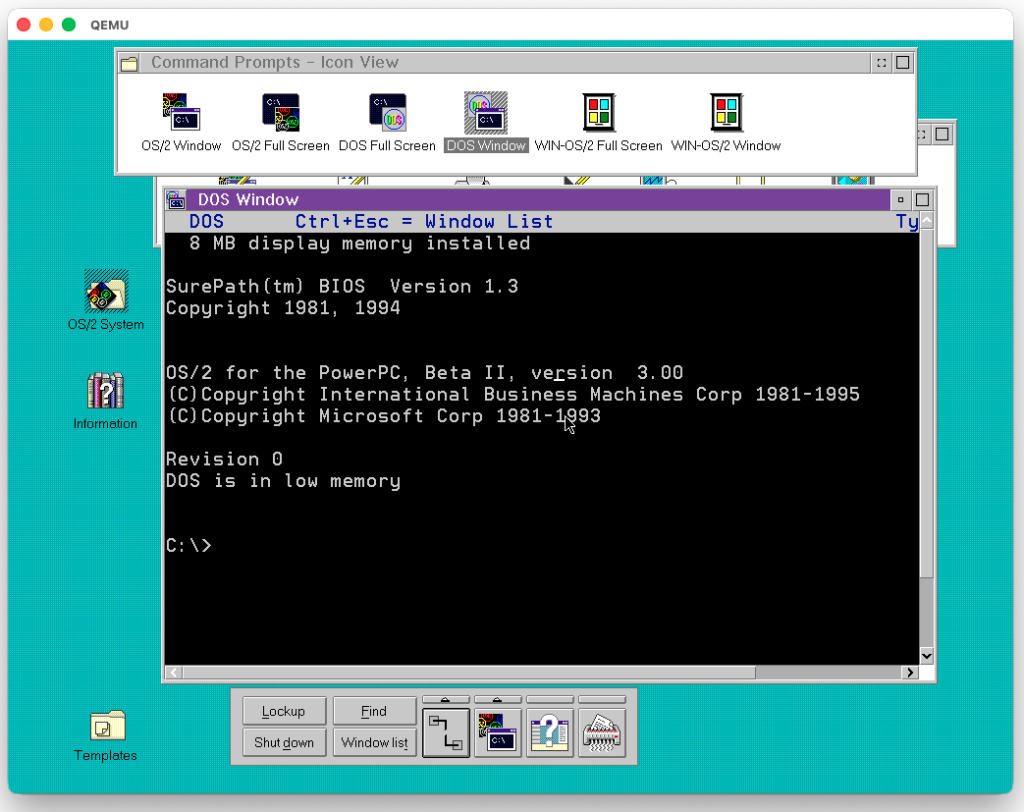
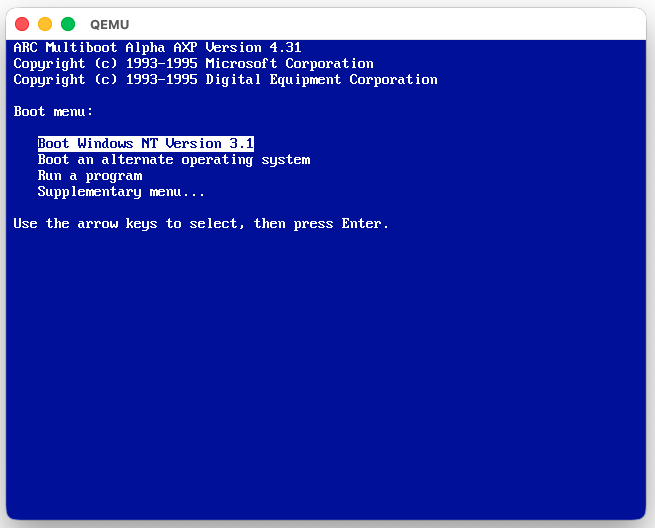
(This is a guest post by Antoni Sawicki aka Tenox)
Last month I featured Windows NT 4.0 PowerPC and OS/2 PowerPC Edition on QEMU’s IBM 40P. The same machine has one more rare guest: Solaris 2.5.1 for PowerPC! Back in 2020 PA8600 wrote a great post about PowerPC Solaris on the RS/6000. That was on a real 40P, with screen captures from a VGA2USB card, because “emulators cannot run anything but AIX”. Not anymore!
Most of the heavy lifting was done by Ørjan Malde: the Weitek P9100 video card, the PReP little-endian mode, SCSI fixes, and a timer fix that made the Solaris keyboard work. On top of that I fixed a few more things in LEMU, my QEMU fork:
OpenWindows at 1280×1024! It used to hang at the splash screen, and moving windows left garbage text behind.
Networking! Bigger packets to the guest were lost, so NFS hung. Now NFS mounts just work.
CPU idle detection! An idle VM uses about 3% of one host core.
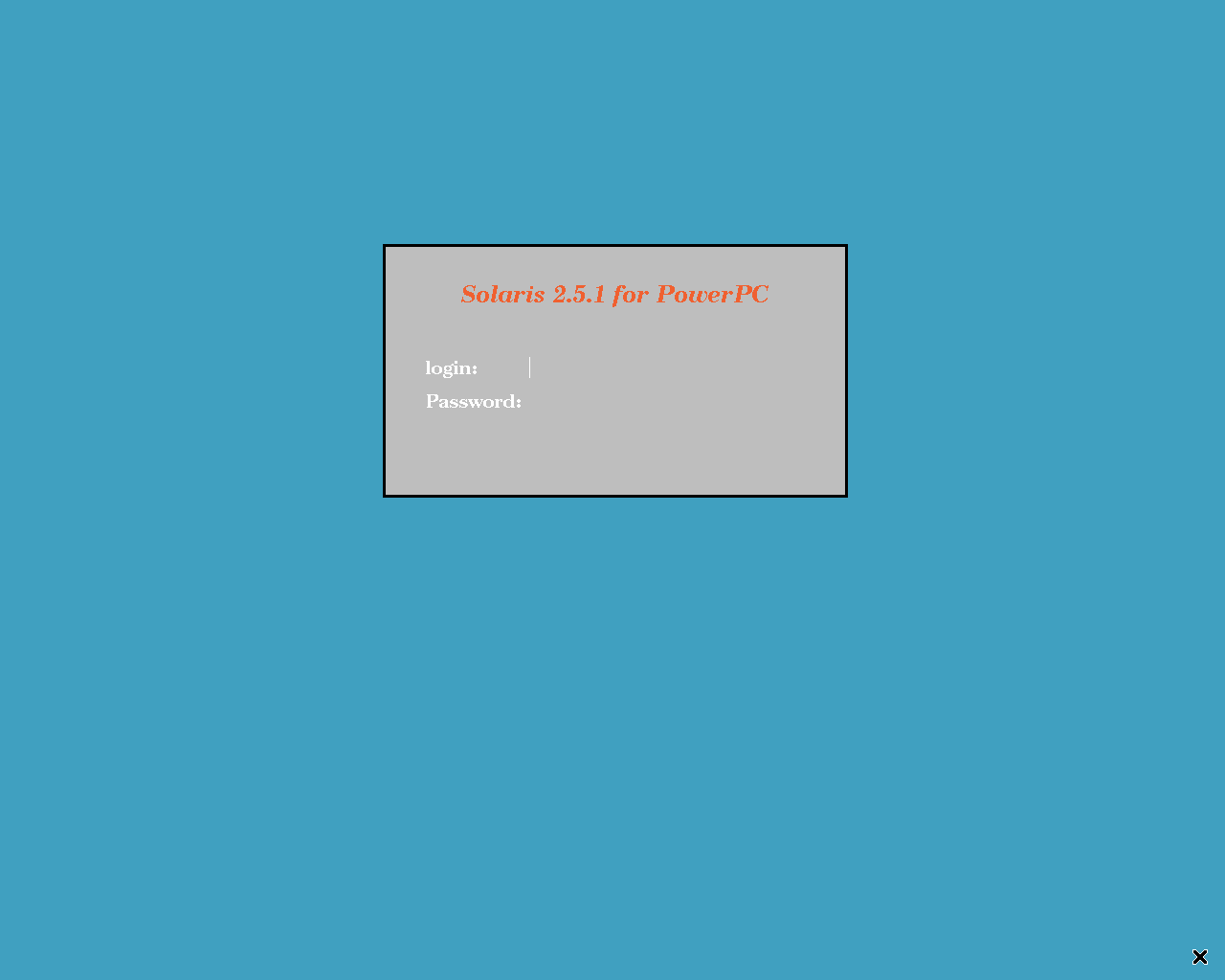
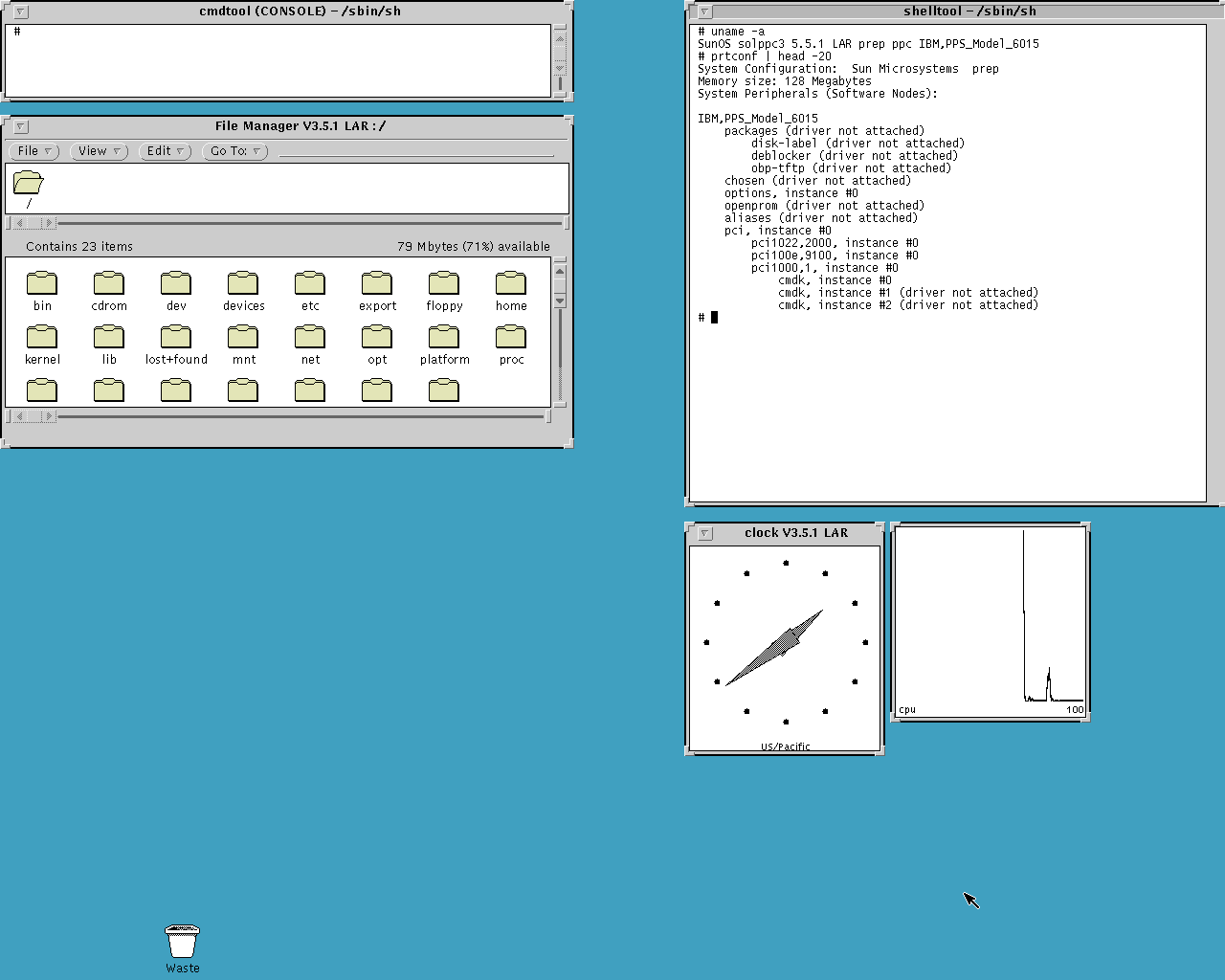
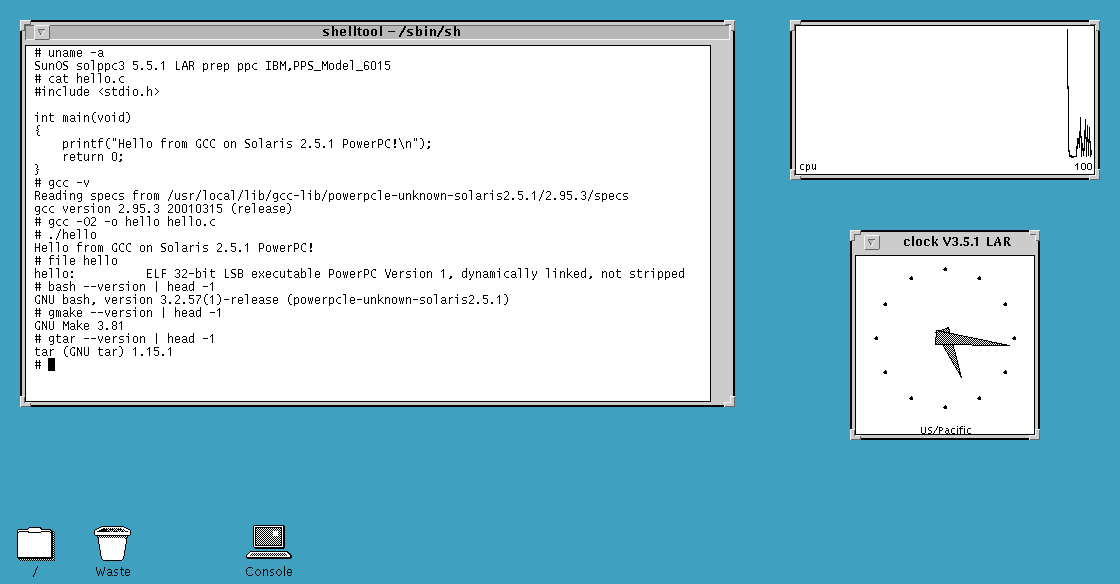
Behold! Solaris 2.5.1 for PowerPC in 1280×1024 on an emulated IBM RS/6000 7020-40P with a PowerPC 604 and a Weitek P9100 video card:
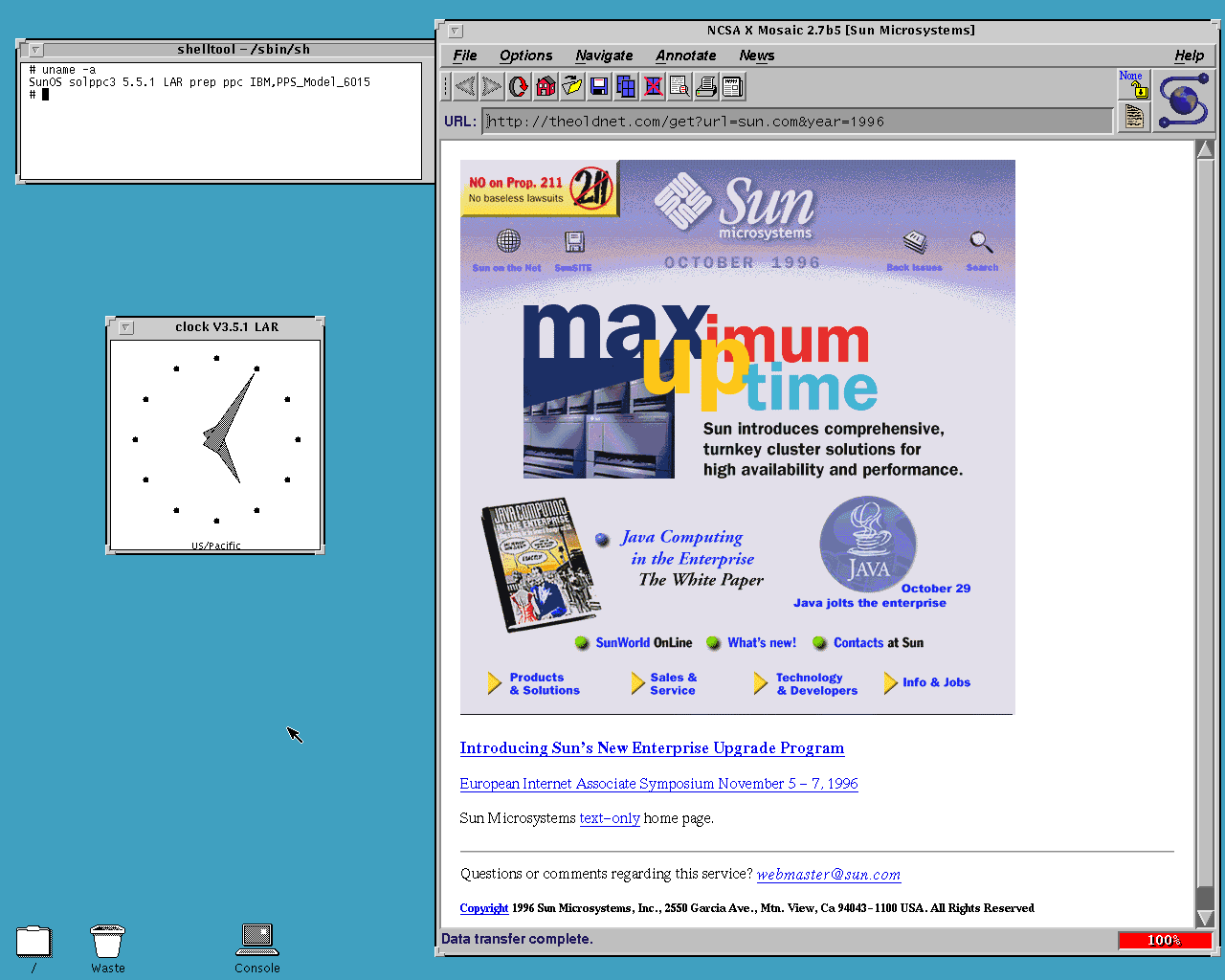
NCSA Mosaic 2.7b5! There is no HTTPS of course, but plain http:// sites like theoldnet.com and 68k.news work great. You can always use WRP or VNC Brave for modern websites.
Sun’s home page from October 1996, in NCSA Mosaic 2.7b5
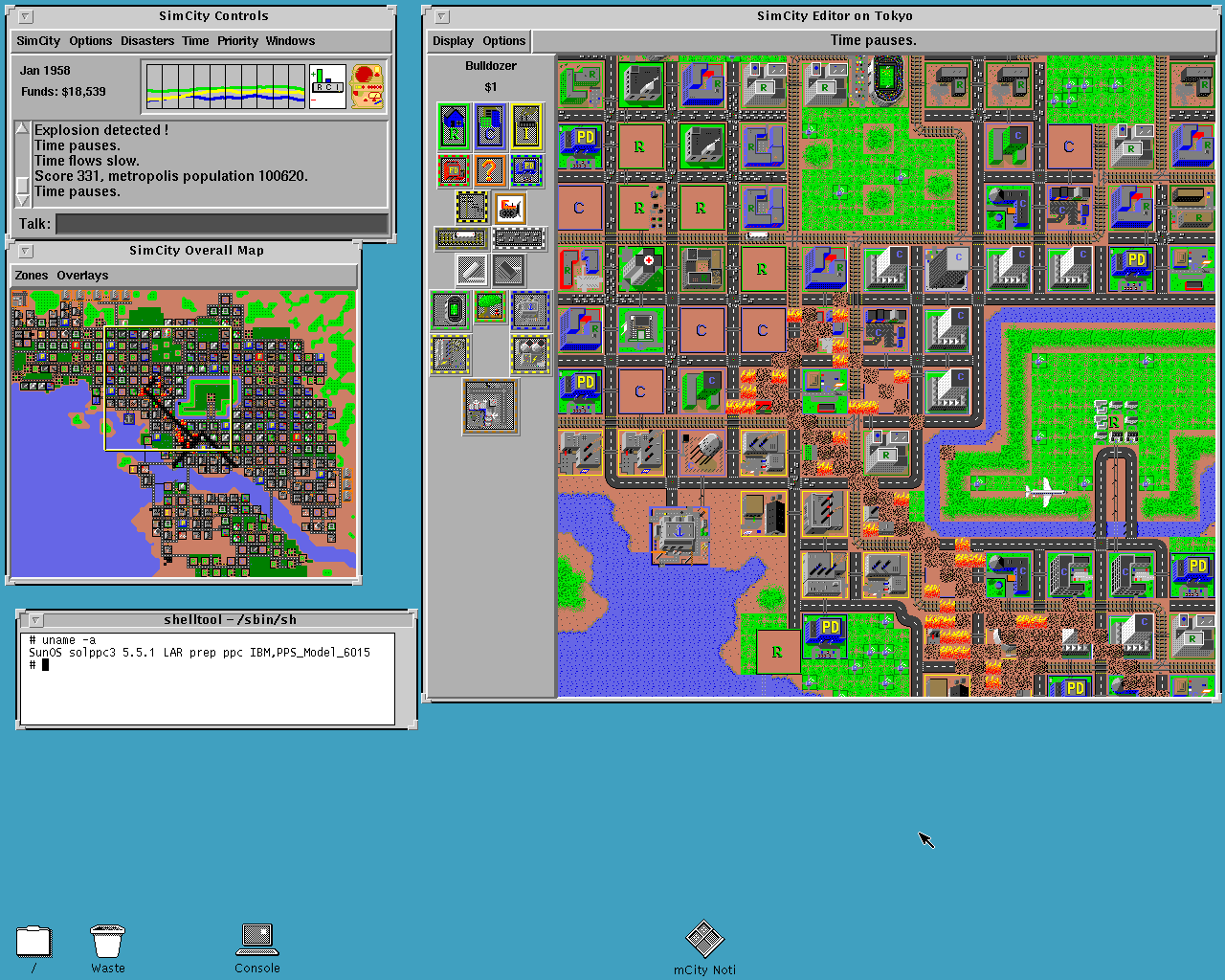
SimCity! No Unix workstation is complete without it. This is Micropolis Legacy with the original DUX SimCity 2.17 data files:
SimCity, Tokyo 1957: the monster’s trail of destruction
The VM also comes with TenoxVNC, a VNC viewer, and SNG, a system and network grapher.
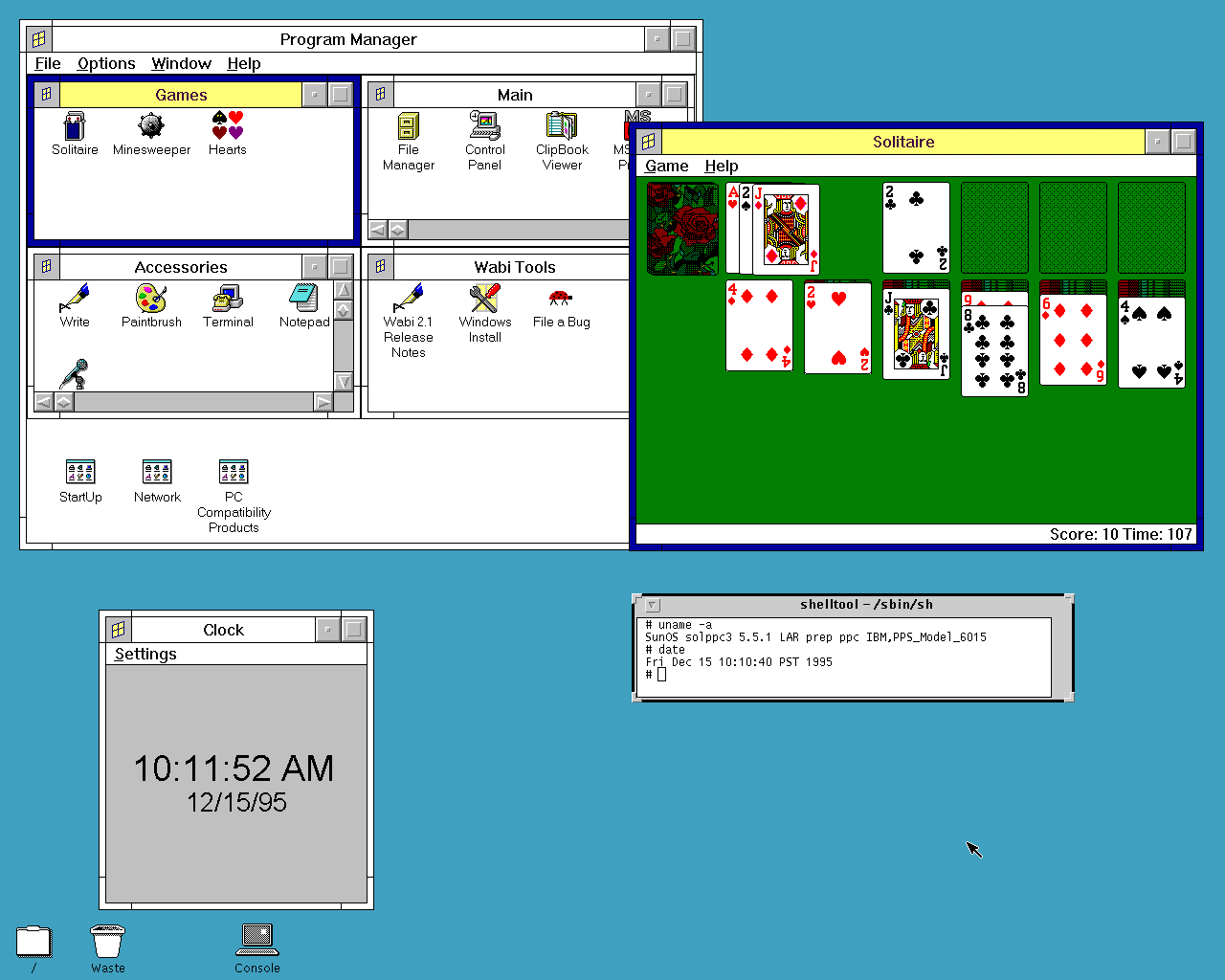
There is more under the hood: Sun WorkShop Compilers 4.2 (cc and CC), and the GNU tools that I built right in the guest: bash 3.2.57, make 3.81, grep 2.5.4, gzip 1.3.12 and tar 1.15.1, then binutils 2.16.1 and GCC 2.95.3 for C and C++. binutils and GCC needed a few fixes for this platform; the README has the details. There is also Wabi 2.1, an evaluation copy from 1995 that has long expired, but see the update below!
GCC 2.95.3 and the GNU tools
All of it is also on osarchive, with the sources and patches: the GNU tools and GCC, and NCSA Mosaic next to NCSA’s own 2.7b5 builds.
As usual I have prepared a ready to run, portable image with QEMU binaries for macOS (Apple Silicon), Linux and Windows. Just unpack and run run.sh (or run.cmd on Windows), and log in as root without a password. Mosaic, SimCity and the other apps are in the Programs menu: right-click the desktop.
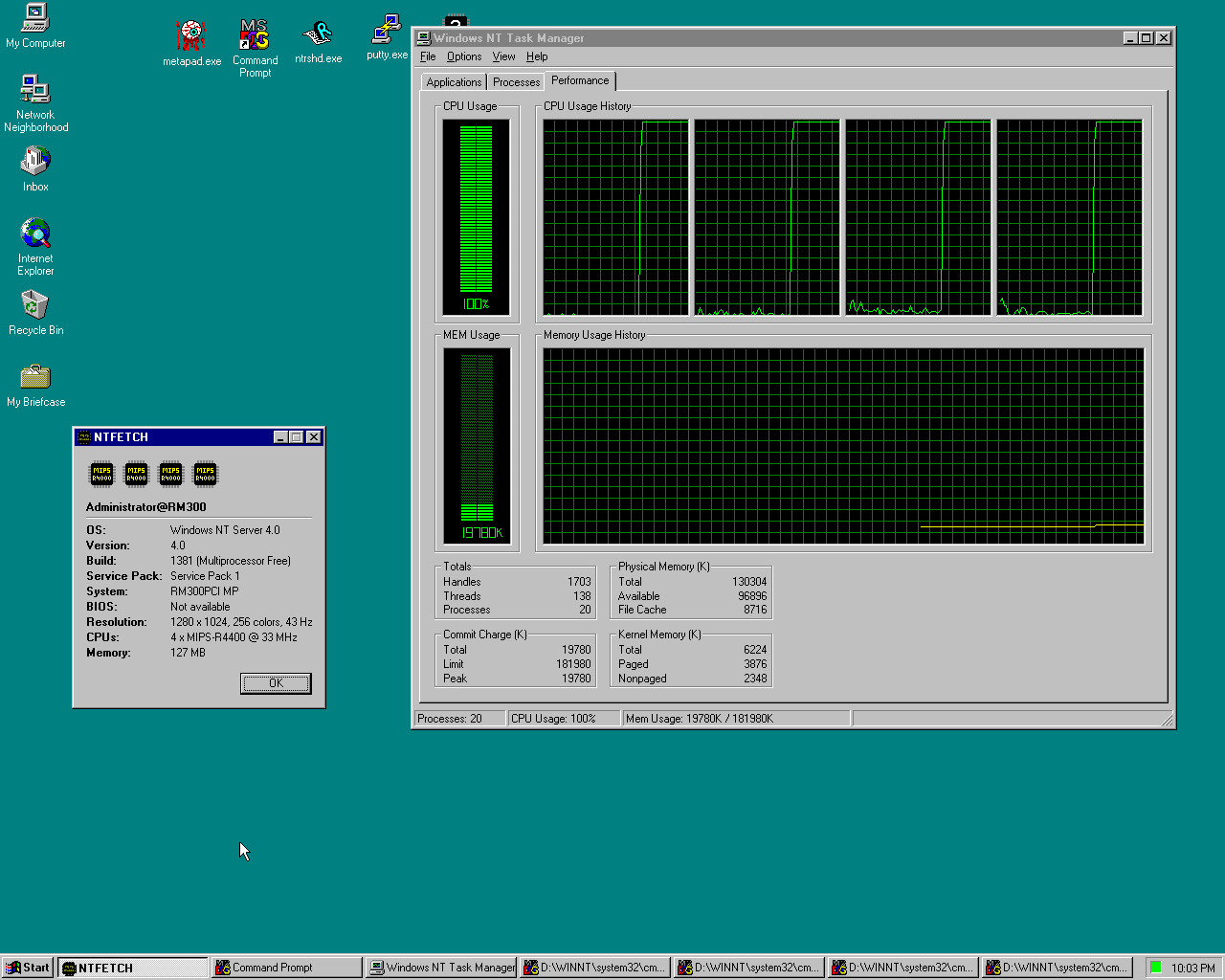
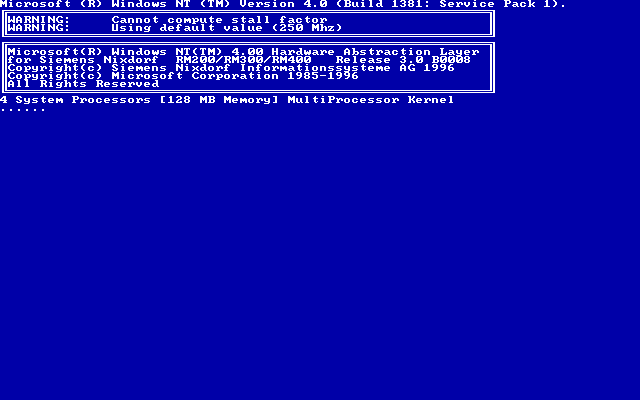
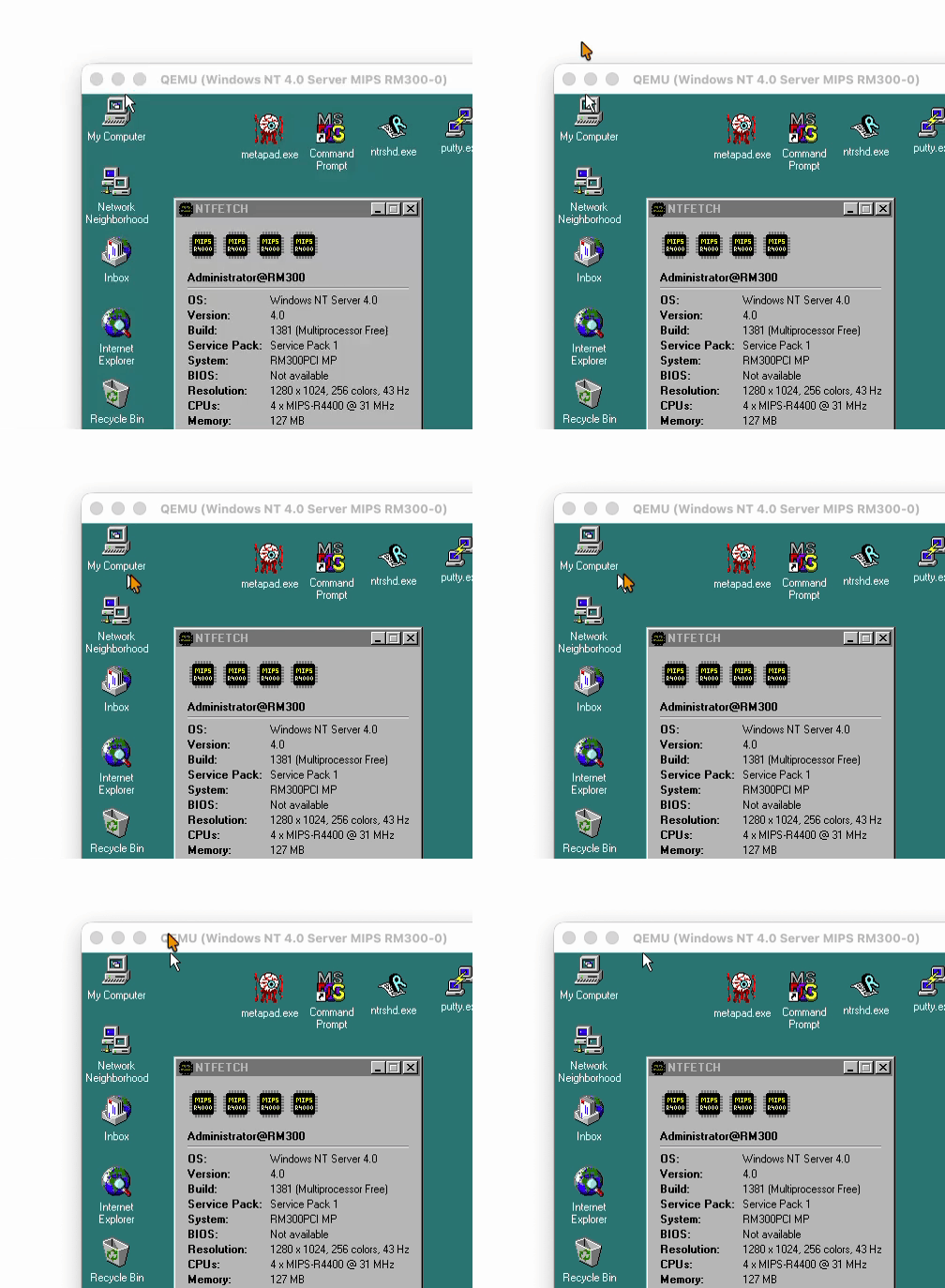
Each guest CPU runs on its own separate host core. Real R4400 boards had at most 2 CPUs, but the firmware and the NT HAL handle 4 just fine. It has to be Windows Server, as Workstation only supports 2 CPUs.
CPU idle detection! NT’s idle loop just spins. LEMU detects it and halts the CPU instead. On my Mac the idle VM uses ~10% of one host core. Without it the same idle desktop burns 3 full cores!
Seamless mouse! Remember the mouse issues from the Jazz post? All solved now thanks to the vmmouse driver. No more mouse grab, the pointer just moves in and out of the window, and the scroll wheel works!
Look ma, no mouse grab!
Ready to run portable image for macOS (Apple Silicon), Linux x64 and Windows x64. Unpack and run run.sh or run.cmd. At “Hit any key to continue” press Enter twice. NT logs on by itself as Administrator / password.
(This is a guest post by Antoni Sawicki aka Tenox)
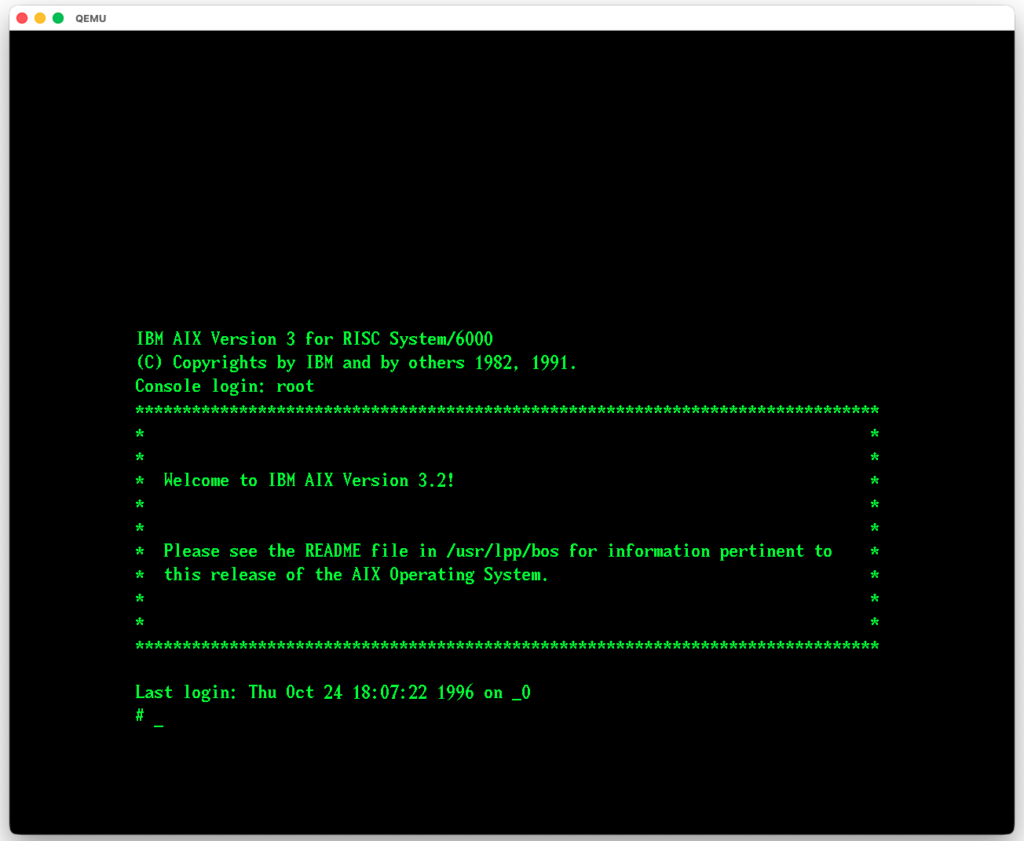
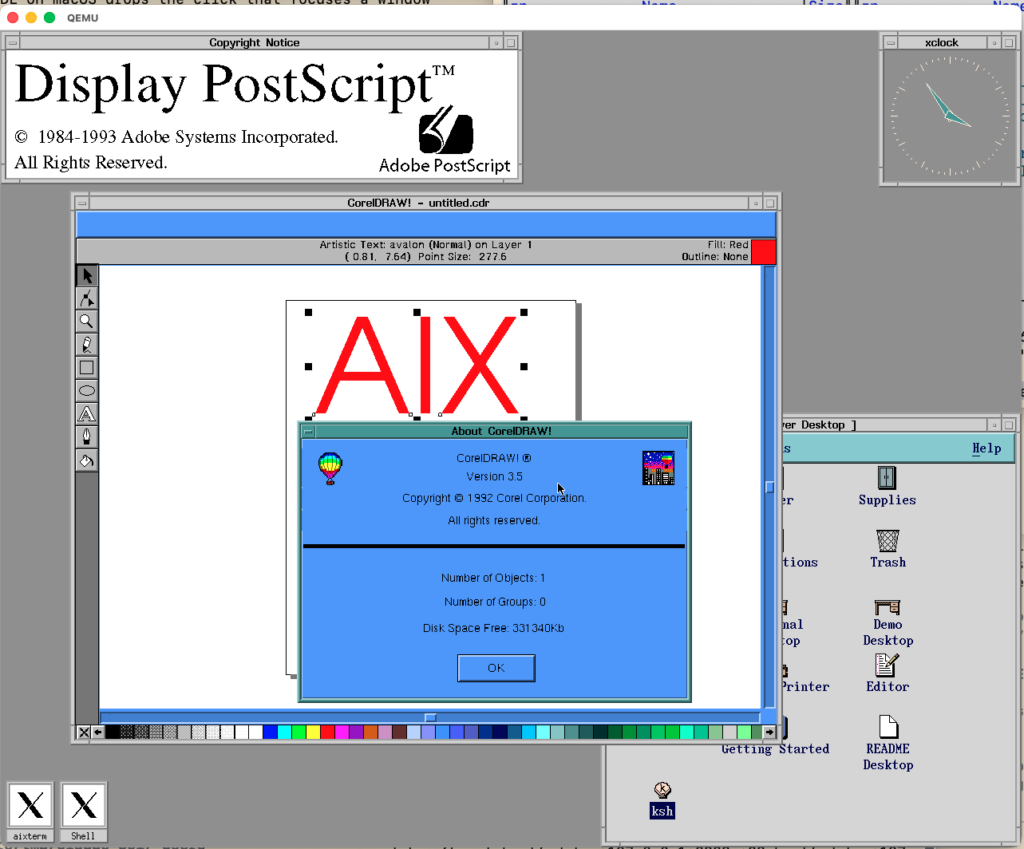
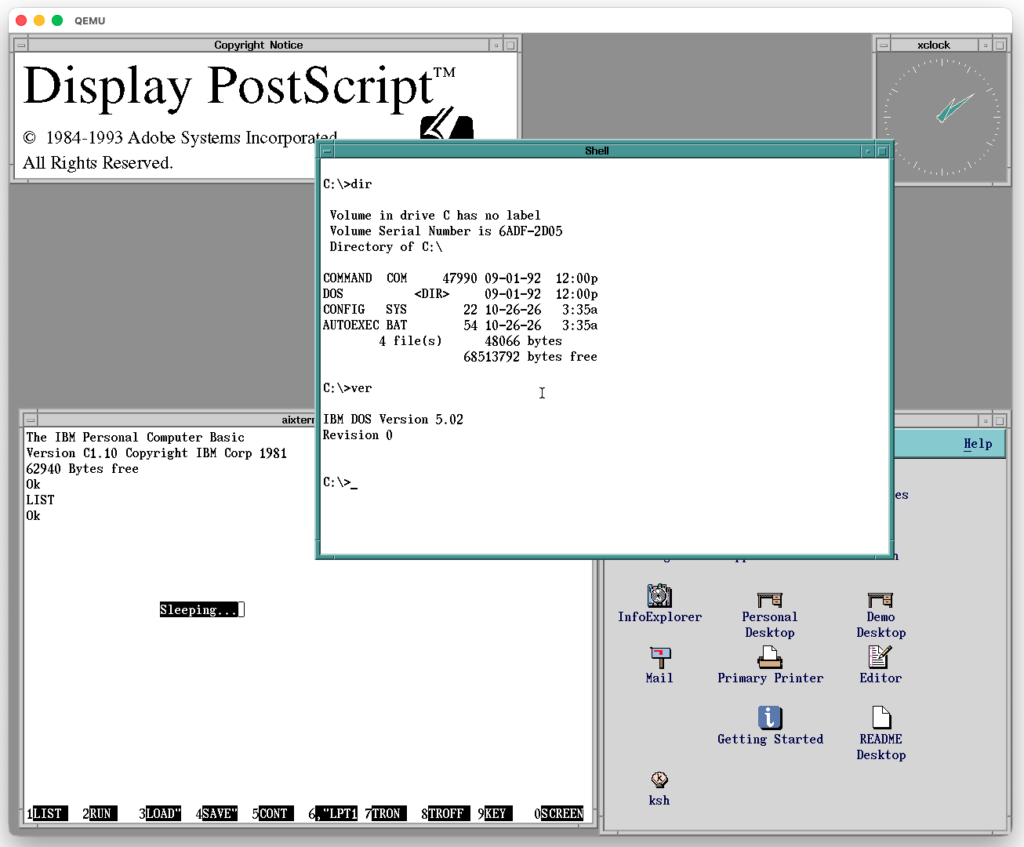
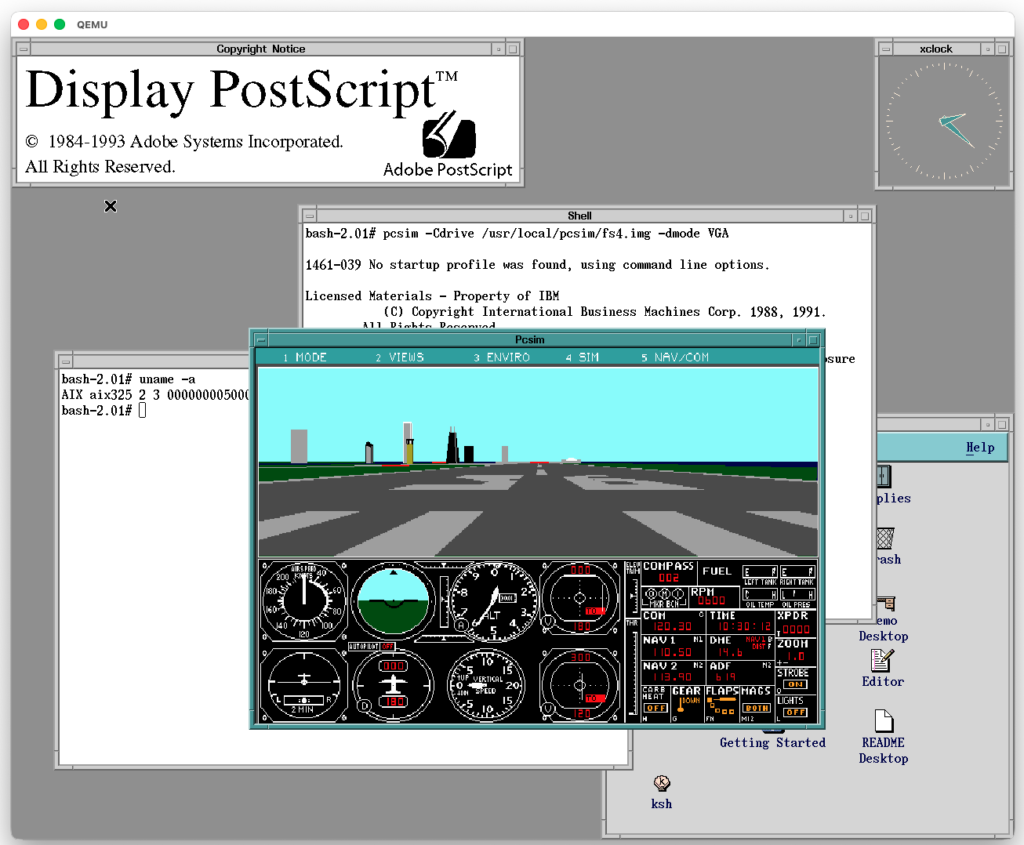
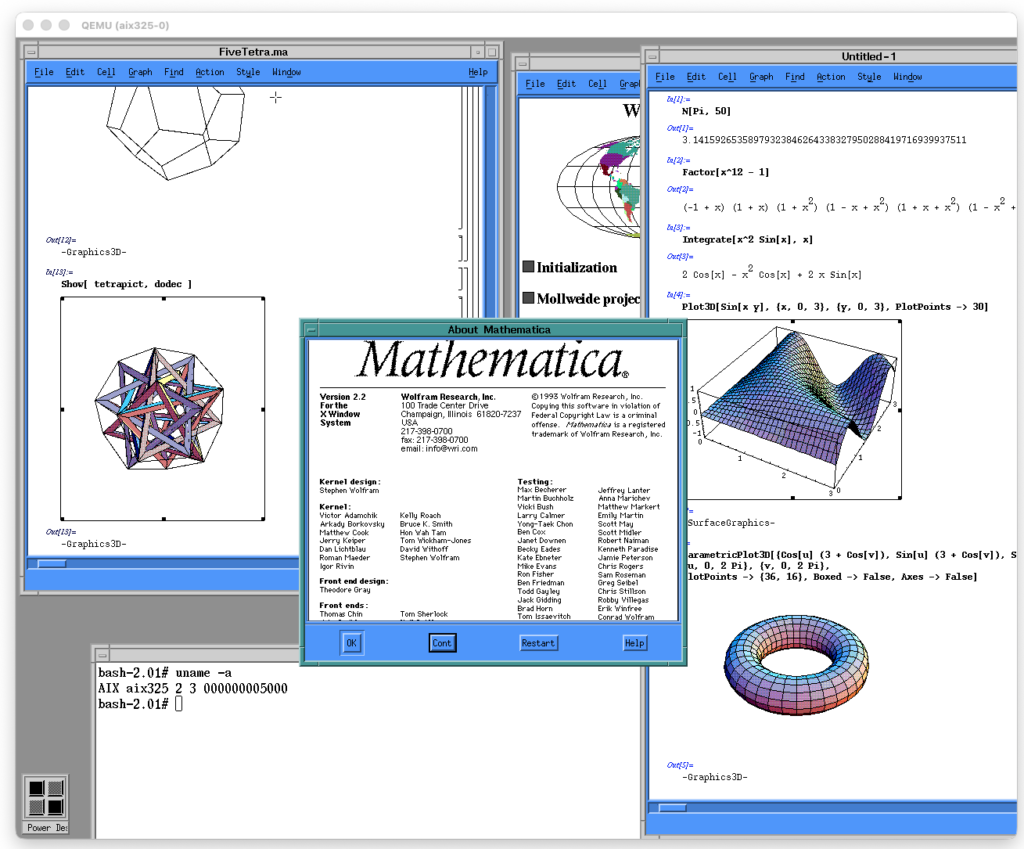
AIX on QEMU is nothing new. Neozeed ran AIX 4.3.3 years ago on Artyom Tarasenko’s QEMU 40p fork — but it was serial console only, no graphics, and the emulated CPU pinned your host at 100%. Recently I did AIX 3.2.5 and AIX 4.1.5 with a local graphics console. Now we have the rest of the line!
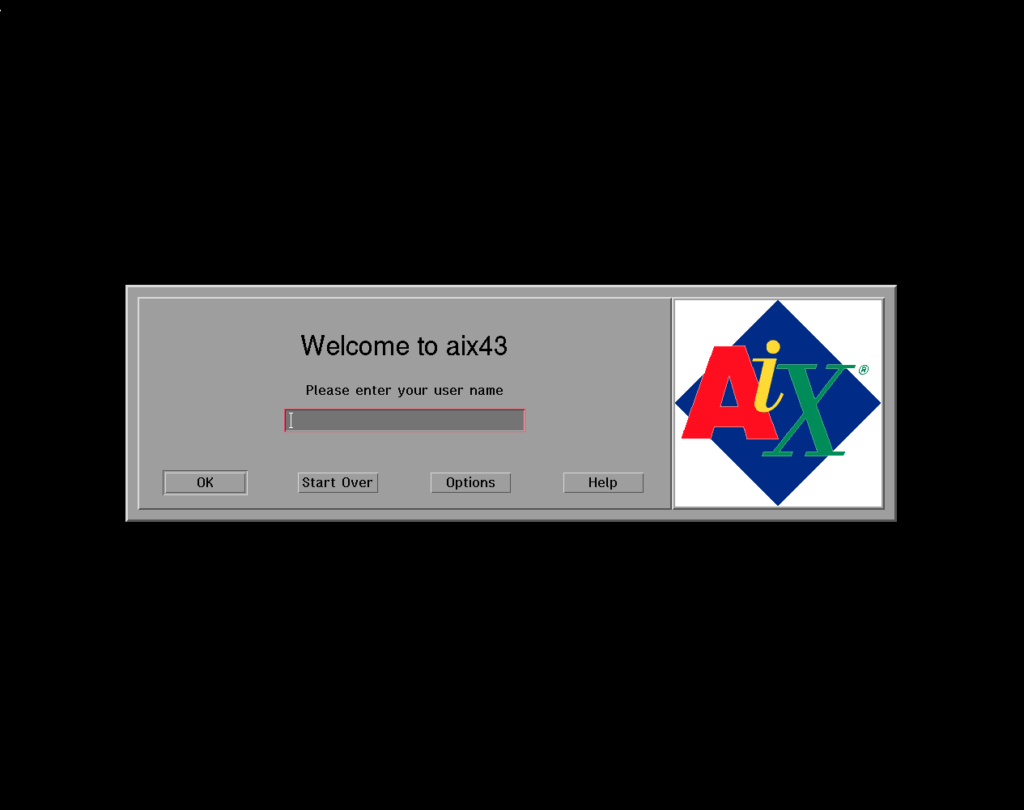
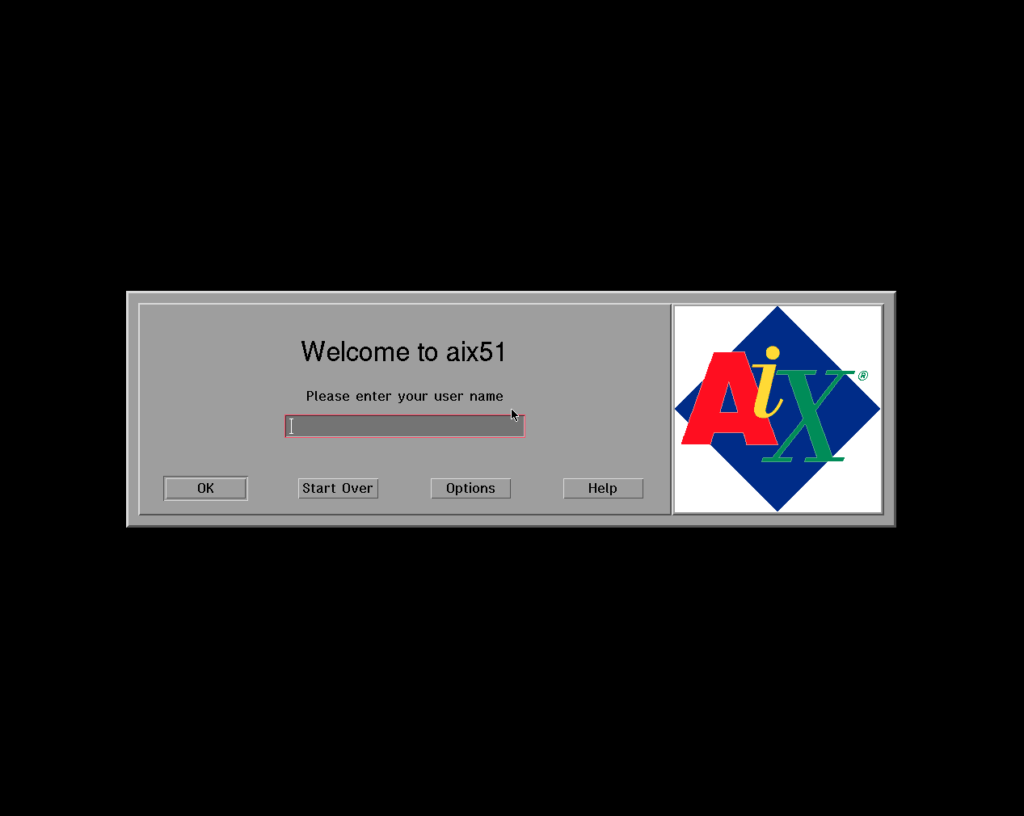
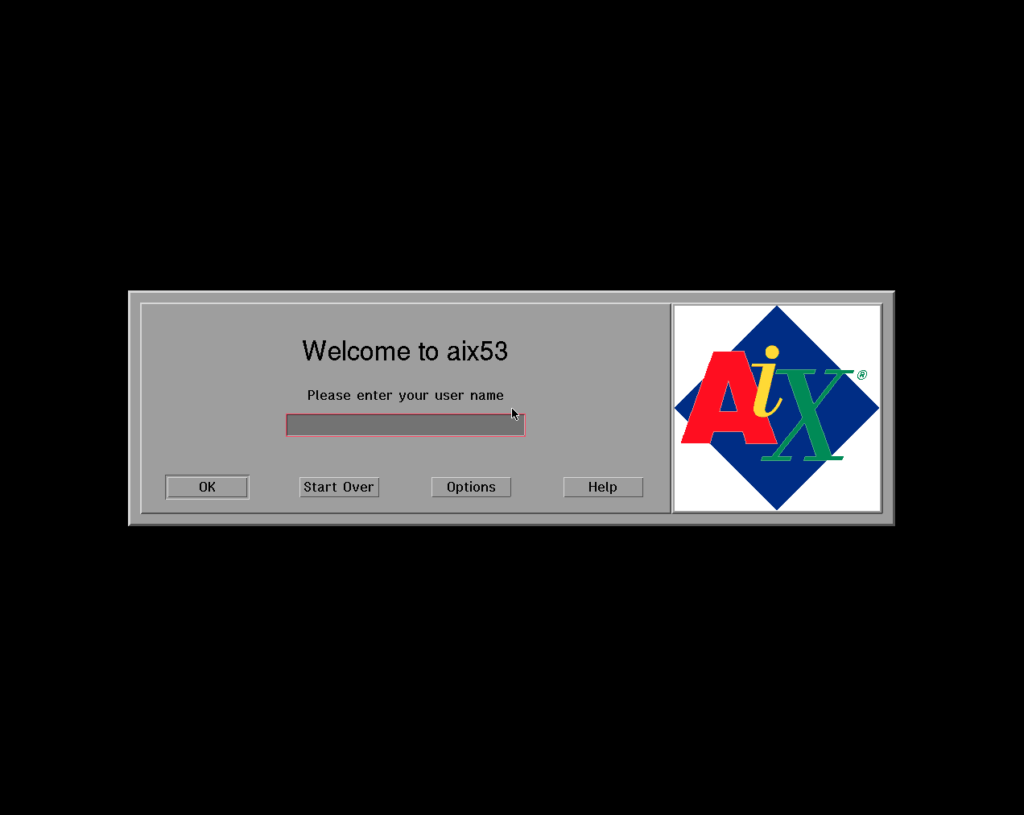
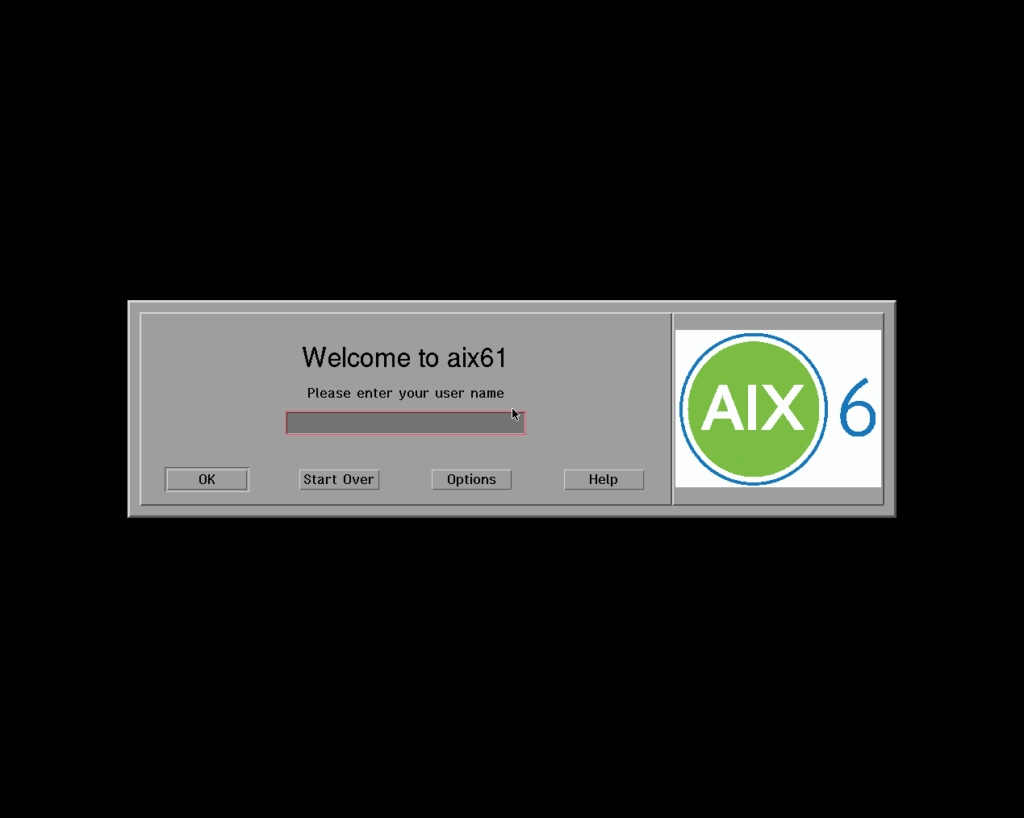
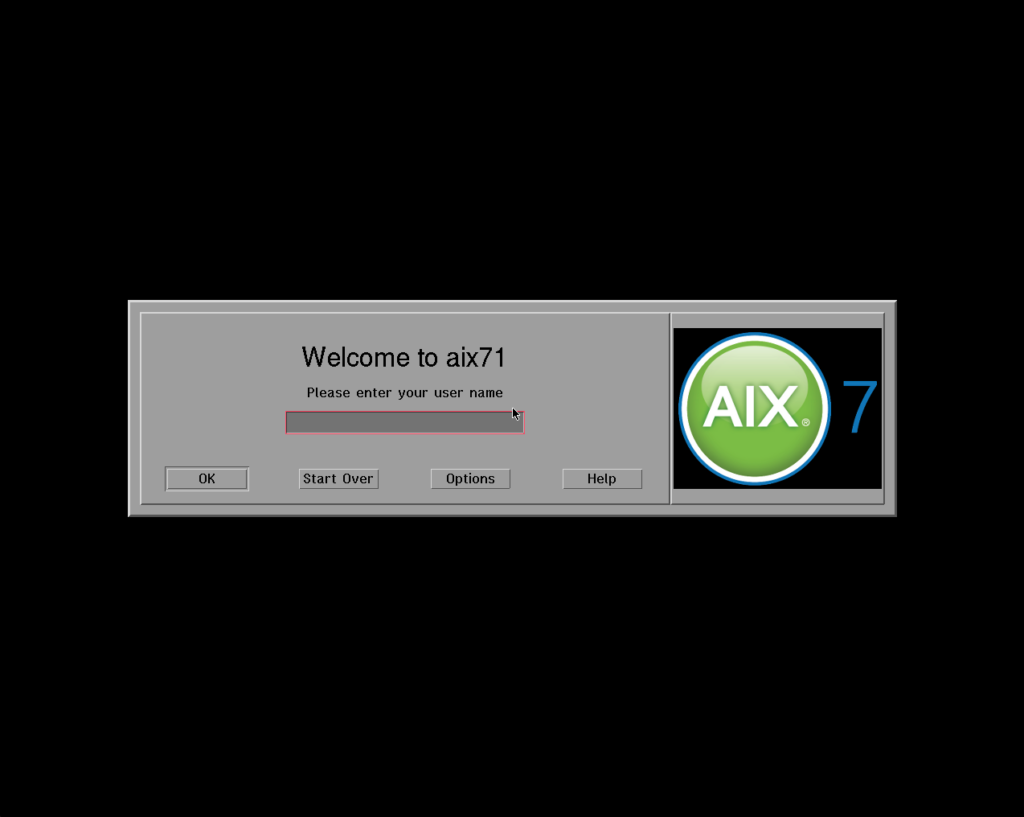
Behold! AIX 4.3.3 all the way to 7.1, every one booting to a graphical CDE login on the emulated framebuffer. AIX 7.2 is only serial console.
AIX 4.3.3AIX 5.1AIX 5.3AIX 6.1AIX 7.1
The older releases (4.3.3, 5.1) run on the emulated RS/6000 7020-40P, the newer ones (5.3, 6.1, 7.1, 7.2) on an emulated pSeries. And no more burning 100% CPU, we have full IDLE detection.
All images are ready to run and portable, with QEMU binaries for Linux, macOS and Windows. Just unpack and run. Grab whichever you fancy:
(This is a guest post by Antoni Sawicki aka Tenox)
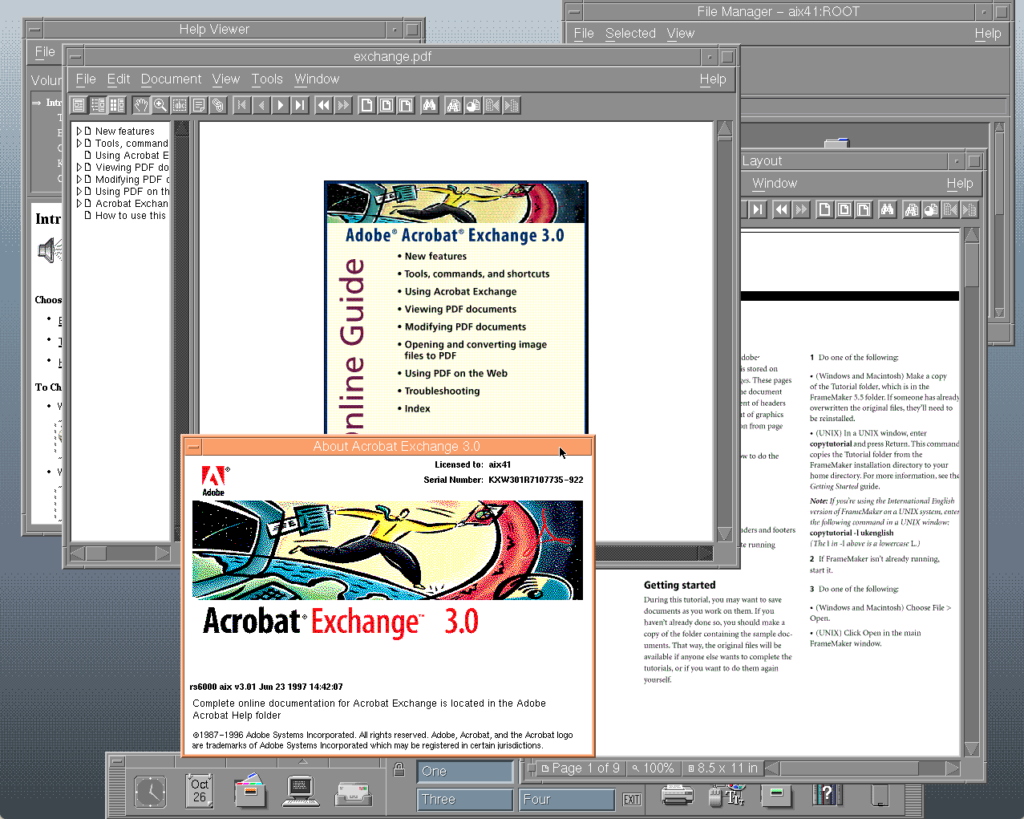
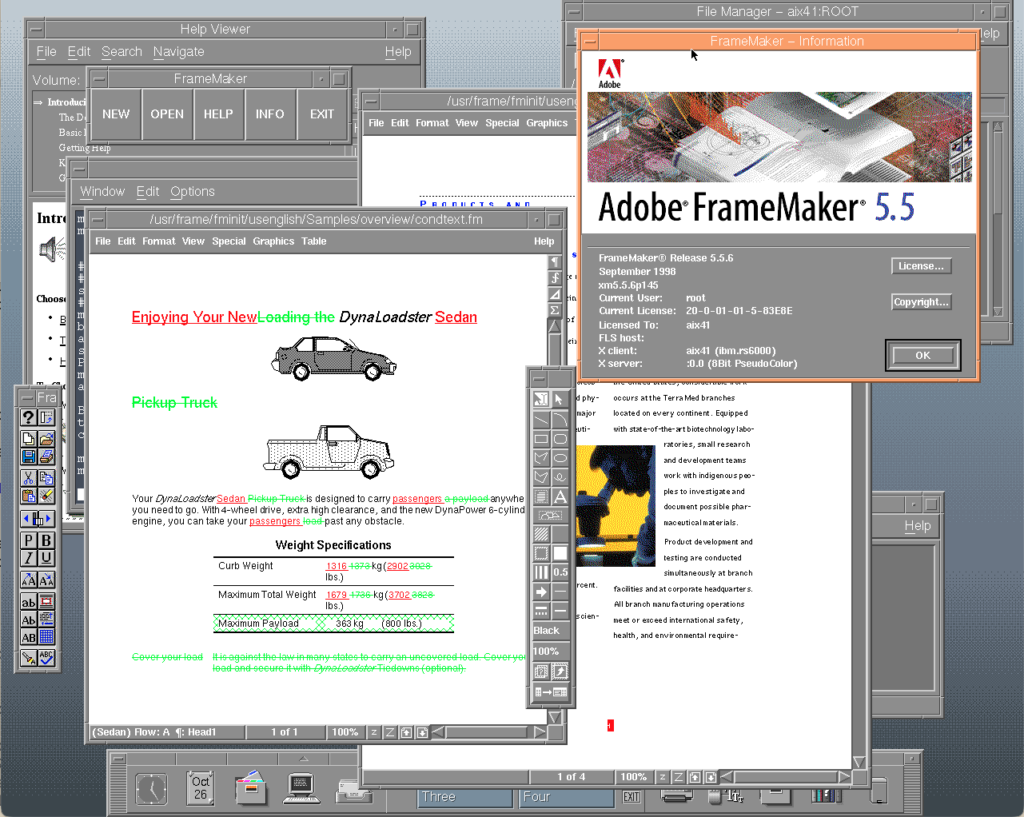
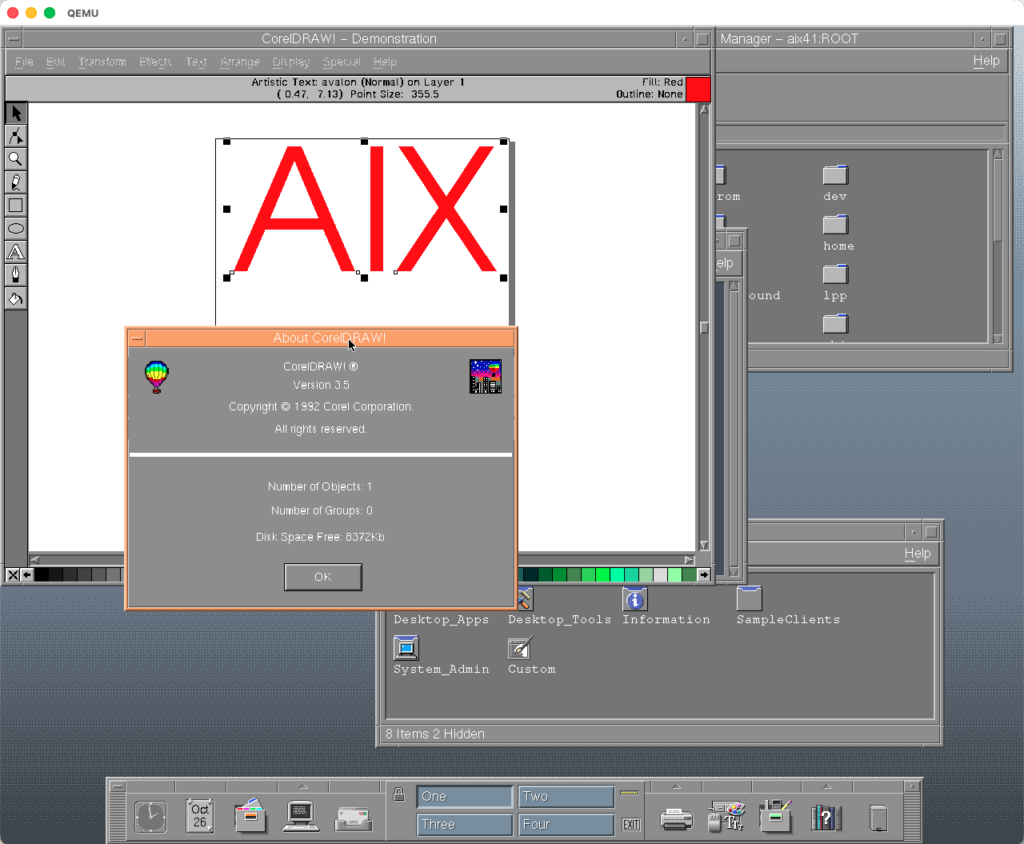
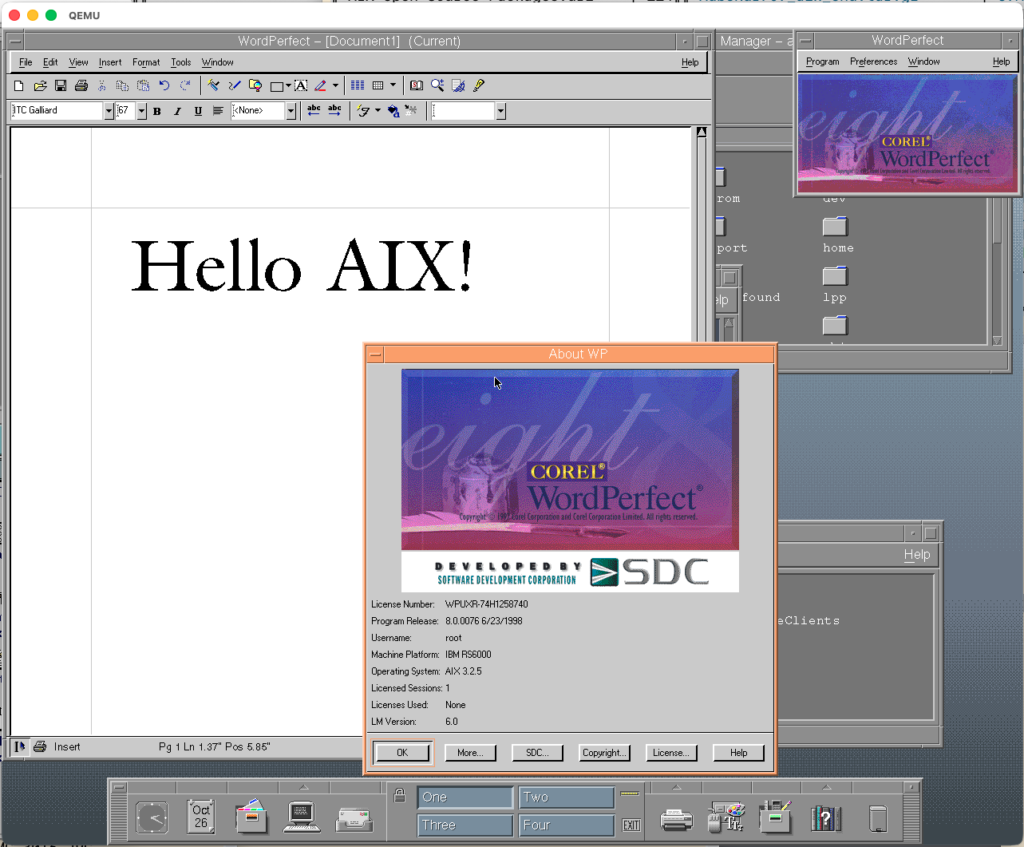
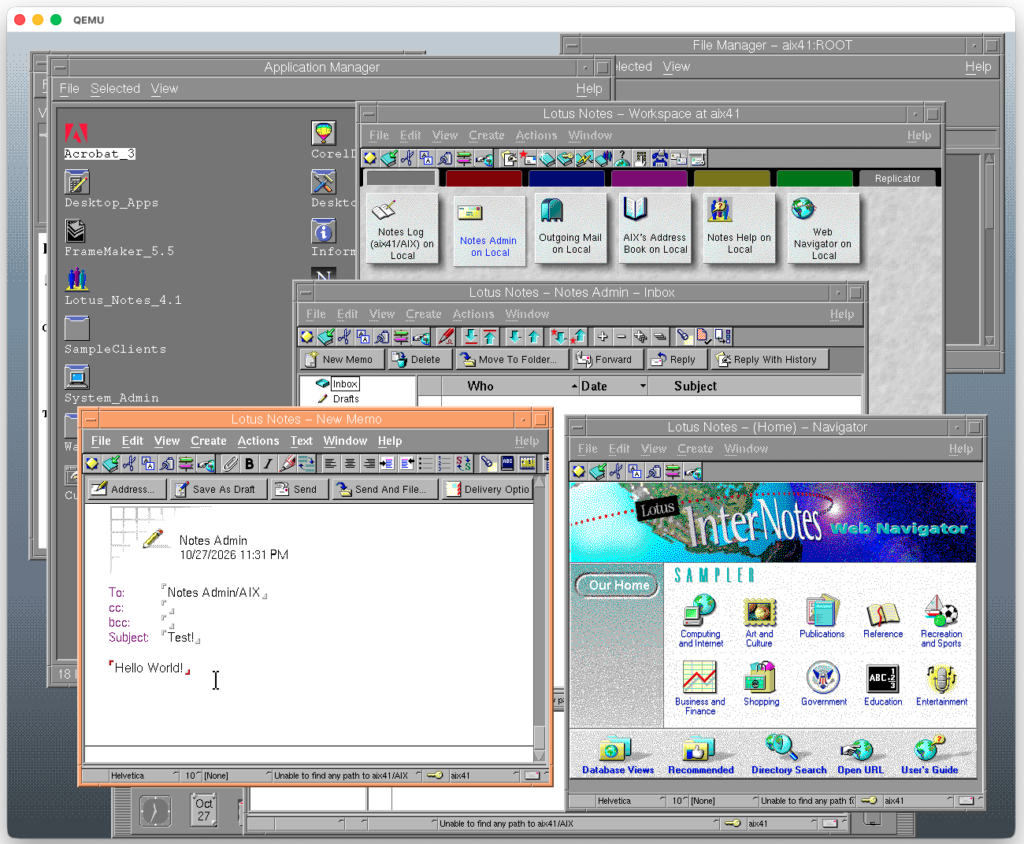
AIX on QEMU is hardly any news. It has been done over and over again. Especially thanks to Artyom Tarasenko and subject to even more posts by Neozeed. However it was mostly plagued by having only serial console and using outdated QEMU. For a long time I wasn’t able to run it. Had to fire up some IBM rust if I wanted to build/test something on AIX. Lack of local UI was also pain. AIX 4.1.5 is full of cool GUI software, CATIA, Corel Draw, Word Perfect, FrameMaker, Lotus Notes, not to mention VisualAge! I know that you can connect to it via Xephyr/Xnest etc, but having a local console is way better!
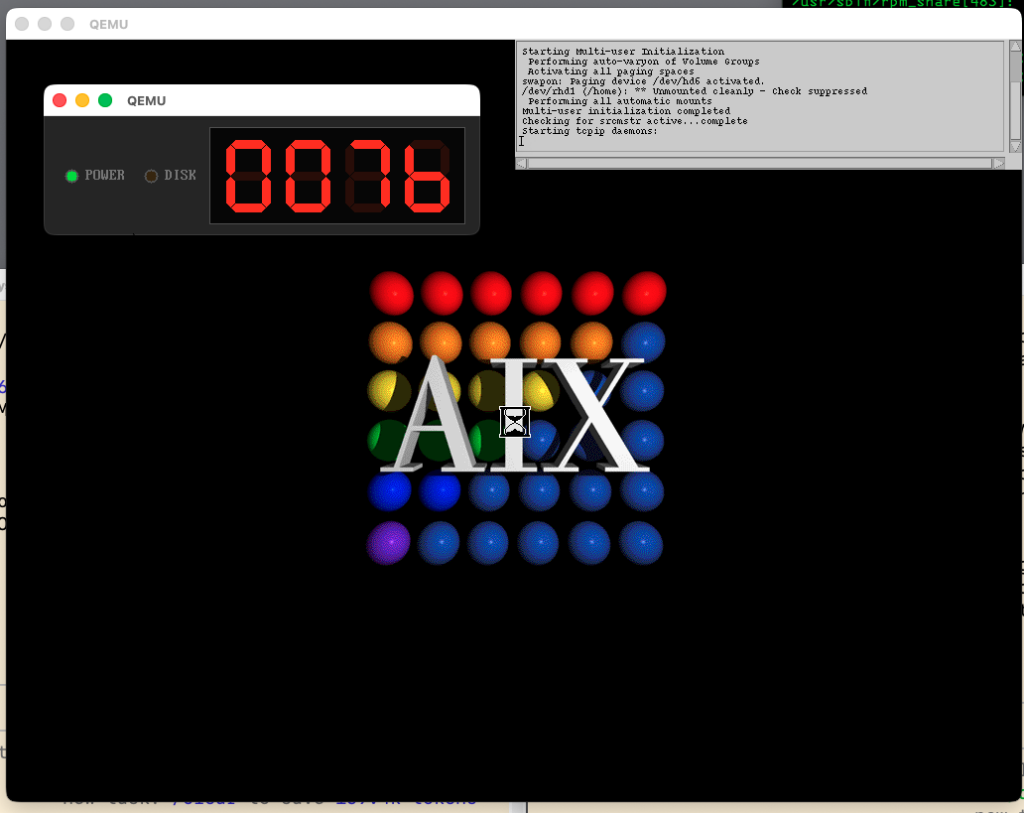
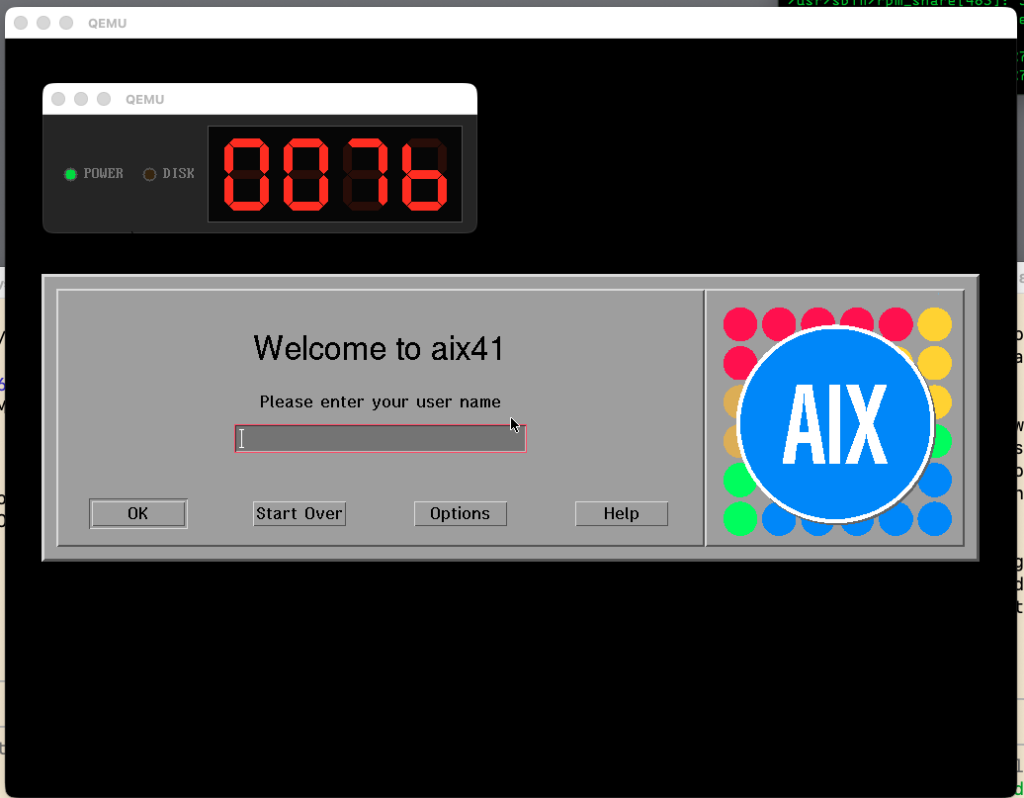
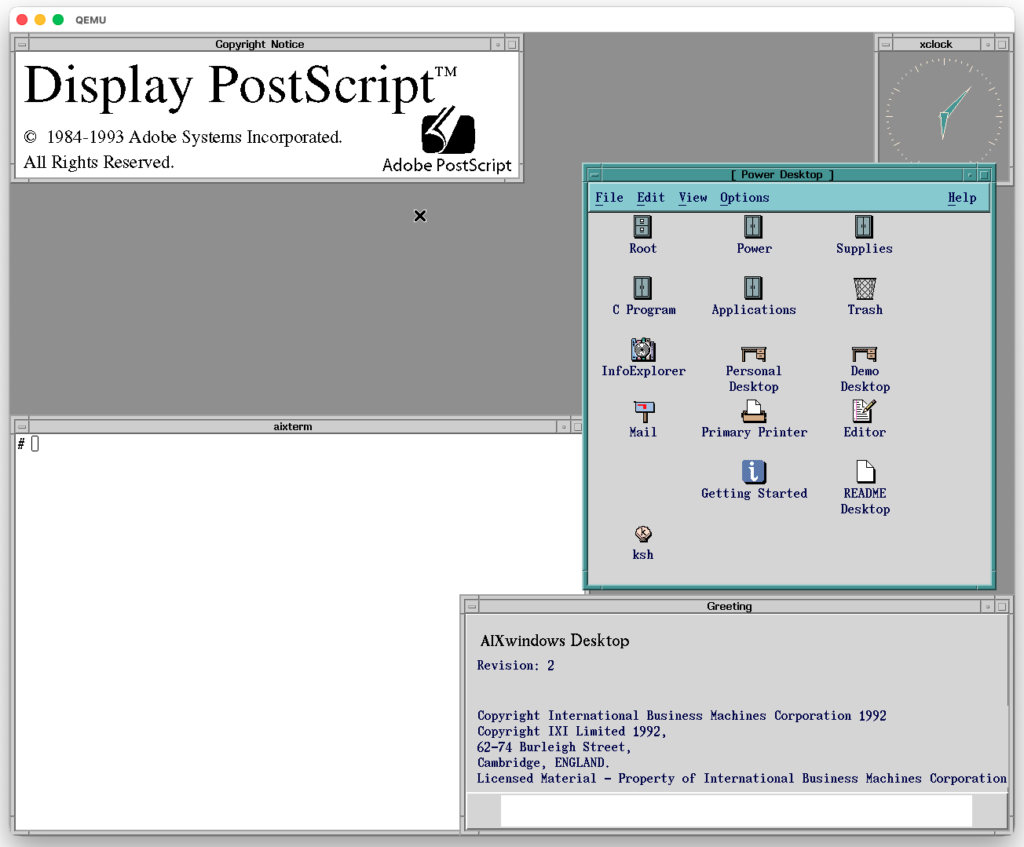
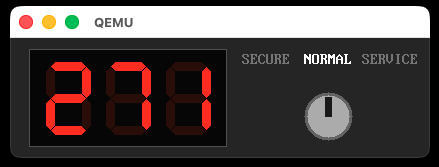
Behold! AIX 4.1.5 in a full glory on emulated IBM RS/6000 7020-40P with PowerPC 604 and GXT110P video adapter. Also featuring front the panel display:
Balls of AIX!
Let’s look at some cool apps!
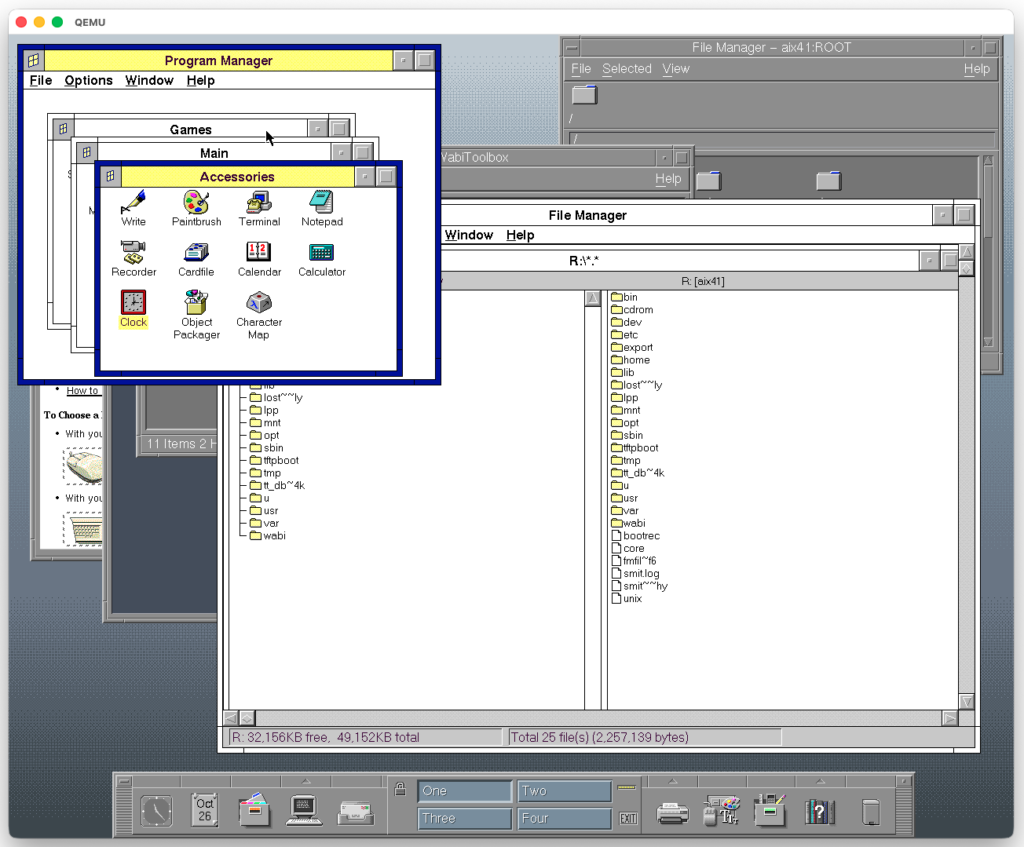
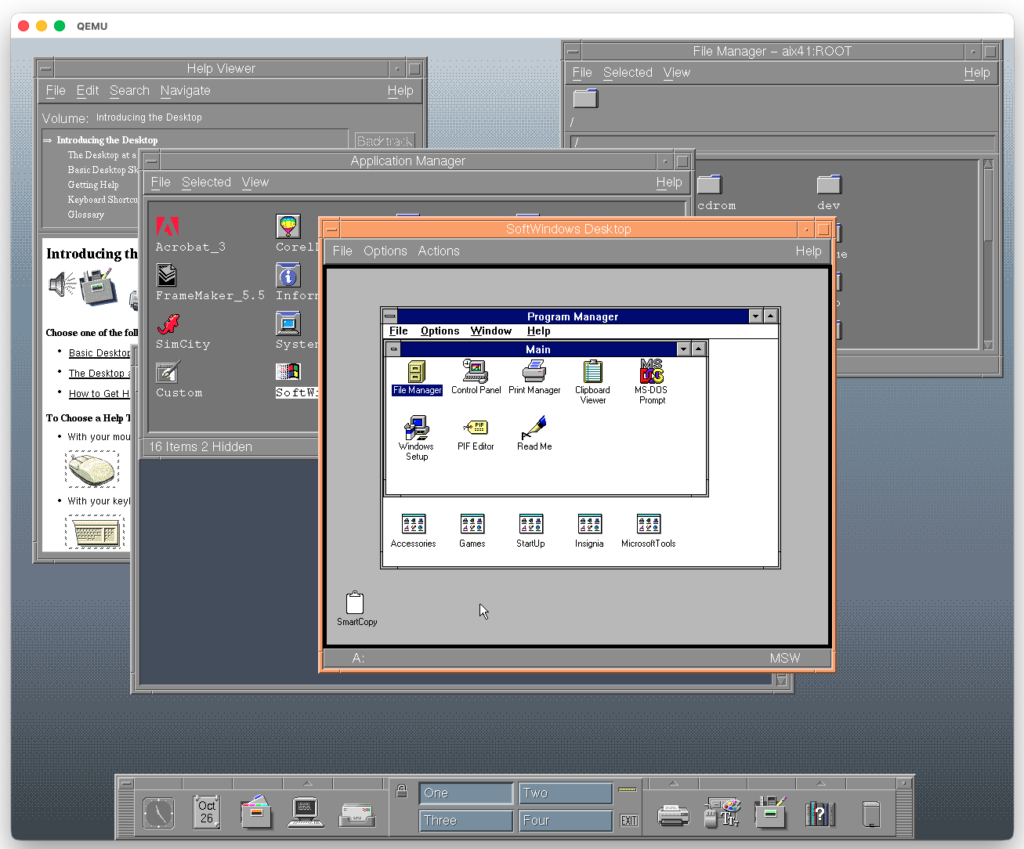
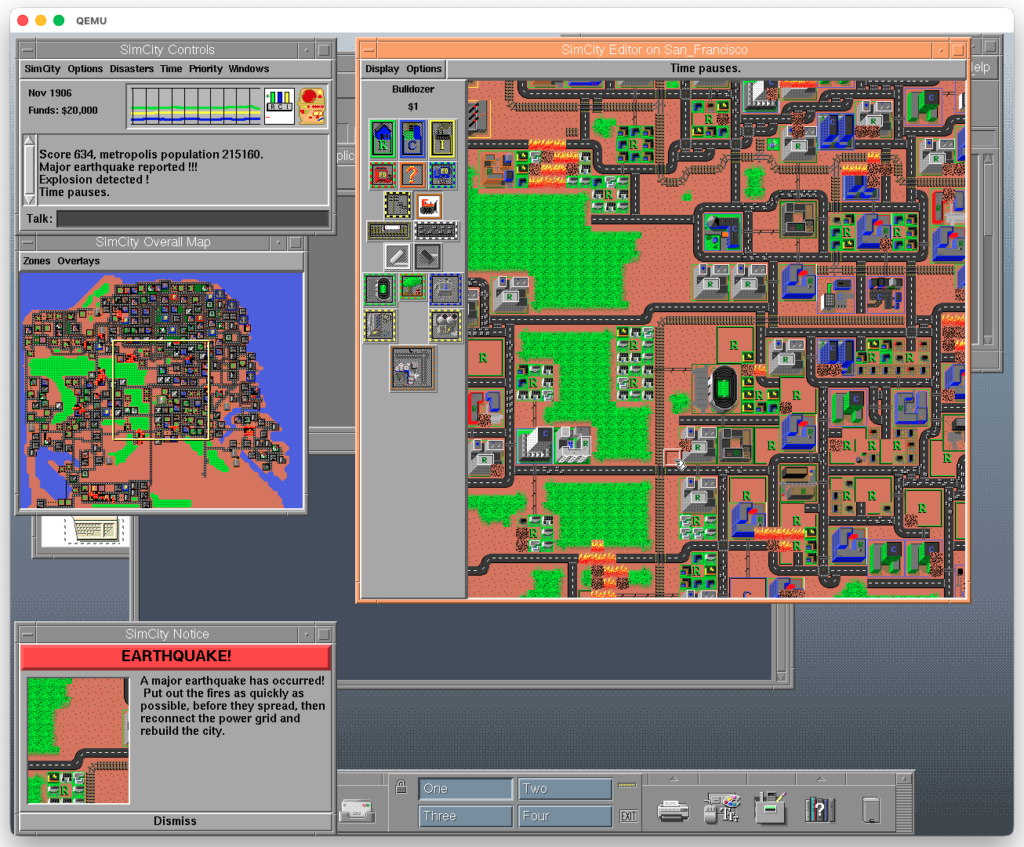
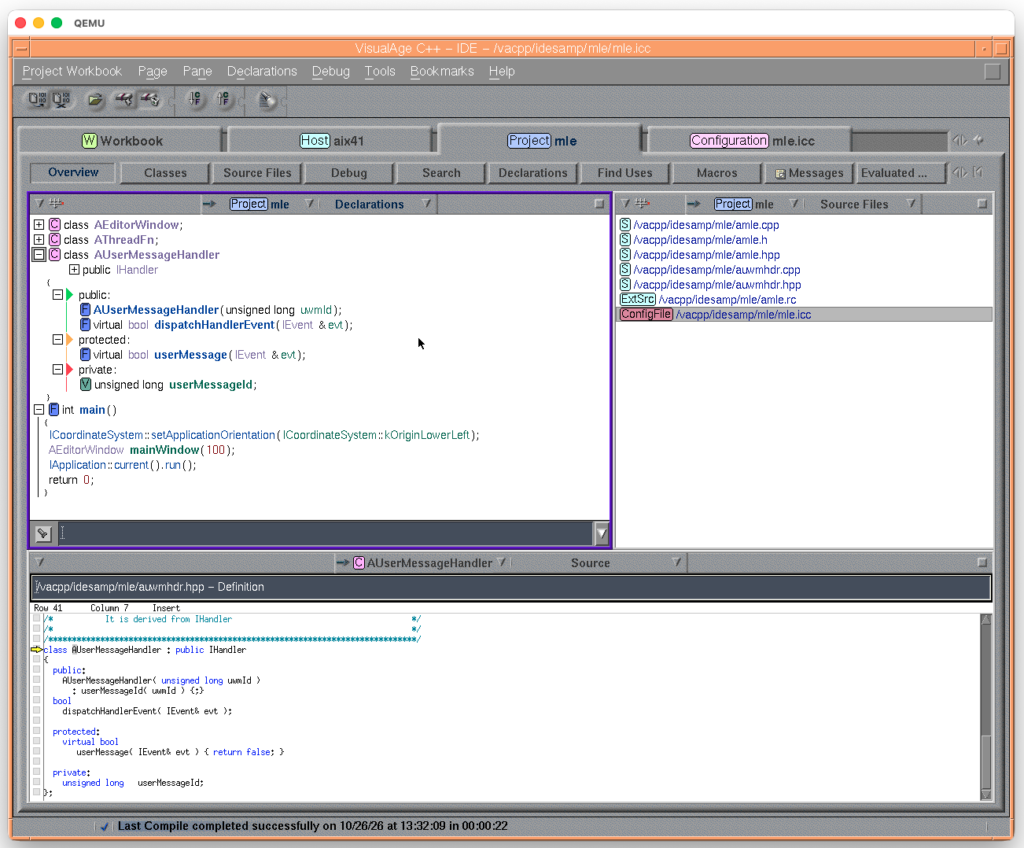
Acrobat ExchangeFrameMakerCorel Word PerfectWABISoftWindowsSimCity on AIXVisualAge IDELotus Notes 4
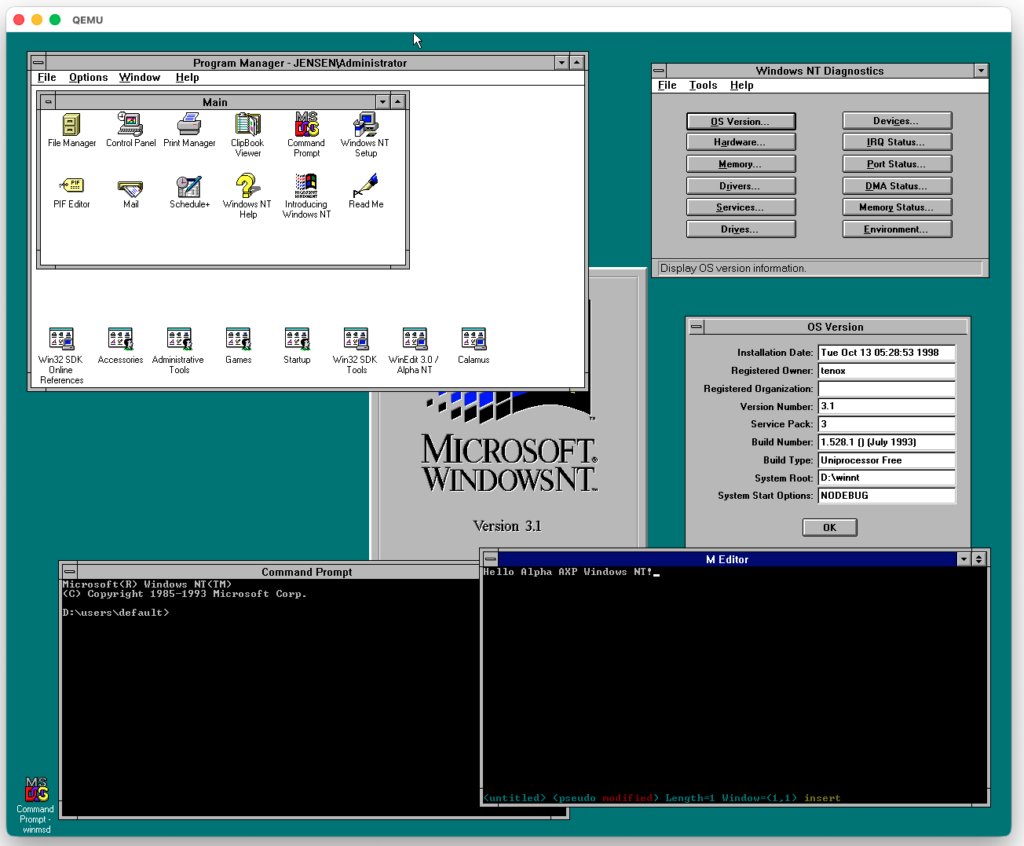
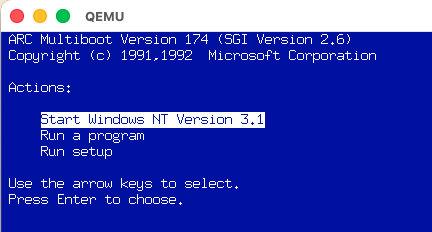
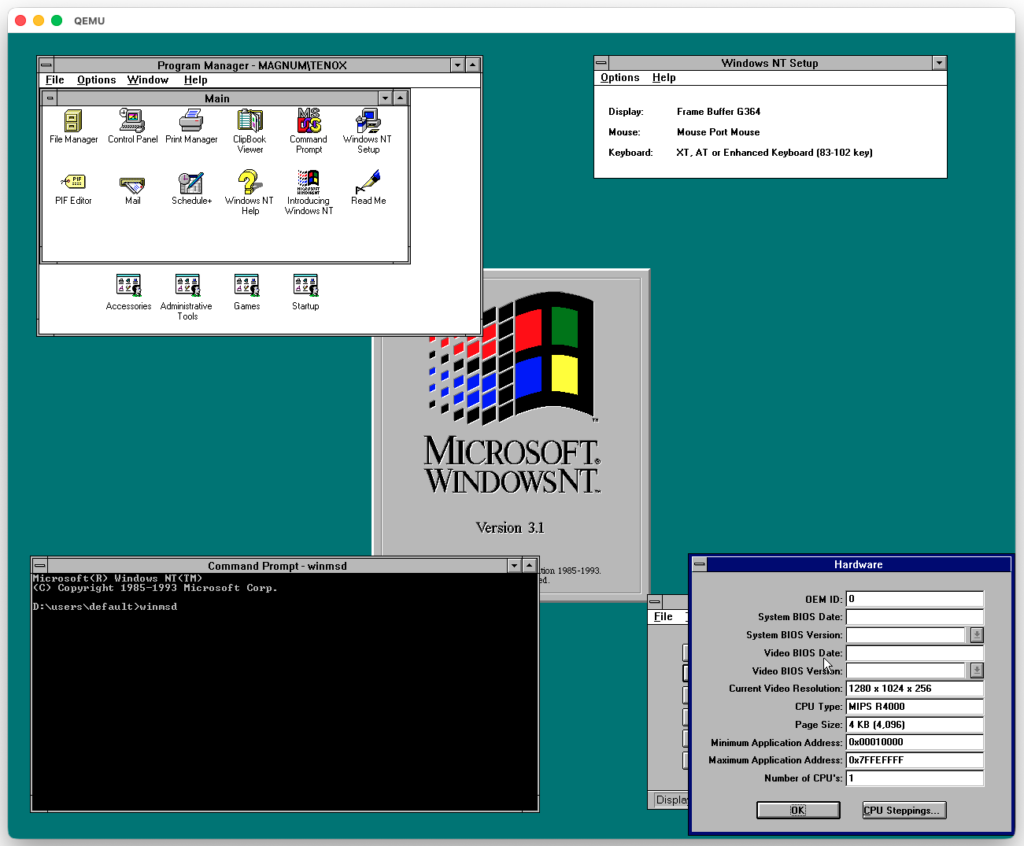
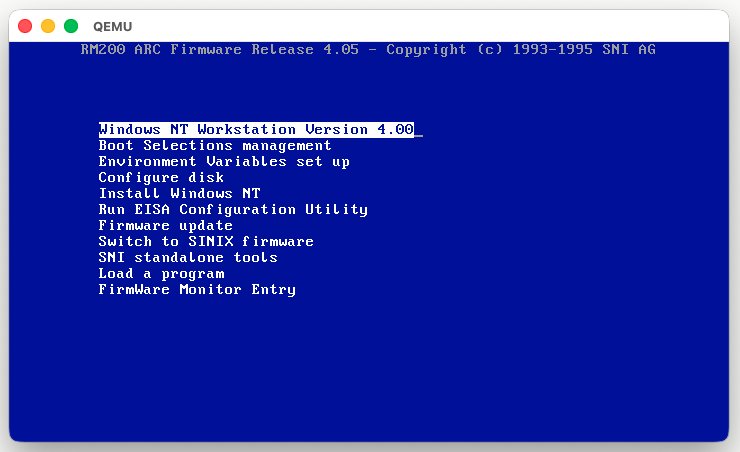
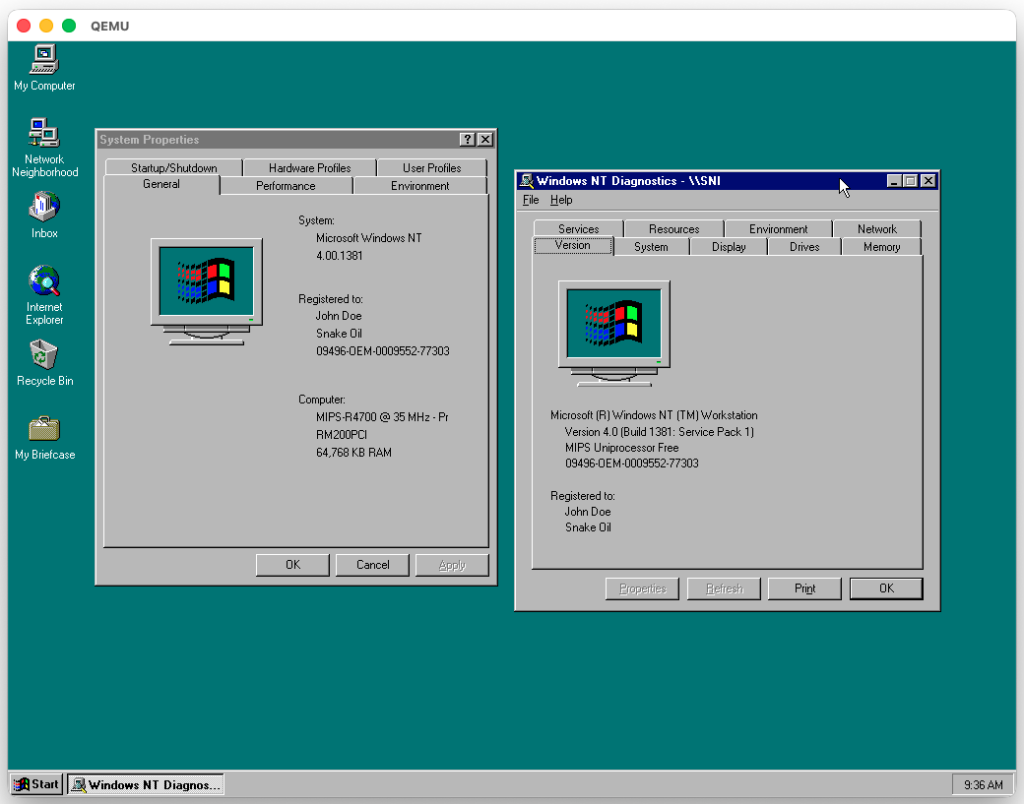
Since I did some work on RM-200 QEMU and this system is also capable of running Windows NT MIPS in Lite Endian mode (the CPU can switch endianness) I decided to also get it working:
I have previously covered NT on MIPS QEMU Jazz emulated machine. This is not that much different and fundamentally very close. Just a different machine with different firmware and peripherals. Also much newer QEMU version.
I’m sure at some point there will be some kind of merger. As always things move fast when they are interesting.
At any rate, I had nothing but incredible issues getting this to build. I should have written the steps down for the Qemu Alpha for that can run Alph64 Windows! … .however I didn’t so I kind of lost (hopefully temperarily) the recipies needed.
Instead, I’m jumping back to my mac mini, as of course macOS is just enough UNIX to be useful but mainstream enough to have real application. And part of the reason is that I wanted to build the firmware as I had a feeling that this was some important ‘lockstep’ thing I was missing.
Building cross compilers isn’t that new for me or this blog. As a matter of fact, I’ve got two at the moment from other various projects:
jsteve@Jasons-Mac-mini gcc % /usr/local/os2/bin/i386-pc-linux-gnuaout-gcc -v
Reading specs from /usr/local/os2/lib/gcc-lib/i386-pc-linux-gnuaout/2.8.1/specs
gcc version 2.8.1
jsteve@Jasons-Mac-mini gcc % /usr/local/i586-linux2/bin/i586-linux-gcc -v
Reading specs from /usr/local/i586-linux2/lib/gcc-lib/i586-linux/2.8.1/specs
gcc version 2.8.1
Since GCC 2.8.1 seems to run ‘okay’ as a macOS arm64 binary to cross compile to the i386… But that’s not for here. Since this is a ‘modern’ build, there was no need for any funny business. Things just worked. Surprisngly, I know. Obviously for people years later this won’t hold true.
Binutils
Nothing much to see or say, just used binutils 2.46.0, and it configured/built out of the box. Nice.
This is a bit weird as, the Itanium is not a dying platform, but a very dead one. Although thanks to a single user, René Rebe keeping the flame alive, I just chose to use the mentioned version, 15 to see if it still works. Spoiler, it did!
Building on macOS also means I do have homebrew installed, and that instead of building so many dependancies from hand, I could just brew the dependancies for GCC. That did make configuring it a little more involved.
There is some weird duplicate define of fdopen that throws off the build, thanks to zlib. I know wtf.
In file included from ../../gcc-15.3.0/zlib/zutil.c:10:
In file included from ../../gcc-15.3.0/zlib/gzguts.h:21:
In file included from /Library/Developer/CommandLineTools/SDKs/MacOSX.sdk/usr/include/stdio.h:61:
/Library/Developer/CommandLineTools/SDKs/MacOSX.sdk/usr/include/_stdio.h:322:7: error:
expected ')'
322 | FILE *fdopen(int, const char *) __DARWIN_ALIAS_STARTING(__MAC_10_6, _...
|   ^
../../gcc-15.3.0/zlib/zutil.h:140:33: note: expanded from
macro 'fdopen'
140 | # define fdopen(fd,mode) NULL /* No fdopen() */
The fix, of course is to comment out line 140 of zutil.h
After that, it’ll mostly build, (remember to have the binutils binary in your path! export PATH=/usr/local/ia64-linux-gnu/bin:$PATH )
It’ll complain about missing pthread as it want’s to build all the Linux stuff, but we don’t care.
In file included from ../../../gcc-15.3.0/libgcc/gthr.h:157,
from ../../../gcc-15.3.0/libgcc/libgcov-interface.c:27:
./gthr-default.h:35:10: fatal error: pthread.h: No such file or directory
35 | #include <pthread.h>
| ^~~~~~~~~~~
compilation terminated.
Since I’m on macOS, I wanted to use the coca backend, so I don’t care about GTK+ or SDL.
From there it was just a matter of running make… I did a -j6 to use six cores it tore through the source, stopped after a few minutes with some weird error, I just typed in ‘make’ again and it finished…. Not sure what it’s hangup was, and I really don’t care.
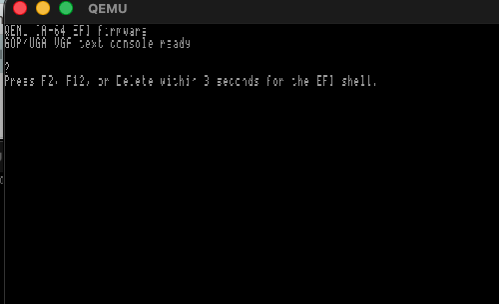
Being greeted by the firmware image, is again confirmation that we can indeed cross compile the Itanium firmware with our GCC cross compiler!
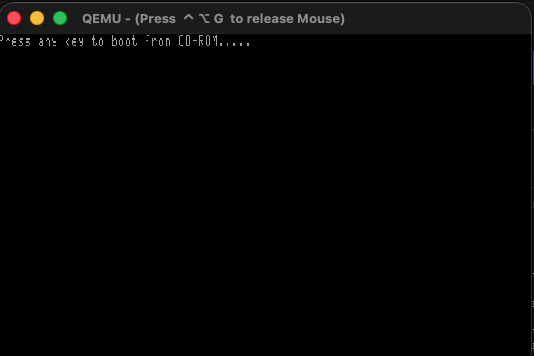
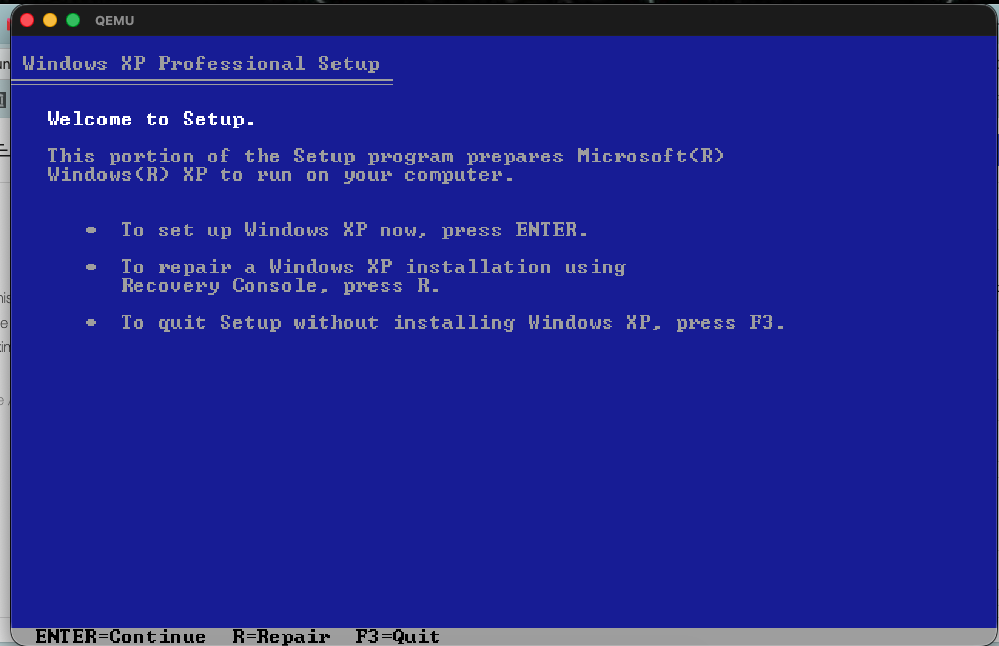
And then the CD-ROM will prompt to hit any key to boot from CD
Press any key to boot from CD-ROM…..
At this point I should mention that Qemu doesn’t scale well with high resolution monitors. But since we enabled the zoom-to-fit option, we can resize the window so we can read it, or just maximize it.
From here it’s basically a normal XP install
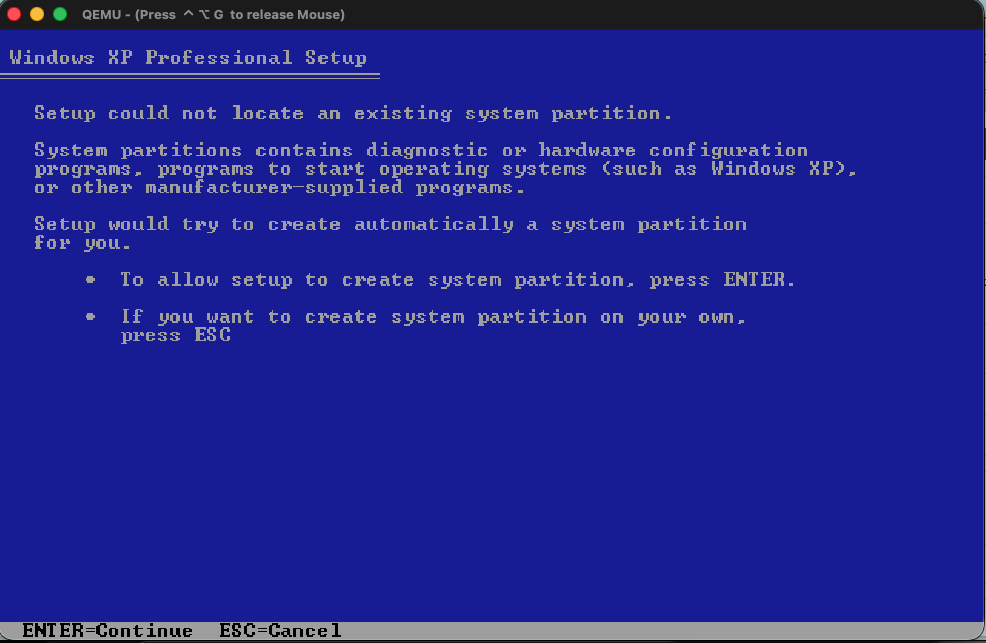
Unlike the RISC of old, the creation of the system partition is now handled by the install program, like all the other EFI/UEFI platforms.
Which I have to say, is a nice change.
From there just select the remainder of the disk, I format mine as NTFS (quick) and from there it’ll start copying the files. For me this completed in under 5 minutes.
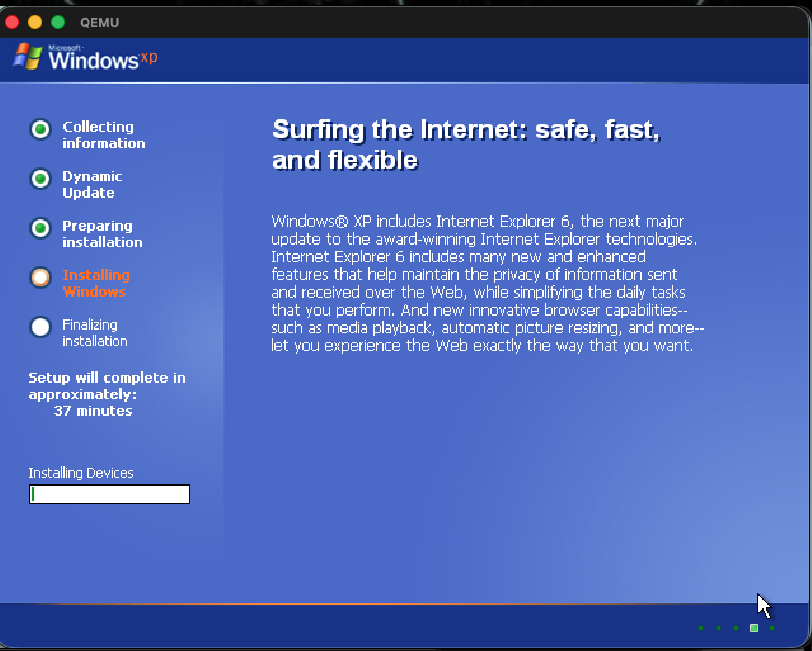
A quick reboot and you’ll now be in the graphical installer.
From here it could crash or lock hard. In that case, re-create the hard disk image, and re-try the installation. It took me 5 attempts. Although I should mention that I never could complete a single install using syunn’s fork.
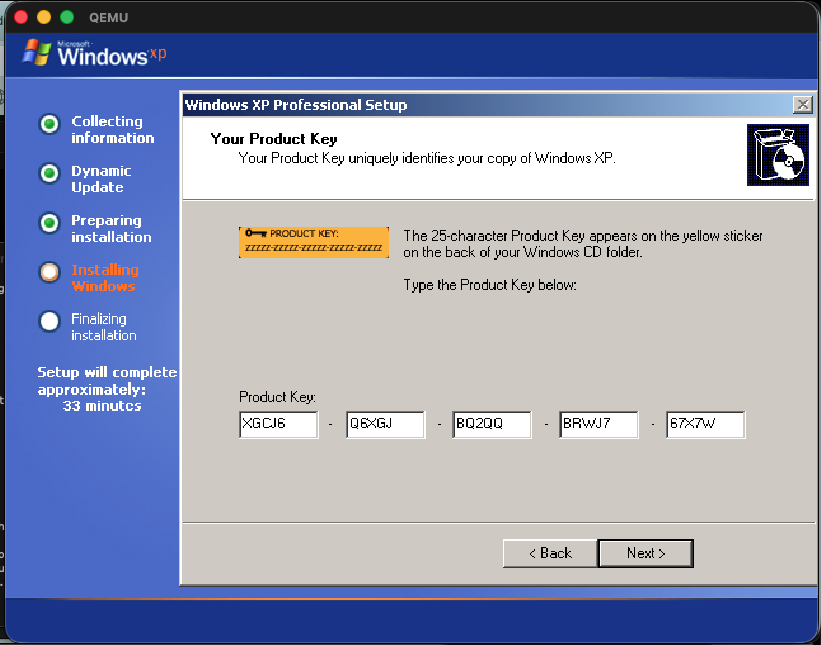
XGCJ6-Q6XGJ-BQ2QQ-BRWJ7-67X7W
And when asked, I just chose the default networking settings.
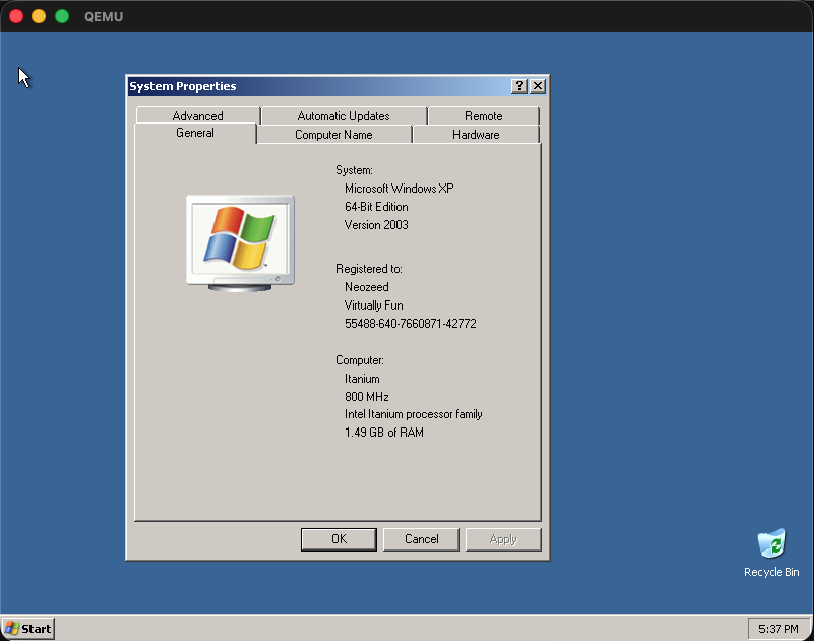
In prior builds this would fail and/or hard lock at various moments, with an overall success rate of 1/5. Not the best. Although I’ve only installed XP 2600 once today, and it was a 1:1 rate in 30-40 minutes, so I guess I can say that as always, things are in motion, and getting way better!
On my m4, it took about another 30 minutes, and then It’s done.
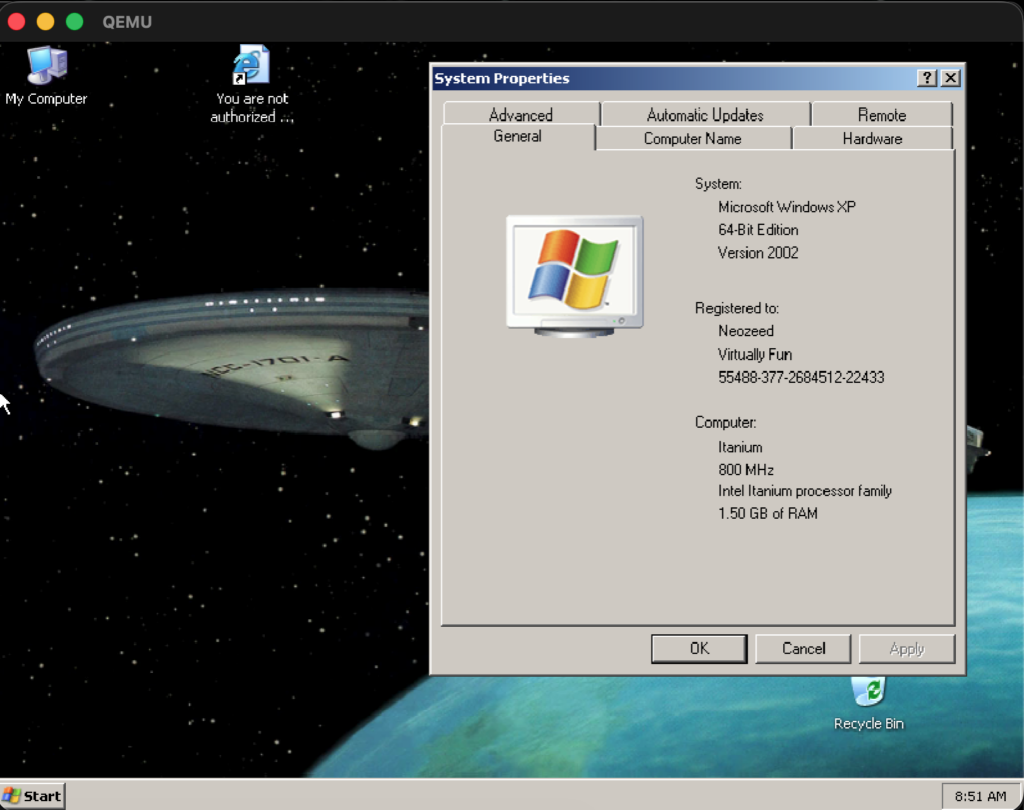
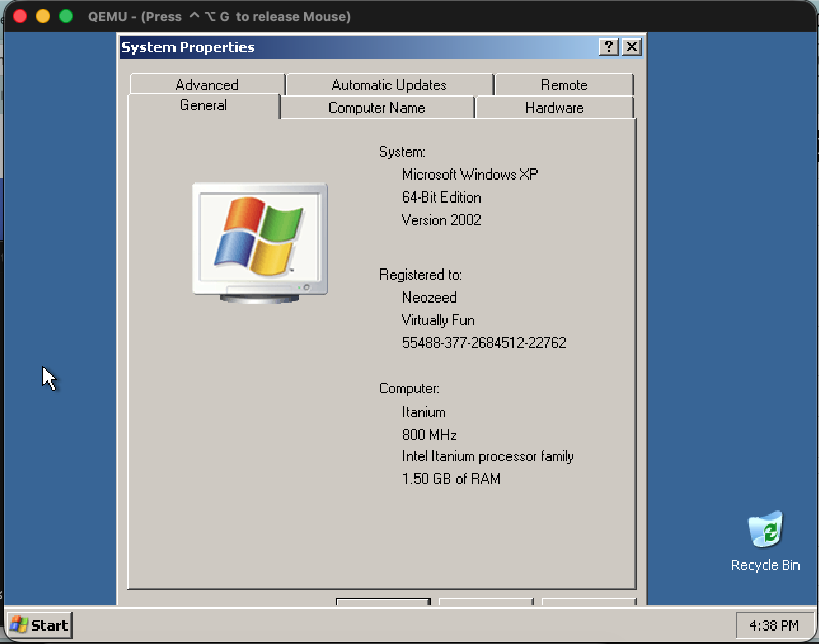
And there we go!
I’d highly suggest setting up RDP, and using a remote desktop application, as the arrow keys currently tend to repeat far too often making typing a chore. Plus it’ll fix any coca video scaling issues.
Using the same config, different ISO, yeah it installed in about 40 minutes on my m4 Mac Mini.
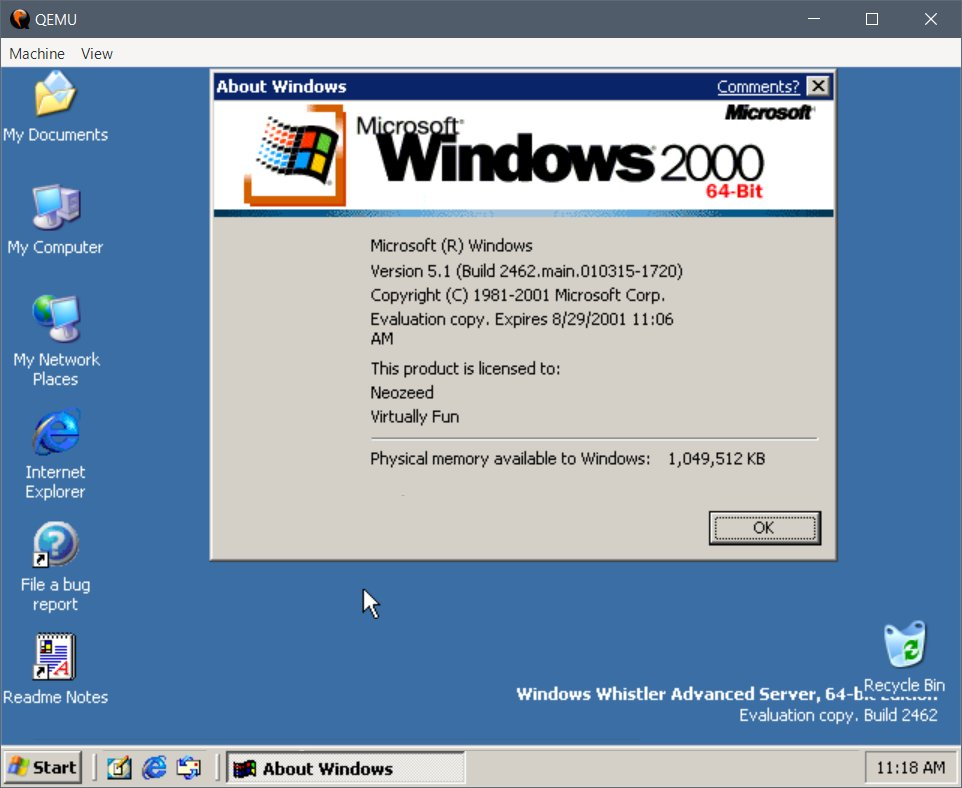
Windows Server build 2462
Why, even the earliest Windows Server Itanium build that’s available, 5.1.2462 installs and runs! Of course, install it prior to August 2001.
What about other operating systems?
As of now I don’t think anything else works. Monterey didn’t do much, nor HPUX, VMS etc.
Where to go from here? Compilers! and whatnot. Needless to say, since this is 1st gen Itanium, all the stuff I’d built when I had an Itanium won’t run as it was Itanium2. Don’t you love broken binary compatiblity?
This is why 80386 is just as relevant in 2026 as it was in 1987.
Of course, Apple will break it, just because they can.