
(This is a guest post by Antoni Sawicki aka Tenox)
This is a very lazy post. I didn’t do anything here… I don’t exactly remember where it came from but I had this HDD dump of a pre-installed RISC/os 4.52 for MIPS Systems RC2030 lying around. It might have came from bitsavers and/or here? I was recently contacted by Enrique Tejeda Canobbio who managed to convert the image into a chd format and boot it up on MAME which has MIPS support!
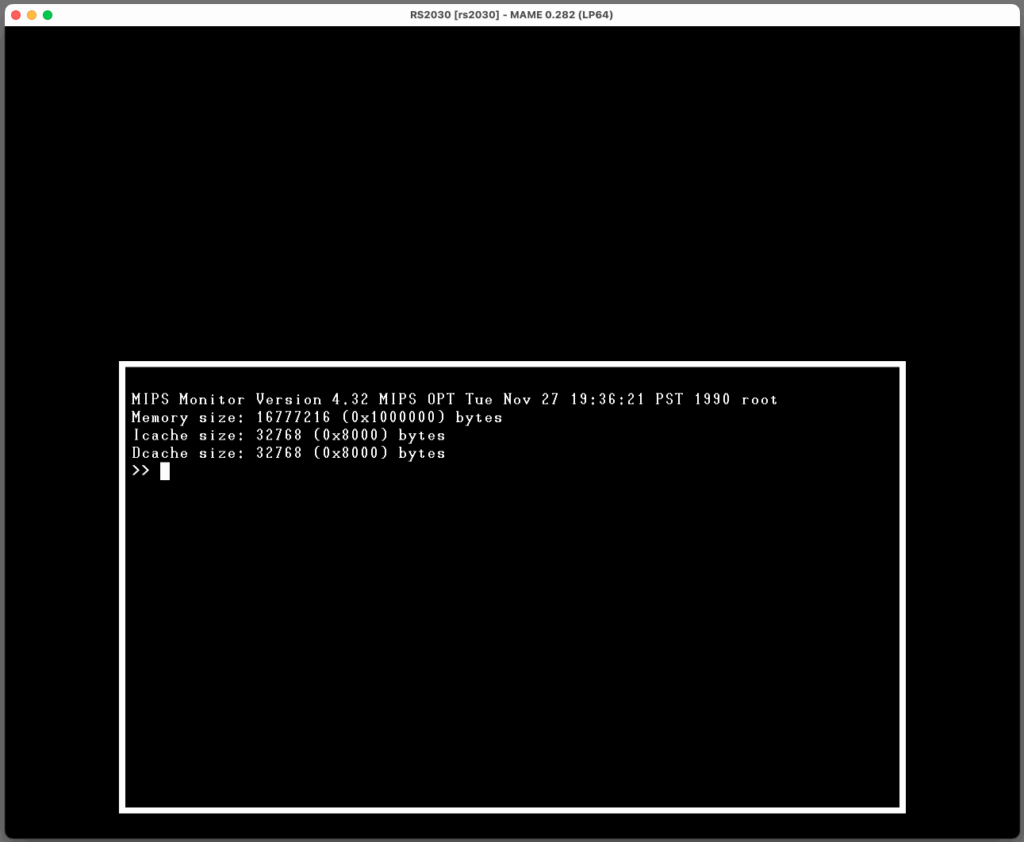
It turns out the disk image had some non trivial password set for the root account, but with help of hashcat and a decent GPU we got it cracked in 20 minutes or so. Here for your viewing pleasure is the fully working OS:
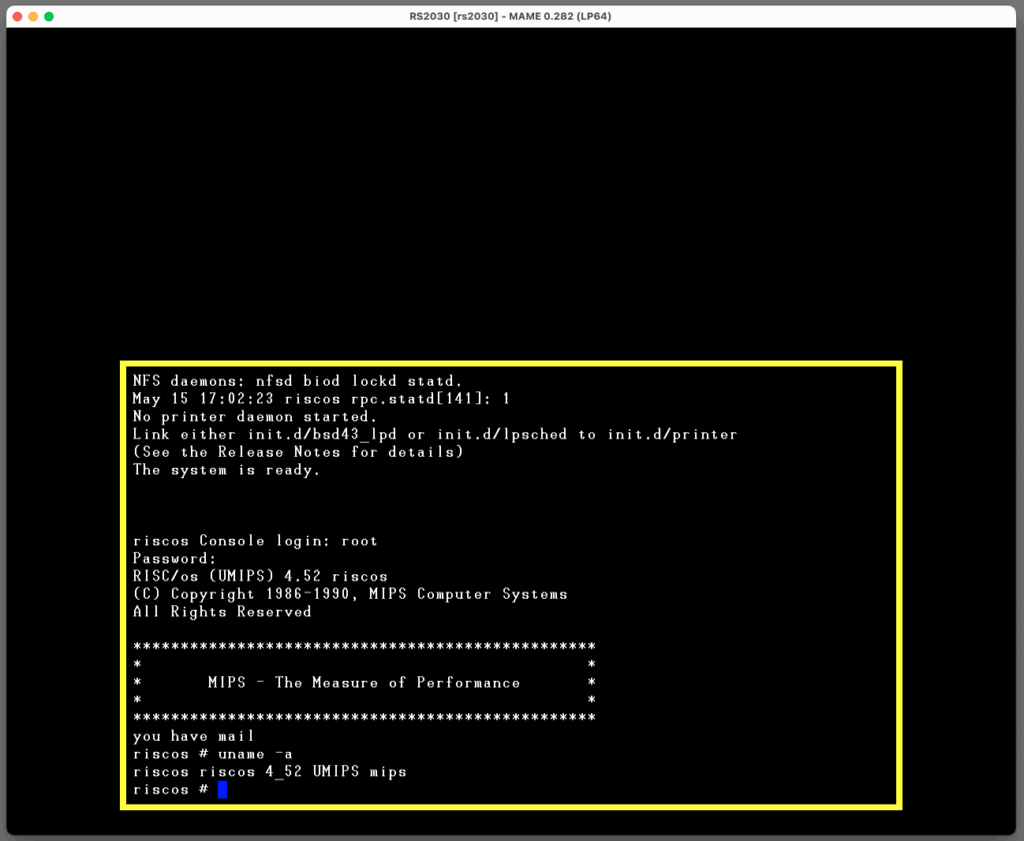
The system comes with a working C compiler and there are known some ports of various applications, also X11R5. I will post an update once I add some more stuff to the base image. For now just wanted to get this out in to the wild!
Download from here! Login root/root. The root password for the original image is Wivvle1!
Please post comments or ping me on Discord if you get networking or X11 working!
MAME for macOS is useless for networking, at least until they manage to use vmnet instead of pcap. But networking works perfectly on Windows, for example, with OpenVPN/TAP. By making the modifications with ifconfig la0 I can access my local network, telnet to UMIPS, etc. I will try installing X11 available at https://www.geekdot.com/mips-2030-home-improvements/
X11 is installed and running. Since the space on the hard drive image is limited (there might be unpartitioned/unformatted space, but I didn’t need to check), I placed the tarball on my NFS server, mounted the exported directory, and extracted it from there to /usr/src. It was time-consuming, and compiling with `make install` took even longer, but in the end we have a beautiful X11R5 with high-resolution and twm: https://www.dropbox.com/scl/fi/k3twzqfbizhxd66gudchj/Captura-de-Tela-2025-11-14-s-16.30.13.jpg?rlkey=35lpmnd3wc4m3jwdzx6nslh4k&st=7l52k0gw&dl=0
Networking in mame doesn’t work on my system. Is there any other way to transfer files to this vm?
I think that networking can be made to work on Windows. As for transferring files without network, maybe attach a second hard disk in a tar or cpio format.
The official MAME documentation about networking is very poor, but valuable information can be found in various forums. Details about the Windows configuration can be seen, for example, here: https://forum.mamedev.org/viewtopic.php?f=14&t=482&p=1481#p1481
It works very well, including in virtual machines. As in my case, a Windows 7 (yes!) virtualized on macOS.
Incidentally, I read in one of these forums that since version 0.277 of MAME, the networking functionality on macOS has improved significantly. The latest version I have is 0.274; I need to compile the most recent one to test (the binaries available for download only work for macOS 14 or higher; mine is 12.7.6). If the tests reveal any changes, I will comment here.
Following Enrique Tejeda’s request, I’m sharing the disk image with X11 installed. I removed the code in /usr/src because it was taking up too much space, but if anyone wants an image with the extracted tarball I can redo the process…
Link: https://www.dropbox.com/scl/fi/rd85coideyiabbvk7et0u/hd.chd.7z?rlkey=l0y4ssvqebhnywh5vo6b2jzmb&st=yx07x3ga&dl=0
Start X11 with xinit; I’ve already changed .profile to include /usr/bin/X11 in the PATH.
The X11 installation was done on MAME for Windows where the network is OK, but the image also works on macOS (and probably Linux), without network functionality, of course. If anyone wants to test it with networking on Windows, they should change the parameters I configured for my local network. The files to modify are /etc/hosts, /etc/local_hostname, /etc/local_domainname, and /etc/resolv.conf (the latter two would be for DNS name resolution, but it seems that this version of RISC/OS does not support it).
PS: I compiled and tested the latest version of MAME for macOS, but networking is still a failure 🙁